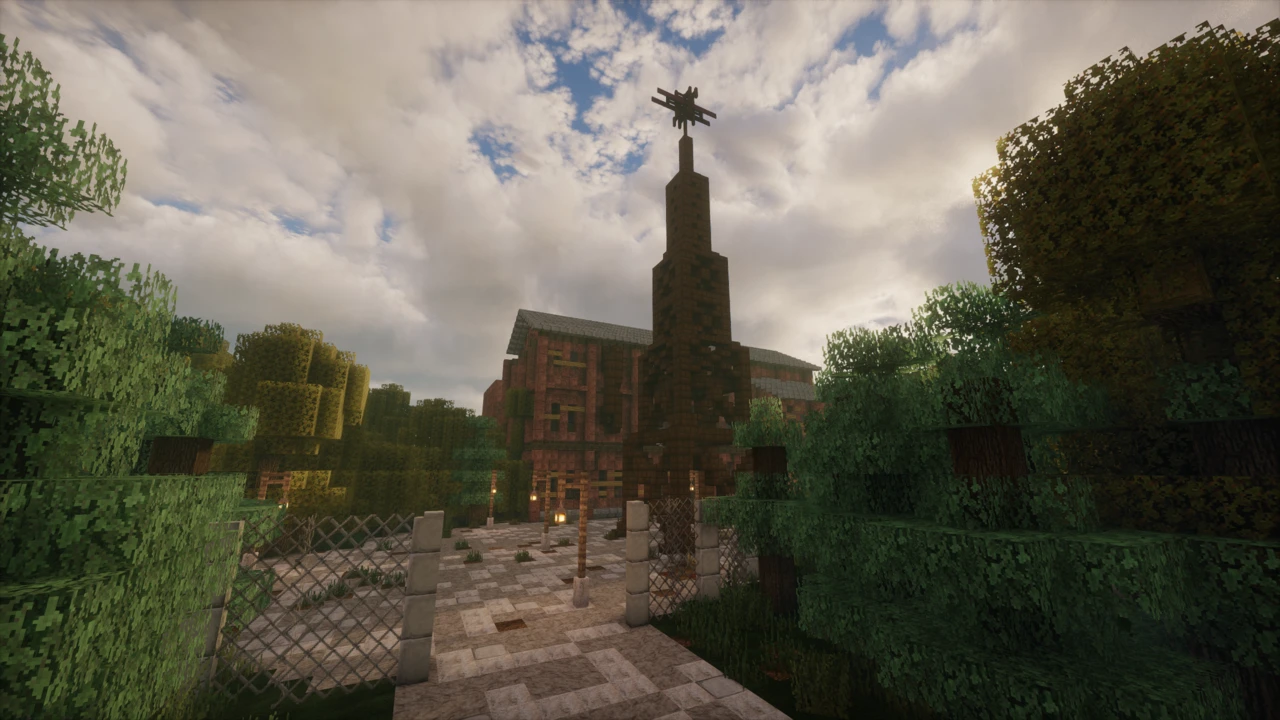
About Diversity 3
Most Minecraft maps pick a genre and commit to it. Diversity 3 refuses to pick.
It's a Complete the Monument map (the CTM format, where you collect coloured wool blocks and place them in a monument to finish), but every wool block comes from a completely different kind of Minecraft experience. One branch is a parkour course. Another is a trivia quiz. Another drops you into a survival scenario, or an elytra flight challenge, or a dropper, or a boss fight. Finish a branch, earn its wool, return to the hub, find the next one.
It's the third and final entry in qmagnet's Diversity series, following maps released in 2013 and 2014. This one took a build team from six countries roughly 21 months to make, and the scale shows.
How the map is structured
You begin in a hub area that connects to the branches. The wool you collect goes into the monument, and completing the monument completes the map.
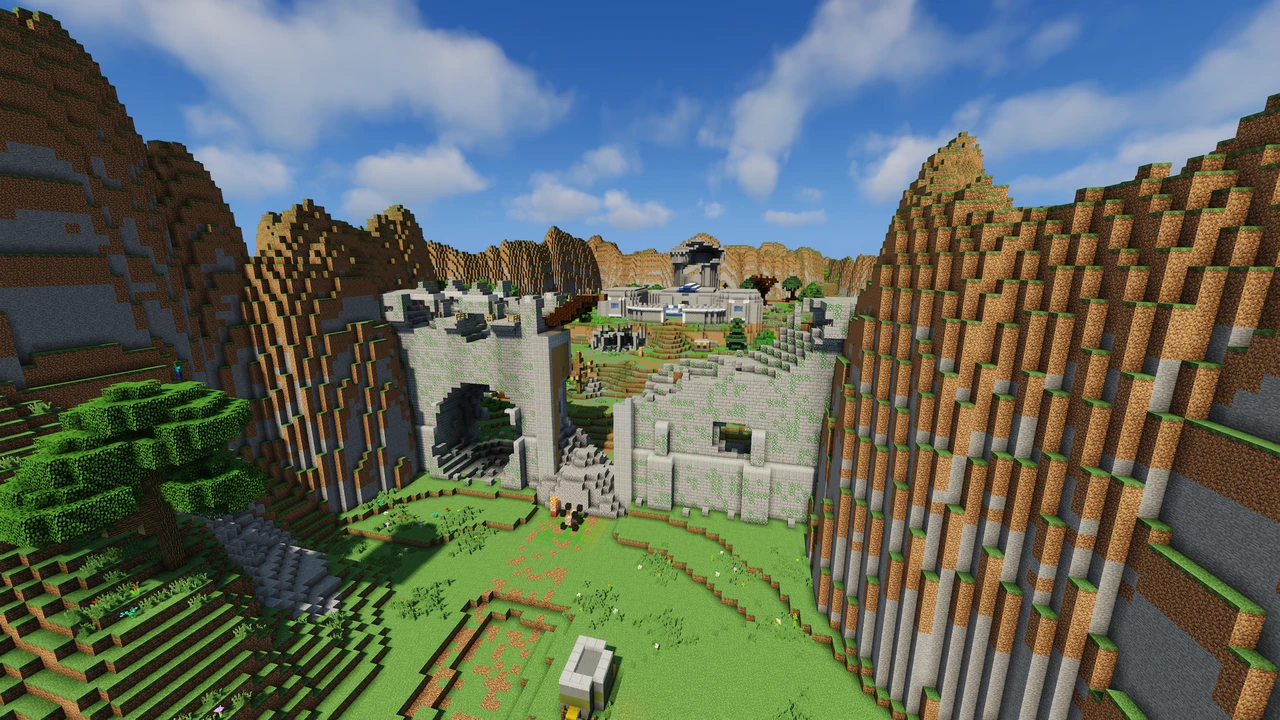
What separates Diversity 3 from its predecessors is how open that hub is. The creators describe the world of Diversity as having "become more open": rather than presenting a tidy corridor of clearly labelled entrances, the map expects you to explore and work out how to reach things. Getting into a branch is sometimes a small challenge in itself.
Branches can generally be tackled in the order you find them, and the map tracks your progress throughout. There's no time pressure and no fail state that ends a run. If a branch defeats you, you can leave it and come back.
The branches
Each branch is built around a genre, and each has its own colour of wool. Rather than list every one and spoil the discovery, here's the range of what's in there:
- Parkour: a jumping course, with an advancement for completing it without dying
- Trivia: Minecraft knowledge questions, with an advancement for getting through with fewer than ten wrong answers
- Dropper: themed falling courses where you steer to survive the landing. The advancement here asks you to finish in thirty deaths or fewer, which tells you something about the expected failure rate
- Elytra: flight challenges built around rings and precision, new to this entry in the series
- Survival: a survival scenario with its own constraints, including an advancement for completing it without breaking any spawners
- Adventure: story-driven, with NPCs and dialogue
- Arena: combat encounters
- Escape: work your way out
- Puzzle: logic problems rather than reflexes
- Boss battle: a set-piece fight
The branches vary a lot in length and difficulty, and they're deliberately uneven: a trivia section and a dropper section make very different demands. Most people find some branches straightforward and get properly stuck on others, and which ones depends entirely on what you're good at.
There's also a hidden bonus branch for players who go looking. It's optional, it doesn't award wool, and it doesn't affect the ending. It's there as a reward for thorough exploration. Finding it is the point, so we won't explain how.
Advancements and extra challenges
Beyond simply finishing, Diversity 3 includes a set of optional advancements that ask you to complete branches under stricter conditions: no deaths in parkour, a limited number of wrong answers in trivia, an elytra course flown perfectly without rockets, and several others including two secret ones.
They're not required to complete the monument. They exist for players who finish the map and want a reason to go back, and a couple of them are genuinely demanding.
Playing with other people
Diversity 3 officially supports 1 to 3 players. That's the creator's own stated range, and it's a real limit rather than a suggestion. The map's systems are built around a small group.
It's designed with solo play as the baseline and works well that way. Co-op works too, and having someone to bounce ideas off during the puzzle and trivia sections genuinely helps. Beyond three players, expect things to misbehave.
Progress is shared, so you're working through the same monument together rather than each running your own.
What Minecraft version you need
This is the most important practical thing on this page.
Diversity 3 is built on command blocks, and command block behaviour changes between Minecraft versions. The map's final release targets Minecraft 1.14.4, and that's the version it expects. It originally launched for 1.13.2 before the team rebuilt it for 1.14.4, a change substantial enough that existing 1.13.2 worlds couldn't be carried across.
There is no release for any Minecraft version after that. The map hasn't been updated since 2020, and it does not support current Minecraft releases.
Opening it in a modern version is not a matter of tolerating a few visual glitches. Command systems that fire on old syntax will simply fail, which means branches that don't start, wool that doesn't award, and a monument you can't complete. The map will appear to load and then not work.
Use 1.14.4. The installation guide below covers how to set that up without disturbing your normal Minecraft profile.
Does it need mods?
No. Diversity 3 is a plain Minecraft world running on command blocks: no mod loader, no datapack to install separately, no resource pack to add.
One thing that does matter: the map needs commands enabled in the world. The download comes configured correctly, but if you've somehow loaded it with commands off, nothing will work. The map even ships with an in-game book explaining this, which tells you how often it came up.
How it relates to Diversity 1 and 2
Diversity 3 is standalone. You don't need to play the earlier maps first, and the map explains everything you need as you go.
All three share the same core idea (a CTM map where every wool block comes from a different genre), and the series built a substantial reputation over its run. Diversity 2 was for years the most downloaded map on CurseForge, holding a Guinness World Record for it before eventually being overtaken.
What Diversity 3 changes is mainly structure and scope. The hub is more open than in the earlier entries, so navigation is part of the experience rather than a menu. It introduces genres the earlier maps didn't have, elytra flying being the obvious one since elytra didn't exist when the first map came out. And it drops the labyrinth branches that appeared in the first two.
Playing the earlier maps first adds context and some callbacks land better, but nothing about Diversity 3 requires it. Note that Diversity 1 needs Minecraft 1.7.4 specifically, so working through the series means switching versions between them.
How long it takes
Longer than most custom maps. There's a substantial amount of content across the branches, and the open hub means time spent finding your way as well as playing.
Exact completion time varies enormously depending on which genres you're good at and how much you explore. A player who breezes through parkour may lose an hour to a puzzle branch, and vice versa. It's a map to work through across several sessions rather than one evening.
Licence and reuploading
Diversity 3 is free, and the team have been clear it always will be. They describe it as a gift to the community and say they make no money from it.
The licence is strict about redistribution, though. The map is qmagnet's property under copyright and may not be altered or reuploaded without direct permission, and the team explicitly ask that it not be reuploaded to map websites. What they do ask in return for the map being free is credit: if you make videos or streams, name the map and the build team in your description.
Where to download it
The map is published on CurseForge and Planet Minecraft, both by qmagnet. The creator's own recommended link points to the Planet Minecraft page. There's also a Discord for the Diversity maps where the team handle gameplay help and bug reports.
Given the licence, third-party map sites hosting their own copies are doing so without permission, and older reuploads are common. Go to one of the creator's own listings.
If a long adventure map is what you want next, Terra Restore 2 covers similar ground from the other direction: an open world where placing wool restores the land around you, with the caveat that it was never finished.
How to Download Diversity 3 for Minecraft
Diversity 3 is published on CurseForge and Planet Minecraft under qmagnet's name. Open the Diversity 3 Downloads section on this page and click Download on the v1.6.6 row to go straight to the current file on CurseForge. The creator's own credit template points people to the Planet Minecraft page, which is just as official.
The latest release is version 1.6.6 from March 2020, built for Minecraft 1.14.4. That's the version you'll need, and there is no newer build.
The download is a world folder inside an archive, so it needs extracting. Nothing else is required: no mods, no separate resource pack, no datapack.
Avoid third-party map sites. The map's licence prohibits reuploading, so anything hosted elsewhere is unauthorised, and older versions circulate widely.
How to Install Diversity 3 in Minecraft
Step one: set up Minecraft 1.14.4
Do this before touching the world file. Diversity 3 runs on command blocks written for 1.14.4, and launching it on anything newer will break the map's systems.
- Open the Minecraft Launcher and go to Installations.
- Click New installation.
- Select release 1.14.4 from the version dropdown.
- Give it a name you'll recognise, and save.
Creating a separate installation rather than switching your main profile keeps your existing worlds untouched. It also means you can come back to the map months later without having to work out which version it needed.
Step two: install the map
- Extract the downloaded archive. You want the folder that directly contains
level.dat.
- Open your Minecraft saves folder:
- Windows: press Windows + R, type
%AppData%\.minecraft\saves, press Enter
- macOS: ~/Library/Application Support/minecraft/saves
- Linux: ~/.minecraft/saves
- Move the extracted world folder into
saves.
- Launch the 1.14.4 installation you created.
- Click Singleplayer and load Diversity 3.
The nesting mistake: extracting usually produces a folder containing another folder. Move the inner one: the folder that goes into saves must have level.dat sitting directly inside it. This is the single most common installation problem with the Diversity maps, and it's mentioned on the creator's own pages for exactly that reason.
Playing with two or three people
The map supports 1 to 3 players. For multiplayer, put the world on a Minecraft 1.14.4 server the same way: use the extracted world folder as the server's world and match the folder name to level-name in server.properties.
The map was also updated specifically to work on Realms, so that's an option if you'd rather not run a server yourself. Don't exceed three players, because the map's systems aren't built for more.
If something goes wrong
- The world isn't in your list. Nesting problem. Check where
level.dat actually sits.
- You get no wool when starting the map. Classic symptom of running the wrong Minecraft version. Confirm you launched 1.14.4, not your default installation.
- Nothing responds and an in-game book mentions commands. The world was loaded with commands disabled. The map cannot function without them.
- A branch won't start, or wool doesn't award on completion. Again, almost always a version mismatch rather than a bug in the map.
- You're stuck on a branch. That happens by design in places. The team run a Discord specifically for gameplay help and bug reports.