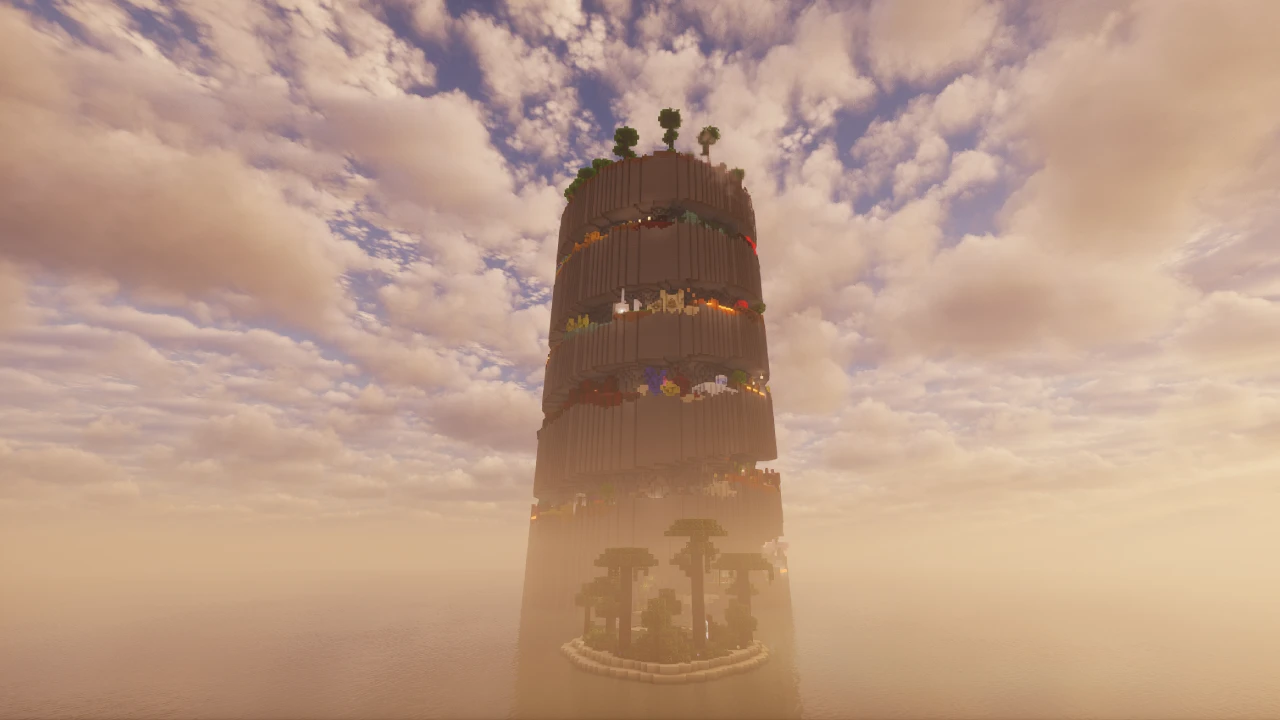
About One Block
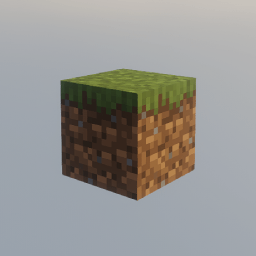
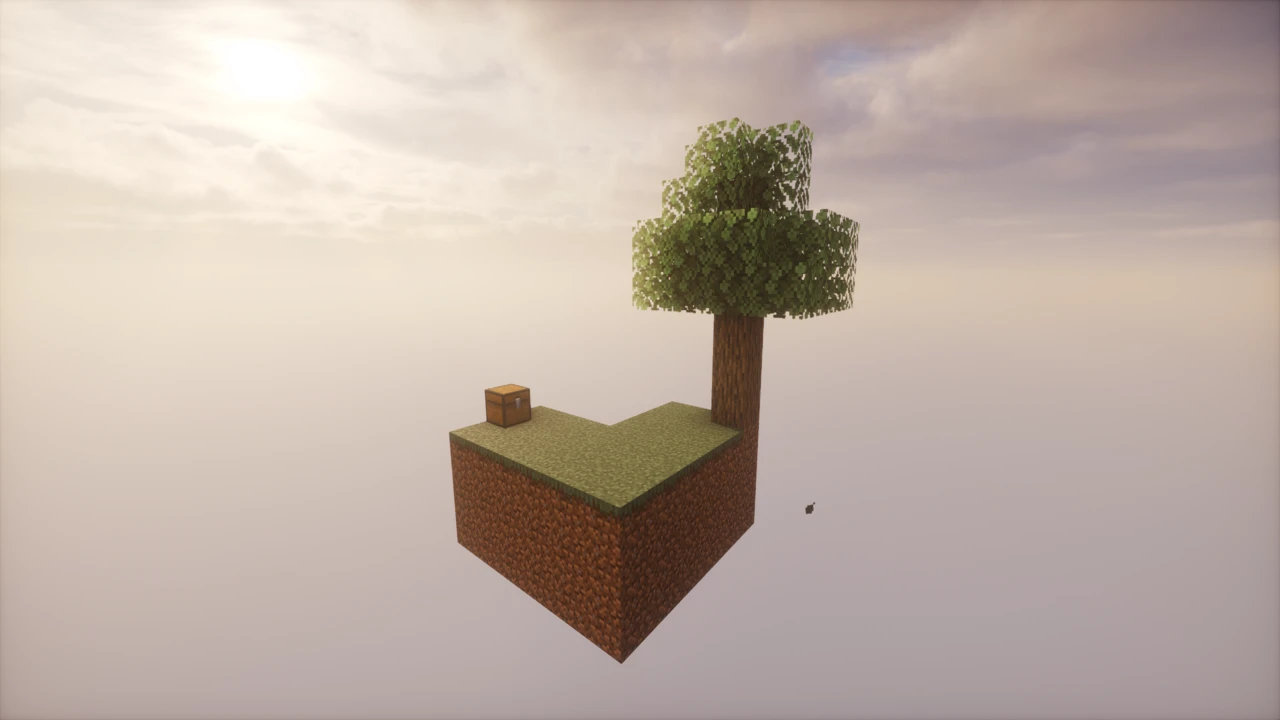
You spawn on a grass block. Below it, nothing. Around it, nothing. That's the entire world.
Mine the block and another appears in its place. Mine that one and you get another. Every plank, every ingot, every bucket of water you will ever own has to come out of that single square metre. And what it gives you changes as you go, so the early game of dirt and logs eventually becomes iron, then diamonds, then materials you can only get by pushing further.
One Block is a survival map for Minecraft: Java Edition made by IJAMinecraft, first released in January 2020. The concept has been copied widely enough that several maps now share the name, but this is the version other creators credit as the original, and it's the one with a properly maintained website, translations and update guides behind it.
How the infinite block works
The block at spawn never runs out. Break it and a replacement generates instantly in the same position, drawn from whatever the current phase is set to produce.
What comes out isn't purely random. Each block type carries a weight that determines how often it appears, roughly matching how much of that block the phase is meant to give you overall. So you'll get plenty of stone and dirt and only occasional ore, in proportions that feel deliberate rather than arbitrary.
Chests appear from the block too, and they aren't all the same:
- Normal chests hold random items from whatever phase you're in.
- Benevolent gifts arrive after each completed phase: a chest of higher-quality items as a reward for finishing a stage.
- Variety chests can contain items from both the current phase and earlier ones, which matters when you need something you passed by twenty minutes ago.
- Rare, musical and odd chests start appearing in later phases.
The block also spawns mobs. Most hostile, passive and neutral mobs are on the list, appearing in sets appropriate to each phase, and every one of them will show up at least once as you work through. Boss monsters and utility mobs are excluded: no ender dragon or iron golem is going to come out of the block. Natural spawning still runs alongside this, though only Plains-biome mobs appear naturally in the Overworld.
Then there are monster parties. These are organised ambushes rather than incidental spawns: groups of armed mobs that turn up in every phase to challenge you, on a platform where there's genuinely nowhere to run.
The ten phases
Progression runs through ten themed phases, each with its own set of blocks, items and mobs. In order:
- The Plains
- The Underground
- Icy Tundra
- Ocean
- Jungle Dungeon
- Red Desert
- The Nether
- Idyll
- Desolate Land
- The End
There's a short tutorial before all of this, and the block visibly upgrades between each phase, with a countdown so you know it's coming.
In total, roughly 6,500 blocks spawn before you finish the tenth phase. Most phases run around 600 to 700 blocks each, with the earlier ones shorter, so the opening moves quickly and the middle of the map settles into a longer rhythm. Blocks from earlier phases still turn up occasionally throughout, which keeps things from feeling too rigidly sectioned.
What happens after phase ten
Completing the final phase spawns an end portal beneath the infinite block, and the map moves into what the creator calls the Afterphases.
At that point the block stops following a script. It keeps generating indefinitely, pulling blocks at random from every phase you've been through. Special chests still appear, mobs still spawn, and there's no cap. The map is designed to keep going as long as you want to play it.
So there's a defined progression with an ending, and then an open-ended sandbox after it. That structure is a big part of why the map holds up beyond the first few hours.
Reaching the Nether and the End
Both other dimensions are accessible, which is unusual for a void-based survival map.
Nether blocks and obsidian start appearing in phase 7, and lava buckets turn up in chests, so a nether portal is achievable from that point. The End opens up after you've completed all ten phases and the end portal spawns.
Structure generation is enabled by default, so nether fortresses, end cities and similar structures generate normally in those dimensions. That means the Nether and End behave like real dimensions rather than empty voids. There's genuinely somewhere to go once you get there.
One quirk worth knowing: the Overworld is set to the Plains biome everywhere, regardless of what the block is currently producing. You can be mining ocean or desert blocks while standing in what the game considers plains, which affects things like natural mob spawning and biome-dependent mechanics.
What you can actually do
Almost everything you'd do in a normal survival world, given enough time. Because the block eventually supplies the full material range and both other dimensions are reachable, the map isn't a narrow challenge run. It's a full survival game with an unusual starting constraint.
People build sky bases outward from the block, set up farms and automation, work toward full enchanted gear, and go after the ender dragon. The creator's own framing is that the goal is whatever you decide: beating the dragon is a reasonable target, but so is building the largest sky castle you can manage.
Playing with friends
The map works on servers and supports multiplayer directly.
There's one important design consequence, though, and it's worth agreeing on before you start: there is only one infinite block, and everyone shares it. Progression is communal. You're not each getting your own island. In practice groups tend to take turns mining or assign one person to the block while others build and organise. It's cooperative by necessity rather than by choice.
Languages
One Block ships with translations for twenty languages, including German, Spanish, French, Portuguese, Russian, Japanese, Korean, Simplified and Traditional Chinese, Polish, Czech, Turkish and Ukrainian among others.
The map detects your Minecraft language setting automatically and uses the matching translation if one exists, falling back to English otherwise. If you'd rather play in English while keeping your game in another language, deleting the resources.zip file inside the world folder switches it back.
Supported Minecraft versions
The current release targets Minecraft 26.2, and the download table covers a wide range behind it: the 26.1 line, 1.21.11 and 1.21.10, the 1.21.5 to 1.21.3 window, 1.21, parts of the 1.20 and 1.19 series, and archival builds as far back as 1.16.4 and 1.13.2.
It's Java Edition only. The creator has stated plainly that the map doesn't work in Bedrock Edition.
Worth knowing before you start a long-term world: the creator has said the 26.2 update involves breaking changes, so an existing 26.1 world likely won't carry across to it cleanly. There's an official guide for updating One Block worlds between versions, and this particular jump is the exception to it.
Does it need any mods?
No. One Block is a plain Minecraft world. The phase system, chests and monster parties are built into the map itself using Minecraft's own command systems. There's no datapack to install separately, no mod loader, and nothing to add to your game.
You download a world folder, put it in your saves, and play. That also means it works with a completely vanilla Minecraft installation.
You can still add client-side things if you want to. Since the map is vanilla, texture packs and shaders work normally, and a void world with a single floating block is a genuinely striking setting for shaders. If you want to go that route, Iris is the usual way to load shader packs on modern Minecraft. None of it is required, and none of it changes how the map plays.
Performance
The map runs command systems continuously to handle block generation, phase tracking and mob spawning, so there's more happening in the background than in an ordinary world. No official performance guidance exists, and we're not going to attach numbers to it.
In practical terms, the map is small (there's very little world to render), so the load sits more on the game's tick processing than on rendering. On servers, the shared-block design means all players are interacting with the same small area, which keeps the active region compact.
Other maps called One Block
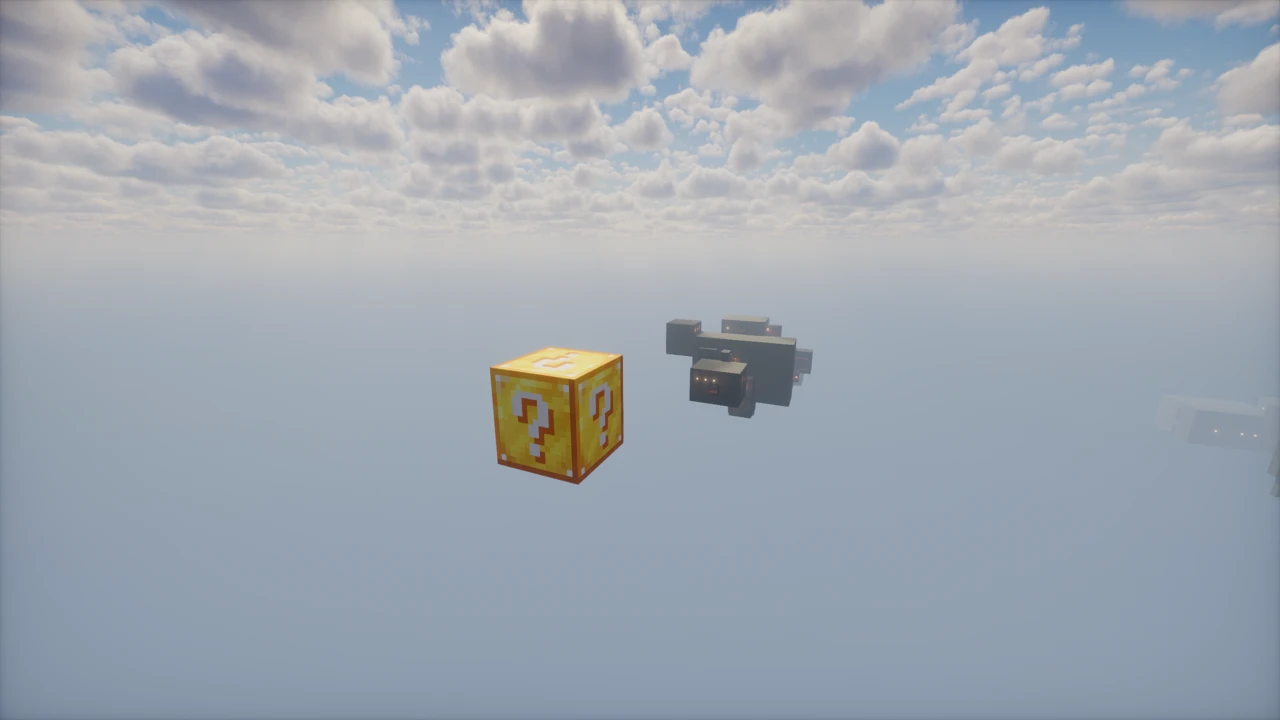
Because the concept caught on so widely, several unrelated maps use the same name. Some are continuations or reworkings by other creators, with different phase counts and different content. One well-known alternative runs fifteen phases rather than ten. Lucky OneBlock drops the phase structure altogether and builds the format on a Lucky Block, so each break is a random event rather than a step through a planned sequence.
They're separate projects with their own creators, download pages and update schedules. If you follow a guide or watch a video and the phases don't match what you're seeing, that's usually why. This page covers IJAMinecraft's One Block specifically. And if it is the resource-management side that appeals rather than the phase structure, SkyBlock is the map that started the floating-island genre and takes the opposite approach: a fixed set of items, and nothing ever refills them.
How to Download One Block for Minecraft
One Block comes from the creator's own website, IJAMinecraft.com, and is also published on CurseForge. Open the One Block Downloads section on this page and click Download on the row for your Minecraft version: it opens that release's file on CurseForge. There's a single current release, and you don't need to pick between editions or variants.
Before downloading, check your Minecraft version. The current release targets 26.2 and the table lists a broad range of earlier builds, but the map is version-specific in the sense that each release is built and tested against particular versions. Take the row that names yours rather than assuming the newest file fits.
Two things to note:
- This is a Java Edition map. It doesn't work on Bedrock.
- The download is a world folder, usually packaged as an archive. Unlike resource packs, map files do need extracting.
Stick to those official sources. The map's licence prohibits reuploading it, so copies hosted elsewhere aren't authorised and may be out of date.
How to Install One Block in Minecraft
Installing the map
- Download the map archive for your version from the Downloads section on this page.
- Extract it. You should end up with a world folder. If you see a folder containing files like
level.dat, that's the one you want.
- Open your Minecraft saves folder. On Windows, press Windows + R, type
%AppData%\.minecraft\saves and press Enter. On macOS it's ~/Library/Application Support/minecraft/saves, and on Linux ~/.minecraft/saves.
- Move the extracted world folder into
saves.
- Launch Minecraft, click Singleplayer, and One Block will be in your world list.
- Load it. You'll spawn on the block with a short tutorial to get you started.
One common mistake: if you extract the archive and end up with a folder containing another folder, move the inner one. Minecraft needs the folder that directly contains level.dat, not a wrapper around it.
The creator maintains an official installation guide that also covers troubleshooting, which is worth checking if the world doesn't appear.
Setting it up on a server
The map runs on servers without modification. Extract the world folder and use it as your server's world, matching the folder name to the level-name setting in server.properties.
Remember that everyone shares the single infinite block, so it's worth agreeing on how you'll handle that before people start playing. Having several players trying to mine the same block simultaneously is workable but chaotic.
Changing the language
The map picks up your Minecraft language automatically and uses a matching translation if one is available, defaulting to English if not. To force English while keeping your game in another language, open the world folder and delete resources.zip.
Updating an existing world
The creator provides an official guide for moving an existing One Block world to a newer release, which in most cases works without problems.
The exception to be aware of is the upcoming 26.2 release, which the creator has said involves breaking changes. A 26.1 world is not expected to update to it cleanly. If you're starting a world you intend to keep for a long time, that's worth factoring in.
If something goes wrong
- The world doesn't appear in your list. The folder is probably nested one level too deep, or wasn't extracted at all.
- The block doesn't regenerate. Usually a version mismatch. Check the map release matches the Minecraft version you're launching.
- Text appears in the wrong language. The map follows your Minecraft language setting. Delete
resources.zip from the world folder to force English.
- Phases seem wrong compared to a guide you're following. Check you're playing this One Block rather than one of the other maps sharing the name, because phase counts differ between them.