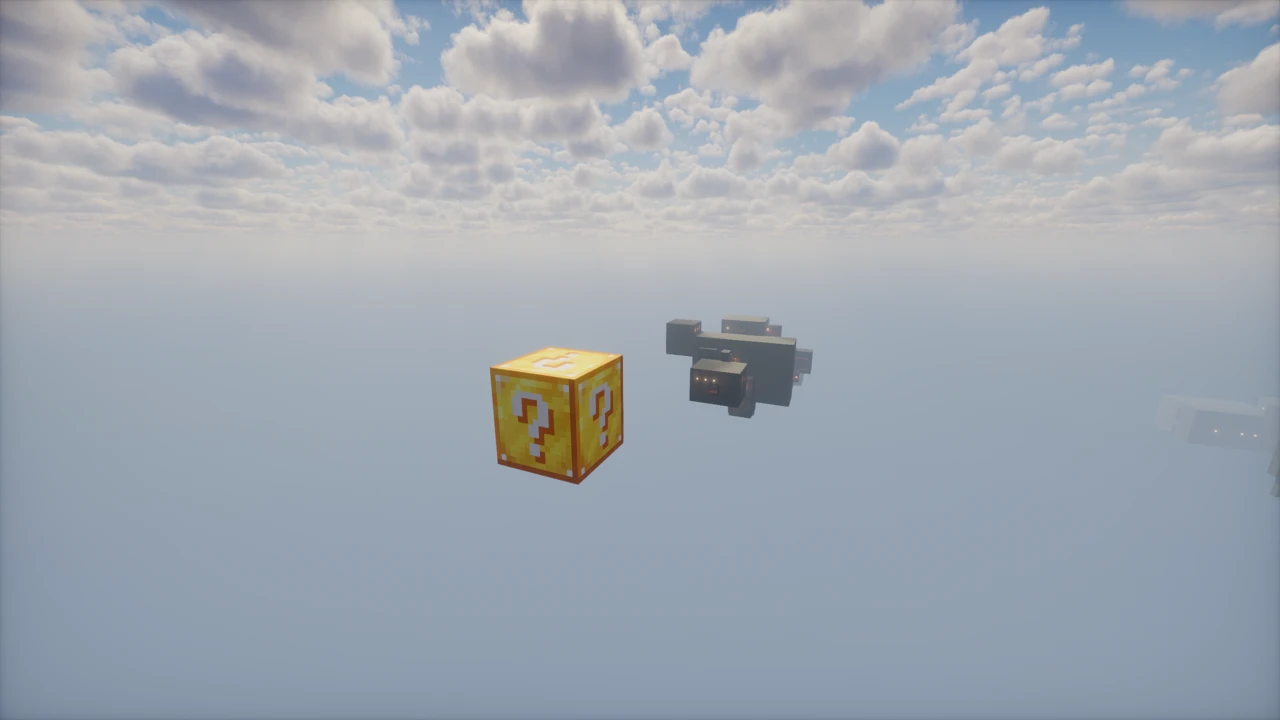
About Parkour Spiral
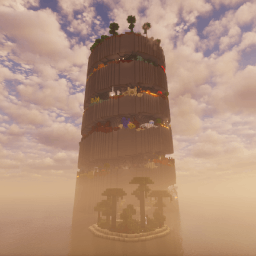
Most parkour maps run flat. You start at one end of a corridor of floating blocks and work your way to the other. Parkour Spiral goes up instead: one enormous tower, and your entire job is getting to the top of it.
It's made by Hielke, whose maps have become something close to a standard in Minecraft parkour. The influence shows: search for spiral parkour maps and you'll find several by other creators, at least one of which openly credits this map as its inspiration.
The design is straightforward and it works. You climb, the difficulty ramps, the scenery keeps changing, and a timer runs the whole way. The download on this page is Parkour Spiral 3, the current and largest tower in the series.
How the spiral works
The tower is a continuous vertical course wrapped around itself. You start at the bottom and follow the spiral upward through a sequence of levels, each one a self-contained parkour section with its own theme.
That structure solves the problem most long parkour maps have. A flat course of a few hundred jumps gets visually monotonous, and it's hard to tell how far through you are. Here, progress is literal: you can look down and see everything you've climbed, and look up at what's left. The tower doubles as a progress bar.
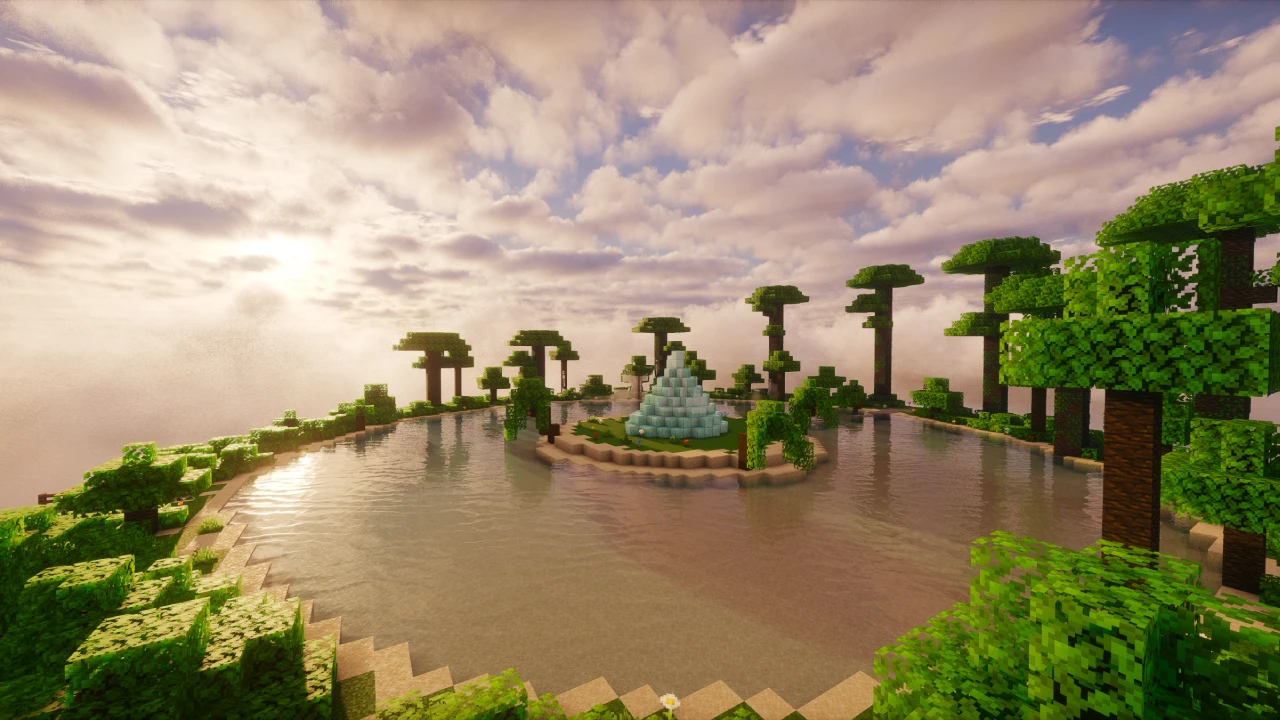
The themed levels do the rest of the work. The map's own description promises "many unique level themes," and the variety is the point: the jumps change character as the setting does, so the challenge stays fresh rather than becoming the same sprint-jump repeated a thousand times.
The creator describes it as "parkour that is fun for everyone," which is a fair summary of the difficulty. It's not one of the punishing precision maps built for experts. It ramps up as you climb but stays approachable, and it's a reasonable map to attempt if you've never seriously played parkour before.
Checkpoints and falling
You will fall. The map is built around that assumption.
Checkpoints are placed throughout the tower, so a missed jump sends you back to the start of your current section rather than to the bottom of the map. On a course this tall, that's the difference between a map people finish and a map people quit: losing an hour of climbing to one bad jump would end most runs permanently.
There's no life limit and no death penalty beyond lost time. You can attempt a difficult jump as many times as you need to.
The timer and rank system
This is what separates Parkour Spiral from most parkour maps, and it's the reason people replay it.
A timer runs from the moment you start. When you reach the top, your finishing time earns you a rank on a scale from D up to S: D for finishing at all, S for finishing quickly. Since the map isn't especially difficult to complete, the actual challenge for most players becomes improving their rank rather than just reaching the summit.
There are also ten Easter eggs hidden through the tower for anyone who'd rather explore than optimise.
Chasing a better time
The rank system is what gives the map a second life, and the official page backs it up: it publishes the target times for each rank and runs a Fastest Time listing you can submit a run to.
There's a Discord for the community around the maps as well.
None of this matters if you just want to climb the tower once. But it does mean that if you get invested, there's an established scene with verified times to measure yourself against rather than just a personal best.
Playing with friends
The map is built for multiplayer, and it works well as a race: everyone starts at the bottom, everyone has a timer, and the tower is wide enough that people aren't standing on each other.
There are three ways to do it:
- The Hielke Maps Network: the creator runs a public server hosting the maps. No setup at all, but you'll be playing alongside strangers.
- A free StickyPiston trial server: the official page links to a trial specifically preloaded with Parkour Spiral, which is the quickest way to get a private game running with friends.
- Host it yourself: download the map and put it on your own server.
Java and Bedrock
Parkour Spiral exists on both editions, but they're distributed very differently and it's worth knowing which you're getting.
Java Edition: a free download from the creator's website as a world folder you install yourself. The current release is version 1.4.5 for Minecraft 26.2.
Bedrock Edition: available through the official Minecraft Marketplace, linked from the same page. It is bought and installed inside Minecraft itself, so there is no manual setup to do.
So: free on Java, a Marketplace item on Bedrock. That isn't a slight against either. Marketplace content is how Bedrock creators are paid, and the Bedrock release is a proper one rather than a port someone threw together.
Supported Minecraft versions
The current Java release targets Minecraft 26.2, which means the map keeps pace with new Minecraft releases rather than lagging behind them, not something you can take for granted with custom maps.
The version matters more here than in a survival map. Parkour Spiral relies on command systems for its checkpoints, timer and ranking, and those depend on specific game behaviour. Running it on a Minecraft version it wasn't built for is the most likely way to end up with a broken timer or checkpoints that don't fire.
Play it on the version the download specifies. If you're on something older, check whether the creator still lists an earlier release rather than forcing the current one to run.
Does it need any mods?
No. Parkour Spiral is a plain Minecraft world. The timer, checkpoints, ranking and level transitions are all built into the map using Minecraft's own command systems. There's no mod loader, no datapack to install separately, and no resource pack requirement.
Download the world, put it in your saves folder, play.
One practical setting: the map is a single very tall structure, and seeing where you're jumping matters. A render distance of around 12 chunks or higher is generally recommended so the tower renders properly ahead of you. If that costs you frames (and for parkour, a stable frame rate genuinely affects whether you land jumps), a rendering performance mod like Sodium is worth having, though the map itself doesn't require anything.
The series, and which tower you get
Parkour Spiral is a series rather than one map, and the download here is the third and current entry. The creator describes it as more than double the size of the original, and it brings mechanics the earlier towers didn't have, snake parkour among them.
The earlier two are still published on the same site. Parkour Spiral 2 starts you in the Nether and climbs from there, and the original is the tower that set the format. Hielke also makes a number of other parkour maps, including a Parkour Paradise series built around 100 short levels each rather than a single climb.
Other maps with similar names
"Spiral parkour" has become a genre description as much as a title, and several unrelated maps use some arrangement of those words, including Bedrock maps by other creators, and community maps on Planet Minecraft with similar names and numbering.
They're separate projects with their own creators, level layouts and mechanics. If a video or guide describes features that don't exist in your world, you're probably looking at a different map. This page covers Hielke's Parkour Spiral.
How to Download Parkour Spiral for Minecraft
Where you get it depends on which edition you play.
Java Edition: open the Parkour Spiral Downloads section on this page and click Download. It takes you to the creator's site, hielkemaps.com, where the map is free. The current release is Parkour Spiral 3, version 1.4.5 for Minecraft 26.2, supplied as a zip file containing a world folder. Downloading means accepting the site's terms of service.
Bedrock Edition: it's on the official Minecraft Marketplace, linked from the same page and installed through Minecraft itself. There's no manual installation to do: the Marketplace handles it.
The rest of this guide covers the Java installation, since that's the one requiring any effort.
Before you start, check your Minecraft version. Parkour Spiral runs on command systems for its timer and checkpoints, so version mismatches don't fail gracefully. They tend to produce a map that loads but doesn't work properly.
How to Install Parkour Spiral in Minecraft
Installing on Java Edition
- Download the zip file through the Downloads section on this page.
- Extract it. You want the folder that directly contains
level.dat.
- Open your Minecraft saves folder:
- Windows: press Windows + R, type
%AppData%\.minecraft\saves, press Enter
- macOS: ~/Library/Application Support/minecraft/saves
- Linux: ~/.minecraft/saves
- Move the extracted world folder into
saves.
- Launch Minecraft on the version the download specifies, click Singleplayer, and select Parkour Spiral.
The nesting mistake: extracting often gives you a folder containing another folder. If you move the outer one, Minecraft won't list the world. Open it and check: the folder that goes into saves must have level.dat sitting directly inside it.
Selecting the right Minecraft version
In the official launcher, go to Installations, click New installation, pick the version from the dropdown, save, and launch that installation.
Making a dedicated installation for the map is worth the thirty seconds. It keeps your normal profile untouched and means you can come back to the map later without wondering which version it needed.
Settings worth checking before you start
- Render distance around 12 chunks or higher. The tower is tall and you need to see the jumps coming. Too low and sections will pop in as you approach them, which is a good way to miss a jump.
- Leave the game mode alone. The map sets you up as intended when you load in. Switching to creative will break the run and likely the timer with it.
Playing with friends
Three options, easiest first:
- The Hielke Maps Network: the creator's public server, already running the map. Nothing to install.
- A StickyPiston trial server: the official page links to a free trial preloaded with Parkour Spiral, which gives you a private server without setup.
- Your own server: extract the world folder and use it as your server's world, matching the folder name to
level-name in server.properties.
If something goes wrong
- The world isn't in your list. Nesting problem. Check where
level.dat actually is.
- The timer or checkpoints don't work. Almost always a version mismatch. These run on command systems tied to specific game behaviour, so use the version the download was built for.
- You fall and respawn somewhere unexpected. You've probably not triggered the checkpoint for the section you were in. Walk through the level start again.
- Sections appear late as you approach. Raise your render distance.