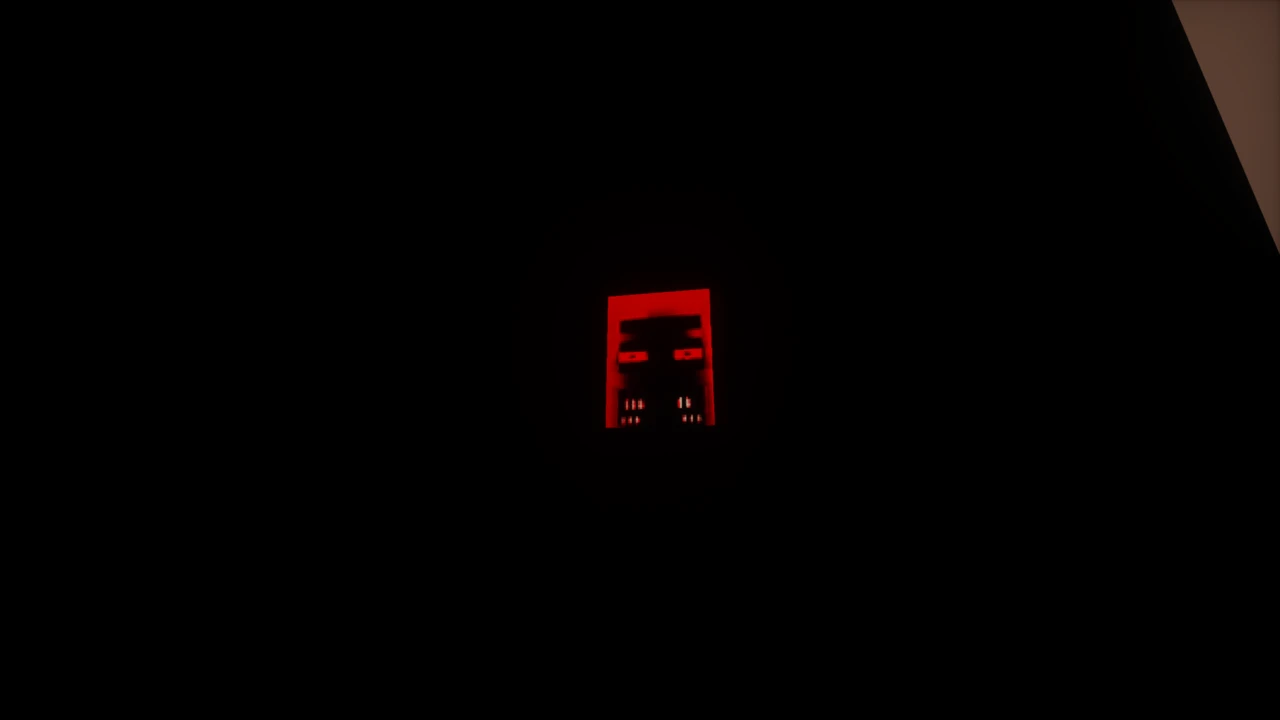
About Escape the Lost Halls
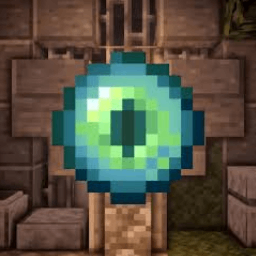
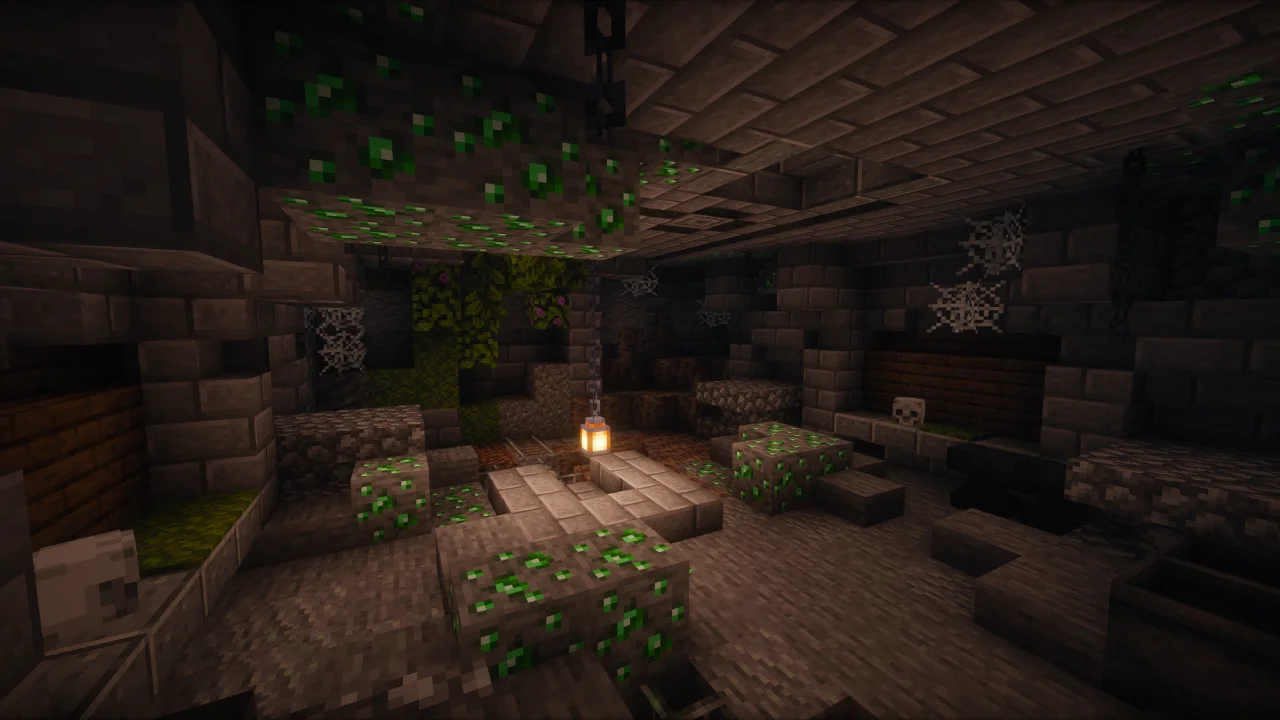
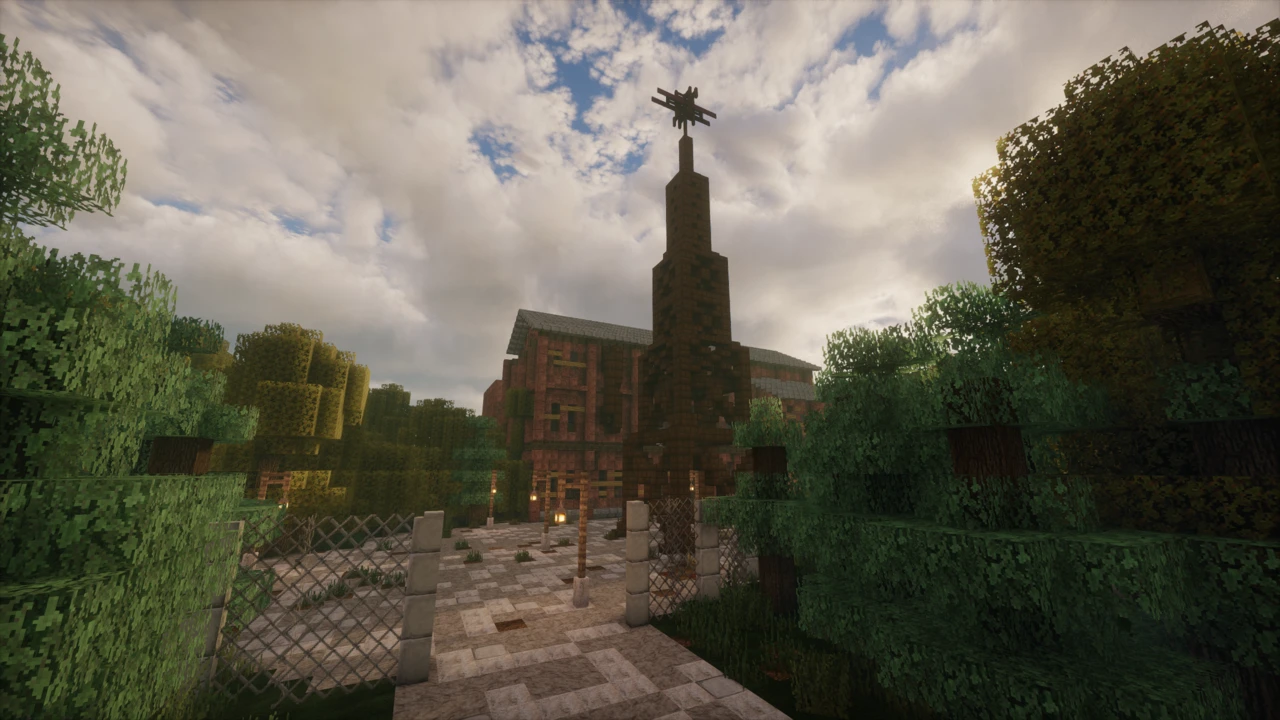
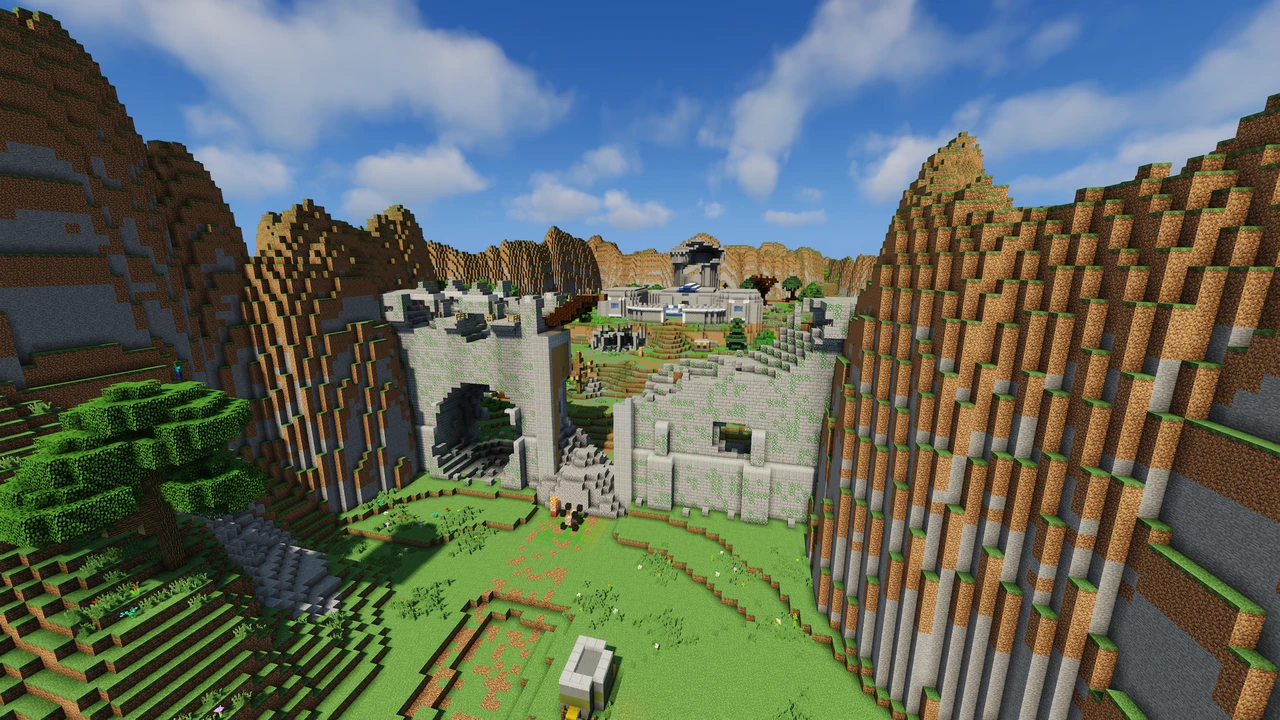
Escape the Lost Halls is a Minecraft map that opens by telling you the usual plan will not work. There is no exit to find. The Halls keep going, and the thing you are actually there for (an entity the map only ever calls the Eye) is moving around inside them while you search. Urgle built the first version in 2018 and rebuilt it from scratch for Minecraft 1.20.4, and in January 2024 Mojang added that rebuild to the Java Realms content library through its Content Creator Program.
The Eye is the objective, not the exit
Most escape maps are a lock-and-key sequence: solve the room, open the door, repeat until you are outside. This one inverts the goal. You are working inward, not outward, and the win condition is catching something rather than leaving somewhere. The Eye wanders the Halls under its own logic and defends itself, so progress means stripping those defences away piece by piece before a capture is even possible.
That changes how the map reads while you play it. A door you cannot open is rarely the puzzle by itself. It is usually one step in a longer chain aimed at the Eye. Mojang's own write-up when the map reached Realms described being stalked by the thing you are hunting, which is a fair summary of the tone. Expect roughly two to three hours, and expect it to be hard. Urgle is explicit that the map assumes real Minecraft familiarity and workable parkour.
Which file you actually want
This is the part that trips people up, and no download page explains it. The CurseForge project has exactly two files, and both are for Minecraft 1.20.4. The one most players want is Escape the Lost Halls - ENGLISH version, a full release dated 8 April 2024. The other is a Russian translation, marked beta, uploaded on 29 October 2025.
Because the Russian file is the newer upload, it sits at the top of the files list. Grabbing the most recent file (the habit that serves you well everywhere else) hands an English speaker the wrong download. Check the file name, not the date.
The second snag is the version number. Searches for "v4.0" are common, since that is what the community calls the rework, but no file on CurseForge carries that label. The April 2024 English release is the reworked build. There is nothing newer to hunt for.
Anything you find advertising Minecraft 1.17.1 is the old v3.3 map from before the rebuild, and it is worth knowing that this file no longer exists on CurseForge at all. The only places still serving it are third-party mirrors, which is the same category of site Urgle explicitly asks people not to reupload the map to. Old search results pointing at 1.17.1 are not an alternative version to choose between. They are simply out of date.
What the Halls throw at you
The map hands you equipment that vanilla Minecraft does not have, and the reason matters more than the list. Custom tools exist to break specific walls and open chests that ordinary means will not touch, so a wall you cannot mine is a signal you are missing a tool rather than a signal you are lost. Mojang's Realms write-up mentioned gravity devices, laser cannons and car batteries among the gear, which gives a fair sense of how far it strays from a pickaxe.
Navigation gets the same treatment. A minimap tracks where the Eye currently is, which turns the central hunt into something you can plan around instead of stumble into. A coordinate readout and a checkpoint teleport system exist because the structure is genuinely large enough to get lost in, and an in-game notebook holds puzzle notes so you are not keeping a text file open beside the window. Hidden totems are scattered around as death insurance. None of it is decoration. It is all there because the map is big and the Eye moves.
Two settings that quietly break it
Two client-side choices will damage the experience without producing an obvious error, and both are worth fixing before you start.
Particles have to stay enabled. The map leans on particle effects to communicate, so turning them down (a normal reflex for anyone chasing frames) removes cues the map expects you to see. Urgle asks players to keep them on, and it is the kind of setting nobody thinks to check when something stops making sense.
Lunar Client is the other one. The creator's warning is blunt: it is not compatible in singleplayer. If you normally launch through Lunar, use the standard Minecraft launcher for this map instead. Since nothing here needs mods, there is no reason to be on a modified client anyway.
Running it for two or three players
The map works alone or with company, and Urgle recommends one to three players. More is technically possible without any hard cap, but the puzzles were tuned for a small group, and a crowd tends to solve them by sheer coverage rather than deduction.
On a server, two things need doing that singleplayer handles for you. Players usually need operator status (/op playername for everyone) because ordinary server protections block some of the block interactions the puzzles depend on. This is why levers refuse to place or vanish immediately on an otherwise working server. The resource pack is the second: it ships embedded inside the world, and servers generally will not push an embedded pack to clients, so everyone installs it manually.
Getting unstuck without spoiling it
Two recovery tools are built in. If items go missing, /trigger items restores them. If something genuinely jams (an event that will not fire, a door that stays shut when it should not), the rework added /trigger debug set [code], which forces specific events through.
Treat that second one as a repair kit rather than a shortcut. The codes are not published, and the system exists for softlocks, not for skipping a puzzle you have not cracked yet. If you are stuck on intent rather than on a bug, Urgle has posted walkthrough footage and runs a Discord linked from the CurseForge page, both of which are better first stops.
Music, mirrors, and what the creator asks back
Twenty-two custom tracks play through the map, composed by Scott Buckley, Vandoorea and Aandeel. If you record or stream, Urgle asks directly that you pull the music slider to zero. The soundtrack is not cleared for reuse, whatever licence individual composers may offer elsewhere. Muting it costs you nothing and saves a copyright claim.
The map is all rights reserved, and the request attached to it is simple: do not reupload it. CurseForge is the source, and taking the file from there rather than a mirror is both safer and the thing the creator asked for. If you would rather not host it yourself, the map is also set up for instant multiplayer through StickyPiston. For something in a similar vein afterwards, Diversity 3 splits into genre-based branches, The Backrooms covers atmospheric exploration, and Parkour Spiral is worth a look if the movement sections here are the part you enjoyed.
How to Download Escape the Lost Halls for Minecraft
Both files are listed in the Escape the Lost Halls Downloads section on this page, named rather than dated. Take the English file, not the newest one: click Download on the ENGLISH version row and it opens that file on CurseForge. The other is a Russian translation uploaded in October 2025, and because it is the newer upload it sits first on the CurseForge Files tab, which is exactly what sends people to the wrong one. There is no separately labelled "v4.0" download, because the April 2024 English release is the reworked map.
You also need Minecraft 1.20.4 itself. Create a launcher profile pinned to that version if your installation has moved on, because the map's mechanics are built against it and newer releases are not tested or supported by the creator.
How to Install Escape the Lost Halls in Minecraft
Setting it up in singleplayer
Unzip the download. Inside you get a world folder. That folder goes into your saves directory, not the zip around it. The quickest way to find saves is through the launcher's game directory, or by opening .minecraft directly on Windows via %appdata%\.minecraft.
Start the game on 1.20.4 and the map appears in your singleplayer world list. The resource pack is bundled inside the world as resources.zip, so Minecraft offers to enable it the first time you load in. Accept that prompt and the custom models and textures apply on their own. If you decline it by accident, leaving and rejoining the world brings the prompt back.
Before you begin, turn particles on and launch through the standard Minecraft launcher rather than Lunar Client. Brightness set bright and clouds off are the creator's suggested settings.
Setting it up on a server
Stop the server, then place the world folder where the server expects its world and point level-name in server.properties at that folder name. Start it back up.
Two extra steps apply here that singleplayer handles automatically. First, servers do not usually hand an embedded resource pack to connecting players, so each person installs it by hand: open the world folder, take the resources.zip out of it, and drop that file into their own resourcepacks folder, the same routine as any other resource pack. Without it the custom models simply will not render.
Second, give every player operator status with /op playername from the console. Standard server protections block some of the interactions the puzzles rely on, which is what causes levers to disappear or refuse to place. Op status clears that.
If you would rather skip hosting, the map is available for instant multiplayer through StickyPiston.