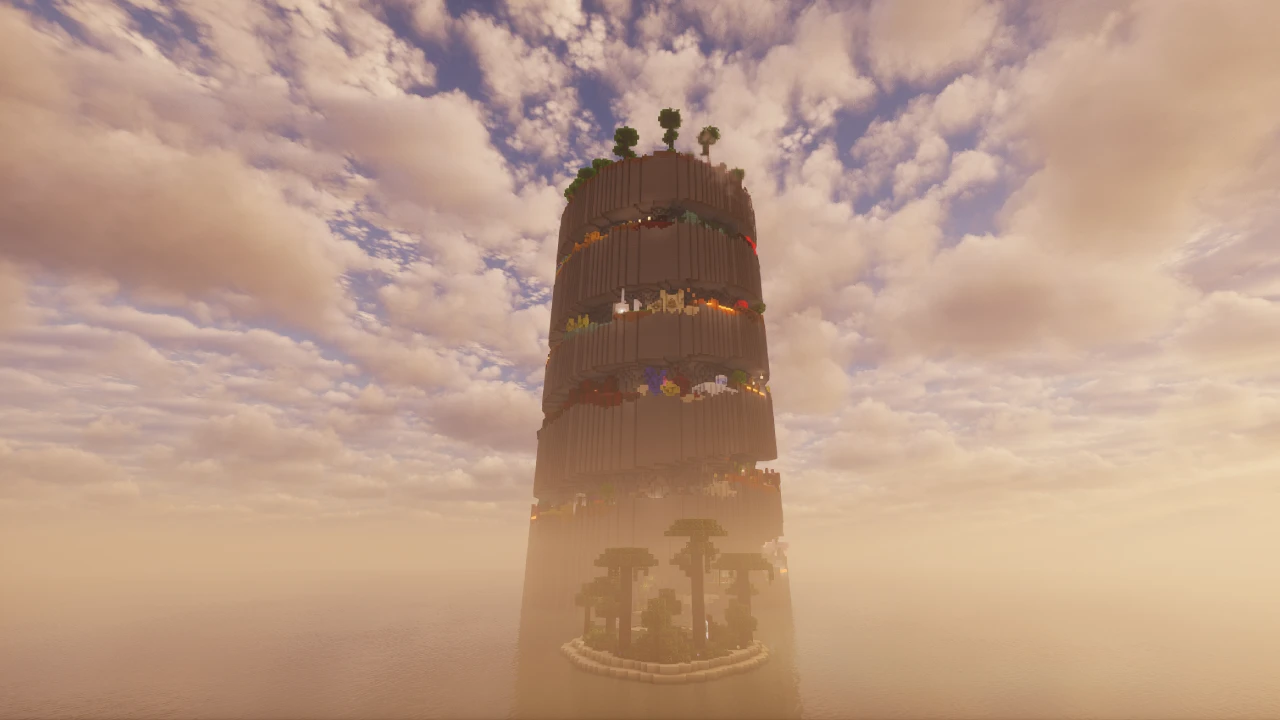
About The Backrooms
You fall through the floor. What's underneath isn't a basement. It's somewhere else entirely, and it goes on further than it should.
That is the premise, and this map takes it further than most. Published on CurseForge as The Backrooms - A Complete Horror Experience by Tripwirelessmc, it is not one level dressed up as a concept: it is a collection of more than twenty interactive Backrooms levels, wired together with over eight hundred command blocks across roughly five million blocks of built space. The creator puts around four hundred hours into it. Whatever you think of the genre, that is not a weekend project.
It is worth naming properly, because "the Backrooms" describes a whole category of Minecraft maps rather than one project. This page covers this specific one.
What is actually in it
Twenty-four levels are released, with four hidden sub-levels for people who go looking and more listed as upcoming. That count is the map's real selling point: most Backrooms maps give you the yellow rooms and stop, and the yellow rooms are the least interesting part of the mythos once you have seen them.
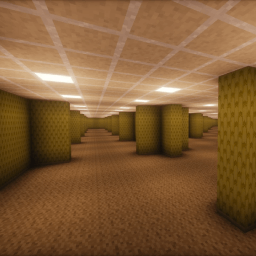
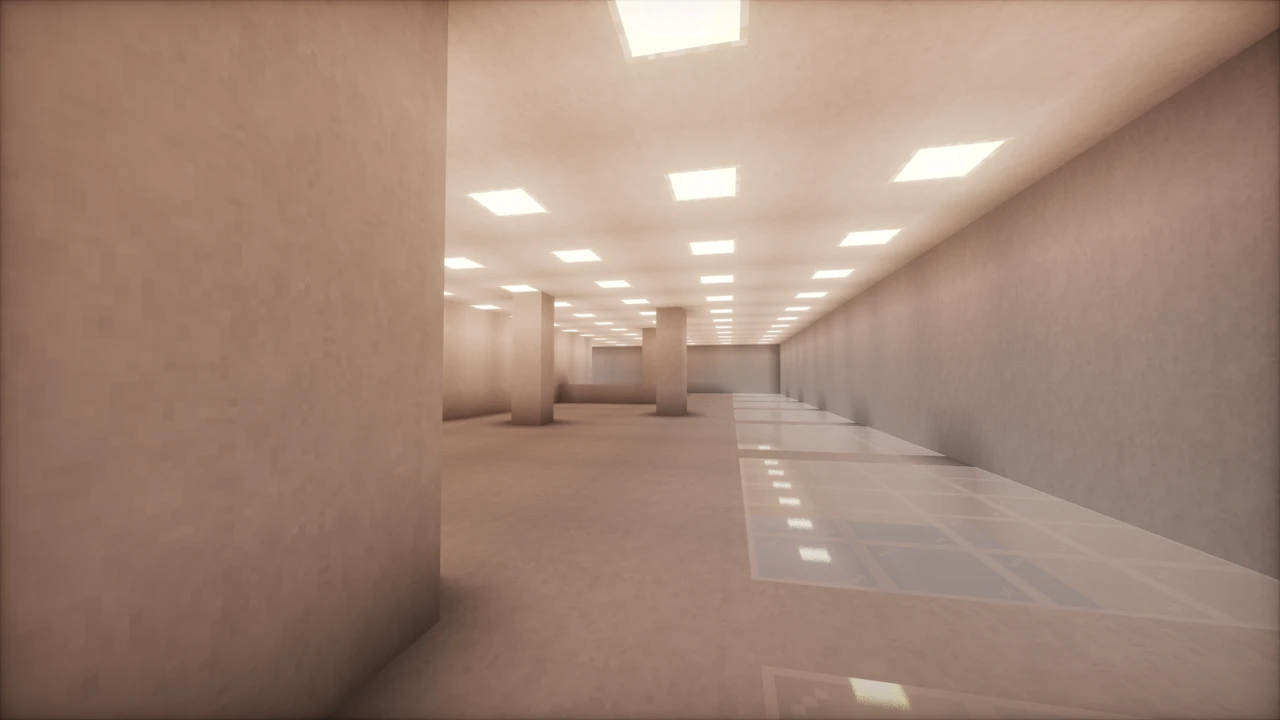
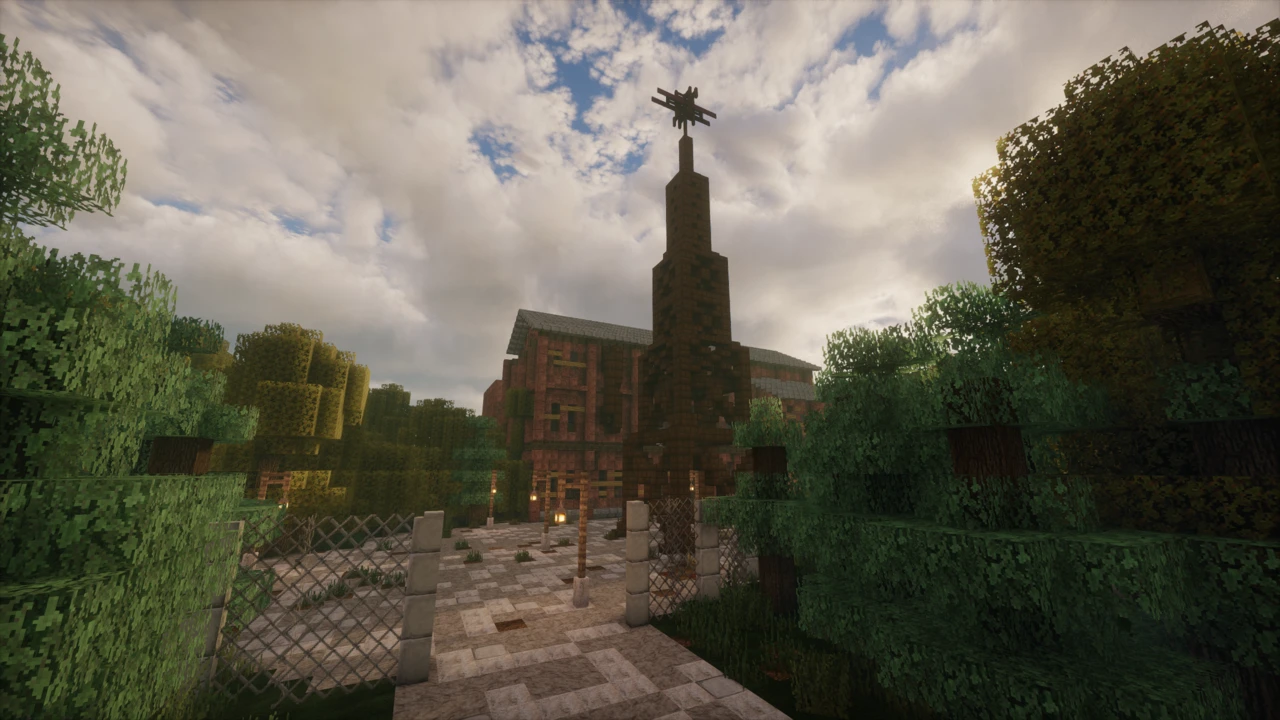
The levels are genuinely different from one another rather than recoloured versions of the same corridor. Across the set you move through the classic wallpapered offices, water-filled rooms, industrial spaces, open exteriors and much stranger places, and the map's own screenshots make the range obvious before you download anything.
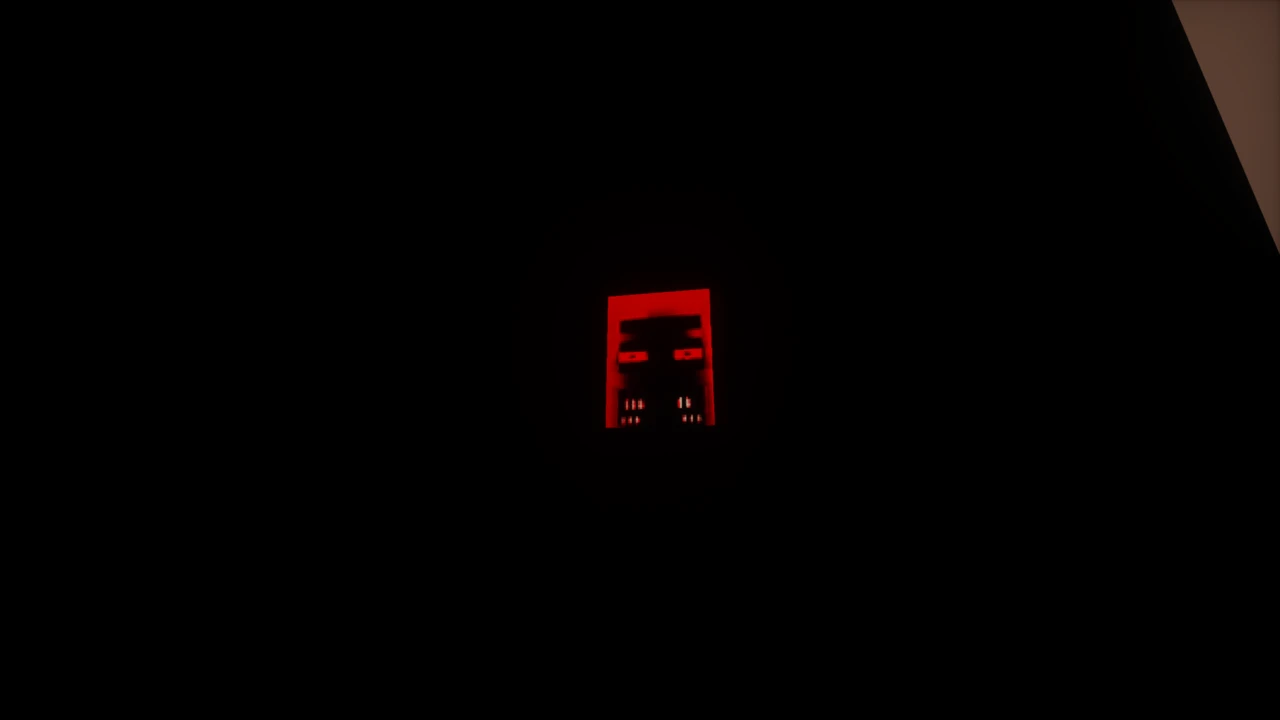
On top of the environments sit custom entities, custom items and puzzle sections. The entities are the part that makes it a horror map rather than a walking tour, and the puzzles are what keep a level from being a corridor you jog down.
Built with command blocks, not mods
The map does a great deal that usually needs a mod loader, and does it with vanilla systems instead. No mods, no resource pack and no datapack are required, which is unusual for a project this size.
That has a practical consequence worth knowing: installation is just a world folder. There is no Fabric or Forge step, nothing to match to a loader version, and nothing extra to keep updated. If a download page tells you otherwise, it is not this map.
Shaders are the one optional extra the project suggests, and only for certain levels, where lighting does a lot of the atmospheric work. They are a preference rather than a requirement, and they cost frames on a map that is already demanding. If you want to go that route, Iris is the usual way to load shader packs on current Minecraft.
This is a heavy map, and the numbers matter
Five million blocks of hand-built space is not free. The project states its requirements directly, and they are worth reading before you start the download rather than after:
- 4 GB of RAM allocated as a minimum.
- 3.6 GB download, which unpacks to around 6 GB on disk.
- Render and simulation distance set to 12. The map is built around that figure rather than merely looking better at it.
The render distance instruction is the one people skip, and it is the one most likely to break something. Backrooms levels rely on sightlines down long corridors, and command systems that trigger on player position need the surrounding area simulated to fire at all. Setting it lower does not simply make the map look worse. It can stop things happening.
Settings the map expects
Alongside render distance, the project names three more, and each has a reason behind it:
- Brightness set to Moody (0). Darkness is doing deliberate work here, and turning it up removes most of what the map is for.
- Biome Blend off. A performance setting on a map with this much loaded geometry.
- Toggled sprint on. A comfort setting, and a sensible one when you are holding sprint for long stretches.
None of these takes more than a minute, and together they are the difference between the map as built and an approximation of it.
Multiplayer
Multiplayer is supported rather than tolerated. The map includes player tracking, so a group does not simply lose each other in identical corridors, and a spectator mode for players who are out.
Those two features tell you how it is meant to be played: together, with people getting separated and caught, and with the ones who are out still watching rather than sitting at a menu. A group changes the tone of a horror map considerably, and this one is built to accommodate that rather than to fight it.
You will need a server or a LAN world for it, and every player wants the same settings, particularly render distance and brightness. One person on Bright with a render distance of 6 is playing a different map from everyone else.
Supported Minecraft version
The build listed here is for Minecraft 1.21.1, and the project also lists 1.21.
Version matters more than usual on a map like this. Everything the map does beyond geometry runs on command blocks, and command syntax and behaviour shift between Minecraft releases. A world built for 1.21.1 will often open on a newer version and then fail quietly: levels load, and a trigger that should have fired does not. Pin a launcher profile to the version the download names rather than forcing a current release.
How scary is it, actually?
Reasonably. It is a horror map with hostile custom entities and deliberate darkness, and it is built to unsettle rather than to be gentle about it.
That said, the register is exploration and puzzle horror rather than a relentless chase. Most of your time goes on navigating spaces that are wrong in a way you cannot immediately name, with tension coming from the environment and the possibility of something being there. Playing it with the recommended sound and brightness settings makes a real difference to how it lands, and turning the lights up and the sound down will make it noticeably less effective.
Other Backrooms maps
Searching for Backrooms content in Minecraft turns up a great deal, and it is genuinely easy to end up with the wrong thing. There are Backrooms mods that add dimensions to survival worlds, Backrooms datapacks, Backrooms servers, and a long list of standalone maps, some organised around the numbered levels of the wider mythos and others doing their own thing.
They are separate projects sharing almost nothing beyond the concept. If a video or guide walks through levels that are not in your world, that is why. Matching the creator name rather than the title is the reliable way to land on the right download.
Where to download it
The map is published on CurseForge by Tripwirelessmc, and that listing is the source to use. It is released under an all rights reserved licence, so third-party sites hosting their own copy are doing it without permission.
With a 3.6 GB archive, the difference between the official listing and a mirror is not academic: a reupload of a file this large is exactly where an out-of-date or altered copy costs you an evening.
How to Download The Backrooms for Minecraft
Check three things before you download, because this map is large enough that finding out afterwards is genuinely annoying.
- Disk space. The archive is around 3.6 GB and unpacks to roughly 6 GB. You need room for both at once while it extracts.
- Memory. Allocate at least 4 GB to Minecraft. Our guide to allocating more RAM covers how, if you have not changed that before.
- Minecraft version. The build listed here is for 1.21.1. Pin a launcher profile to it rather than running a newer release.
You do not need any mods. No Fabric, no Forge, no NeoForge, no OptiFine, and no separate resource pack or datapack. Everything the map does is built into the world.
When you are ready, open the The Backrooms Downloads section on this page and click Download on the 1.21.1 build. It takes you to Tripwirelessmc's own CurseForge release, where the file itself is downloaded.
How to Install The Backrooms in Minecraft
- Extract the archive. What belongs in your saves folder is the world folder itself, the one that directly contains
level.dat, not the zip and not a wrapper directory holding it.
- Open your saves folder: on Windows paste
%appdata%\.minecraft\saves into your file explorer, on macOS use ~/Library/Application Support/minecraft/saves, on Linux ~/.minecraft/saves.
- Move the extracted world folder into
saves. Give it a moment, since this is several gigabytes.
- Launch Minecraft 1.21.1 and the map appears in your singleplayer world list.
Set these before you start playing
The map is built around specific settings rather than merely looking better with them, and the render distance one can stop things working rather than just looking worse.
- Render distance: 12. Also set simulation distance to 12.
- Brightness: Moody (0).
- Biome Blend: OFF.
- Toggled sprint: on. Recommended rather than required, and worth it over this much walking.
If the map runs badly at those settings, the lever to pull is memory rather than render distance. Dropping below 12 is the one change likely to break a trigger.
Playing with other people
Put the world on a server or open it to LAN. The map supports multiplayer directly, including player tracking and a spectator mode for anyone who is out.
Agree the settings across the group before you start. Render distance and brightness in particular need to match, or one player is effectively playing a different map and will trip triggers the others cannot see.
If something goes wrong
- The map is not in your world list. The wrong folder layer was copied. The folder you move must contain
level.dat directly.
- Levels load but nothing triggers. Check render and simulation distance are both at 12, then check you are on the Minecraft version the download names.
- Heavy stutter or crashes on load. Allocate more memory. 4 GB is the floor, not a target.
- Everything looks too bright to be frightening. Brightness is not on Moody.
- Extraction fails partway. Almost always disk space. You need room for the 3.6 GB archive and the 6 GB world at the same time.