About All the Mods 10
All the Mods 10 is a kitchen-sink Minecraft modpack that bundles roughly 500 mods into a single NeoForge world, wires them together with a quest book, and points all of it at one endgame item. It is built by ATMTeam for Minecraft Java Edition 1.21.1 and distributed through CurseForge, where the current release is 8.0, published on 14 August 2026.
The pack's own store description runs to four sentences and says nothing about Java, memory, the quest book or the ATM Star, so almost everything a new player needs comes from somewhere other than the download page.
A pack that tells you it isn't all the mods
ATMTeam answer the obvious question inside the description itself: "Does 'All the Mods' really contain ALL THE MODS? No, of course not." What it does carry is a broad cross-section: the CurseForge dependency list currently runs to 485 entries, which is where the familiar "around 500 mods" figure comes from.
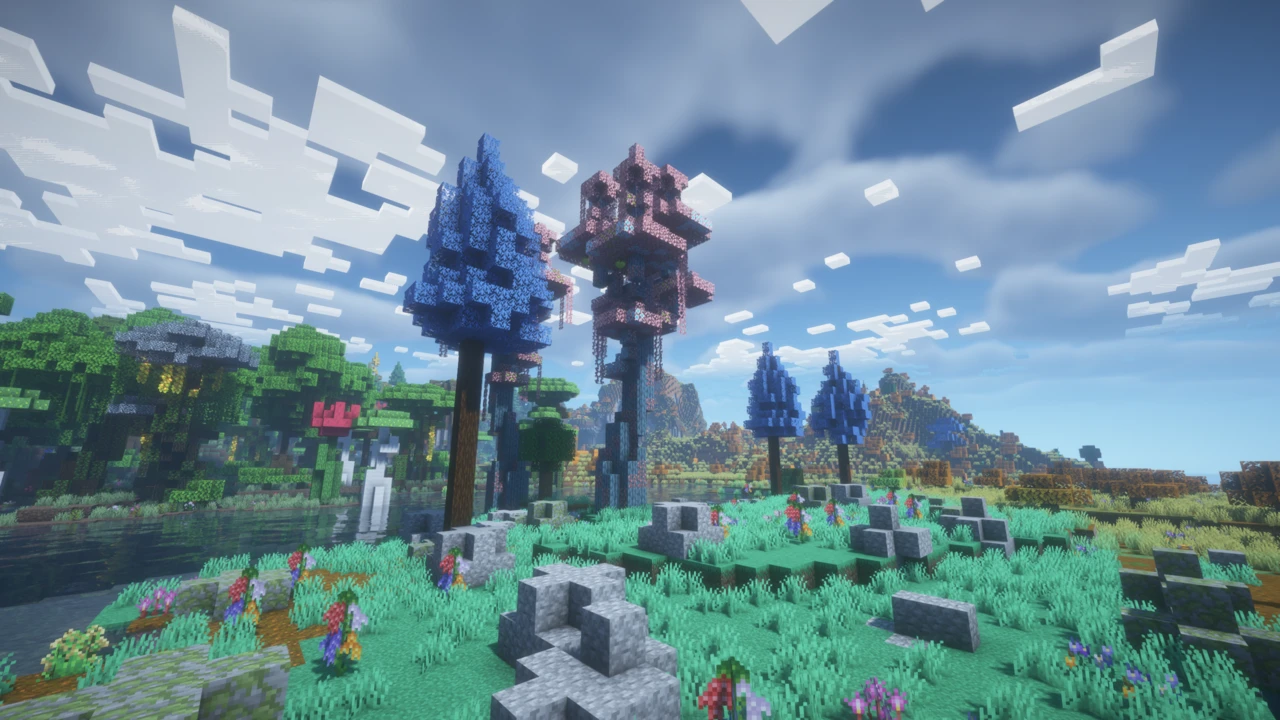
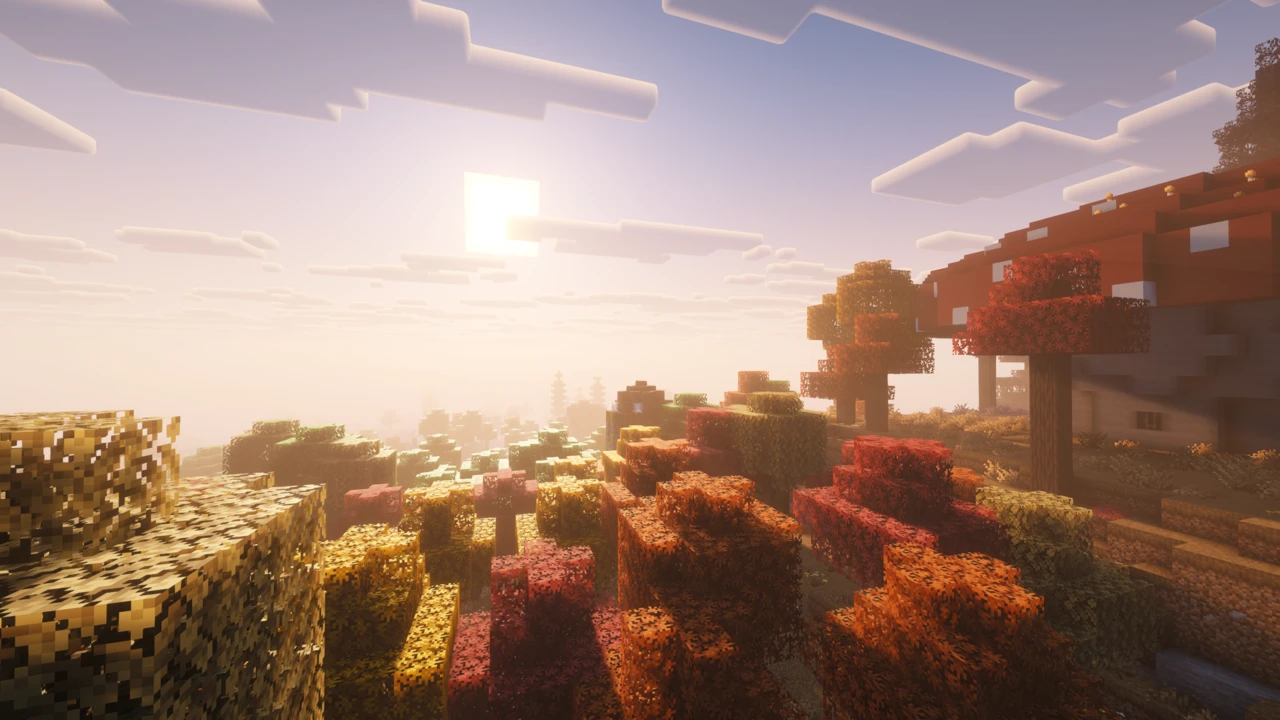
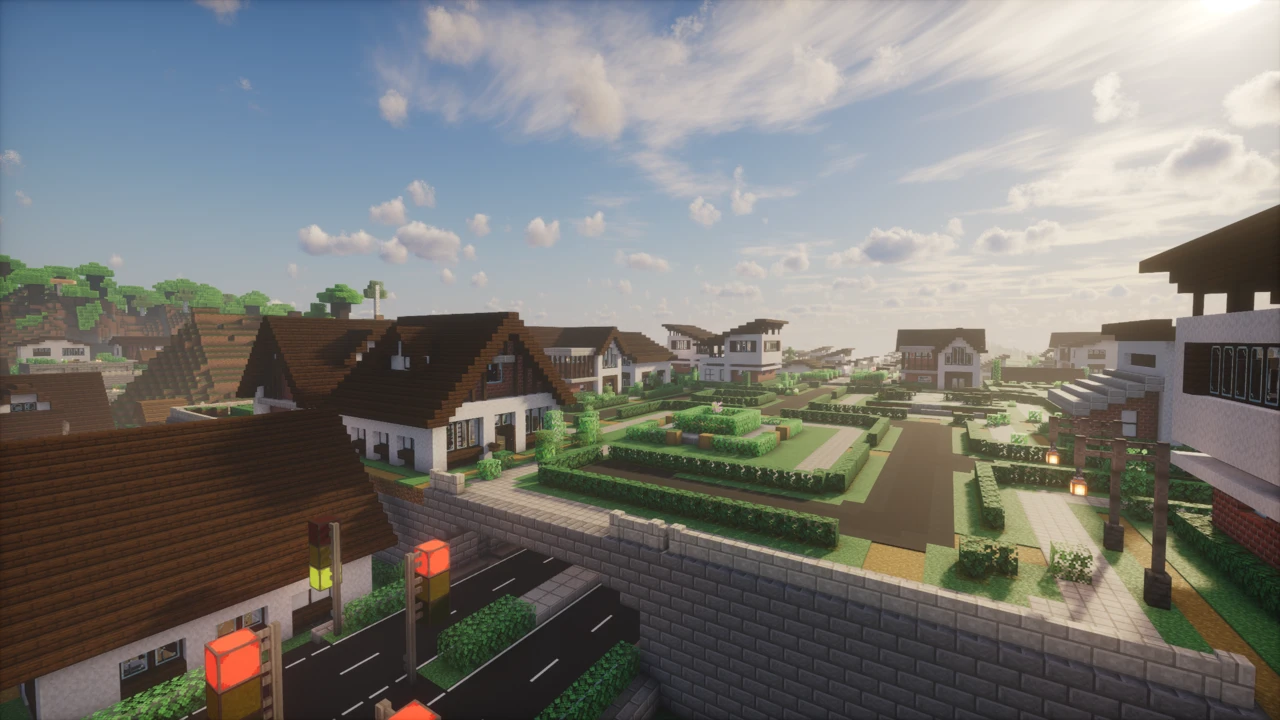
Kitchen-sink is the accurate label, and it is the line between this and a Vanilla+ pack such as Better MC, which expands the world without handing you a tech tree. Rather than committing to a theme, ATM10 spans industrial technology and power (Mekanism, Applied Energistics 2), magic and growth systems (Botania, Mystical Agriculture, Ars Nouveau), late-game gear such as Draconic Evolution, and layers of storage and automation over all of it.
Java 21 and NeoForge are Minecraft's rules, not ATM10's
Two requirements cause most failed installs, and neither originates with ATMTeam.
Minecraft moved to Java 21 at version 1.20.5, so every 1.21.x release needs it, and ATM10 inherits the requirement simply by being a 1.21.1 pack, and NeoForge's documentation targets Java 21 for 1.20.5 and newer. That is why a newer JDK is not automatically safer: the pack is built and tested against Java 21, so a launcher pointed at Java 25 is running an untested combination for no benefit. It is also why the in-development ATM11 uses Java 25: the runtime follows the Minecraft version, not the pack's name.
NeoForge matters for a similar structural reason. Forge and NeoForge diverged after Minecraft 1.20.1, and from 1.20.2 onward a mod has to ship a specific NeoForge build to load on one. Installing Forge and pointing it at ATM10 will not work, and an individual mod advertised for 1.21.1 Forge will not drop into the pack either.
How much memory to give it, and why more is not better
ATMTeam do publish guidance here. Their documentation puts most All the Mods packs at 8-12 GB allocated, treats 8 GB as the practical minimum, and recommends at least 16 GB of system RAM overall. The allocation is what Minecraft gets, and the rest is headroom your operating system needs.
The ceiling matters as much as the floor. ATMTeam's own advice is never to allocate more than necessary, and handing a client 16 or 20 GB is a common way to make things worse. Java does not simply run faster with a bigger heap, and over-allocating tends to produce stutter instead.
The pack also arrives with its own rendering and performance mods already chosen, including FerriteCore and ModernFix for memory use and load times, so the standard advice to install optimisation mods largely does not apply. Do not add OptiFine out of vanilla habit: ATM10 already has a rendering stack of its own, and layering a second over it invites compatibility problems rather than frames.
The quest book is a map, not a set of rails
ATM10 uses FTB Quests. The book opens from the icon in the top-left of your inventory screen. There is a keybind for it too, but it is not bound by default.
Quests sit in chapters joined by dependency lines, and they are guidance rather than gates: nothing stops you from ignoring the book. What it offers instead is an order that works: which mod handles ore processing, and when digital storage stops being a luxury.
Tasks come in several shapes: hand in an item, kill something, reach somewhere, or simply have an item detected in your inventory. That last kind completes on its own, which is why some quests tick over by themselves while others wait for you to physically submit the item. When a quest looks stuck, that distinction is usually the answer.
The ATM Star, and why no page should hand you its recipe
The ATM Star is the pack's endgame, assembled at the Runic Star Altar (a multiblock structure) from components that each draw materials from a different combination of mods, which is the entire point of it. The Star is not a boss fight but a demand that you have automation running across most of the pack at once.
What this page will not do is print an ingredient list. ATM10 retunes its custom recipes between releases, so a component list copied from a video recorded on an earlier version can be wrong on yours, at a cost of days of setup. The authoritative source is the copy on your own disk: look the Star up in the recipe viewer and read the quest chapter leading to it.
Why the mod wiki you're reading may not describe your game
This one catches people constantly. ATM10 ships its own KubeJS scripts, configs and datapacks, using them to change recipes, adjust progression and smooth over conflicts between mods never designed to coexist. ATMTeam state it plainly in their own documentation: "ATM has custom changes and additions, mostly recipes. This means it's only for ATM packs, and may not be the same for other packs."
The rule that follows: when a mod's wiki and the pack disagree, the pack wins. The in-game recipe viewer shows what is actually loaded, the only source guaranteed to match your install. A recipe that "doesn't work" is far more often a deliberate pack-level change than a bug, and the scripts are public in the ATM-10 repository if you want to see what changed.
Which All the Mods pack you actually want
Several packs share the ATM10 name and are not interchangeable. Installing the wrong one is a common reason a server refuses your connection.
- All the Mods 10: the base pack described here.
- ATM10 Lite: ATMTeam's phrasing is "ATM10 but with a twist and works on most computers": the one for weaker hardware.
- To the Sky (ATM10SKY): the content rebuilt as skyblock, changing how nearly everything is obtained.
- Aeronautics: a separate pack threading flight and machinery throughout, with overhauled worldgen.
- All the Mons: ATM10 with Cobblemon integrated.
- ATM9: the previous generation, on Minecraft 1.20.1 and Forge, so its advice does not carry across.
When it won't start, or won't let you in
Beyond Java and memory, the usual blocker is a pack version that does not match the server's. Version matching is exact: an 8.0 client cannot join a 7.3 server, and both ends must be the same pack, not ATM10 against ATM10 Lite. A window that sits there doing nothing is usually not a fault at all: roughly 500 mods take several minutes to initialise, and killing it to try again is how a working install becomes a broken one.
For lag once you are in, the pack ships diagnostics rather than guesswork. /spark tps reads server tick health, and Observable pinpoints which blocks and entities are costing performance. Note that it opens from a keybind you assign yourself, not from a chat command. Known issues are tracked publicly on GitHub, worth checking before you assume a fault is yours: at the time of writing, an open report covers a Yellorium Seeds quest in the Mystical Agriculture chapter that cannot be completed on 8.0, a quest-side problem you can safely skip.
Before any pack update, copy your world folder somewhere safe. ATMTeam make no guarantee that saves carry between releases, and updates replace configs and scripts.
How to Download All the Mods 10 for Minecraft
Start in the All the Mods 10 Downloads section on this page. It lists every release, server files included, and clicking Download on a row opens that file on the official ATMTeam CurseForge project. Use it to settle which release you need before you install anything: if you are joining a server, that is the exact release the server runs rather than the newest.
Let a launcher assemble it
ATM10 is a modpack, not a mod, and that changes the whole procedure. Where an individual mod is a file you drop into a folder (the process covered in our guide to installing Minecraft mods), a modpack is a manifest of roughly 500 mods at pinned versions plus the pack's own configs and scripts. A launcher resolves all of that for you, including the loader: release 8.0 pins NeoForge 21.1.247, and the launcher installs that build alongside the pack. Do not try to assemble it by hand, and do not install NeoForge separately first. What a launcher does with a pack file, and how to import one by hand, is covered in our guide to installing modpacks.
How to Install All the Mods 10 in Minecraft
CurseForge App
Search for All the Mods 10 in the app's Minecraft browse section, check the project is credited to ATMTeam, and install it. If you are joining a server, use the version dropdown to pick the exact release the server runs rather than accepting the newest by default.
Set memory before you launch. The default allocation is too low for a pack this size. In the CurseForge App this lives in Settings under the Minecraft section, as an allocated-memory slider. ATMTeam's guidance is 8-12 GB for most All the Mods packs, on a machine with at least 16 GB of system RAM. Going far above that range is explicitly discouraged. If you are not sure where that setting lives in your launcher, our guide to allocating more RAM to Minecraft walks through each one.
Prism Launcher
Prism can add ATM10 from the CurseForge catalogue: create a new instance, choose the CurseForge import option, and search for the pack. Memory is set per instance under Edit Instance in the Java settings, and the same figures apply. Prism is a launcher choice, not a separate distribution: the pack files still come from CurseForge.
Java and the first launch
ATM10 needs Java 21, because Minecraft 1.21.1 does. Both launchers can manage a suitable runtime for you, and letting them is the least error-prone route. If you are selecting one manually, choose Java 21 rather than the newest release you have.
The first launch takes several minutes while every mod initialises. This is expected. Let it finish rather than restarting.
Running a dedicated server
The server is a separate download. The Download section on this page carries the ServerFiles archive alongside the client releases, so take the one matching your client. Do not upload your client instance folder to a host: it is not laid out as a server and will not start.
Extract it, run the included startserver script, and accept the EULA when prompted. Server memory is not set in that script: edit the -Xms and -Xmx values in the JVM arguments file that ships alongside it. This trips up most first-time ATM server admins, who edit the start script and wonder why nothing changed. Give the first boot time to generate the world before anyone connects, and make sure the host is running Java 21.