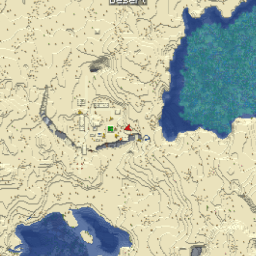
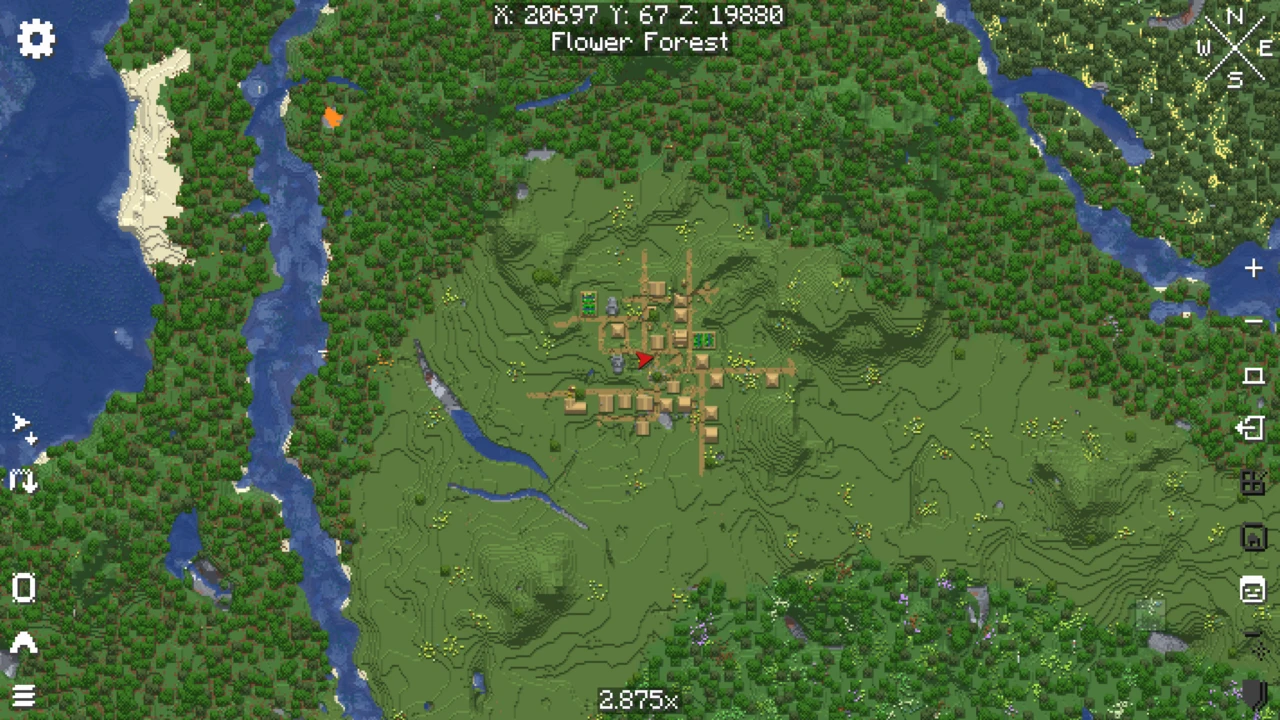
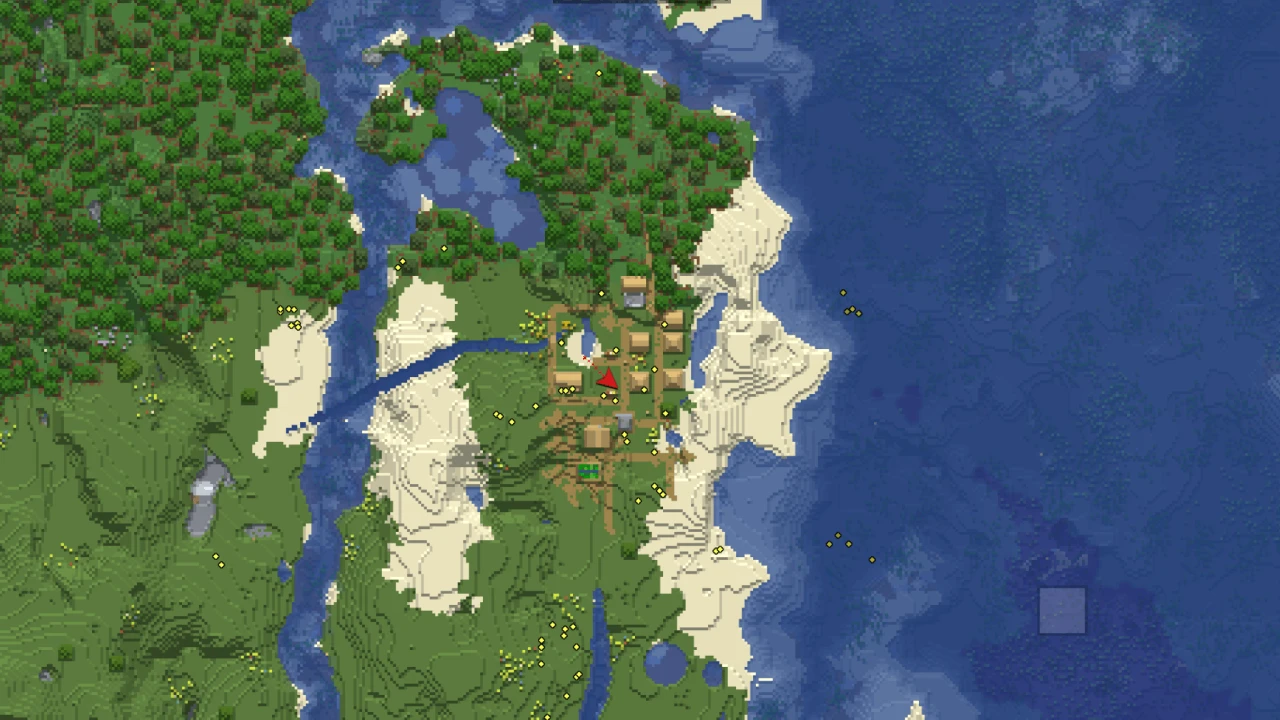
About Xaero's World Map
Xaero's World Map is a client-side mod by xaero96 that turns every chunk your game loads into a fullscreen map, opened with M and moved around with the mouse and scroll wheel like an online map. It is "self-writing": nothing appears until you have been near it, and the map grows as you explore. It works in singleplayer, on servers and on Realms, and it is published separately from Xaero's Minimap so that the minimap stays light for anyone who wants only the corner view.
How the map fills in
In multiplayer the map records what your client receives from the server, so it covers the area inside your render distance as you travel. In singleplayer it reads the world save directly, which is faster and complete for everywhere the world has generated. Two consequences follow. A world pre-generated with a separate tool shows up in full once you relog and run Reload Regions from the map settings. And a save that has not been optimized for the current Minecraft version takes, in the author's words, a lot longer to map, so Singleplayer, Edit, Optimize World after each game update is worth the wait.
On a server you cannot read the save, but there is a workaround the author documents. If you can download the server's world, open it in singleplayer, let the map generate, then use Convert All Regions to produce a multiplayer map instance you can copy into the server's folder under xaero/world-map.
The map is drawn from the current resource pack's textures, so changing packs makes the whole map regenerate. A vanilla maps mode gives it the look of paper maps instead, and the terrain shading can be adjusted.
One server address, several maps
A single server can host many worlds: a lobby, a survival world, a creative plot world, each with its own overworld and Nether. The client has no reliable way to tell them apart, so the mod lets one server address hold several maps per dimension and switch between them. The bottom-left icon on the map screen opens map selection, with these modes:
- Manual asks you to confirm the map every time you change world or dimension. It is the safest mode when nothing else works.
- World Spawn tells worlds apart by their spawn point, as versions before 1.6 did. Plugins that fake the spawn point (some change what the compass points at) can confuse it.
- Single uses one map per dimension, fine for a plain one-world server.
- Server lets the server pick the map from its own internal level IDs. The author calls it the best option in most cases, and it needs the mod installed on the server.
This is also why the map sometimes asks for confirmation: it is protecting one world's map from being painted over with another's. Changing the mode can drop you onto an empty map. Nothing is lost when that happens: pick the old map from the dropdown and confirm it again.
Caves and the Nether
Cave mode shows the layer below a chosen height instead of the surface, and it is set per dimension. Setting the Cave Mode Type to Full in the Nether shows the tunnels under the bedrock roof rather than the roof itself, and the Cave Mode Top Y setting moves the cut. Nether-like dimensions from other mods can be set the same way. Because the type is stored per dimension, the overworld can stay on its surface view while the Nether always opens in cave mode. If you use the fair-play edition of the minimap, it disables the world map's cave mode in the Nether, and servers can switch cave mode off for everyone.
Working with the minimap
Installed together, the two mods share their work. The corner map stops rendering terrain for itself and draws from the world map's cache instead, an arrangement the author says is lighter on performance. The world map shows the minimap's waypoints, and you can create, edit and teleport to them from the map. The icon in the bottom-right corner opens a waypoint list you can filter by name. Right-clicking a spot on the map teleports you there through a separate setting, Map Teleport Command, so the same /tp permission applies as for the minimap's waypoints.
Keep the pair on matching generations. Current World Map files refuse minimap versions older than 26.4.0, while the minimap in turn will not start beside a World Map below 1.44.0, so updating one without the other ends in a crash at launch.
Other tools on the map
- Footsteps trace the path you most recently took.
- PNG export saves the whole map as an image. The author notes it may fail for maps millions of blocks across.
- Open Parties and Claims integration shows claimed chunks and allied players, and lets you claim or forceload chunks straight from the map.
- Tracked players, such as party members from Open Parties and Claims, can be teleported to with a right-click, using a separate Player Teleport Command.
- Performance settings exist for large maps or slow machines, although the author expects the defaults to perform well in most cases.
- Item-gated access: a line such as
mapItemId:minecraft:compass in the config hides the map until the player holds or wears that item.
For server owners
The server copy is optional, but it enables Server map selection, and World Map 1.40.0 added an Open Server Settings key binding whose screen lets admins lock almost any option, cave mode among them. Enforcement can follow ranks through the xaero.world_map.enforced_server_profile permission, and the xaeroworldmap:no_world_map effect switches the map off for a player. As with the minimap, players without the mod cannot join until the status effect registration option in config/xaero/world-map on the server is turned off.
A map that looks reset
The data is almost certainly still on disk, in the game directory under xaero/world-map (XaeroWorldMap in old versions). First check map selection: the old map may simply be another entry in the dropdown. If the server's address changed, the map sits in a folder named after the old address. Back up the whole folder, close the game, remove the empty folder created for the new address and rename the old one to match. Dimensions have their own subfolders (null for the overworld, DIM-1 for the Nether, DIM1 for the End) if a dimension ID changed instead.
The World Map installs on its own, but most players add Xaero's Minimap in the same step, so both are covered here.
How to Download Xaero's World Map for Minecraft
The Xaero's World Map Downloads section has a row for each pairing of Minecraft version and loader. Pick yours and press Download, which hands you over to the file on Modrinth. Fabric files also cover Quilt.
How to Install Xaero's World Map in Minecraft
- Prepare a Fabric, NeoForge or Forge profile matching your Minecraft version.
- Place the World Map jar in the
mods folder, plus Fabric API on Fabric, or XaeroLib with the Forge 1.12.2 and 1.16.5 builds. Every newer file already carries XaeroLib, the library both Xaero mods share, inside the jar.
- If you want the minimap too, take it from the Xaero's Minimap Downloads section for the same version and loader. Install the two at the same time, since each refuses an outdated copy of the other.
- In singleplayer, optimize older worlds first (Singleplayer, Edit, Optimize World), which makes the first mapping pass much faster.
- When updating, replace the old jar instead of adding a second one next to it.
- Join a world and press M.
On a server
A server copy is optional: add the jar to a Fabric, NeoForge or Forge server's mods folder. It enables Server map selection and the admin settings screen. Before vanilla players join, switch off status effect registration in config/xaero/world-map on the server and restart it.
First run
An empty map is normal in multiplayer: it fills in as you move. If the map asks you to confirm a map, choose the one for the world you are in, then open map selection from the bottom-left icon and pick a mode that suits the server. On a server running the mod, Server mode stops the question for good.
A crash on start usually comes from a missing Fabric API, the wrong loader's file, or the two Xaero mods being a generation apart. Anything else is covered in fixing mods that will not load. Maps live in the game directory under xaero/world-map, which is the folder to carry over when you change instances.