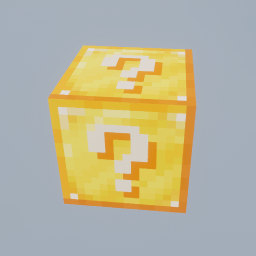
Lucky OneBlock is a Minecraft world save that runs the OneBlock format on a Lucky Block. You start above the void on the one block you will break for the whole run, and every break fires a random event: a useful drop, a trap, or something hostile landing next to you. Progress is whatever you make of it, since the map documents no phases and no ending. Java needs a Lucky Block mod installed alongside it, while the official Bedrock release is a separate 2023 download.
Lucky OneBlock keeps the shape of a OneBlock map and removes the part that made it predictable. The block you stand on and break for the entire run is a Lucky Block, so instead of working through a fixed sequence of materials you are pulling a lever over and over and dealing with whatever comes out. It is a world save by el_this_boy, hosted on CurseForge, and it has passed 2.6 million downloads.
The map is openly modelled on IJAMinecraft's One Block, and the two play very differently once you start. One is a resource treadmill you can plan around. This one is a run of small gambles that occasionally pay for the next hour and occasionally cost you the platform you were standing on.
The whole map is one block and one decision
You spawn on a single Lucky Block above the void with nothing else in reach. Breaking it fires a random event and the block returns, so the loop never changes: break, react, break again. The project sorts the outcomes into three groups, which is about as specific as anyone can honestly be, because the results come from whichever Lucky Block mod you installed rather than from the map itself. You get rewards, you get traps, and you get things that want to kill you.
What makes this more interesting than a slot machine is that all three outcomes share a footprint. There is no safe distance to break from when the floor is also the prize. An explosion removes the blocks you were relying on, a hostile spawn arrives at melee range by default, and a genuinely good drop is worthless if it lands in the void a second later. So the first real decision in Lucky OneBlock is not what to craft. It is how much platform to lay down before taking the next swing.
What progress actually looks like
There is no phase list here, and that is worth saying plainly because it is the first thing people assume. Vanilla OneBlock advances through named stages that change what the block produces. Lucky OneBlock documents nothing of the kind, and the project describes no formal ending either. Nothing announces that you have won.
Progression is something you set for yourself, and in practice it follows the materials. Early breaks are about getting enough blocks underfoot to stop dying to knockback, then enough of a shell that a mob arriving mid-swing is an inconvenience rather than the end of the run. After that it compounds: armour and a decent weapon mean you can absorb the bad events, which means you can break faster, which means more chances at the good ones. The map rewards patience in a way that sits slightly at odds with its premise.
Long stretches of useless drops are a normal part of it rather than a sign something is broken. The usual answer is to keep building outward and wait the streak out.
Playing it with other people
Multiplayer is in the project's own title, and the map runs on a server the same way any world save does. It suits a small group well, mostly because the failure modes stop being fatal. One player mining while another repairs the platform and a third deals with whatever just spawned is a genuinely different game from doing all three alone with a stone sword.
The catch is that everybody shares one block, so the pace is set by whoever is breaking it and the loot is communal. No player limit is documented anywhere on the project, which in practice means the ceiling is whatever your host can carry rather than anything the map enforces.
What Java needs before any of this works
The world save does not include the Lucky Block. It expects one to be in your mods folder already, and this is far and away the most common reason the map opens to a block that does nothing at all. Which mod you need depends on the version you play, and the project names three:
Minecraft 1.16.5 to 1.20.2: the original Lucky Block mod.
Minecraft 1.20.6: Modern Lucky Block, which additionally requires Architectury API.
Minecraft 1.21 and up: MyLuckyBlock, which builds for Fabric and NeoForge.
That published list stops at 1.21.11, which is where it stood before the July 2026 update added world files for 26.1 and 26.2. MyLuckyBlock has carried on updating through those releases, so it is still the mod to install on the newest builds, but that pairing is read off the two projects' version lists rather than stated by the map's author.
Bedrock exists, but it is three years behind
There is an official Bedrock release from the same author, so this is not a fan port being passed off as the real thing. It is simply old. The Bedrock project carries a single file, v0.1, dated August 2023, covering Bedrock 1.18.1 through 1.20.50, and nothing has been published there since while the Java side kept receiving new versions.
It has one advantage over Java: everything it needs travels inside the download, so there is no separate mod or addon to install. Bedrock is generally tolerant of older worlds, but the author has said nothing about versions past 1.20.50, so treat it as a 2023 map you are choosing to run rather than a current release with current support.
Projects with almost the same name
The naming around this one causes real mistakes. el_this_boy also publishes Lucky Dual OneBlock and Lucky Triple OneBlock, both separate CurseForge worlds that stopped at Minecraft 1.20.2, and Ultimate Lucky OneBlock, which stopped at 1.20.1. None of them receive the updates described on this page.
Several unrelated modpacks also circulate under names like One Lucky Block. Those are full mod collections rather than a world save with a dependency, so if what you downloaded arrives as a modpack instead of a .zip world, it is not this project. For the underlying idea without the randomness, Skyblock is the older concept both of these grew out of.
If the block is not doing anything
The block breaks but nothing happens
The Lucky Block mod is missing, or it is the wrong one for your version. Check your version against the three tiers above rather than assuming any Lucky Block mod will do. Mods failing to load at all is a separate problem with its own causes.
The world never appears in your list
Almost always folder depth. The directory containing level.dat is the one that belongs in saves, not the archive and not a wrapper folder around it.
It works in singleplayer but not on the server
The mod has to be installed on the server as well as on every client. A client-only install produces exactly this symptom.
Java and Bedrock are separate downloads with nothing in common beyond the name. Use the section matching your edition.
How to Download Lucky OneBlock for Minecraft
Open the Lucky OneBlock Downloads section on this page and pick the row for your Minecraft version, because each Java version has its own world file. Click Download and it takes you to that file on el_this_boy's CurseForge project. The version you pick also decides which loader and Lucky Block mod you need, so settle it first. The Bedrock world is a separate download, covered at the end.
How to Install Lucky OneBlock in Minecraft: Java Edition
You will need
A decision about the version. The map goes up to Minecraft 26.2. Everything below has to agree on one version number.
Fabric, NeoForge or Forge, depending on which Lucky Block mod your version calls for.
The matching Lucky Block mod. The map will not work without it.
1
Install the loader and the Lucky Block mod first
Pick your Minecraft version, then the mod that covers it: Lucky Block for 1.16.5 to 1.20.2, Modern Lucky Block plus Architectury API for 1.20.6, or MyLuckyBlock for 1.21 and newer. Install the loader that mod is built for and drop the jar into mods. If any of that is unfamiliar, installing Minecraft mods covers the whole process.
Launch once before going further. A loader that fails on its own will not improve with a world added.
2
Download the world file for that version
Take it from the Download section on this page, which points at el_this_boy's CurseForge project. Each Minecraft version has its own file, so pick the row that matches the profile you just set up.
3
Unzip it into your saves folder
Extract the archive and look at what comes out before moving anything. The folder you want is the one that directly contains level.dat. Copy that folder into saves, at %appdata%\.minecraft\saves on Windows or ~/Library/Application Support/minecraft/saves on macOS. If you gave the modded profile its own game directory, use that directory's saves instead. If the world still does not appear, the map installation guide covers the other places a launcher can keep it.
4
Load it from the modded profile
Start Minecraft through the profile carrying the loader and the mod, not vanilla. The world appears in the singleplayer list. Break the block once to confirm an event fires. If nothing does, the mod is missing or mismatched rather than the map being broken.
Playing it on a server
Install the same loader and Lucky Block mod version on the server, then place the world folder where the server's level-name points. The mod is needed on both ends: clients alone connect fine and find a block that does nothing.
How to Install Lucky OneBlock on Bedrock Edition
The Bedrock download is a single 2023 release covering Bedrock 1.18.1 through 1.20.50, published on CurseForge by the same author. It needs no addon installed separately, because the behaviour that drives the Lucky Blocks is packaged inside the world.
Download the file from the official Bedrock project and open it. Minecraft imports it and the world appears in your Worlds list. On Android you can instead place the extracted world folder in games/com.mojang/minecraftWorlds.
Do not mix the two up
Java mods cannot be installed on Bedrock, and the Bedrock world will not open in Java. The Bedrock file has also not been updated since August 2023, so it has no stated support for current Bedrock releases.
A Minecraft world save that applies the OneBlock format to a Lucky Block. You start on a single block floating above the void, and breaking it triggers a random event before the block reappears. It was made by el_this_boy and is published on CurseForge, where it has passed 2.6 million downloads.
Is Lucky OneBlock a map, a mod or a modpack?
A map, distributed as a world save. On Java it depends on a separate Lucky Block mod, which is why it is sometimes mistaken for a modpack, but the download itself is just a world. Similarly named modpacks such as One Lucky Block are unrelated projects.
Does Lucky OneBlock need the Lucky Block mod?
On Java, yes, and the map does nothing without it. Which one depends on your version: Lucky Block for 1.16.5 to 1.20.2, Modern Lucky Block plus Architectury API for 1.20.6, and MyLuckyBlock for 1.21 and newer. The Bedrock release needs nothing extra, since its Lucky Block behaviour is built into the world file.
Can you play Lucky OneBlock with friends?
Yes. Multiplayer is part of the project and the world runs on a server like any other. The Lucky Block mod has to be installed on the server and on every client. Everyone shares the same single block, so progress is communal rather than per player. No maximum player count is documented.
Does Lucky OneBlock have phases like the original OneBlock?
No. The project documents no phase system, no biome progression and no formal win condition. Outcomes come from the Lucky Block mod's random events rather than from a staged sequence, so how far you take the map is up to you.
Is there a Bedrock version of Lucky OneBlock?
Yes, published on CurseForge by the same author, but it has not been updated since August 2023. That single release lists Bedrock 1.18.1 through 1.20.50 and requires no separate addon. Nothing has been stated about newer Bedrock versions, so it is best treated as a 2023 map rather than a current one.
Why does breaking the block do nothing?
Nearly always a missing or mismatched Lucky Block mod. The world file, the mod and the loader all have to be built for the same Minecraft version. On a server, a mod installed only on the client produces the same symptom.
Is Lucky OneBlock free, and where should it be downloaded from?
It is free. For Java, start from the Download section on this page, which links each release to el_this_boy's CurseForge project, the official source for both the Java and Bedrock releases. The project is listed as All Rights Reserved, so mirrors and reupload sites are not authorised distributions and are frequently out of date.
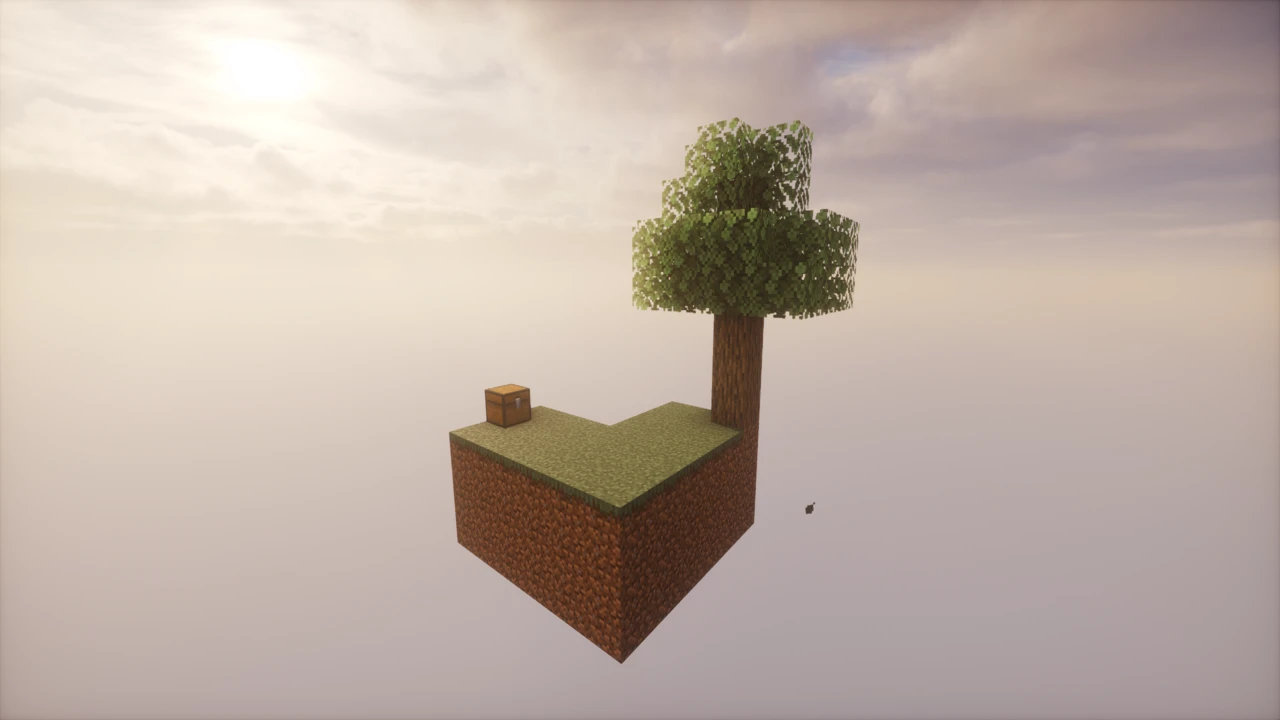
SkyBlock drops you onto a tiny floating island in an empty void with a single tree, a chest of oddments and nothing else. Everything you own is finite (one lava bucket, a little ice, a handful of seeds), so survival depends on turning those few items into renewable loops before you run out. It's the map that invented the floating-island survival genre, and its difficulty comes from resource management rather than combat.
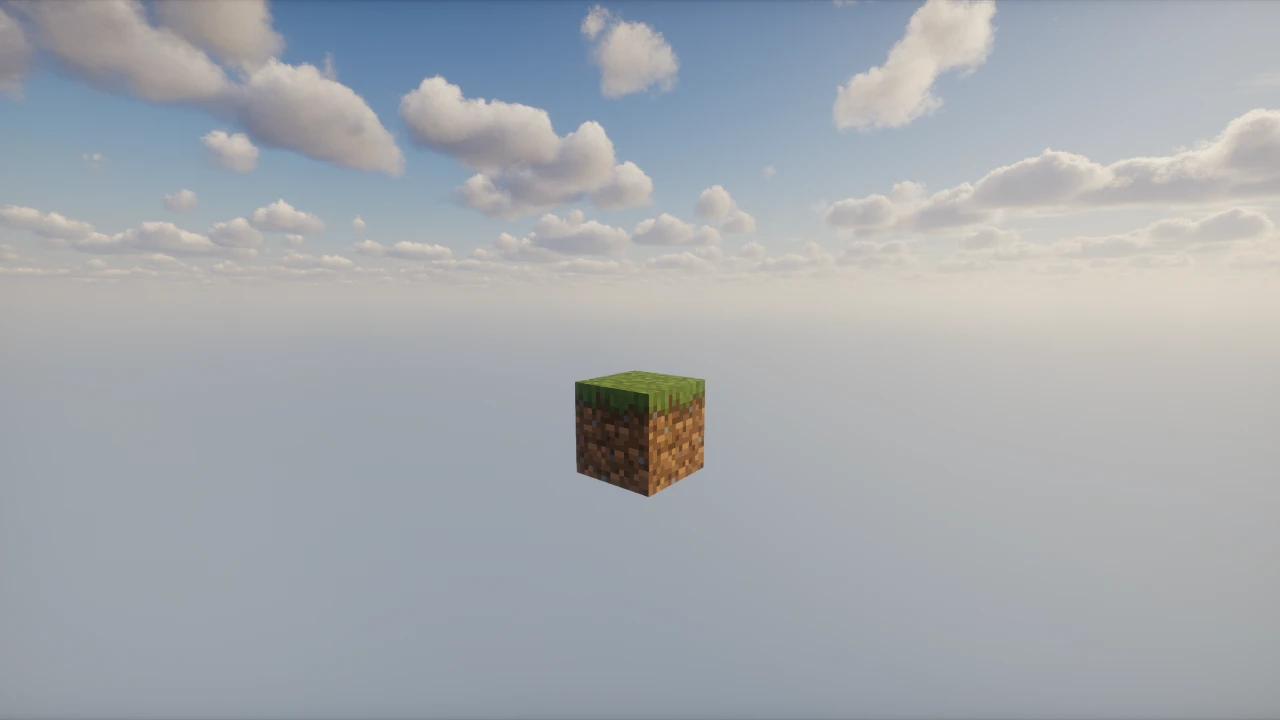
One Block is a Minecraft survival map that starts you on a single block floating in an empty void. Mine it and another block takes its place, endlessly. And what it produces changes as you progress, moving through themed phases that gradually hand you better materials, new mobs and rarer chests. Everything you ever build comes out of that one block, which turns the usual survival opening into a slow, deliberate climb from nothing.
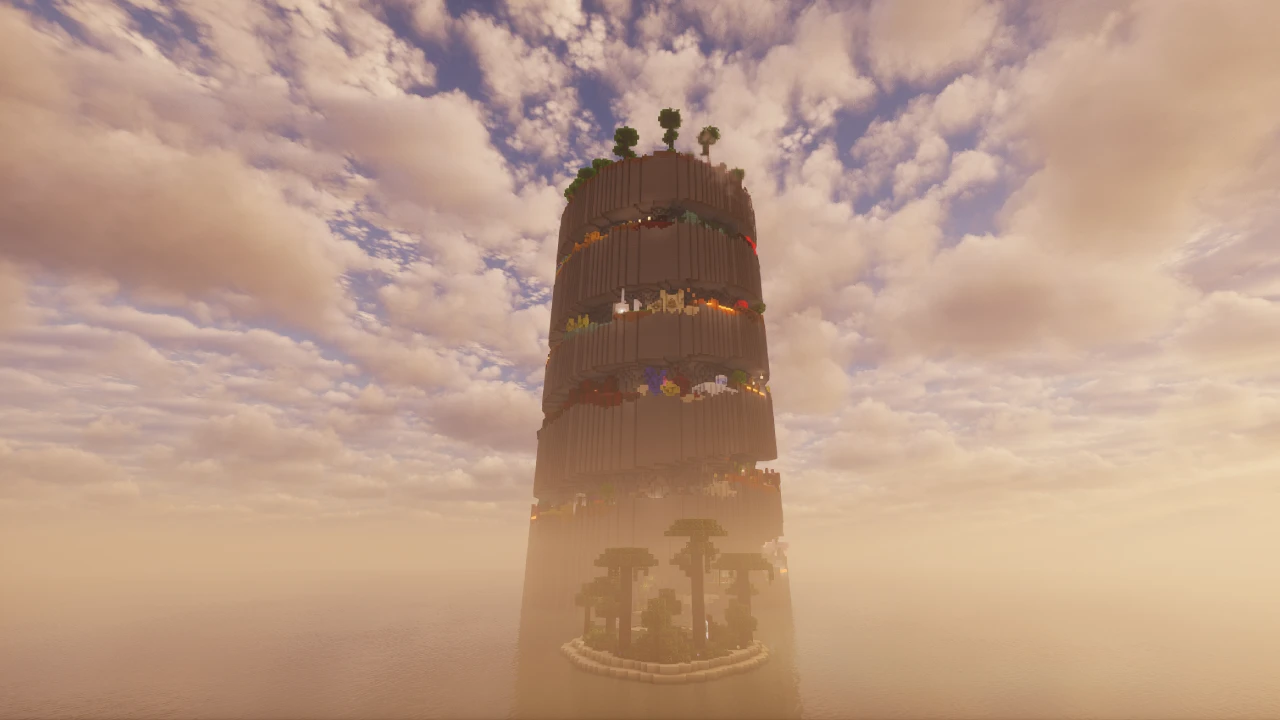
Parkour Spiral is a Minecraft parkour map built around a single enormous tower that you climb from the bottom to the top. Rather than running a flat course from one end to the other, you work your way upward through a spiral of themed levels, each with its own visual style and set of jumps. A built-in timer and rank system turn a completed run into a score, which is what keeps people coming back to it.