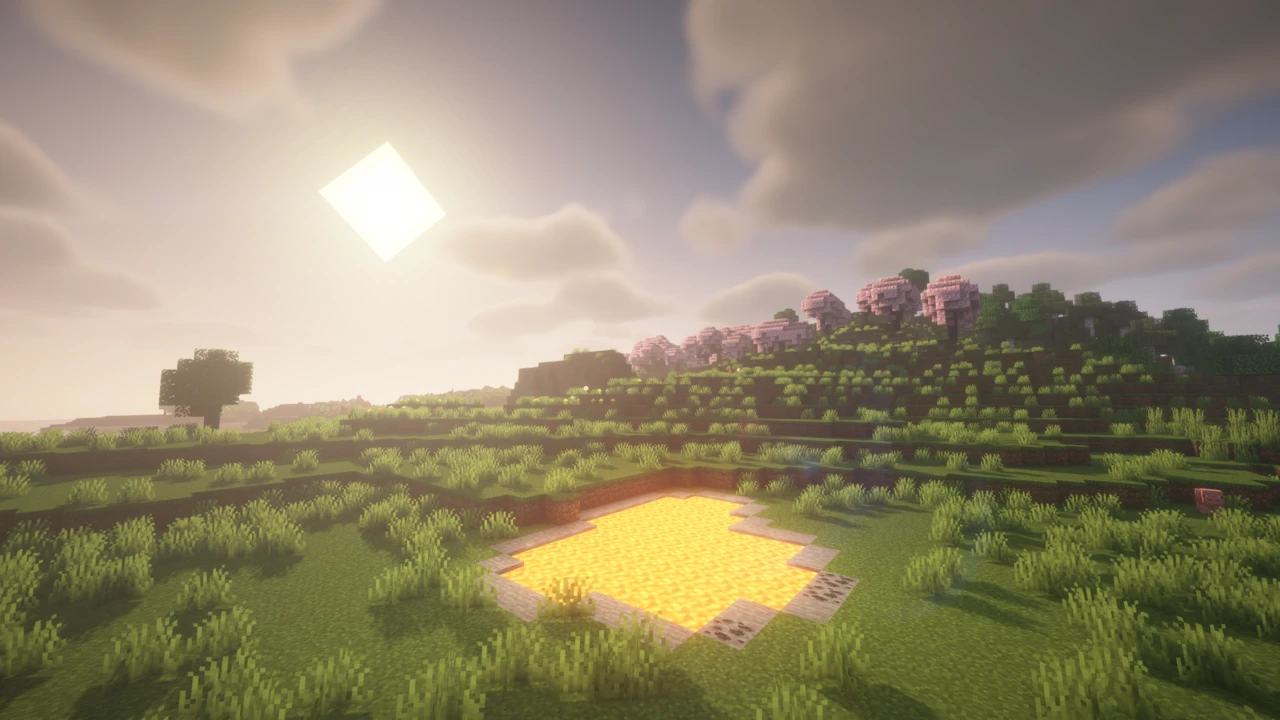
About AstraLex Shaders
AstraLex Shaders is a shader pack by LexBoosT, built as an edit of BSL Shaders with the permission of BSL's author, Capt Tatsu, and of EminGT, the author of Complementary. It keeps BSL's core (real-time shadows, volumetric light, ambient occlusion, bloom, water and clouds) and hangs an unusually long list of optional effects on top of it. The pack's own one-line pitch is that if you like effects, it was made for you, and the settings menu bears that out.
From LexShino to BSLex to AstraLex
LexBoosT's previous project was LexShino Shaders Remade. AstraLex began as a BSL edit carrying LexShino's options and modifications, first under the name BSLex. The author renamed it after that name caused confusion with the base shader. So the lighting, shadows and water behave broadly like BSL's, and most of what makes AstraLex different sits in menus BSL does not have. The caustics under water are credited to EminGT. The project has been on CurseForge since September 2020 and has passed 9.6 million downloads there, alongside about 5 million on Modrinth.
In practice that makes the choice simple. For BSL's look with a short menu and current releases, use BSL itself. AstraLex earns its place when you want the game to look like something else entirely: a cartoon, an old television, a sky full of planets.
Nine profiles, two kinds
The pack's profile selector holds nine entries. Low, Medium, High and Ultra are quality tiers: Low and Medium switch off ambient occlusion, light shafts, parallax, self-shadowing, refraction and the raindrops on screen, and High brings them back. The other five are looks rather than quality levels. LexBoosT is the author's own preset, built on Ultra with extras such as emissive flowers. Borderland + adds the outline style, Old TV and Old TV B&W switch on the CRT scanlines and screen border, and Playstation 1 is a retro preset named after that console.
One detail matters for slower machines. Motion blur stays on in every profile, Low included, so switching it off by hand is worthwhile whichever profile you start from.
The effects menu, sorted by what each effect is for
The author lists dozens of additions. Grouped by purpose, the notable ones are:
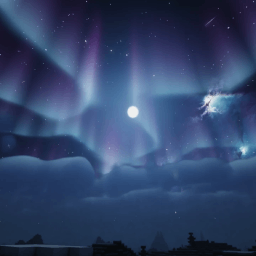
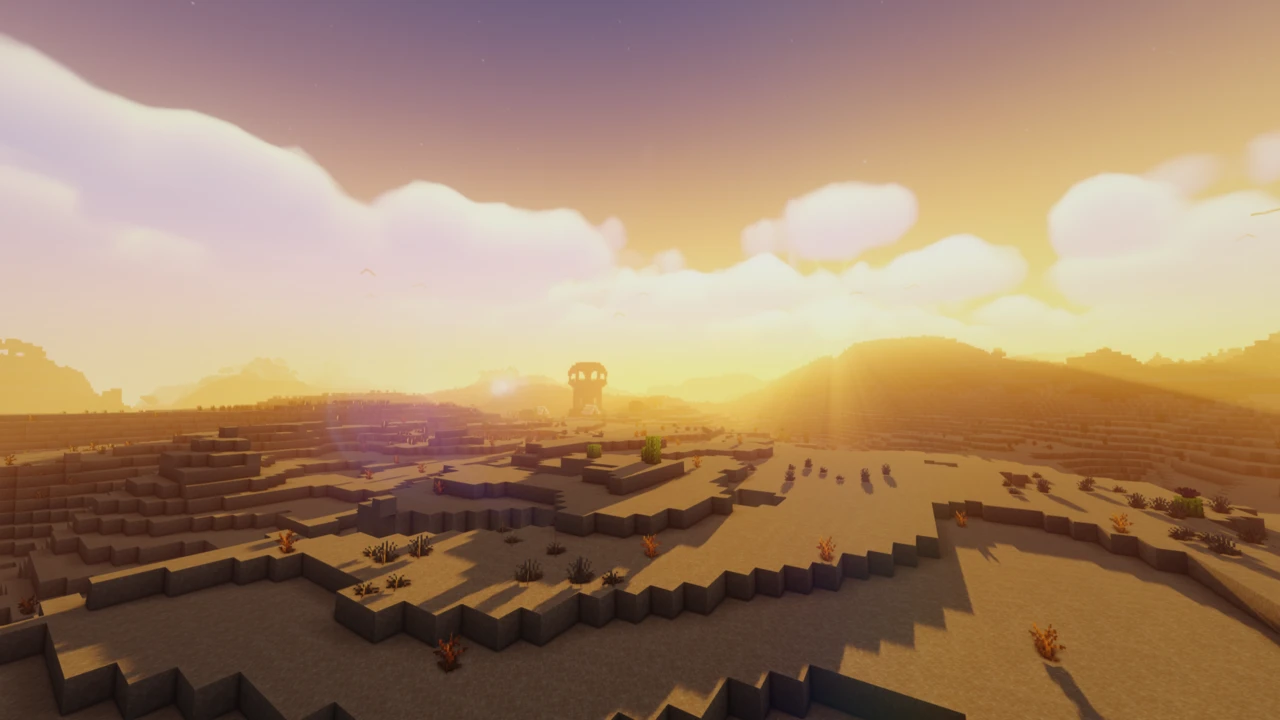
- Sky and atmosphere: constellations, shooting stars, a nebula, a planet or a Majora's Mask moon, a configurable rainbow, fast-moving clouds and dithering in the End, and an ambient tint that shifts with the time of day. Heat haze distorts the air in the Nether, badlands and deserts, with a slider for its strength.
- Camera and film: depth of field that can run together with a separate distance blur, chromatic aberration, several levels of motion blur (without dragging your hand along), two lens-flare modes, film grain, a heavy vignette, a cinema mode with tape distortion, and CRT scanlines with an optional screen border.
- Stylised looks: cel shading with an adjustable outline strength, a Breath of the Wild-style tonemap for the overworld, coloured eyes for spiders, endermen and the dragon, and a choice of six colours for the block selection outline.
- Practical helpers: Show Light Levels, which highlights dark areas with an adjustable opacity, a Flash Victim mode that makes mobs easier to see in the dark, an aiming reticle for bows, snowballs and tridents, and dynamic hand light.
- Just for fun: a Berserk mode that adds a red vignette (and optionally a red hand) while a weapon is equipped, a rage effect on swords, a hyper-speed effect and a magical glint on enchanted gear.
With this many switches, the pack rewards a slow first visit to the settings, turning effects on one at a time to see what each does.
Water, light and the other dimensions
Below the headline effects, AstraLex also reworks the basics BSL already had. Water gains a blur with its own strength setting, refraction, a Fresnel option and the caustics mentioned above. Lighting is slightly brighter than stock BSL, stars are brighter, and there is an HDR option and an ACES tonemap, with TAA or FXAA for anti-aliasing. The End gets fast-moving clouds, dithering and a redesigned portal, lightning renders properly with the shader on, and lens flare is switched off underwater.
Where the frame rate goes
No official performance figures exist for AstraLex, and results depend on your hardware, render distance and which effects are on. What the settings make clear is where the cost sits. Shadow quality offers an option labelled Quality Offsets, running from OFF through NORMAL and HIGH_QUALITY to EXTREME, and shadows are usually among the most expensive parts of a BSL-based pack. Depth of field has a blur quality choice between 60 and 119 offsets, and the higher setting uses nearly twice as many. Volumetric light, motion blur and screen-space effects such as refraction and raindrops all add work every frame.
If the pack runs slowly, lowering shadow quality and turning off depth of field and motion blur are the first steps, before touching the lighter cosmetic effects. Pairing Iris with Sodium keeps the rest of the game's rendering as cheap as possible.
A 2024 file, tagged up to 26.3
The newest AstraLex release on both Modrinth and CurseForge is V93.0, published on 16 June 2024. No file has been uploaded since. The author has kept marking that same file as compatible with each new Minecraft release, and it is now tagged for everything from 1.16.5 to 26.3. Shader packs are less tied to a Minecraft version than mods, so an old file can keep working on new releases, but the tags are the author's statement, not a new build.
Iris's issue tracker shows the practical side. In April 2025 a player on Minecraft 1.20.1 with Iris 1.7.6 reported AstraLex failing to load while other packs worked, and suspected a newer Iris would fix it. In May 2026 another player on 1.21.11 with Iris 1.10.7 listed AstraLex among the packs that rendered correctly for them. Keep Iris up to date, and if the pack fails to compile, try it on its own before blaming other mods.
Changelog and support
The changelog lives on the author's website rather than on the download pages, and discussion happens in an AstraLex thread on the shaderLABS Discord, a community server for shader developers and players. A problem that appears only with AstraLex belongs there. One that affects every shader pack is more likely an Iris or OptiFine issue.
Iris or OptiFine
AstraLex loads like any shader pack in Iris or OptiFine. Iris is the practical choice on current versions, because it pairs with Sodium and usually arrives soon after a new Minecraft version. OptiFine works too wherever an OptiFine build exists for your version. The shader's options menu is the same in both.
Terms of use
The agreement allows screenshots, videos and personal modification. It forbids redistributing the pack without permission, sharing download links other than the official CurseForge and Modrinth pages, renaming it or claiming its code, and using monetised link shorteners. Modpacks and servers need the author's permission to include it, and the author asks to be credited clearly, with a link to the official site where possible.
Like every shader pack, AstraLex runs inside a shader loader: Iris (usually with Sodium) or OptiFine. It is a ZIP file for the shaderpacks folder, not a mod for the mods folder.
How to Download AstraLex Shaders for Minecraft
Open the AstraLex Shaders Downloads section. There is a single row, V93.0, because one ZIP file serves every supported version on both Iris and OptiFine. Its Download button leads to the official file on Modrinth. Leave the ZIP packed when it arrives.
How to Install AstraLex Shaders in Minecraft
Set up a shader loader
For Iris, install Fabric or NeoForge and add Iris and Sodium, or use the Iris installer, which sets up a Fabric profile for you. OptiFine users need the OptiFine build that matches their Minecraft version (see OptiFine). Use one loader or the other, not both.
Add the pack
- Start Minecraft with your shader loader and open Options, then Video Settings, then Shader Packs (in OptiFine, Shaders).
- Click the button that opens the shader pack folder, and drop the AstraLex ZIP into it. The folder is
shaderpacks in your game directory.
- Select AstraLex in the list and apply it. The first load compiles the shaders and can take a moment.
Finding the settings
With AstraLex selected, the shader settings button opens its menus. Change one effect at a time, since several of them (cel shading, CRT, cinema mode) transform the whole screen and are easier to judge on their own.
If it does not load
- Nothing changes or the screen goes black: update Iris to the newest version for your Minecraft release (the shader pack itself can stay where it is), then check
logs/latest.log for shader compile errors.
- The pack is missing from the list: make sure the ZIP sits directly in
shaderpacks and was not extracted into a folder of folders.
- Wrong folder: a shader ZIP placed in
resourcepacks or mods is ignored. It only works from shaderpacks.
- Low frame rate: lower shadow quality and turn off depth of field and motion blur first.
The shader installation guide covers loaders in more detail, and shaders not working goes through the common failures.