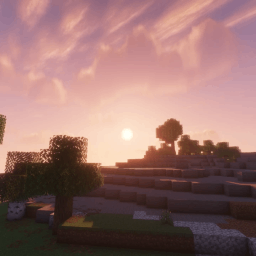
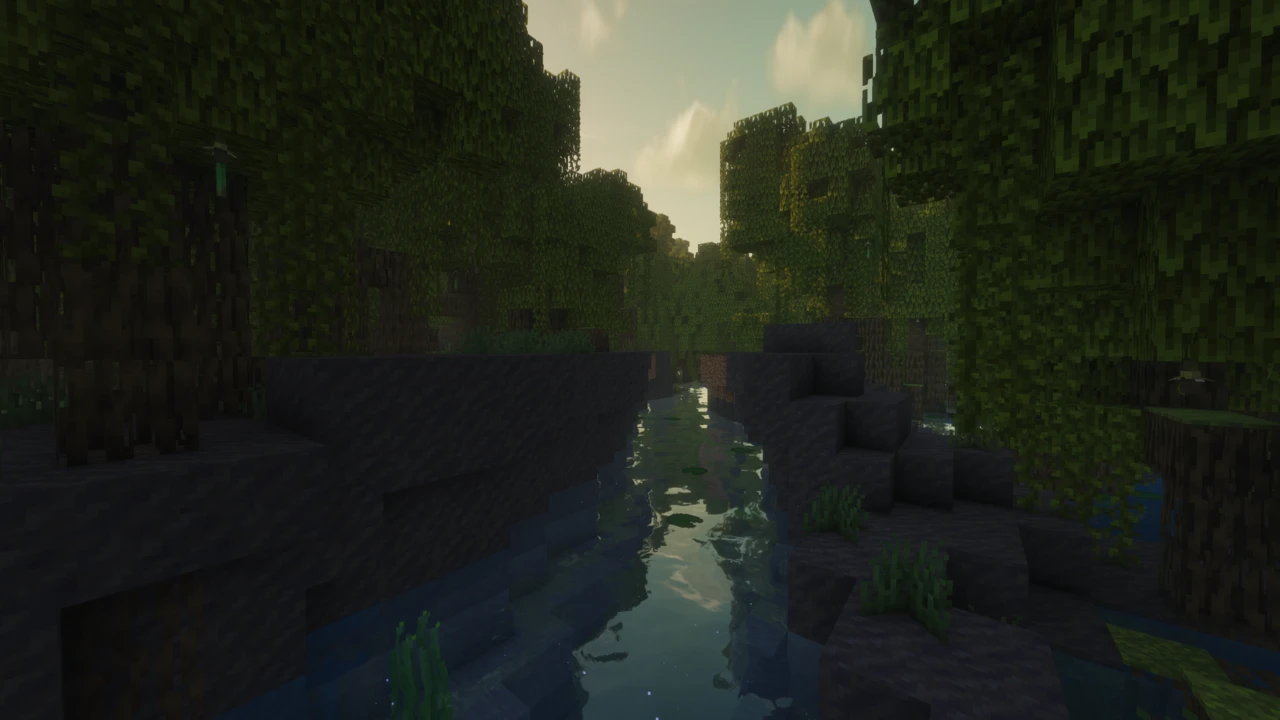
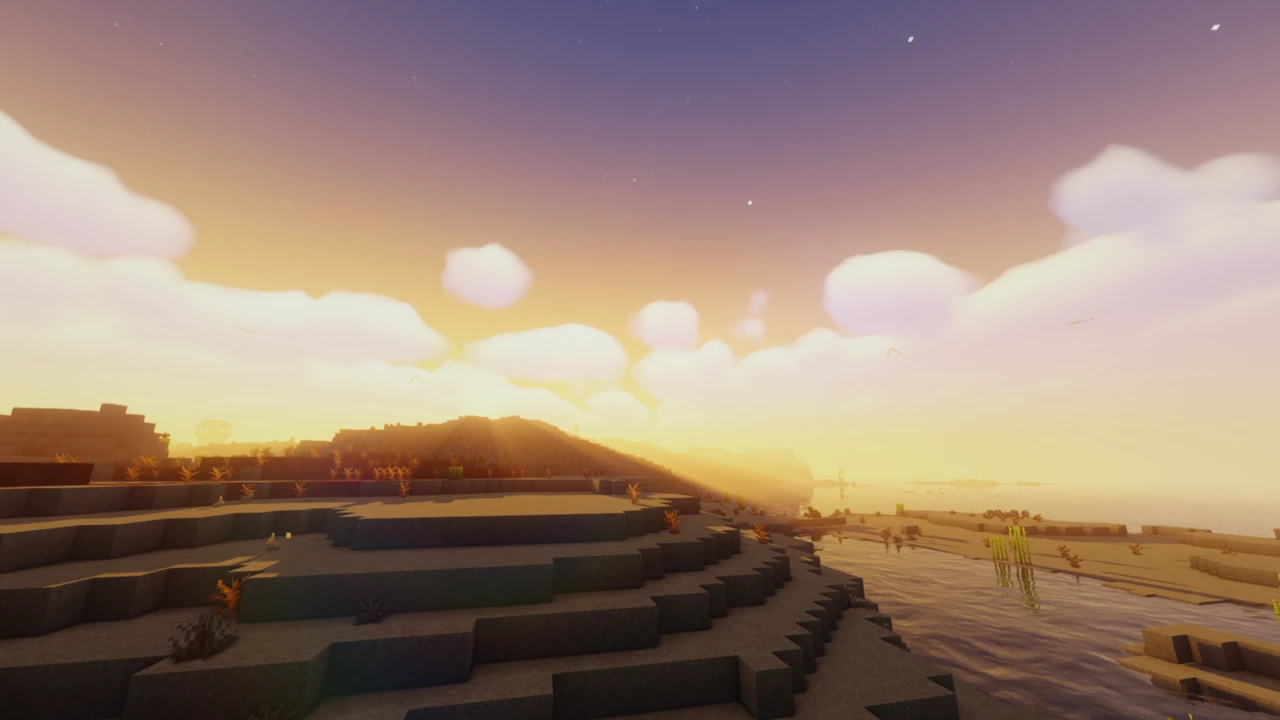
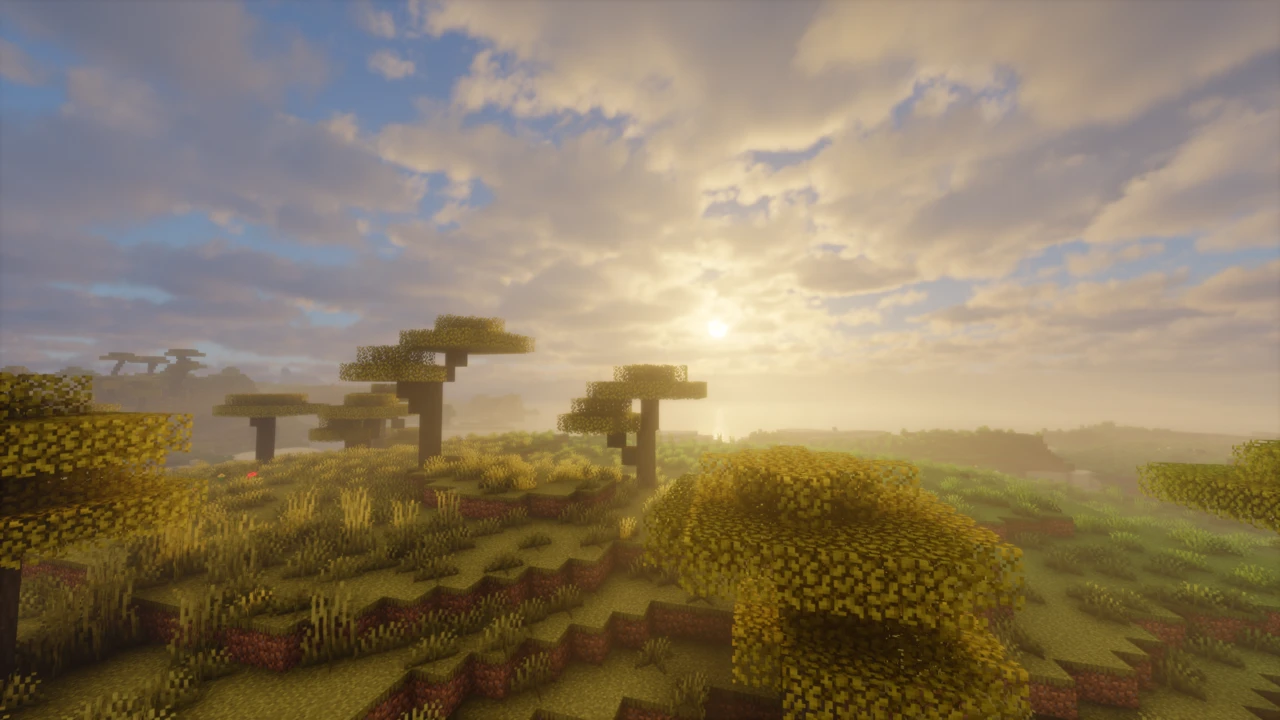
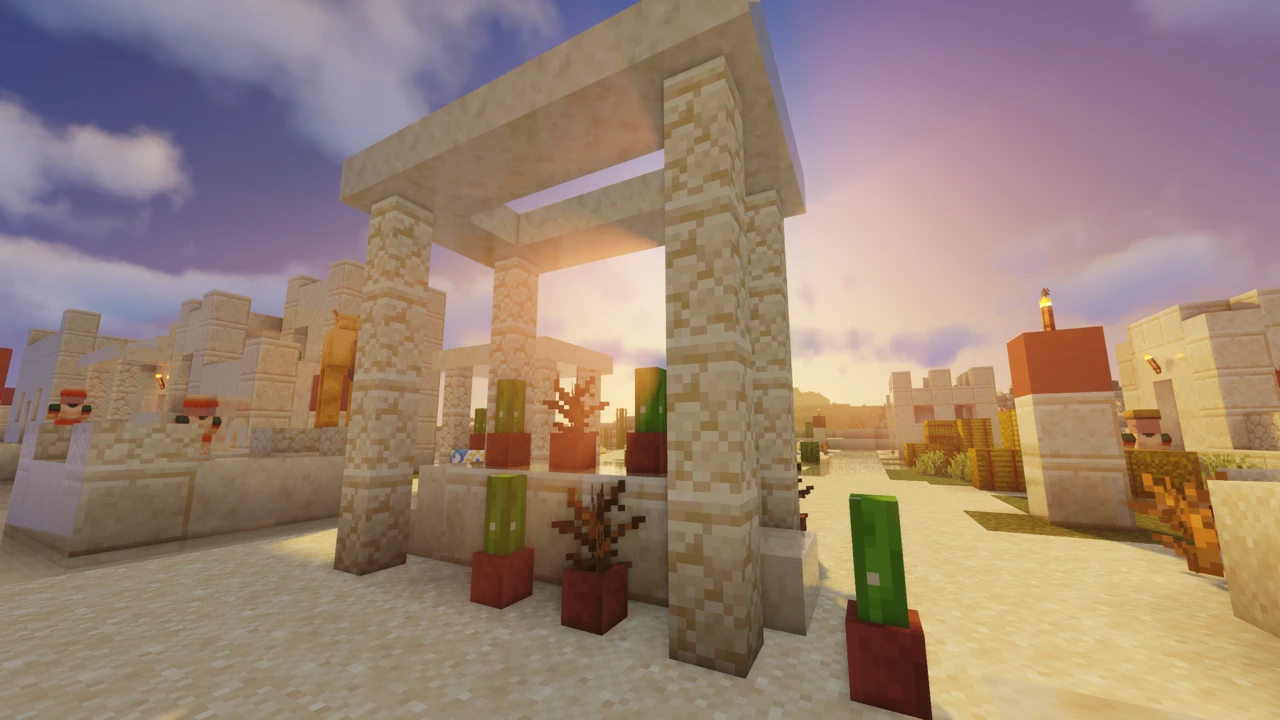
About Solas Shader
Solas Shader is a fantasy-styled shader pack for Minecraft: Java Edition by Septonious, built around colored block lighting, volumetric clouds and a detailed night sky. It runs on Iris or OptiFine, but the two do not get the same shader. Colored block light, the feature its own description leads with, exists only on Iris, and even there it switches itself off on certain systems.
Where the colored light comes from
Minecraft's own light levels carry brightness but no color, so a shader that wants colored light has to work it out itself. Solas builds a voxel copy of the blocks around you, marks the ones that emit light, and floods colored light outward through that volume, so lava and an amethyst cluster lighting the same cave wall tint it in two different colors. Septonious credits sixthsurge, the author of Photon, for the voxelization and light propagation approach.
That volume is stored in custom 3D images, a feature Iris offers to shader packs and OptiFine does not, which is why the project page states that colored block lighting is not supported on OptiFine. Without it, every light source shares one color, adjustable under Colors, then Vanilla Blocklight Color.
The shader also compiles the feature out entirely in three situations, visible in its own source: on macOS, on older Minecraft versions, and on Intel graphics under Windows. Light Fog, which lets light sources glow through fog, depends on the same volume and disappears with it. If torches and lanterns all light the same shade on your machine, one of those is the likely reason, not a broken install.
Three settings under Lighting shape the effect. Voxel Volume Size sets how far around you colored light is calculated, and its own tooltip warns that higher values greatly reduce performance. Colored Lighting Radius controls how far each light spreads, and Colored Lighting Brightness scales the result. The individual colors of torches, soul fire, copper torches, amethyst, froglights and more than a dozen other sources can be retuned under Colors, then Multicolored Blocklight Color.
Iris and OptiFine are not equal here
Septonious lists Iris as the preferred loader, and the source shows why beyond colored light. Terrain lit up by a nearby lightning strike and glowing armor trims are compiled only for Iris. On OptiFine, the author notes, custom skies supplied by resource packs are not supported either.
OptiFine still has a role. Solas is tagged back to older Minecraft versions that Iris never supported, and on those OptiFine is the only way to run it. On anything recent, Iris, installed with Sodium, is the better choice.
A sky that changes from night to night
The aurora is driven by a simulated geomagnetic index, the same Kp scale used to forecast real auroras, calculated from the world's day counter. On some nights it is bright and spread across the sky, on others faint, and on some it does not appear at all. Snowy biomes add three points to the index, so that is where it shows most often and most strongly. It only appears at night, and fades out in rain and underground. Constant Visibility in the aurora settings pins the index high every night.
Clouds follow the same idea when Dynamic Weather is on: their amount, height, thickness and density shift from one in-game day to the next. Biome feeds into the atmosphere as well. Deserts, swamps, jungles, cherry groves and mushroom fields each tint the daytime sky, fog and clouds; lush caves and the deep dark give cave fog its own color; and lush caves, deserts, swamps, jungles and the pale garden all thicken the fog.
The other dimensions get their own treatment. The Nether fills with drifting smoke, while volumetric light and lens flare are switched off there. The End has a nebula, a black hole with gravitational lensing, occasional flashes and a vast rotating disk of cosmic cloud around the central island, which Solas calls the Ender protoplanetary disk.
Profiles, and the settings worth changing
Solas ships four profiles, and a fresh install starts at the equivalent of High. Each step adds something specific:
- Low: flat water and planar clouds, with no volumetric light, bloom, refraction, aurora, Light Fog, Nether smoke or End disk; a 1024 shadow map reaching 128 blocks.
- Medium: adds water waves, refraction, bloom, volumetric light and colored shadows.
- High: adds volumetric clouds, Light Fog, the aurora, generated normals and reflections, Nether smoke and the End disk; a 2048 shadow map reaching 192 blocks.
- Ultra: a 4096 shadow map reaching 512 blocks, entity shadows, a larger colored-light volume and cloudy noise in the Light Fog.
Outside the profiles, Shadow Distance, Shadow Resolution and Voxel Volume Size carry the most weight. Septonious has also called PBR one of the most demanding features in Solas and keeps the integrated PBR options tied to the profiles for that reason, so switching them off shows your profile as Custom. There is no official benchmark, and a frame rate measured on someone else's machine says little about yours. The reliable method is to start on the default and step down one profile at a time.
Built-in PBR, and bringing your own
With no resource pack at all, Solas generates its own material effects: reflective surfaces, surface detail and glowing blocks. That includes ores. Diamond, emerald, lapis and redstone ore glow by default, while copper, gold and iron have toggles that start off, all under PBR Config, then Integrated PBR, then Emissives Config.
For a labPBR or older SEUS-format pack, the switch is Advanced Materials under PBR Config, then Material, with Material Format set to match the pack. The project page still calls this option "PBR Resourcepack", which is not the label in the current menu. The in-game tooltip for Generated Specular also warns against using it with an external PBR pack. Septonious acknowledged in mid-2026 that metals can render pure black with some PBR packs. A PBR rework followed in the next release, yet reports continued after it, so third-party PBR packs remain the least predictable part of Solas.
Distant Horizons, Voxy and Create
Solas has dedicated programs for Distant Horizons and Voxy, the two level-of-detail mods, so far terrain is shaded by the pack too. Colored lighting does not reach those distant chunks under either mod. Real shadows stop at Shadow Distance, and the Screen Space Shadows option takes over beyond that line, which its tooltip describes as very useful with both mods. The official site also lists Colorwheel, the mod that lets the Flywheel renderer behind Create's moving parts work with Iris shaders. Septonious shipped a Colorwheel fix in mid-2026 after reports that it had broken.
Two official sources
Every Solas archive contains a short notice from Septonious: the pack has two official download sources, CurseForge and Modrinth, and finding that notice inside any other shader pack means the code was taken from Solas. Sites offering their own "Solas Shaders" download are neither of those.