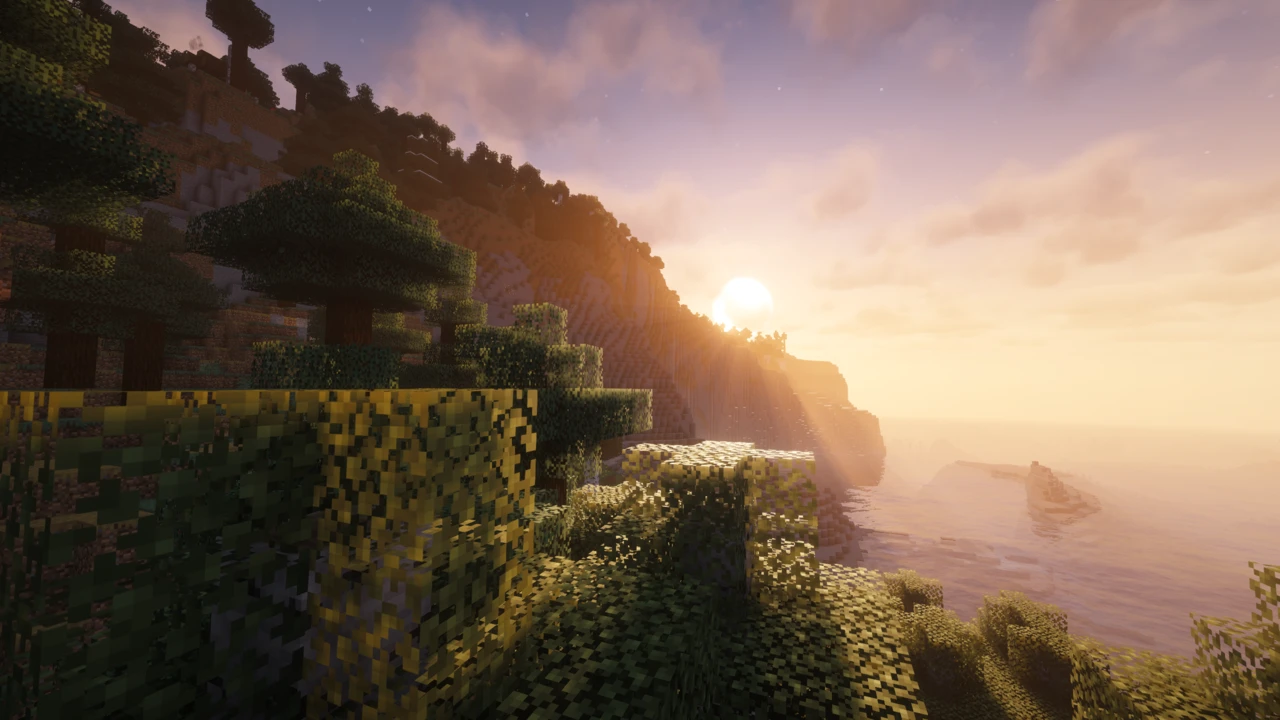
About Mellow Shaders
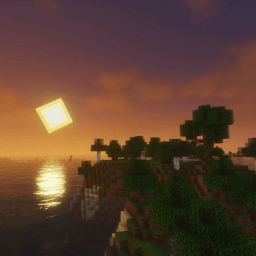
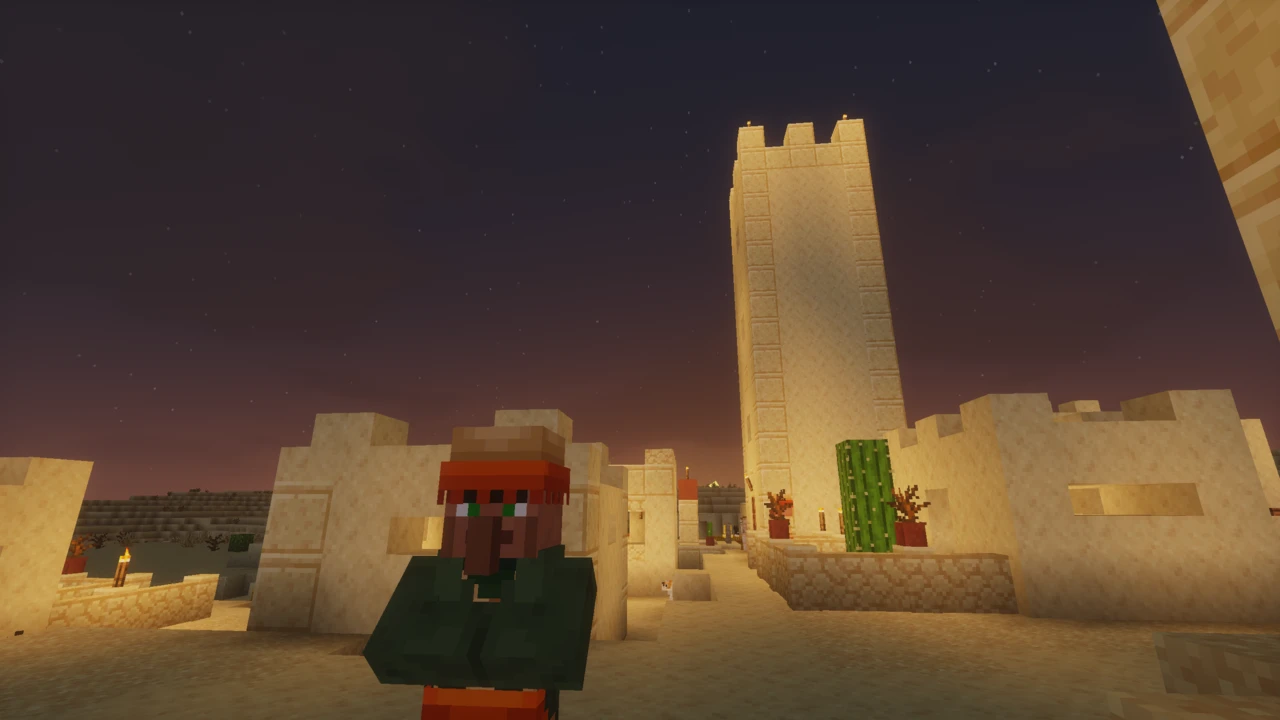
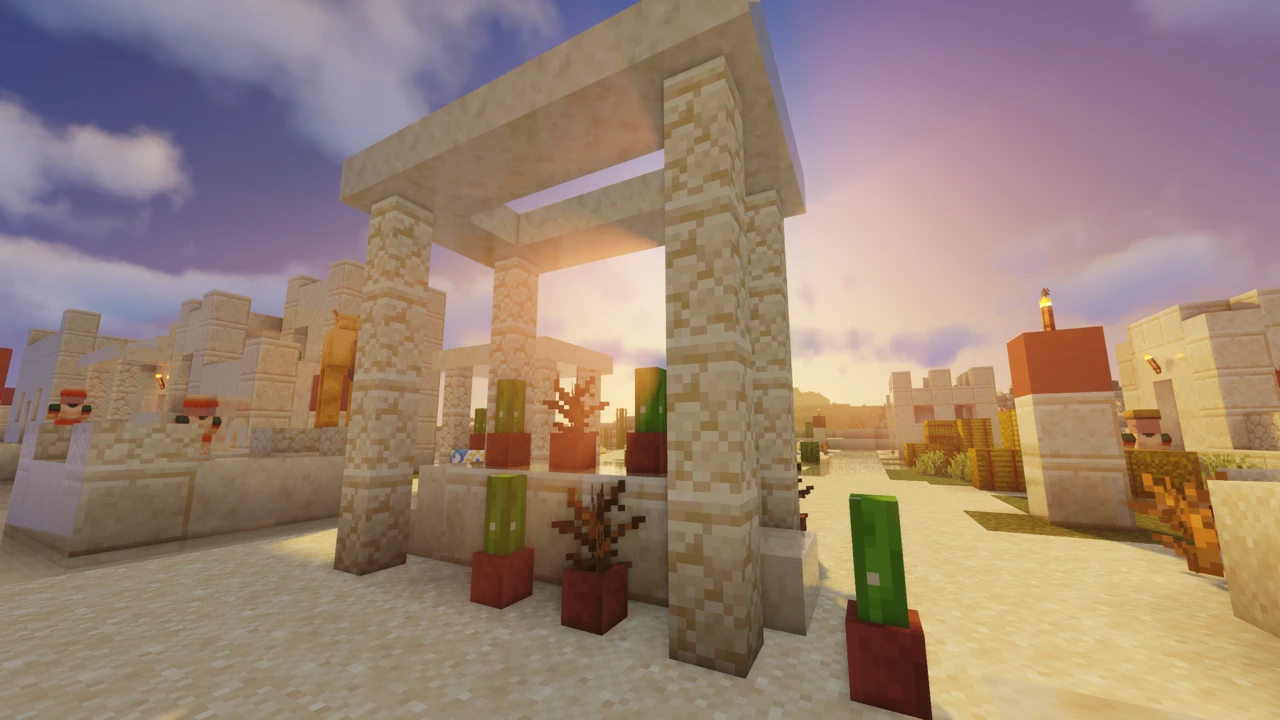
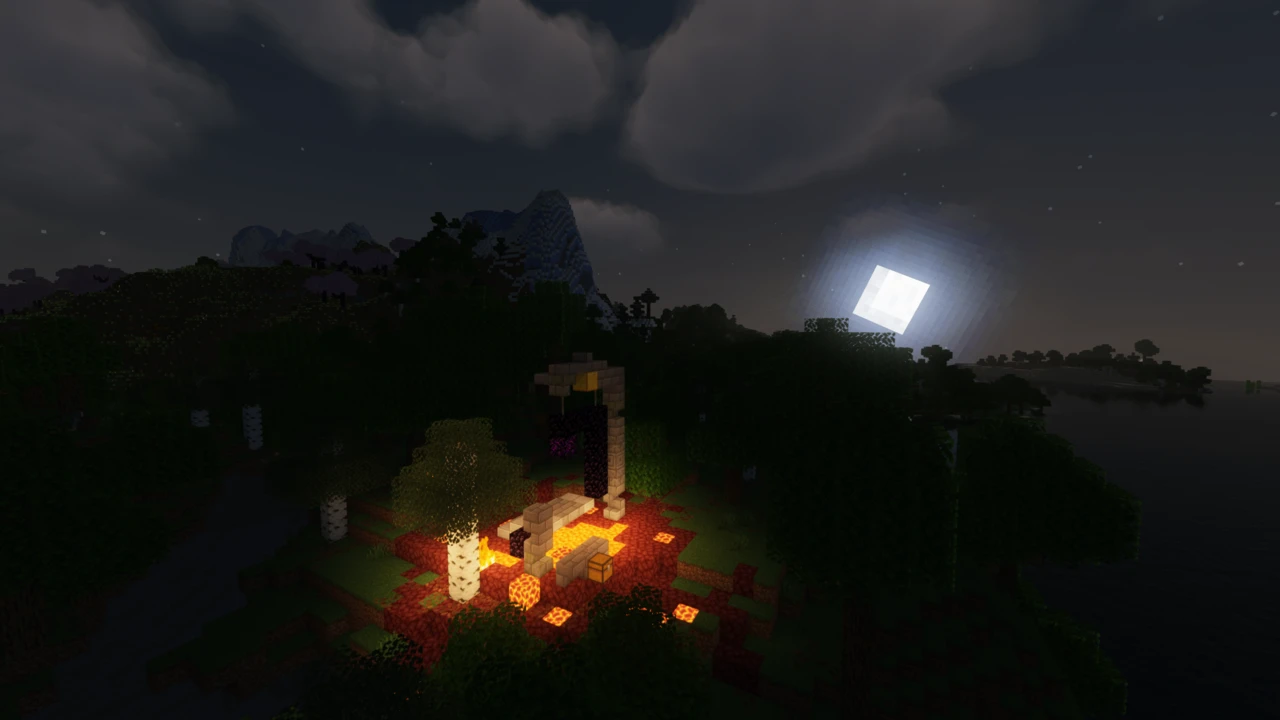
Mellow is built on the assumption that you are going to leave it switched on. TheCMK publishes this Minecraft: Java Edition pack as a shaderpack "with a painterly aesthetic made for people who want to actually play the game" (it is listed simply as Mellow, though most people search for it as Mellow Shaders), and the design follows from that sentence. Colour, fog and sky get the attention. Visibility stays close to vanilla, so you can still read a cave wall or pick out a creeper at dusk.
That makes it an awkward fit for the usual shader comparison, which is mostly an argument about water reflections. What actually separates Mellow from the packs it sits next to is how much it leaves switched off. The current release, 3.3, ships three profiles, and not one of them enables everything the pack can do.
Fast, Fancy and Fabulous are not a quality slider
Most shader packs number their presets so that higher means more. Mellow's three are closer to three different rendering approaches, and the pack's own configuration file makes that explicit:
- Fast switches off bloom, water normals, reflections, godrays, ambient occlusion, anti-aliasing and image sharpening, and drops clouds back to the vanilla style. What is left is shadows, the fog system and the colour grading, which is to say, the part of Mellow that gives it its look.
- Fancy turns bloom, water normals and flat clouds back on and enables reflections, but leaves anti-aliasing, godrays and ambient occlusion off. It is a smaller step up than the name suggests.
- Fabulous adds godrays, ambient occlusion, SMAA, temporal denoising and image sharpening, and, less obviously, changes the way reflections are drawn rather than simply keeping Fancy's.
The interesting part is the reflections. Fancy and Fabulous both enable them, but they do not use the same technique: Mellow's reflection setting is a list of methods rather than a quality level, running Off, Sky Only, Raytraced and Flipped Image. Fancy uses Flipped Image, the cheap mirrored trick. Fabulous uses the screen-space Raytraced option. So moving from Fancy to Fabulous is not simply turning the same effect up: it swaps in a more expensive one, which is a large part of why the two profiles perform differently.
Worth knowing before you go hunting: volumetric clouds are not enabled by any of the three. They are an option you turn on deliberately, and they cost accordingly.
The settings that change the look most
Mellow's options screen is split into the usual categories, but two controls sit at the top level because they matter more than the rest.
Color Scheme is the one to reach for first if the pack looks too saturated. It ships with five: Default, Vanilla, Choc v7, Visually Vibrant and Winter. Vanilla is the honest answer to "this is too much", and Visually Vibrant is the opposite request. Underneath it there are separate saturation, exposure and colour-balance controls, plus per-time-of-day tinting, so the pack is unusually tunable for something this light.
Cloud Style offers Vanilla, Flat, Volumetric and Blocky, with Blocky added in 3.3. Flat is what Fancy and Fabulous use.
One tip that comes from the pack itself rather than from testing: the Reflections option carries a warning telling you to enable temporal anti-aliasing to greatly improve how reflections look. Fabulous already does this quietly: its anti-aliasing is set to denoise-only mode, which exists to clean up the raytraced reflections rather than to smooth edges. If you switch reflections to Raytraced while on Fancy, expect a noisy result until you turn temporal anti-aliasing on as well.
Iris, OptiFine and which Minecraft versions actually work
Nothing here loads itself. A shader pack is a set of replacement rendering programs, and something has to hand them to the game. TheCMK asks for Iris specifically, and for a recent build: the stated requirement is any Iris version that supports custom uniforms, which in practice means keep Iris current. OptiFine is supported too, but the project's own compatibility note is more guarded: it says OptiFine has some small bugs and should "also mostly work". If you have a choice, that sentence is the choice being made for you.
Sodium is not a Mellow requirement and never appears in its compatibility notes. It is present in most Mellow setups regardless, since Iris is usually installed together with it. OptiFine users do not use Sodium at all.
On versions, the official file tags are extremely wide: release 3.3 covers everything from 1.8 up to 26.2. Read that alongside the project's own compatibility note, which says only 1.17 and above are being tested and that earlier versions may or may not work. Both statements are the author's. The practical reading is that one download covers your game whatever version you are on, and that anything below 1.17 is untested rather than promised. There is no Bedrock version, and none is possible: Bedrock has no Iris and no OptiFine.
Distant Horizons, Voxy and mod compatibility
Mellow lists broad mod compatibility as a headline feature and names Distant Horizons, Voxy and Colorwheel. Distant Horizons gets far enough that it has its own page in the shader's settings screen.
Treat this as a moving target rather than a settled fact. Distant Horizons and Voxy fixes appear repeatedly across Mellow's release history, which tells you both that the author actively supports them and that the combination breaks when either side moves. Keep the shader and the mod on current versions and check the changelog before assuming a rendering fault is Mellow's.
Forks, edits, and what the MIT licence allows
Mellow is MIT-licensed, and the result is visible on Modrinth: alongside the original there are several separate projects built from it, including Mellow Edited, Tricked Shaders, Velocity, GlamorousSP and Marigold. Some rebalance performance, some change the colour treatment. They are not Mellow releases and they do not track its updates: a fork built on an older base will not have the 3.x additions such as dynamic shadows or PBR resource-pack support.
Telling them apart is easy enough: TheCMK's own downloads carry a plain version number and come from Modrinth, CurseForge or the Codeberg repository. Anything else is somebody's edit, legitimate under MIT, and reasonable to prefer, but worth identifying before you report a bug or compare frame rates. That same licence is what lets modpacks bundle Mellow, provided the licence and copyright notice travel with it.
When Mellow looks wrong or refuses to load
- Everything looks broken after an update. Configurations from before version 2.0 are not compatible with anything after it, and the author's release notes say to reset your shader settings when updating across that line. Do that before diagnosing anything else.
- It will not load, or ambient occlusion renders incorrectly, on one particular GPU. Several such faults existed on AMD and NVIDIA hardware across the 1.5.x and 2.0 releases and were fixed shortly afterwards. If you are on an old build, update before investigating further.
- Your hardware is not on the supported list. The project covers modern NVIDIA, AMD and Intel GPUs on Windows and Linux. Apple hardware is left explicitly uncertain by the author, so treat a Mac as unsupported rather than as broken.
Where Mellow sits next to the better-known packs
These are design goals, not benchmark results, and nobody should choose a shader pack on someone else's frame rate. Complementary and BSL aim at stronger, more cinematic lighting. They are the packs to reach for when the screenshot is the point. Sildur's Vibrant is the closer comparison, since it also scales down aggressively, but it splits that scaling across separate downloads while Mellow keeps one file and switches profiles in-game.
Pick Mellow if you want the atmosphere without losing vanilla's readability, and if the shader is going to stay on while you mine and build rather than only when you take the screenshot.