About Photon Shaders
Photon Shaders is a Minecraft: Java Edition shader pack by sixthsurge, and its own one-line summary ("a gameplay-focused shader pack with a semi-realistic style") is doing more work than it looks. Semi-realistic, not photorealistic. Gameplay-focused, not screenshot-focused. Both halves are deliberate.
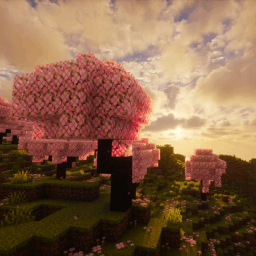
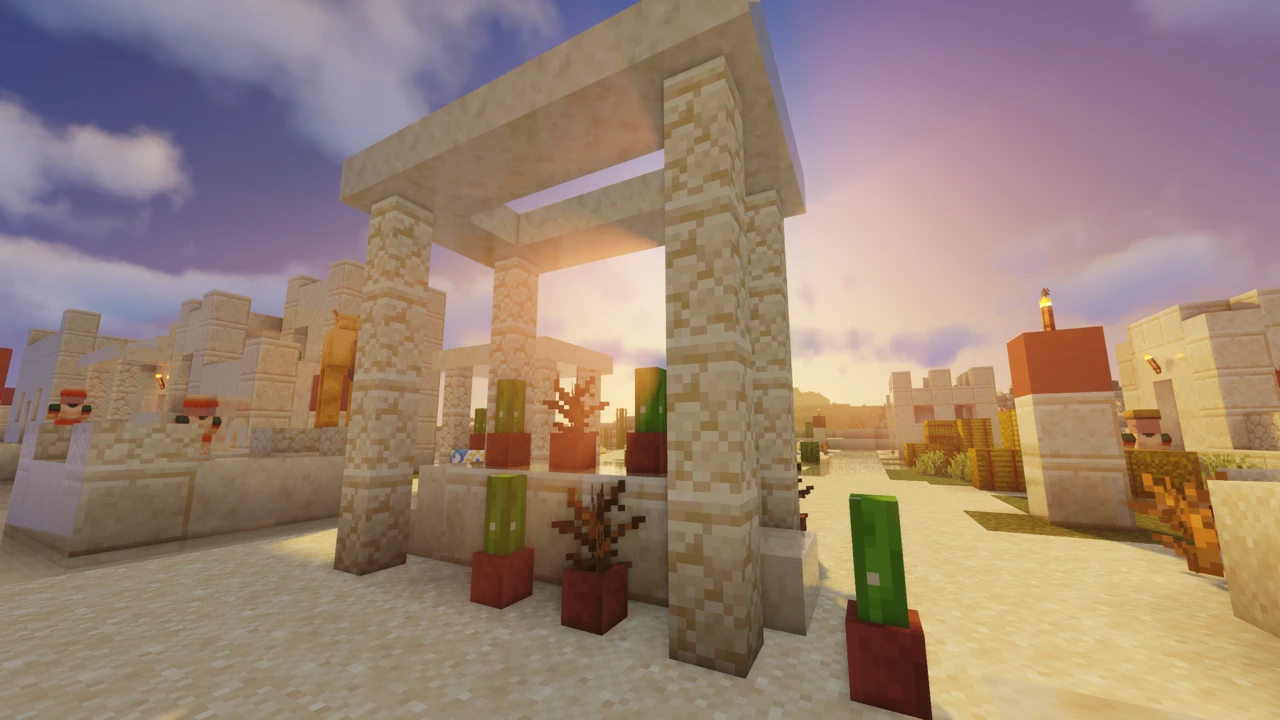
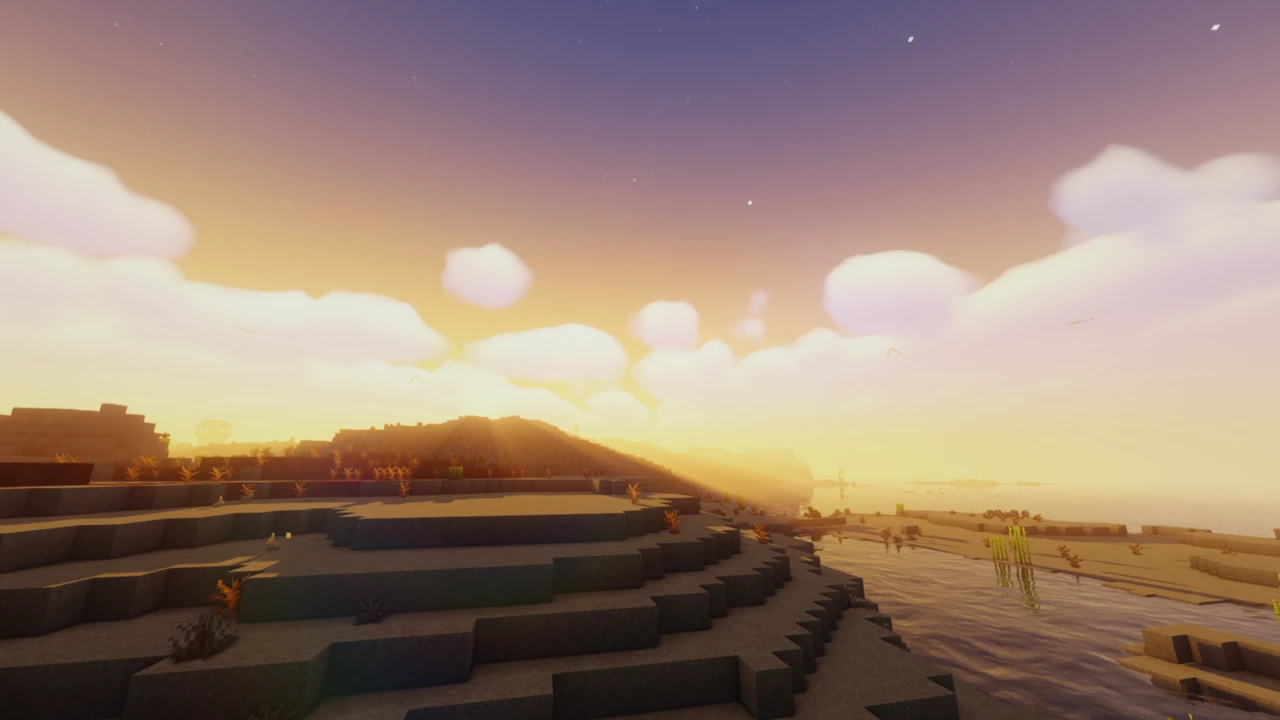
What you notice after a few in-game days is that the sky refuses to settle. Photon runs a weather system that varies by biome and drives clouds, fog, plant movement and light shafts together, so an overcast morning in a swamp does not look like an overcast morning over plains. That variability is the pack's signature, and it is the part a screenshot cannot show you.
The weather system is what makes it feel different
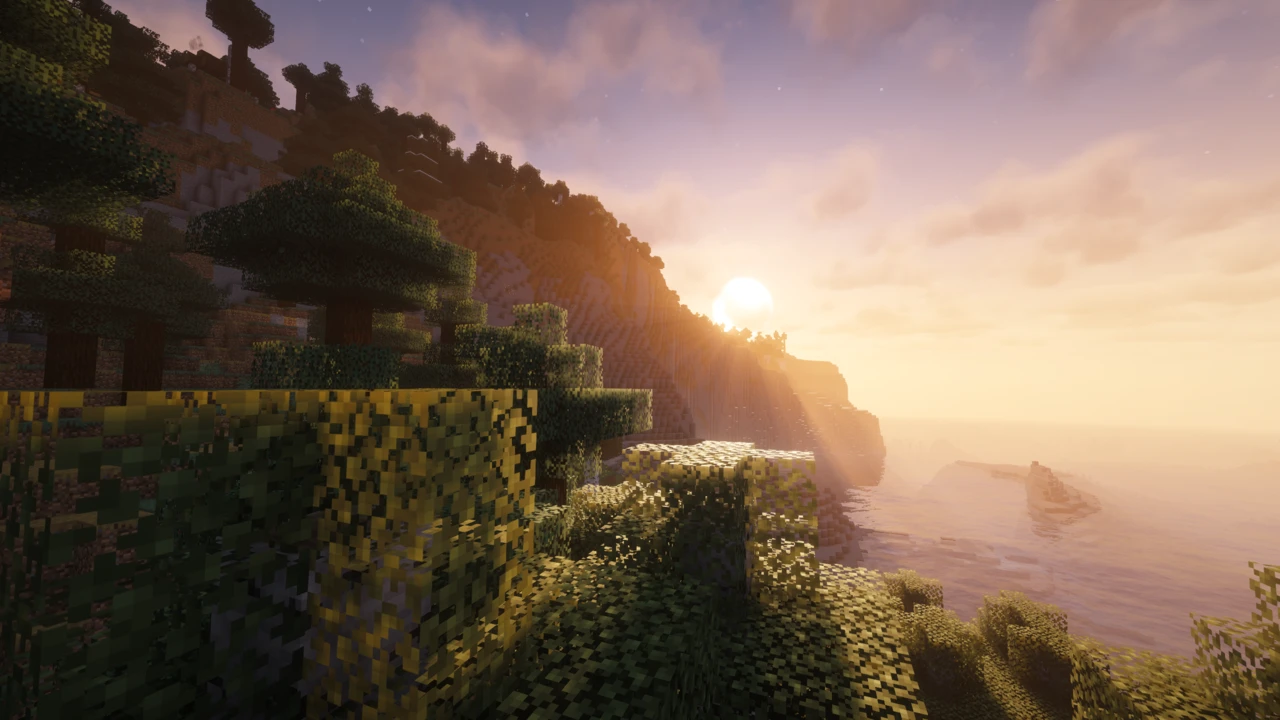
Most shader packs give you a nicer sky. Photon gives you a sky that changes its mind. The v1.2 release rebuilt the atmosphere around weather that responds to the biome you are standing in, and it is wired into more than the clouds: fog density, the way vegetation moves, and whether crepuscular rays break through all follow the same system.
The clouds themselves are layered rather than a single sheet, with distinct types: towering cumulus congestus on a building storm, flat altostratus sheets on a grey day. Rain was reworked in the same release, lightning now flashes across the sky rather than just striking, and rainbows appear in the right conditions. At night there is an optional Milky Way, drawn from NASA imagery.
Colored lighting is gated twice, and people miss the second gate
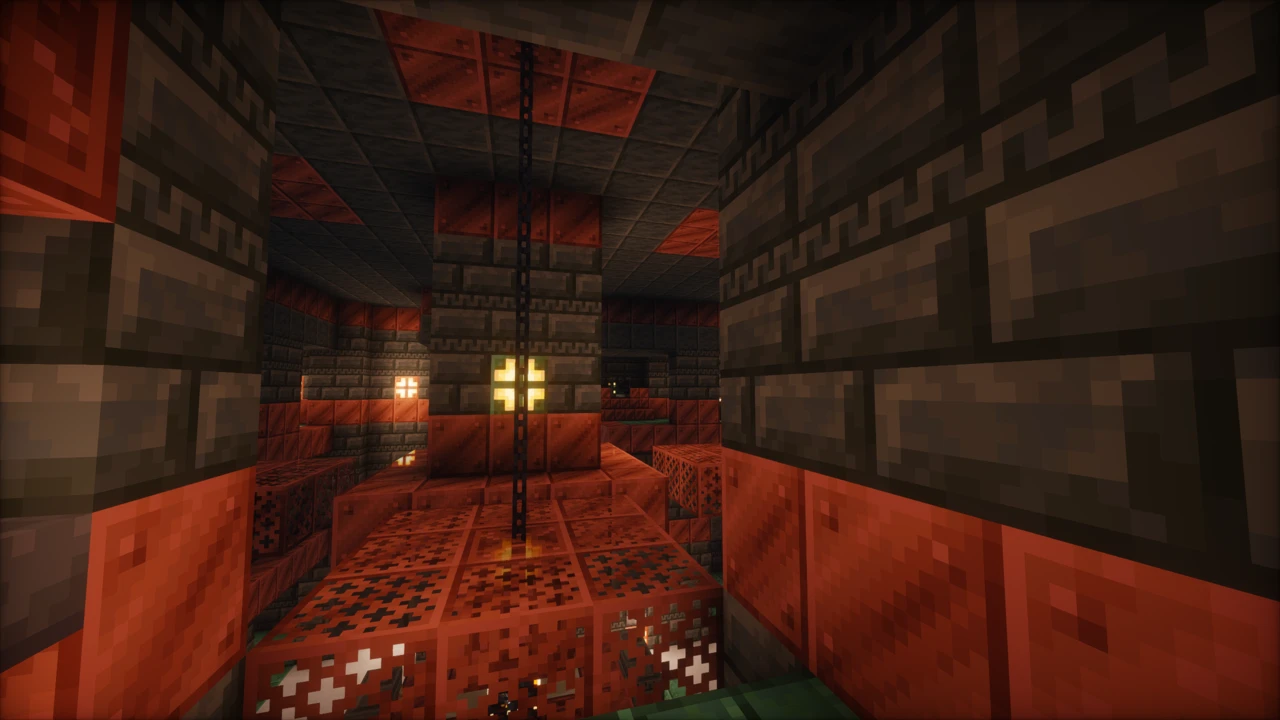
Photon's headline lighting feature is voxel-based colored lighting. The shader builds a rough voxel map of nearby light sources, so light carries the colour of whatever emitted it (a redstone torch throws red into the corridor around it, a soul lantern throws blue-green), and that colour spills onto neighbouring blocks and scatters into fog. Solas credits sixthsurge for the voxel approach behind its own colored lighting.
It has two requirements, and missing either one silently gives you nothing. First, it needs Iris: OptiFine cannot run it, and the project is explicit about that. Second, it only switches on with the Ultra profile. Selecting Ultra on OptiFine will not produce it, and running Iris on High will not either. That double gate is behind most of the "colored lighting isn't working" confusion.
OptiFine is otherwise properly supported, on Minecraft 1.16.5 and above, and the pack still looks like itself without colored lighting. sixthsurge recommends Iris anyway, citing performance and mod compatibility. Version 1.5 is the stated minimum.
What the four profiles actually change
Low, Medium, High and Ultra are not four points on a sharpness slider. Reading the pack's configuration file, each one is a set of rendering features being switched on and off:
- Low runs basic filtered shadows at a 1024 shadow map and turns almost everything else off: no volumetric lighting, no ambient occlusion, no reflections, no entity shadows.
- Medium raises the shadow map to 2048 and adds variable-penumbra shadows and volumetric lighting.
- High brings in colored shadows, entity shadows, environment reflections, GTAO ambient occlusion, water parallax and screen-space ray-traced shadows.
- Ultra adds block entity shadows, water caustics, colored light shafts through fog, and colored lighting.
The detail worth knowing is that the shadow map resolution moves once, between Low and Medium, and then stays at 2048 for High and Ultra. Above Medium you are not buying sharper shadows, you are adding rendering passes. So when High costs too much, dropping to Medium is the blunt option, and it takes ambient occlusion and reflections with it. Switching off two or three features individually usually gets you to the same place.
Supported Minecraft versions, and the 26.2 gap
The current release is v1.3b, published on 14 April 2026, and it is tagged for Minecraft 1.16.5 through 26.1.2 on both loaders. Read that range carefully: 26.2 is not on it, and the project has not been updated since April.
That matters less than it would for a mod, and sixthsurge answers it directly in the project FAQ: shader packs are not very dependent on Minecraft versions, and as long as Iris is available, Photon should generally work. It is a fair description of how these packs behave, since the pack talks to the loader and the loader absorbs most of what changes between game versions.
It is still not the same as support. On 26.2 you are running an untagged combination with no version-matched build to fall back on, and a rendering fault you hit there is not a bug anyone has committed to fixing. If you want a pack that formally lists your Minecraft version, check the range before downloading. If you are comfortable testing, it is a reasonable thing to try.
Distant Horizons, Voxy and PBR resource packs
Photon names three mods it has done specific work for: Distant Horizons, Voxy and Photonics. Voxy support arrived in v1.3, alongside screen-space shadows and subsurface scattering for distant terrain, the work extended view distances need. Photonics is a voxel raytracing extension for Iris that counts Photon among the packs it supports.
Treat the two LOD mods as a combination to keep current rather than a guarantee. Shader-side integration existing does not mean every pairing of Distant Horizons, Iris and Photon behaves, and that trio has moved a great deal.
Material support is more clear-cut. Photon reads labPBR fully, which is the format most Minecraft PBR resource packs ship in. Install one and the shader picks up its normal and specular maps for surface detail, metal and reflectance behaviour, parallax occlusion mapping and emissive blocks. Without a labPBR pack installed, those options do nothing at all, so leave parallax and specular mapping off unless you actually have one.
What to turn down when frames drop
There are no official benchmarks for Photon and no published hardware requirements, so treat this as an order of operations rather than a promise.
- Motion blur and depth of field first. They cost frames and actively hurt clarity during gameplay, which makes them the easiest thing to lose.
- Shadow distance, then shadow map resolution. Cheaper to adjust than removing a lighting system outright.
- Colored lighting and colored light shafts. The voxel work behind them is among the most expensive things Ultra enables.
- Block entity shadows, then entity shadows. Every chest and sign casting its own shadow adds up in a built-up base.
- GTAO and environment reflections. Both are full screen-space passes.
One setting deserves a warning rather than a recommendation. Photon includes temporal upscaling, off by default, which renders below your native resolution and scales up. It can help on weaker hardware, but there are reports of depth-buffer and particle artifacts with it enabled. If particles start rendering through walls or in the wrong order, put the render scale back to 1.0 before looking anywhere else.
Hardware limits and known rough edges
Nvidia, AMD and Intel GPUs are listed as supported. Apple GPUs using Metal are explicitly listed as not compatible, on both the project page and its README. The README does suggest that disabling SH Skylight and Colored Shadows may get it running, which is worth trying if you have nothing to lose, but that is a workaround offered without any promise attached: Apple Silicon is not a supported configuration and should not be treated as one.
Conflicts with other rendering mods are worth isolating methodically: run the loader on its own first, then reintroduce mods one at a time until something breaks.
Who it actually suits
Photon makes the most sense if you play on Iris, want an atmosphere that varies rather than a consistent look, and are willing to spend a few minutes in a settings menu. Complementary remains the more heavily configured and more broadly deployed option. Photon's own acknowledgements credit EminGT of Complementary for the shadow bias method it uses. If hardware is your binding constraint, Sildur's Vibrant and Mellow are built around that problem in a way Photon is not.