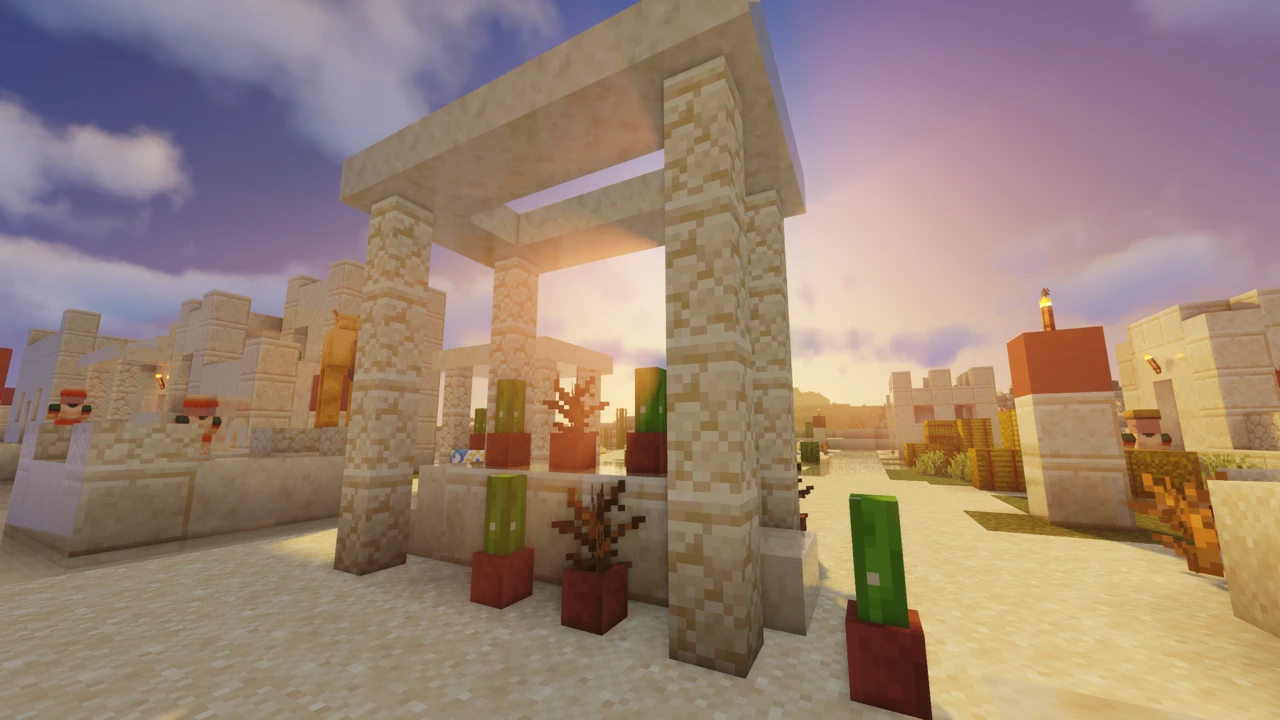
About SEUS Shaders
SEUS (Sonic Ether's Unbelievable Shaders) is the pack that made Minecraft shaders a thing. Long before Iris existed, before BSL or Complementary, SEUS was what people meant when they said "Minecraft with shaders." It's made by Cody Darr, who goes by Sonic Ether.
It's also a pack with an unusual present. The most recent release listed on the official site is from December 2020, and SEUS Renewed (the version most people actually want) dates to February 2020. That doesn't make it useless, but it does change the advice. This page covers what SEUS still does well, which build to pick, and when you'd be better off with something newer.
What makes SEUS different
Most shader packs, including every other one we cover, use rasterization, the traditional way games draw 3D scenes. They fake indirect lighting with clever approximations, and they do it well.
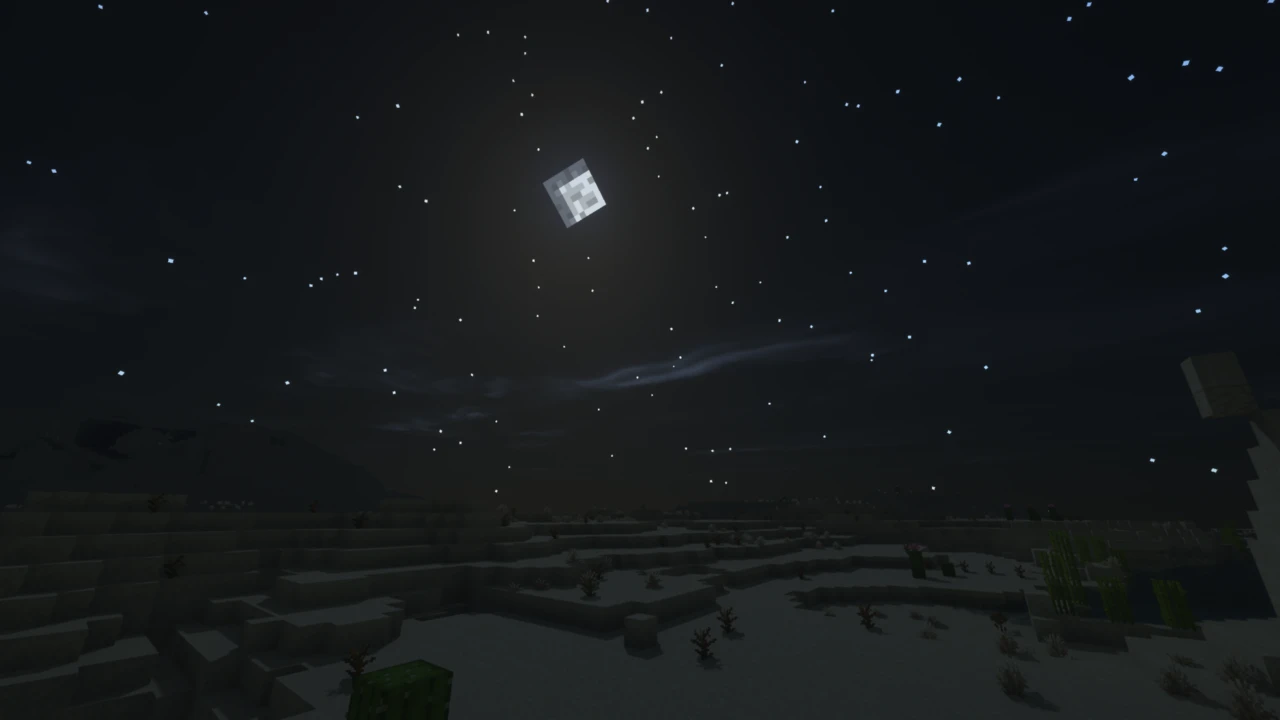
SEUS PTGI doesn't fake it. PTGI stands for Path Traced Global Illumination, and it does something genuinely different: it traces how light bounces around a scene. Put a block of red wool on the floor and the light bouncing off it tints the surrounding blocks red. Stand in a room lit only through a doorway and the light falls off the way it actually would.
Reflections work the same way. Instead of reflecting only what's already on your screen, PTGI computes reflections from the actual geometry around you, so things outside your view still show up in the water.
That was remarkable in 2019 and it's still uncommon now. It's the reason people keep bringing SEUS up years after its last update.
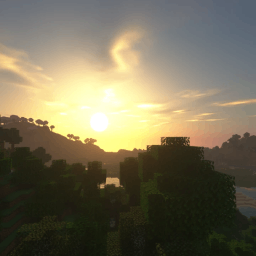
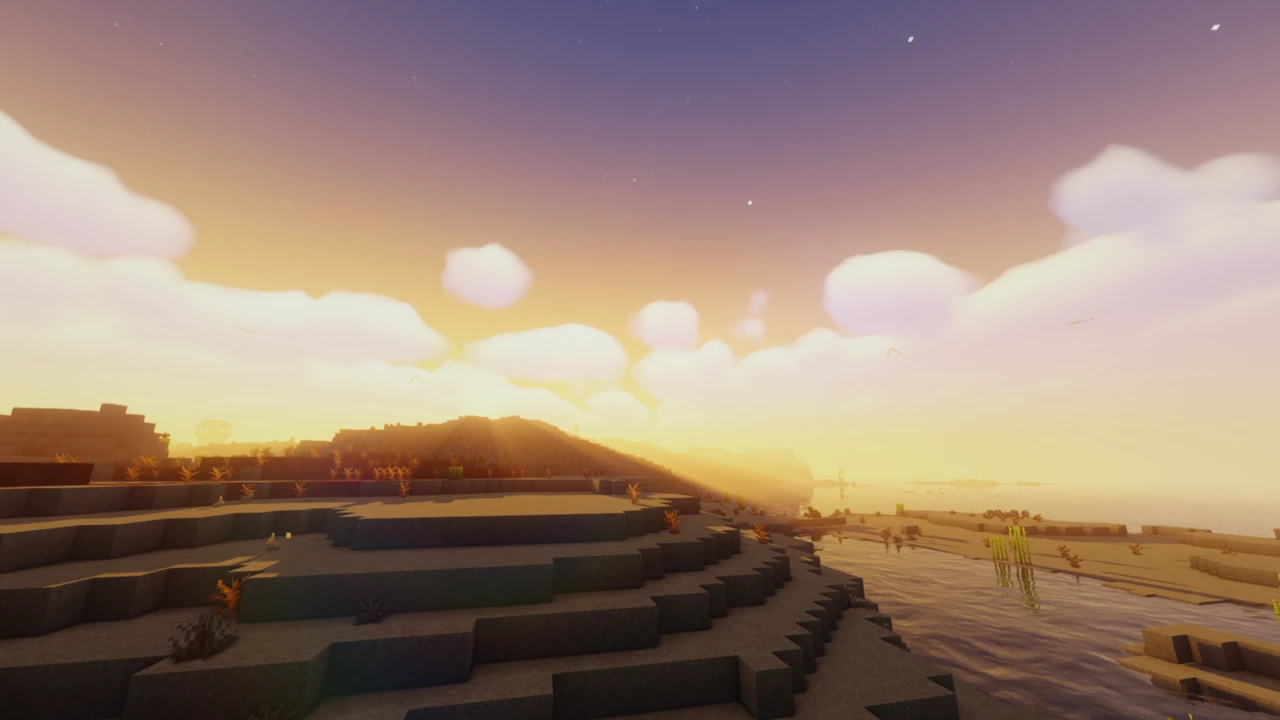
The other branch, SEUS Renewed, is conventional by comparison, but it has a look people are fond of. Warm, soft lighting, heavy god rays, a slightly hazy atmosphere. It's less punchy than BSL and less clean than Complementary's vanilla-style option. It's its own thing.
SEUS Renewed vs SEUS PTGI: which should you download?
This is the question that brings most people here, so let's settle it.
SEUS Renewed
The rasterization branch. The developer describes it as a reinvention of the legacy SEUS versions, aimed at quality visuals at reasonable performance using traditional rendering methods.
Latest build is v1.0.1, released 10 February 2020. It's a small download, around 6.7 MB, and the final update fixed graphical glitches related to TAA on newer NVIDIA hardware and drivers.
Pick this if you want the SEUS look without a heavy performance cost, or you just want something that works without much fuss. For most people asking "which SEUS should I get," this is the answer.
SEUS PTGI
The experimental path-tracing branch, and where the developer's attention went. His own words: there are unreleased development versions of Renewed, but most development time lately goes into PTGI.
The newest build listed officially is SEUS PTGI HRR Test 2.1, from 17 December 2020, with E12 (January 2020) and E11 (December 2019) also available. Older releases are archived on Patreon.
Pick this if you specifically want path-traced lighting and you have GPU headroom to spare. It's demanding (software path tracing is expensive work), and the developer himself calls it experimental. The HRR variants render at a lower internal resolution to claw back performance, which is worth knowing if the standard builds are too heavy.
Legacy SEUS
SEUS v11 (June 2016) and SEUS v10.2 Ultra (April 2016) are still officially downloadable. These are the builds that defined the look of Minecraft shaders for years. Almost nobody needs them today, but they're there if you're chasing a specific nostalgic look or playing something very old.
Is SEUS still being updated?
Here's what can be stated factually. The official site's download page lists these as the most recent releases in each branch:
- SEUS PTGI HRR Test 2.1: 17 December 2020
- SEUS Renewed 1.0.1: 10 February 2020
- SEUS v11 (legacy): 27 June 2016
The site itself still says SEUS is an ongoing project and points to the developer's Twitter for development news. So the project hasn't been declared finished, but no new release has appeared on the official download page in a long time.
There's one wrinkle: a build called SEUS PTGI HRR 3 exists and is referenced in Iris's own documentation, but it isn't listed on the SEUS website at all. It appears to have been released through Patreon without the site being updated. If you're after the newest PTGI, it's worth checking the developer's Patreon directly rather than relying on the website's list.
What this means practically: treat SEUS as a stable, finished-feeling pack rather than one that will gain support for new Minecraft versions on a schedule.
Is SEUS PTGI free?
Yes. The official site states it plainly: SEUS PTGI is available for free.
This trips people up because PTGI downloads are hosted as Patreon posts, and a lot of pages online still describe it as a paid or supporter-only release. It isn't. You'll end up on Patreon to grab the file, but you don't need to pay or subscribe. Patreon is where the developer distributes builds and accepts optional support, not a paywall.
Every SEUS build (Renewed, PTGI, and the legacy versions) is free.
Do you need an RTX graphics card?
No, and this is the other thing that gets consistently misreported.
SEUS PTGI uses a completely custom software implementation of ray tracing. The developer is explicit that it does not require an RTX graphics card. It isn't built on NVIDIA's hardware ray tracing, so you're not locked out by GPU generation.
That's not the same as saying it runs well on anything. Path tracing in software is genuinely expensive, and doing it without dedicated hardware acceleration is why PTGI is so demanding. You need a capable GPU, just not a specific brand or generation of one.
Performance expectations
No official benchmarks or minimum specs exist for any SEUS build, and the figures floating around third-party sites contradict each other badly, so we're not going to put numbers on this.
What can be said honestly:
- SEUS Renewed sits in ordinary shader-pack territory. The developer positions it as reasonable performance, and in practice it's comparable to mainstream packs rather than a punishing one.
- SEUS PTGI is substantially heavier. Path tracing costs far more than rasterization, and no amount of settings tweaking changes that fundamentally.
- The HRR variants exist specifically to reduce that cost by rendering at a lower internal resolution.
As with any shader pack, your actual results come down to your GPU, resolution, render distance, in-game shader settings, Minecraft version, and whatever else you're running. Shaders always cost frames; none of them add any.
Using SEUS with Iris or OptiFine
SEUS was written for OptiFine, and that's still its officially intended loader. The official description refers to OptiFine and the legacy GLSL Shaders Mod. Iris came along after the site was last meaningfully updated and isn't mentioned there at all.
In practice, SEUS does work through Iris, since Iris is built to load OptiFine-format packs. A couple of specifics worth knowing:
- Iris's own documentation lists SEUS PTGI HRR 3 as working, but with problems when motion blur is enabled. If PTGI is behaving oddly on Iris, turn motion blur off first.
- SEUS Renewed isn't on Iris's list of problem packs and generally loads without issue.
- Newer Minecraft versions are where things get less reliable. There are user reports of PTGI failing to load on recent Minecraft releases with current Iris versions, unsurprising for a pack last built in 2020.
One practical note on the OptiFine route: SEUS Renewed lists compatibility with OptiFine HD U F5, a 2020-era build. And OptiFine itself has fallen behind current Minecraft releases. So if you're playing something recent, you'd be stacking one out-of-date component on another. Iris is generally the more workable path on modern versions, even though it isn't the officially intended one.
Neither Sodium nor Fabric API is a SEUS requirement. Sodium only appears in these setups because Iris ships with it.
What Minecraft versions does SEUS support?
SEUS doesn't publish version ranges. Not for Renewed, not for PTGI. The only official compatibility marker anywhere is that Renewed 1.0.1 lists OptiFine HD U F5, and that's a loader build, not a Minecraft version.
So the version coverage recorded on this page is read off the build files themselves rather than from any compatibility statement by the developer. Treat it as where these packs have been seen to load, not as a promise from Sonic Ether.
What you can reasonably expect: these are OptiFine-format shader packs built between 2019 and 2021. Packs of that kind often load on newer Minecraft versions through Iris or OptiFine, but effects tied to blocks and features added after the pack was written won't be handled, and the likelihood of something breaking grows the further you get from the pack's era.
If you're on a Minecraft version from around that period, SEUS should behave. If you're on the latest release, expect to do some testing, and have a fallback in mind.
How SEUS compares to modern shader packs
The honest comparison isn't really SEUS versus any one pack. It's SEUS versus everything currently maintained.
BSL, Complementary and Sildur's Vibrant all support current Minecraft versions, receive regular updates, and are distributed on Modrinth and CurseForge where finding the right file takes seconds. SEUS does none of that.
What SEUS has that they don't is path-traced global illumination. BSL, Complementary and Sildur's are all rasterization packs, excellent ones, with beautiful lighting, but they approximate indirect light rather than tracing it. PTGI's colour bleeding and reflections still do something none of them attempt.
So the split is fairly clean. If you want shaders that work today, keep working tomorrow, and are easy to install, one of the maintained packs is the better call: Complementary or BSL if you want something striking, Sildur's if your hardware is limited. If you specifically want to see path-traced lighting in Minecraft, or you're curious about the pack that started all of this, SEUS is worth your time.
Worth noting how much influence it had: Iris's documentation records that older versions of Continuum were approved edits of SEUS. Several packs that eventually overtook it grew out of it.
Licence and redistribution
SEUS has an unusually strict licence, and it's relevant to anyone downloading it.
The pack is the intellectual property of Cody Darr. The source code ships with it and you're allowed to modify SEUS for your own personal use. What you can't do is redistribute it (in original or modified form, in whole or in part) without written permission. You also can't create mirrors, reuse its code in your own work, or publish derived shader packs.
Publishing Minecraft footage with SEUS installed is fine. If SEUS is the main focus of your video, you're asked to credit it.
The no-mirrors clause is why SEUS isn't on Modrinth or CurseForge, and it's why every third-party "SEUS download" site is operating without the author's permission. It also means SEUS can't be bundled into a modpack.
Common problems
- The shader won't load on a recent Minecraft version. The most likely SEUS problem by far. These builds are from 2019–2021. Try a Minecraft version closer to the pack's era, or use a maintained pack instead.
- PTGI misbehaving on Iris. Iris documents motion blur as a known problem with SEUS PTGI HRR 3. Disable motion blur in the shader settings.
- You can't find the PTGI download. It's on Patreon, linked from the official site. It's free: you just won't find it on Modrinth or CurseForge, because it isn't there.
- PTGI runs badly. Expected. Try an HRR variant, or switch to Renewed if path tracing isn't the point for you.
- You downloaded from a third-party site and something's wrong. Those aren't authorised, and many host outdated or altered files. Use the official site or Patreon.
- Shader doesn't appear in the menu. The usual causes: the zip was extracted, it went into the wrong folder, or no shader loader is installed.
Where to download SEUS safely
There are exactly two legitimate sources: sonicether.com and the developer's Patreon. SEUS Renewed and the legacy builds download directly from the website. PTGI builds are linked from the site through to Patreon posts.
You won't find SEUS on Modrinth or CurseForge, and that's by design rather than oversight: the licence prohibits mirrors. Anywhere else offering a SEUS download is redistributing it without permission, and some of those files are years out of date.
How to Download SEUS Shaders for Minecraft
Downloading SEUS takes more thought than most shader packs, because there are three branches and half a dozen files, and none of them are where you'd expect to find them.
Decide which build you want
- SEUS Renewed 1.0.1: the practical choice for most people. Traditional rendering, much lighter than PTGI, downloads directly from the official site.
- SEUS PTGI: if you specifically want path-traced lighting. The newest build listed officially is HRR Test 2.1. Demanding, and officially described as experimental.
- Legacy SEUS (v11 or v10.2 Ultra): only if you're after the classic 2016 look or playing a very old Minecraft version.
If you're unsure, start with Renewed. It's the least trouble and the closest thing SEUS has to a default.
Where to get it
Start in the SEUS Downloads section on this page. Its row covers SEUS Renewed 1.0.1, and clicking Download takes you to the downloads on the official SEUS site. SEUS is distributed from the developer's own website and Patreon, and nowhere else. Renewed and the legacy builds download straight from the site. PTGI builds are linked from the site through to Patreon posts: free to access, no subscription needed, though you will need to go to Patreon to get the file.
It's worth checking Patreon directly for PTGI rather than trusting the website's list. A newer build, HRR 3, exists there that the website doesn't mention.
SEUS is not on Modrinth or CurseForge. Any other site offering it is redistributing without permission, which the licence forbids, and older files are common on those sites.
Before you download
Keep the file as a ZIP. Shader packs stay compressed, and extracting is the most common reason a pack never shows up in-game.
You'll also need a shader loader before any of this does anything. Our shader installation guide covers setting one up.
How to Install SEUS Shaders in Minecraft
The installation itself is standard. SEUS goes in your shaderpacks folder like any other shader pack. The tricky part was getting the right file.
Installing SEUS with Iris
- Install Iris for your Minecraft version.
- Launch Minecraft through the Iris profile.
- Go to Options → Video Settings → Shader Packs.
- Use the button in that menu to open your shader pack folder.
- Drop the SEUS zip in, still zipped.
- Return to the menu and select SEUS. Refresh the list if it isn't showing.
If you're running PTGI and something looks wrong, open the shader settings and turn motion blur off, since Iris documents that as a known issue with SEUS PTGI HRR 3.
Installing SEUS with OptiFine
- Install OptiFine for your Minecraft version and select its profile in the launcher.
- Launch the game.
- Go to Options → Video Settings → Shaders.
- Click the shaders folder button to open the folder.
- Place the SEUS zip inside without extracting it.
- Select SEUS from the list.
OptiFine is SEUS's officially intended loader, and it's the better match if you're playing a Minecraft version from around 2020. On newer versions, OptiFine's own release lag makes Iris the more practical route.
If SEUS won't load
- Check your Minecraft version first. These builds are from 2019–2021 and were never updated for newer releases. This is the most common cause of failure, and there's no fix beyond changing version or changing pack.
- Motion blur on PTGI. Documented problem under Iris. Switch it off.
- Zip extracted, or wrong folder. It needs to stay zipped, in
shaderpacks, not mods.
- No shader menu at all. No shader loader installed yet. Iris or OptiFine has to come first.
- Performance is unplayable on PTGI. Try an HRR build, or drop to Renewed.
If the symptom is something else entirely, our guide to shaders that will not load works through the wider set of causes.
If you're on a current Minecraft version and can't get SEUS running at all, that's a reasonable outcome rather than something you've done wrong. A maintained pack like Complementary or BSL will support your version properly.