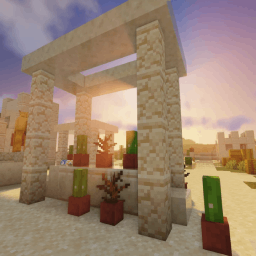
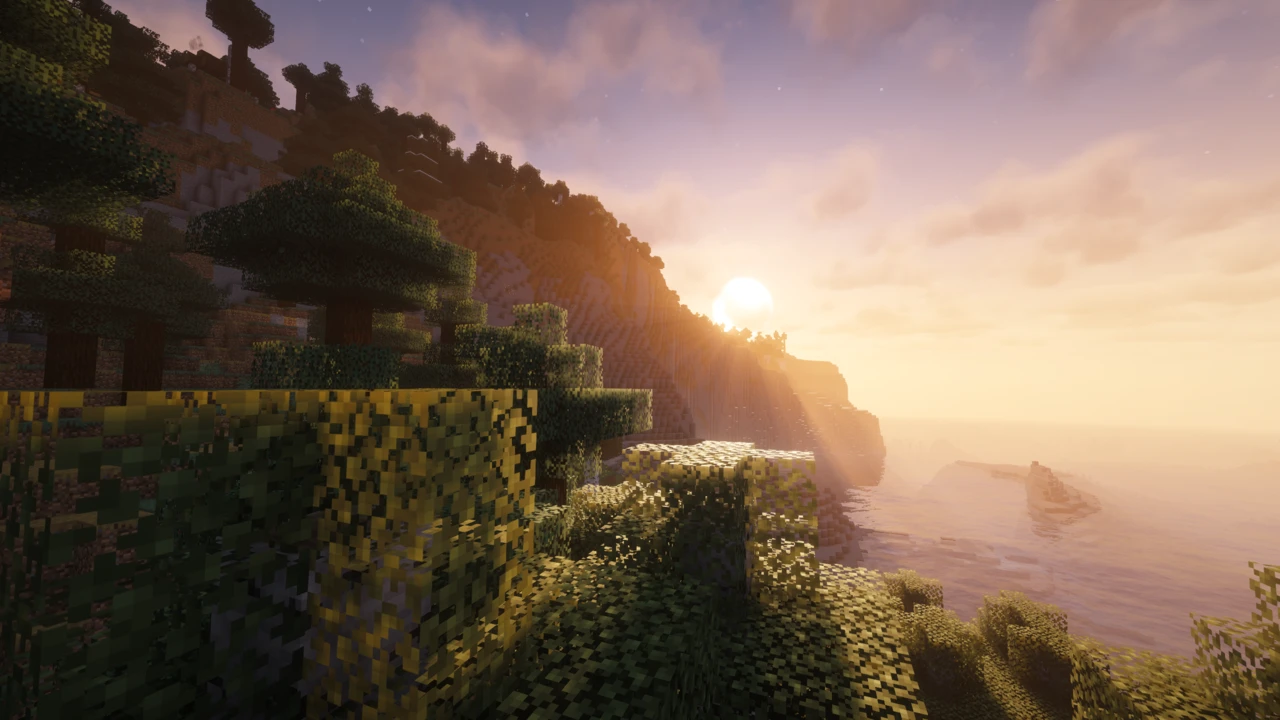
About Sildur's Vibrant Shaders
Sildur's Vibrant Shaders has been around since 2012, which makes it one of the oldest Minecraft shader packs still getting real updates. It's made by a developer known as Sildur, and its reputation has always come down to one thing: it runs on hardware that chokes on most other shader packs.
That's not to say it looks basic. The pack was rebuilt from the ground up in its v2.0 release (the developer notes the previous major rewrite was back around 2018), and the current version handles reflections, weather, and lighting in ways the old builds couldn't. But the range is what sets it apart. There's a preset for an old Intel laptop and a preset for a dedicated GPU, and they're the same shader pack underneath.
What Sildur's Vibrant Shaders Does
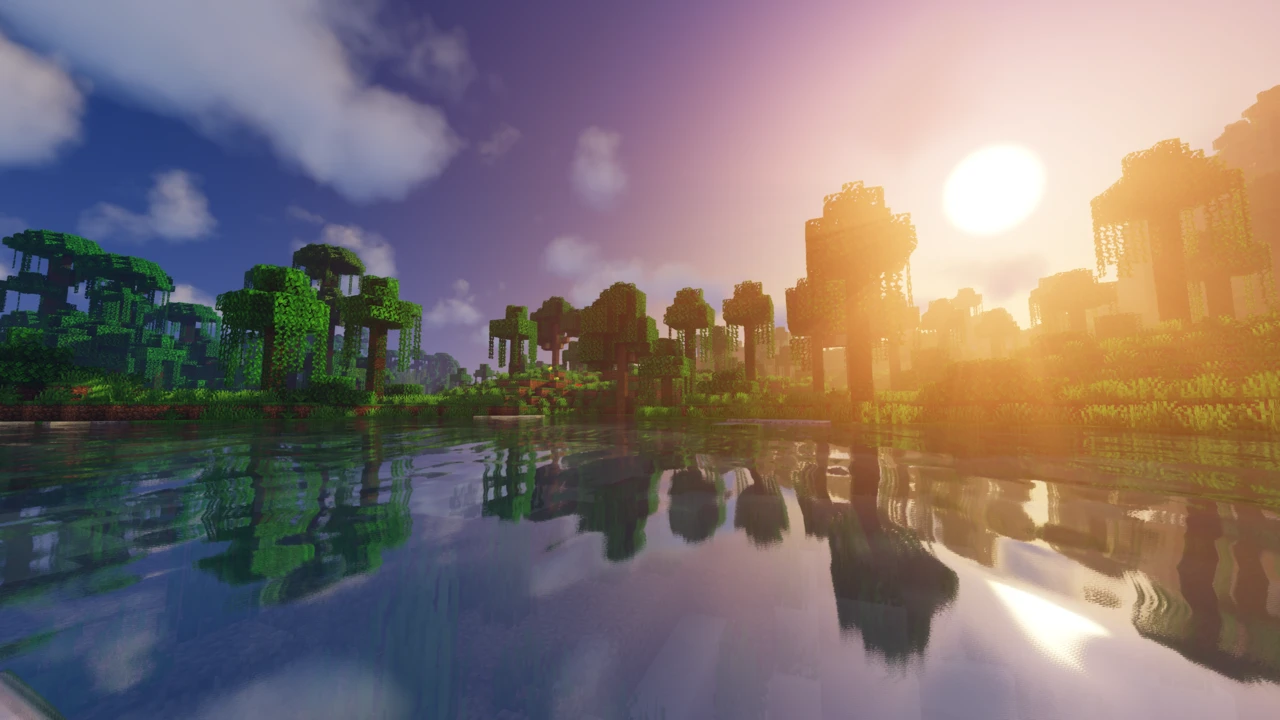
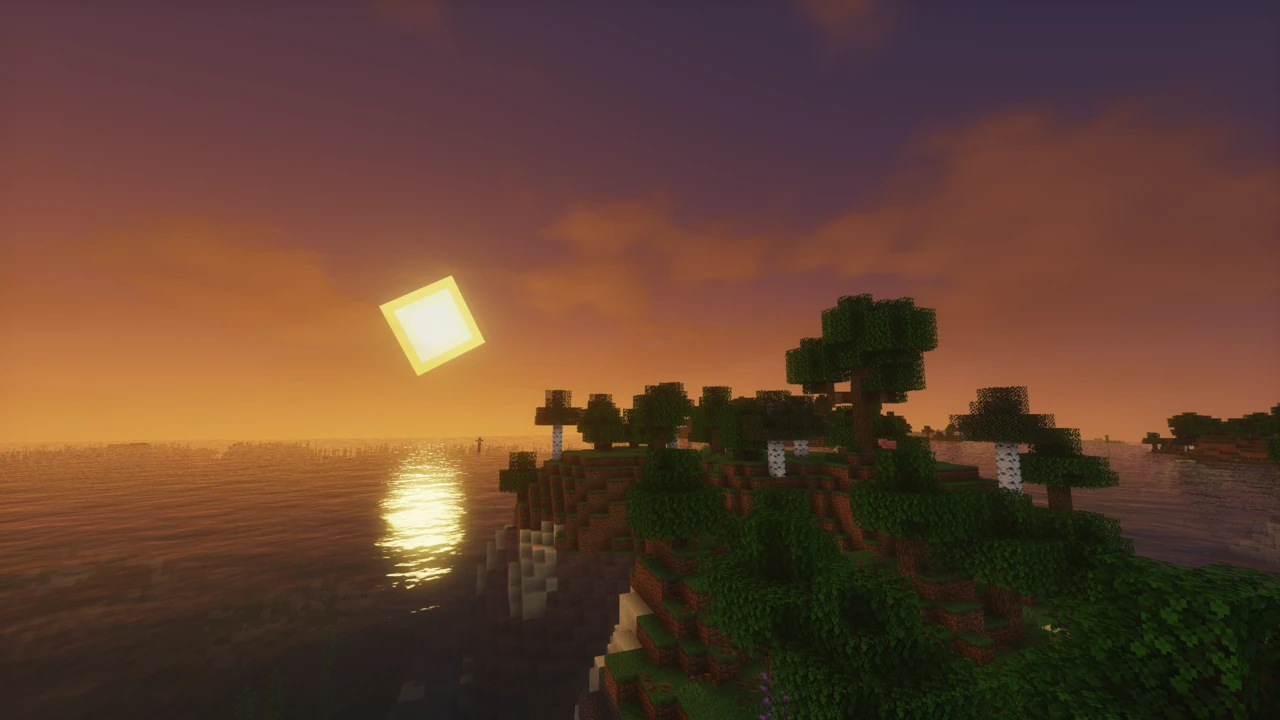
The pack replaces Minecraft's lighting system and layers a lot on top of it. The headline effects are volumetric lighting, bloom, ambient occlusion, and reflections.
The v2.0 rewrite reworked most of the rendering pipeline, and a few of those changes are the kind you notice immediately:
- Water and reflections: water rendering and colours were rebuilt, along with metallic and polished surface reflections. Reflections now work through transparency, so you can see water reflected behind stained glass.
- Rain and wetness: surfaces stay wet after rain, and puddles are reflective. There's a Weather Intensity setting to dial it up or down.
- Shadows: PCSS shadow filtering was added, which softens shadows as they get further from what's casting them.
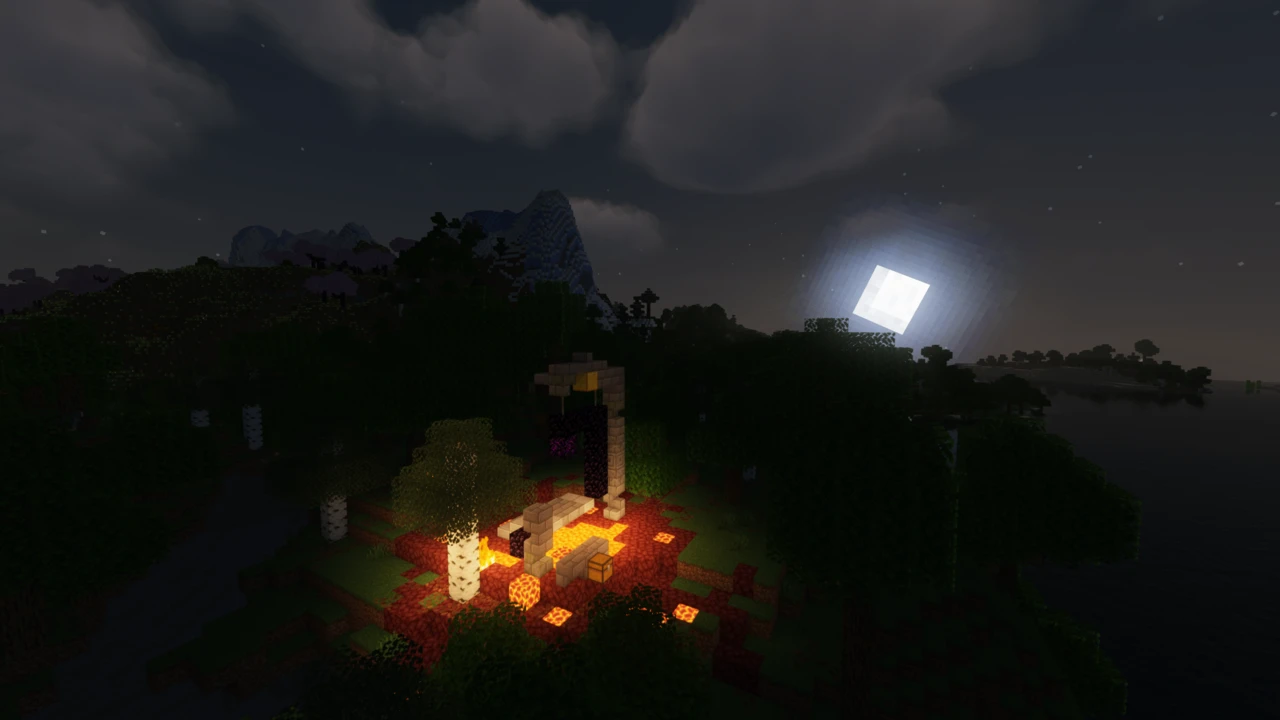
- Sky and clouds: improved skybox and cloud rendering, plus support for Minecraft's moon phases.
- Fog: per-biome fog, so a swamp doesn't look like a desert. End dimension fog was also reworked to feel closer to vanilla.
- Water colour: dynamic per-biome water colour, blended with Minecraft's own, plus a custom water colour setting if you'd rather override it.
Caves got attention too: better water rendering underground and improved brightness, which matters more than it sounds when you're mining with shaders on.
Sildur's Vibrant Shaders Presets
Rather than one download with a quality slider, Sildur's splits into six separate preset downloads. You pick the one that suits your machine and install that.
- Lite: the lightest build. Historically the developer has pointed weaker systems and Intel graphics toward this one.
- Medium: a step up. Long positioned as the option for older PCs or for recording, where you need headroom.
- High: the mainstream choice for a reasonably capable system.
- High-Motionblur: the same as High, with motion blur added.
- Extreme: the heaviest standard preset.
- Extreme-Volumetric lighting: Extreme plus volumetric lighting. The developer has noted this one affects sky colour, and that he personally prefers godrays instead.
Each preset still has its own in-game settings menu, so the preset sets your baseline rather than locking you in.
Which Sildur's Preset Should You Use?
Start lower than you think you need. Nothing is lost by beginning on Lite or Medium, seeing how the game runs, and moving up. That's much easier than starting on Extreme and trying to work out which effect is costing you frames.
Rough guidance: integrated graphics or an older laptop, start at Lite. A mid-range desktop, try Medium or High. A dedicated modern GPU, High or Extreme should be comfortable. Want motion blur or volumetric lighting specifically? Those are the two variant presets, and they cost more than their base versions.
Performance and Hardware
Shaders don't make Minecraft faster. They replace the rendering with something far more demanding, so your frame rate drops compared to vanilla, and that applies here as much as anywhere.
What Sildur's does differently is how far down the hardware ladder it reaches. The pack is described by its developer as very optimised and able to run on a wide range of hardware, with specific attention to Mac and Intel GPUs. That's unusual. Plenty of shader packs simply don't work on integrated graphics at all.
For a concrete reference point, the developer's current guidance is that Medium or High should run fine on a GTX 960. Beyond that, results depend on your GPU, resolution, render distance, and what else you have running, so the preset range exists precisely because there's no single answer.
One useful detail from the v2.0 update: the settings were reworked so that turning effects off actually recovers more performance than it used to. If a preset is close but not quite there, disabling a couple of effects in the shader menu is worth trying before dropping down a level.
Supported Minecraft Versions
The current release supports Minecraft 1.7.10 through 26.2, an unusually wide span, and one of the reasons the pack stays popular with people playing older modded setups.
Here's the part that catches people out: you don't need a different download for each Minecraft version. One current preset file covers the whole supported range. If you're on 1.12.2 and your friend is on 26.2, you're both downloading the same file. Pick your preset, not your version.
That's genuinely different from how most shader packs work, and it removes a whole category of mistake: there's no version mismatch to get wrong.
What You Need to Run Sildur's Vibrant Shaders
Shader setups involve a few separate pieces, and the terminology gets muddled constantly. The chain looks like this:
- Minecraft: Java Edition: Sildur's is Java only
- A mod loader: Fabric, NeoForge, Forge or Quilt. What lets Minecraft run mods at all
- A shader loader: Iris, OptiFine, or Angelica. A mod that teaches Minecraft how to load shader packs
- The shader pack: Sildur's Vibrant Shaders itself
Iris, OptiFine and Angelica are shader loaders, not mod loaders. Plenty of guides get this wrong. Angelica is an Iris fork, and support for it was added in v2.0, mainly relevant if you're on an older modded setup where it's the practical option.
The shader pack itself goes in your shaderpacks folder, never in mods.
Sildur's Vibrant Shaders and Mod Compatibility
Two mods get explicit support: Distant Horizons and Voxy. Both extend how far you can see by rendering distant terrain at lower detail, and both have a history of fighting with shader packs.
The v2.0 update extended that support into the Nether and the End, and fixed a number of specific issues: Distant Horizons water clipping through terrain, and rendering problems with Voxy. If you run either mod, that's worth knowing, because working shader support alongside them isn't a given.
Iris vs OptiFine
Sildur's runs on both, and the pack works either way. There are a couple of documented differences worth knowing before you pick.
Fog density is higher on OptiFine than on Iris. That's stated by the developer as a known difference, not a bug you can fix. If the fog looks heavier than screenshots you've seen, this is usually why.
Reflections through transparency don't work on Minecraft 1.7.10 through 1.15.2. The OptiFine features needed for it don't exist on those versions, so the effect simply isn't available there regardless of preset.
The developer's own installation instructions are written around Iris, and the Iris Installer sets up Sodium alongside it, which helps claw back some of the performance shaders cost. On current Minecraft versions Iris is the more straightforward path. OptiFine remains supported and is often the practical choice on older versions.
Sildur's Vibrant vs Complementary Shaders
These two come up together often, and the difference is structural rather than a question of which is better.
- How you choose: Sildur's gives you six presets, each a separate download. Complementary gives you two styles, Reimagined and Unbound, which differ only in their default settings.
- Version handling: Sildur's uses one current download across all supported Minecraft versions. Complementary publishes version-specific builds you match to your game.
- Shader loaders: both work with Iris and OptiFine. Sildur's additionally supports Angelica.
- Settings: both expose extensive in-game options. Complementary layers Potato-to-Ultra profiles on top of its two styles.
Both are actively maintained and both cover a wide Minecraft version range. Which suits you better comes down to the look you want and how you prefer to manage downloads.
Where to Download Sildur's Vibrant Shaders Safely
Sildur's is distributed through the official Sildur's Shaders website, and from there to the developer's own CurseForge and Modrinth project pages. Those are the sources to use.
Shader packs attract a lot of reupload sites, and older copies of Sildur's floating around elsewhere may be several versions behind the current release, which matters more here than usual, given how much the v2.0 rewrite changed.
How to Download Sildur's Vibrant Shaders for Minecraft
There's really only one decision to make: which preset you want. Unlike most shader packs, you don't need to match a build to your Minecraft version: the current download covers the whole supported range, from 1.7.10 up to 26.2.
Six presets are available:
- Lite: weaker systems and integrated graphics
- Medium: older PCs, or when you need headroom for recording
- High: most reasonably modern systems
- High-Motionblur: High, with motion blur
- Extreme: stronger dedicated GPUs
- Extreme-Volumetric lighting: Extreme with volumetric lighting added
If you're unsure, take the lower option. Moving up a preset later is a two-minute job, and starting too high just means troubleshooting a stuttering game.
Open the Sildur's Vibrant Shaders Downloads section on this page and click Download. It takes you to the current 2.02 release on the developer's Modrinth page. Each preset is published as its own file, so check the preset name before you download. The official Sildur's Shaders website and CurseForge carry the same files. The files are small (a couple of hundred kilobytes each), so if something you've downloaded is dramatically larger, you've got the wrong thing.
New to modded Minecraft generally? Our guide to installing Minecraft mods covers the groundwork.
How to Install Sildur's Vibrant Shaders in Minecraft
You need a shader loader before Minecraft can load any shader pack. Iris and OptiFine are both supported, and the process differs slightly between them. Our shader installation guide walks through the Iris route in full.
Installing Sildur's Vibrant Shaders with Iris
- Download and run the Iris Installer.
- Select "Iris and Sodium", choose your Minecraft version, and install.
- Open the Minecraft Launcher and select the new Iris profile.
- Launch the game and go to Options → Video Settings → Shader Packs.
- Click "Open Shader Pack Folder".
- Drop the Sildur's
.zip file into that folder. Leave it zipped.
- Back in the game, select the pack from the list.
Installing Sildur's Vibrant Shaders with OptiFine
- Download and run the official OptiFine jar to create an OptiFine profile.
- Open the Minecraft Launcher and select that profile.
- Launch the game and go to Options → Video Settings → Shaders.
- Click "Shaders Folder" at the bottom of the screen.
- Drop the Sildur's
.zip inside, still zipped.
- Select it from the in-game list.
Choosing a Preset
Each preset is its own download, so switching means downloading the one you want and dropping it into the same folder. You can keep several in there at once and swap between them from the shader menu, handy for testing which your machine handles best.
Before jumping down a preset, try the in-game shader settings. The v2.0 update improved how much performance you get back from disabling individual effects, so turning off one or two expensive ones might be enough to keep you on the preset you prefer.
Common Installation Problems
- The shader doesn't appear in the list. Almost always because the zip was extracted. Sildur's needs to stay as a zip file. Check it went into the right folder too, and refresh the menu.
- There's no shader menu at all. No shader loader installed. Iris or OptiFine has to be set up first, because Minecraft on its own has nowhere to load shader packs from.
- You put it in the mods folder. Shader packs go in
shaderpacks. Easy mistake when everything else you install goes in mods.
- The fog looks too heavy. Documented behaviour: fog density is higher on OptiFine than Iris. Not something you've installed wrong.
- Reflections through glass aren't showing. On Minecraft 1.7.10 to 1.15.2 this effect isn't available, because the underlying OptiFine features don't exist on those versions.
- Some reflections look off. The developer lists inaccurate reflections as a known issue in the current release.
- Performance is too low. Step down a preset, or disable individual effects in the shader settings. Updating your graphics drivers is also worth doing: the latest hotfix specifically addressed several NVIDIA driver bugs, so make sure you're on the current version of the pack too.
For symptoms not listed here, our guide to shaders that are not working covers crashes, GPU selection and conflicts with other mods.