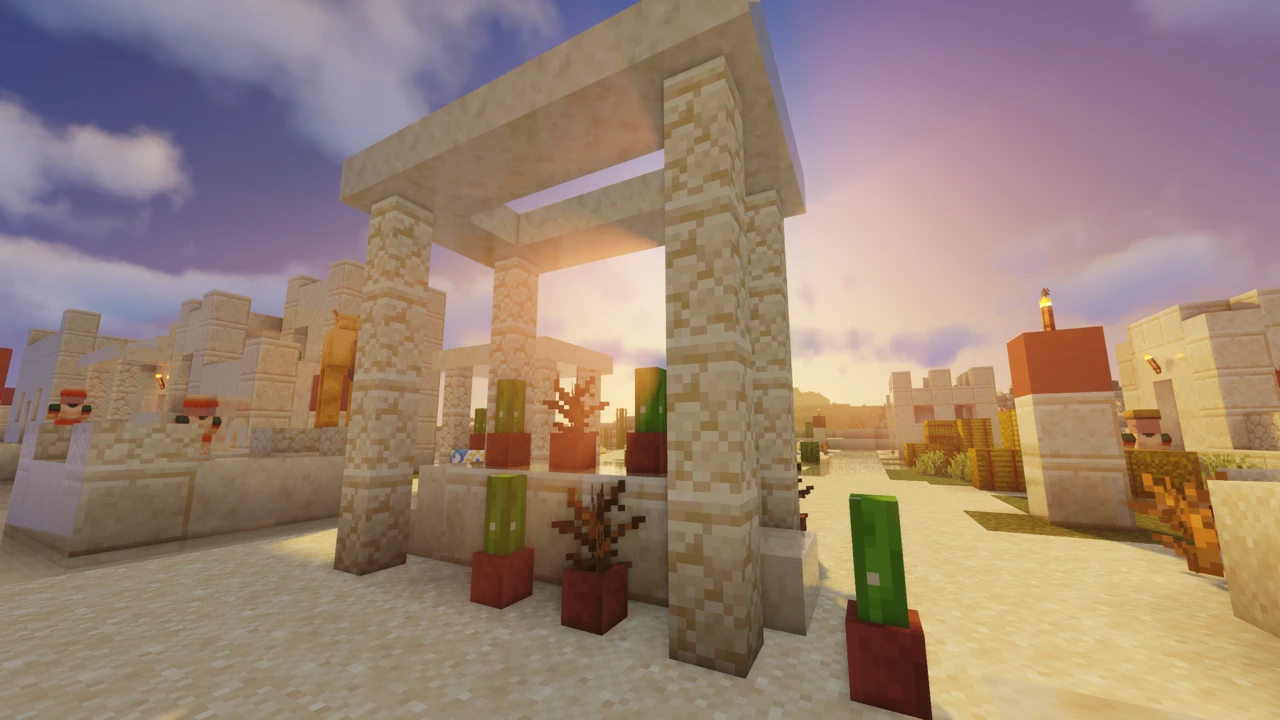
About BSL Shaders
BSL Shaders is one of the most downloaded shader packs in Minecraft, and it's been a mainstay for years. It's made by a developer known as capttatsu, and it's built exclusively for Minecraft: Java Edition.
Worth clearing up straight away: BSL is a shader pack, not a mod. It doesn't go in your mods folder and it can't run on its own. You need a shader loader first (Iris or OptiFine), and BSL is what that loader reads.
A lot of sites file BSL under "realistic shaders." The author's own description is different: bright, colorful, and distinct. That's a better guide to what you actually get. BSL pushes saturation and light rather than chasing photorealism, and it's tagged for a cartoon-leaning style by the developer rather than a realistic one.
What Are BSL Shaders?
A shader pack replaces how Minecraft draws the world: lighting, shadows, water, sky, the lot. Vanilla Minecraft handles all of that with fairly simple rules. Shaders replace or enhance many of those visual effects, which is why the game can look so different with one enabled.
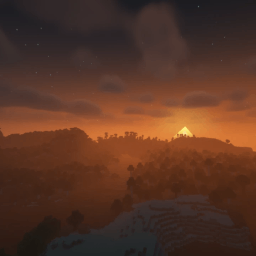
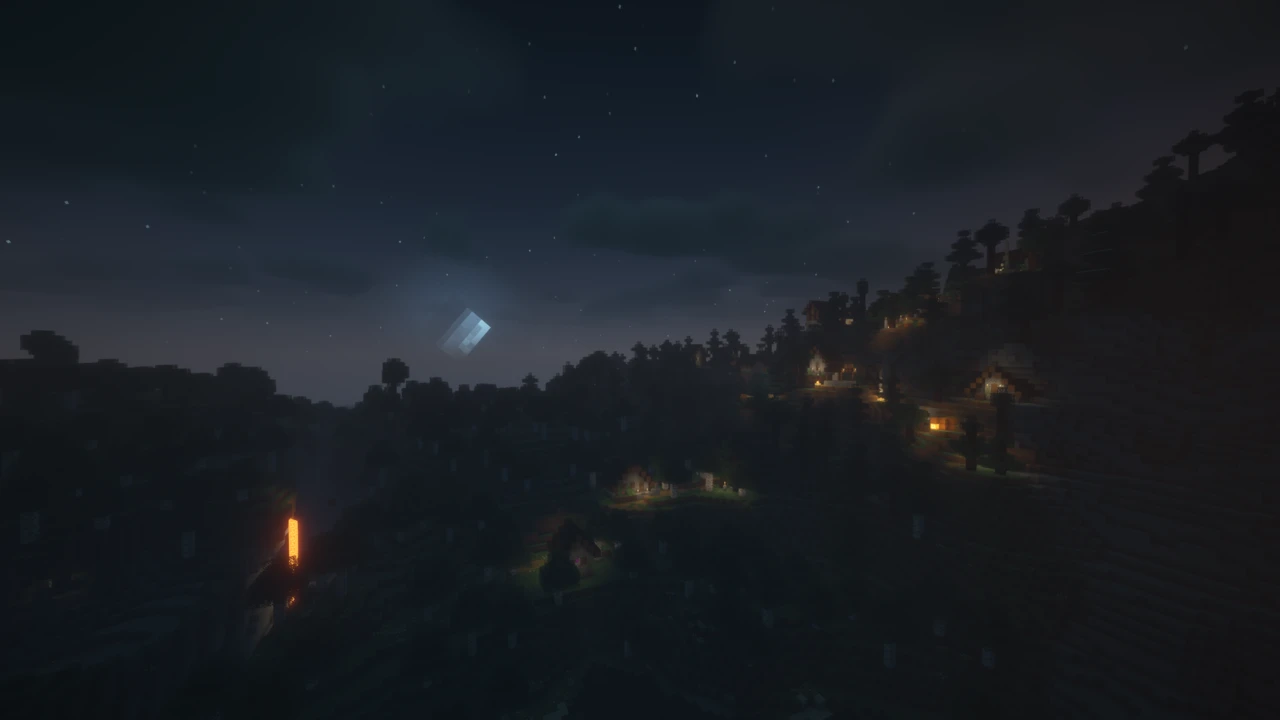
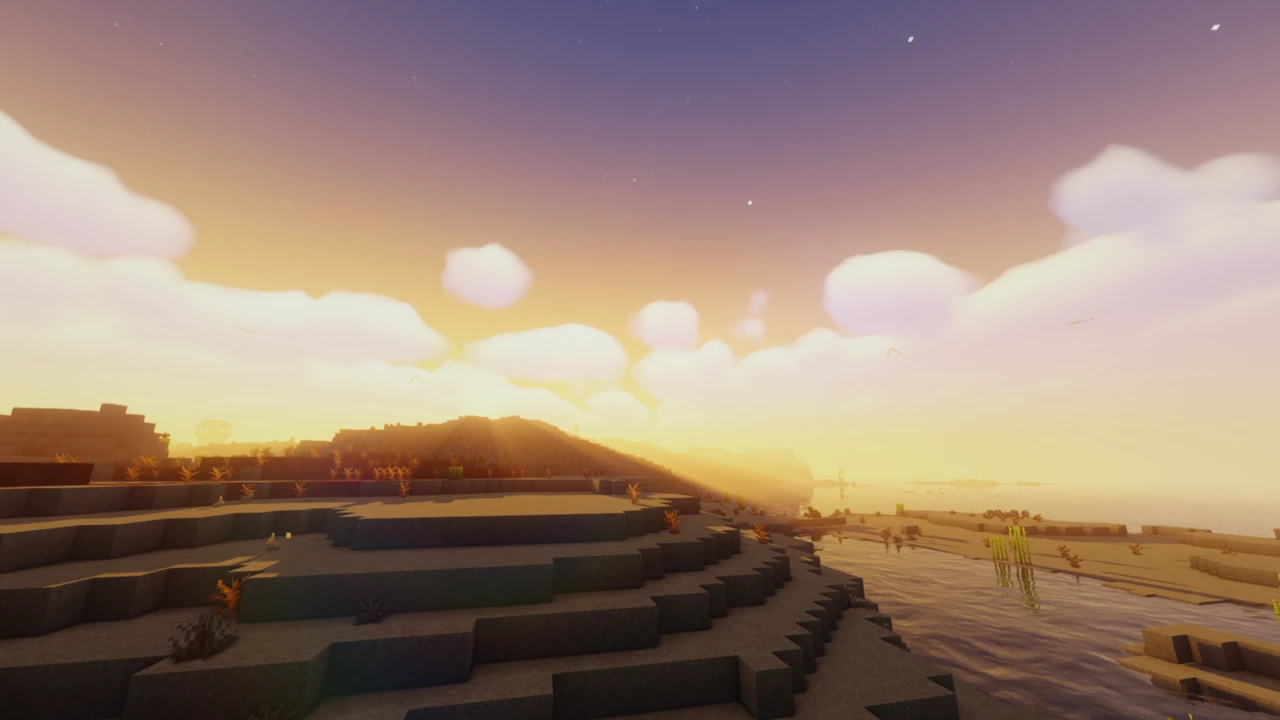
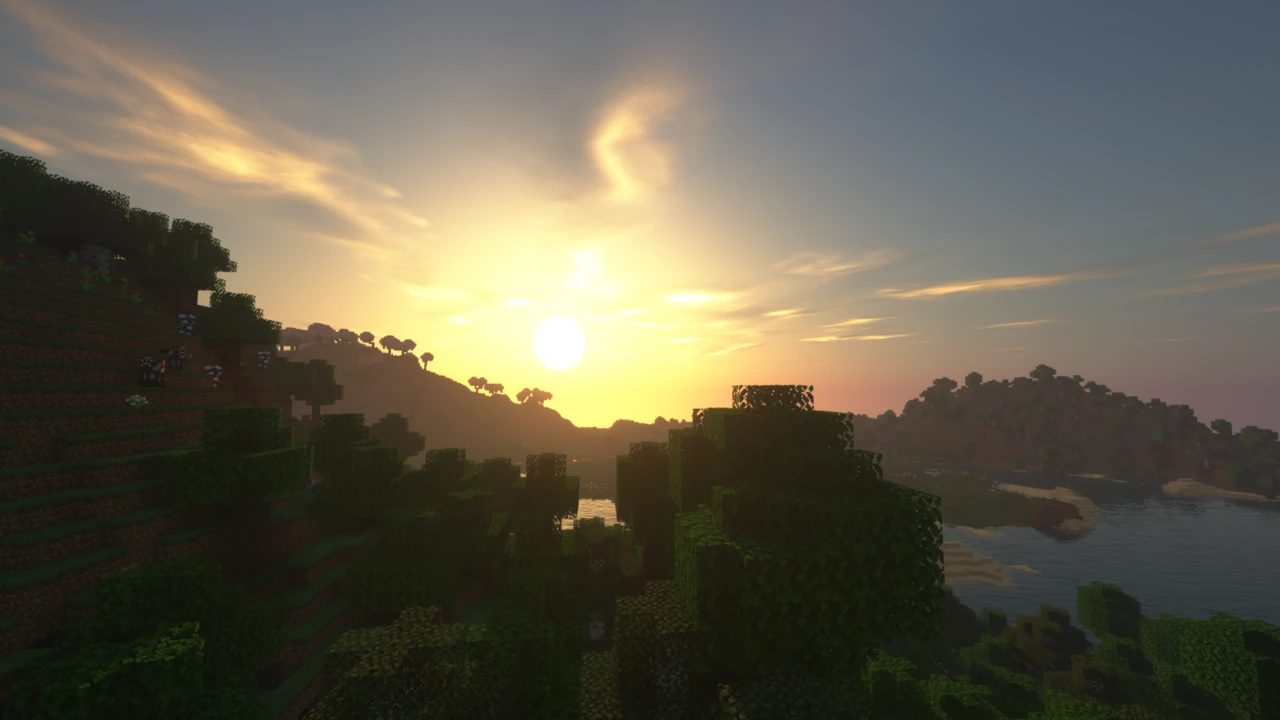
BSL's take is vivid. Colors come out stronger, light behaves more dramatically, and the whole thing has a warmth to it that reads as stylised rather than photographic. Sunsets get golden, water gets reflective, and shadows actually move with the sun.
People pick it for a few reasons. It looks good in screenshots and videos without being fussy, it's been maintained for years so it keeps working on new Minecraft releases, and there's enough in the settings menu to tune it toward whatever you're after.
BSL Shaders Features
The core of the pack:
- Real-time shadows: shadows that move with the sun and moon rather than being baked into the textures.
- Volumetric light: visible shafts of light through gaps in trees, cave mouths and windows.
- Ambient occlusion: soft darkening where surfaces meet, which stops everything looking flat.
- Bloom: bright sources bleed light into the area around them.
- Customizable clouds and water: both are adjustable rather than fixed, so you can shift the look considerably.
- Built-in anti-aliasing: smooths out jagged block edges without needing anything extra.
On top of that, BSL includes a set of additional effects you can switch on if you want them:
- Depth of field: blurs the background around whatever you're focused on. Popular for screenshots, less so for actually playing.
- Motion blur: smears movement slightly as you turn.
- Specular and normal mapping: adds surface detail and shine when paired with a resource pack that supports it.
- Celshading: outlines edges for a more illustrated look.
- World curvature: bends the horizon. Novelty rather than something you'd leave on.
BSL Shaders Performance
Shaders cost frames. That's true of every pack, and BSL is no exception: enabling it will always mean lower FPS than running vanilla.
That said, BSL sits on the lighter end of the scale. The developer tags it as low performance impact on Modrinth, which puts it below a lot of the heavier packs out there. It's not a "runs on anything" pack, but it's not one of the punishing ones either.
What actually determines how it runs for you comes down to your graphics card, your resolution, your render distance, which quality profile you're on, and what other mods you have going. Two people on the same profile can get very different results.
The useful thing is how much control you get. Beyond the quality profiles, individual effects can be turned down or off entirely, including shadows, which is one of the biggest costs in any shader pack. If BSL is close to running well but not quite there, that's usually where to look before giving up on it.
BSL Shaders Settings
BSL handles quality differently from some packs. Instead of downloading a separate file for each quality level, you switch profiles in-game.
Select BSL in your shader menu, then open Shader Options. In there you'll find a Profile setting that steps through quality tiers, from a minimum-quality option up through progressively heavier settings. Changing profile adjusts a batch of settings at once, so you don't need to understand every individual option to get a sensible result.
If you want finer control, the individual settings are all there too. The ones worth knowing about:
- Shadow quality and shadow distance: two of the most expensive settings in the pack. Lowering distance in particular buys back performance without changing much visually.
- Shadows on/off: there's an option to disable shadows entirely. Drastic, but it's the single biggest performance lever available.
- Volumetric clouds: good-looking and not free. An easy toggle if you're short on frames.
- TAA and FXAA: the anti-aliasing options. TAA generally looks cleaner; FXAA is cheaper.
- Auto exposure: controls how the pack adapts brightness as you move between dark and bright areas.
- Skybox settings: affect how the sky renders, including whether custom skybox handling is used.
If performance is the goal, work down through shadow settings and volumetric clouds first. Those tend to give back the most for the least visual loss.
BSL Shaders with Iris
BSL works with Iris, and it's the same download either way, with no separate Iris build to hunt down.
Iris is the modern option for shaders on Minecraft. It's open source, keeps up with new Minecraft versions quickly, and works alongside current Fabric and NeoForge mod setups. For anyone starting fresh, it's the straightforward route.
Two things people get confused about. Sodium is not a BSL requirement: BSL doesn't ask for it and doesn't mention it. Sodium turns up in these setups because Iris ships with it, which is an Iris thing rather than anything to do with the shader pack. Same goes for Fabric API: BSL doesn't need it.
All BSL needs is a shader loader and somewhere to sit in your shaderpacks folder.
BSL Shaders with OptiFine
OptiFine is also supported, using that same single download. If you already have an OptiFine setup running, BSL will slot into it without any extra steps.
The process is essentially identical: install OptiFine, open your video settings, find the shaders section, drop BSL into the folder it opens, and select it.
One practical consideration: OptiFine tends to lag behind on new Minecraft releases, sometimes by months. BSL currently supports newer Minecraft versions than OptiFine has builds for, so if you're playing on a recent release, Iris may be your only working option. On older versions, OptiFine remains perfectly fine.
BSL vs Complementary Shaders
These two share more history than most people realise. Complementary Shaders began as an edit of BSL before being completely rewritten into its own project. That shared origin is part of why they can feel related while ending up in quite different places.
Visual style. BSL is bright and saturated with a stylised edge. Complementary splits into two styles: Reimagined, which keeps Minecraft's own visual identity, and Unbound, which goes for realism. So Complementary lets you pick a direction upfront, while BSL has one direction and lets you tune it.
Customization. Both have deep settings menus. BSL handles quality entirely through in-game profiles. Complementary layers profiles from Potato to Ultra on top of whichever style you downloaded.
Version handling. This is the clearest practical difference. One BSL download covers every supported Minecraft version. Complementary publishes version-specific builds you have to match to your game. Neither approach is wrong, but BSL's removes a step and a common mistake.
Loaders. Both run on Iris and OptiFine.
Which suits you is mostly about the look you want. If Minecraft-but-better appeals more than saturated and dramatic, Complementary Reimagined is worth a look. If you like BSL's warmth, there's no reason to switch.
BSL vs Sildur's Vibrant Shaders
Both take the one-file approach (a single download covering the full supported Minecraft version range), but they handle quality differently.
Sildur's Vibrant ships six separate preset downloads, from Lite up to Extreme-Volumetric lighting. You choose before you download. BSL gives you one file and lets you change profile in-game. Sildur's approach means less to configure; BSL's means less to re-download if you change your mind.
On hardware, Sildur's positions itself explicitly at weaker systems, with the developer pointing Intel and Mac graphics toward the Lite preset. BSL is tagged low performance impact but doesn't market itself that way specifically.
Both work with Iris and OptiFine, and both are actively maintained.
Supported Minecraft Versions
BSL covers a wide range: the current release supports Minecraft 1.7.10 all the way up to 26.2, including 26.1.x, 1.21.x, 1.20.x, 1.19.x, 1.18.x, 1.17.x, 1.16.x, and everything down through 1.8.x.
Here's the part that saves hassle: a single BSL download covers all of them. You don't need to find a build matching your exact Minecraft version, and you don't need separate files for Iris and OptiFine. One zip, every supported version, both loaders.
That range does shift as BSL and Minecraft both get updated, so it's worth checking the official project page if you're on something unusual or very new.
Mod Compatibility
BSL works with both shader loaders (Iris and OptiFine), and that covers most setups.
Distant Horizons is supported. The mod extends how far you can see by rendering distant terrain at lower detail, and it has a history of clashing with shader packs. BSL shipped a fix for a Distant Horizons error in a late-2025 release, so if you're running the combination, make sure your BSL version is reasonably current.
To repeat the two points that come up most: Sodium is not required by BSL, it simply arrives bundled with Iris. And Fabric API is not required either. Neither belongs on your checklist for getting BSL running.
Common BSL Shaders Problems
- BSL doesn't appear in the shader menu. Nearly always because the zip was extracted. Leave it zipped. Then check it actually landed in
shaderpacks, and refresh the list.
- There's no shader menu at all. No shader loader installed. Iris or OptiFine has to come first, because Minecraft on its own has nowhere to load shader packs from.
- You put it in the mods folder. Easy mistake, since everything else you install goes there. Shader packs go in
shaderpacks.
- Performance is rough. Drop to a lower profile in Shader Options, or turn down shadow distance and volumetric clouds specifically.
- You're on a new Minecraft version and OptiFine won't work. OptiFine's builds trail new releases. Iris is the option there.
- Distant Horizons looks broken. Update BSL, since a fix for this shipped in a later release.
Where to Download BSL Shaders Safely
BSL is published on the developer's official project website, and on Modrinth and CurseForge. Those are the sources to use.
Be a bit careful with search results. BSL is popular enough that plenty of reupload sites host it, and some carry builds that are well over a year out of date. The developer's terms also prohibit monetized link shorteners pointing to his files, so download pages wrapped in ad interstitials aren't operating with his blessing.
The pack is released under an All Rights Reserved licence and isn't open source. You're free to use it for screenshots and videos, and to modify it for your own use, but redistributing it or publishing a modified version needs the author's permission first.
Edits made with that permission do exist. Insanity Shaders is the best known, built on BSL and aimed somewhere BSL never goes: a horror pack that takes light away rather than adding it.
How to Download BSL Shaders for Minecraft
There's genuinely only one file to get. BSL doesn't split into version-specific builds or separate Iris and OptiFine downloads: the same zip covers every supported Minecraft version and both loaders.
So there's no version to match and no variant to pick. Download the current release and you're done.
Open the BSL Downloads section on this page and click Download on the current release. It takes you to the official BSL file on Modrinth, and the developer's own website and CurseForge page carry the same release. Reupload sites often carry outdated builds, and some BSL copies floating around are more than a year behind.
Leave the file zipped. Shader packs are meant to stay compressed, and extracting the zip is the most common reason a pack never shows up in-game.
You'll also need a shader loader before any of this does anything. If you don't have one yet, our shader installation guide is the next step.
How to Install BSL Shaders in Minecraft
Installing BSL with Iris
- Install Iris for your Minecraft version. The official Iris installer handles the setup and creates a profile for you.
- Launch Minecraft through that profile.
- Go to Options → Video Settings → Shader Packs.
- Click the button in that menu to open your shader pack folder.
- Drop the BSL zip into the folder, still zipped.
- Return to the Shader Packs menu in Minecraft. Refresh it if BSL isn't listed yet.
- Click BSL to enable it.
Installing BSL with OptiFine
- Install OptiFine for your Minecraft version and select its profile in the launcher.
- Launch the game.
- Go to Options → Video Settings → Shaders.
- Use the shaders folder button to open the folder.
- Place the BSL zip inside without extracting it.
- Select BSL from the list.
Both routes end up in the same shaderpacks folder, so a pack installed for one loader is already there if you switch to the other.
Choosing BSL quality settings
With BSL selected, open Shader Options from the shader menu. The Profile setting steps through quality tiers, from a minimum-quality option up through heavier settings, adjusting a batch of options at once.
Start lower than you think you need and work up. It's far easier than starting at the top and trying to work out which of dozens of settings is costing you frames.
If a profile is nearly right but not quite, the individual settings are all available in the same menu. Shadow distance, shadow quality and volumetric clouds are the ones that tend to give back the most performance. Shadows can also be switched off entirely if you're really pushing it.
Switching shader packs
Your shaderpacks folder can hold as many packs as you like, and you switch between them from the shader menu without restarting the game. Useful for comparing BSL against something else on the same scene, or keeping a lighter pack around for when you need the frames.
Common installation problems
- BSL isn't in the list. Check the zip wasn't extracted, confirm it's in
shaderpacks and not mods, then refresh the menu.
- No shader menu exists. Iris or OptiFine isn't installed, or you launched the wrong profile.
- OptiFine has no build for your Minecraft version. This happens on recent releases. Use Iris instead.
- Everything loads but runs badly. Normal for shaders on a first run. Lower the profile rather than reinstalling.
- You downloaded an old build. Some reupload sites are years behind. Get the current release from an official source.
If the pack still refuses to appear, or the game falls over when you enable it, the shader troubleshooting guide works through the rest of the causes.