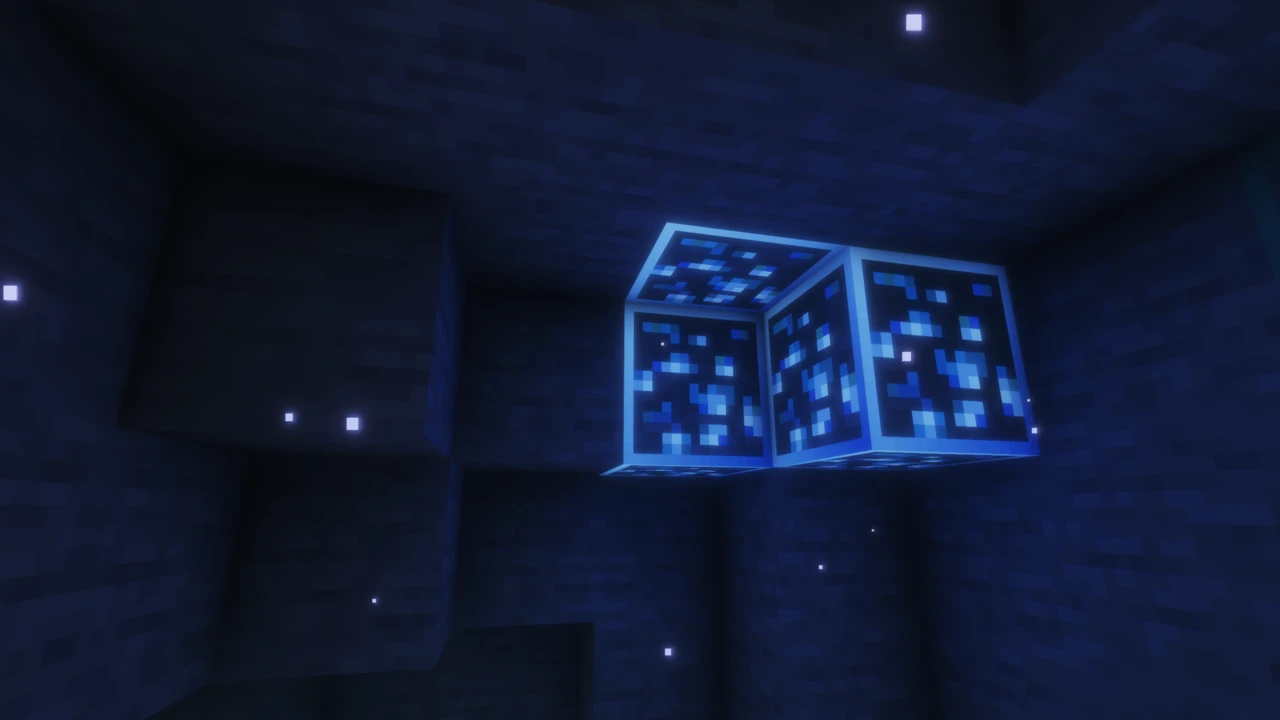
About Bare Bones
You watch a Minecraft trailer, the game looks clean and bright and colourful, then you load your own world and it looks… busier. Noisier. That gap is what Bare Bones exists to close.
It's a texture pack by robotpants, and the creator's own description of it is "Minecraft with the style of the trailers." The pack takes Minecraft's default textures and strips them back: fewer speckles, less dithering, cleaner shapes, stronger colour. The official phrasing is bringing the game's textures "to their bare bones," which is exactly what it does.
Worth being clear on one thing up front: this isn't an official Mojang pack, and Minecraft's trailers don't use it. Bare Bones emulates that promotional art style, but it isn't affiliated with or endorsed by Mojang.
Bare Bones is 16x, and that matters
Most texture packs change how many pixels a texture has. Bare Bones doesn't. It's 16x, exactly the same resolution as vanilla Minecraft.
That surprises people, because packs are usually sorted by resolution and there's an assumption that a better-looking pack must be a higher-resolution one. Bare Bones works the other way round. Same pixel grid, different art. Every texture is redrawn within vanilla's own constraints, just with less detail crammed into it.
So it isn't a "low resolution" pack either: there's nothing reduced about the resolution. What's reduced is the visual noise. A vanilla stone block packs a lot of speckled variation into 256 pixels, while the Bare Bones version uses those same 256 pixels for something calmer.
What it actually looks like
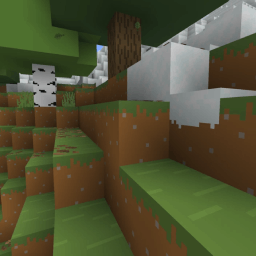
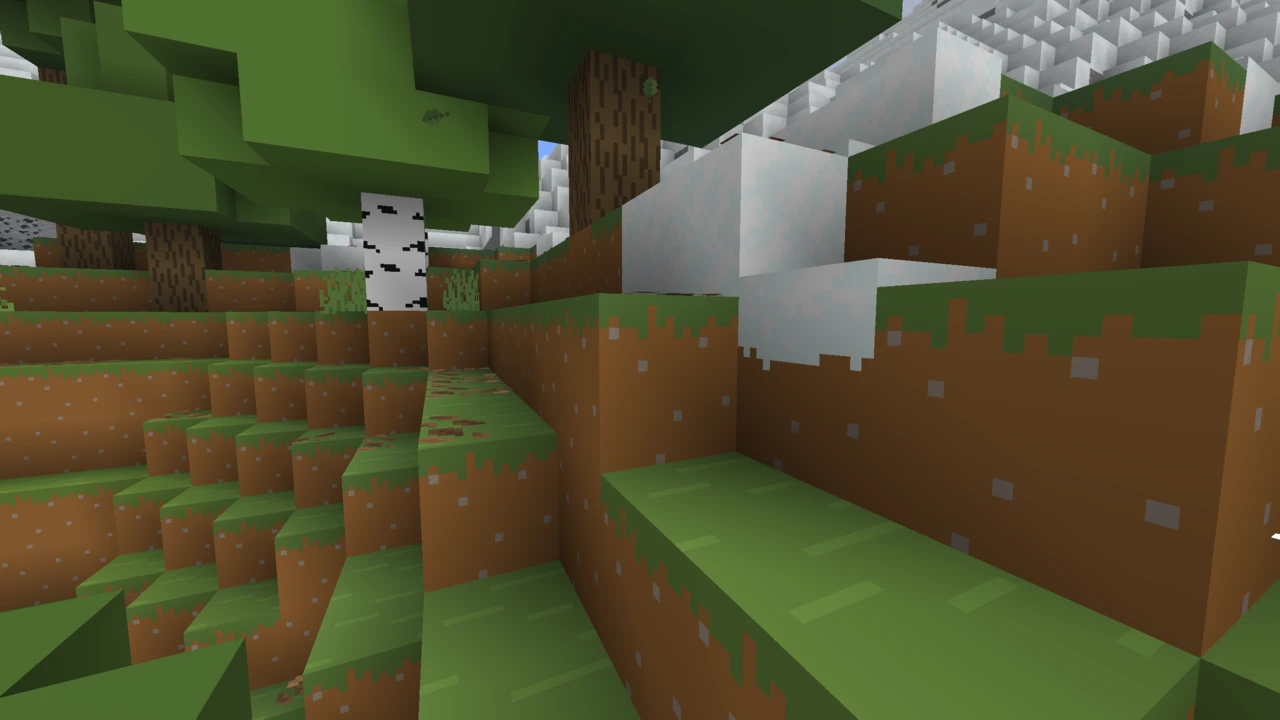
The immediate impression is colour. Greens are more vivid, wood is warmer, everything reads brighter. The official description calls the pack "simplistic and vibrant," and vibrant is doing real work there.
Underneath that, the changes are consistent:
- Flatter surfaces: less speckling and gradient noise, more solid colour
- Simplified shapes: blocks are defined by clean lines rather than fine detail
- Full coverage: blocks, items, mobs, equipment, environment and the interface are all restyled, not just terrain
The result still reads as Minecraft. Silhouettes are unchanged, blocks stay recognisable, and nothing about the game's layout or proportions shifts. It's the same game with the visual volume turned down.
Who Bare Bones is for
Builders get the most obvious benefit. When block textures compete less for attention, structures read more clearly: shapes and colour blocking come through instead of surface detail. Same reason it's popular with people who screenshot or record their worlds.
Beyond that, it suits anyone who finds vanilla's textures busy, or who just wants a change of feel without leaving vanilla's visual language behind.
It's less suited to players who like vanilla's grit, and there's one practical trade-off: blocks that rely on fine detail to distinguish themselves can end up looking more alike. Coarse dirt versus regular dirt is the classic example. That's a big part of why so many community add-ons exist to selectively add detail back.
Bare Bones vs Faithful
These two are the obvious comparison, and they're interesting together because they start from the same place and go in opposite directions.
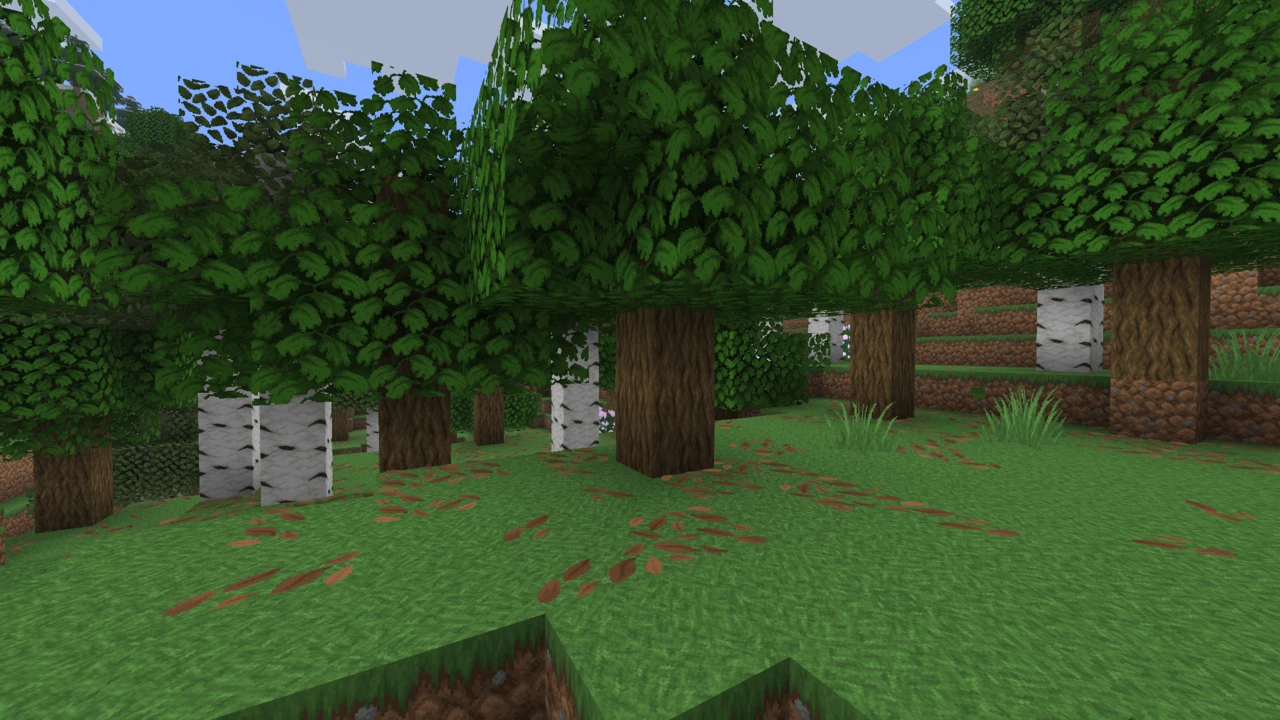
Faithful keeps Minecraft's visual language and adds resolution: 32x or 64x, with each texture redrawn at higher detail while preserving the original's look. Bare Bones keeps the resolution and changes the visual language, simplifying textures within vanilla's own 16x grid.
Put simply: Faithful gives you more detail, Bare Bones gives you less. Both keep the game recognisably Minecraft.
Which suits you depends on what bothers you about vanilla. If textures look muddy or lack definition, Faithful sharpens them. If they look noisy or cluttered, Bare Bones cleans them up. Faithful also comes in four packs across two style lines, whereas Bare Bones is one pack, a simpler decision if you don't want to compare variants.
Java and Bedrock
Both editions are official and made by the same creator, but they're maintained as separate projects on separate schedules.
The Java version is on Modrinth and CurseForge as a standard .zip resource pack. The Bedrock version is on CurseForge as an .mcpack, and it's currently the more actively updated of the two: its most recent release came in early 2026, several months after the last Java update.
The Bedrock edition also includes basic support for Vibrant Visuals, Bedrock's newer lighting system, with the creator offering early access to fuller Vibrant Visuals support through Patreon.
Supported Minecraft versions
On Java, the most recent release targets Minecraft 1.21.11 and was published in December 2025. Builds go back a long way: the CurseForge listing carries sixteen separate releases covering 1.21.x, 1.20, 1.19, 1.18, 1.17 and a set of older builds down to 1.8.9.
There is currently no Java release for Minecraft 26.x. Several download sites advertise one, but no official source lists it. If you're on a current Minecraft version, you can usually still load the 1.21.11 pack and click past the version warning, but anything added to the game since then will show default textures.
On Bedrock, the latest release is 1.21.130 from February 2026, with the listing covering versions from 1.21.82 up to 1.21.132.
Version support changes when the creator ships updates, so check the official listings if you need something newer than the above.
Add-ons and community packs
Bare Bones has an unusually large ecosystem of add-ons built on top of it, and that's by design. The creator's terms explicitly permit third-party add-ons, provided they contain only the textures they actually change.
The result is a wide range of community packs: leaf redesigns that make foliage less uniform, restorations of the pack's earlier pre-2021 art style, mod-specific retextures, outline variants, and more. They work by sitting above Bare Bones in your resource pack list, overriding specific textures while leaving the rest intact.
Two things worth knowing. These add-ons are community-made, not official parts of Bare Bones. And while the base pack needs nothing extra, some add-ons do have their own requirements: several need OptiFine or a connected-textures mod to work. Check what an add-on asks for before installing it.
Do you need any mods?
No. Bare Bones is a plain resource pack and works with vanilla Minecraft on both editions. No OptiFine, no Fabric, Forge or NeoForge, no Sodium, no Fabric API.
If you already run shaders, Bare Bones works alongside them: resource packs and shaders operate at different layers. Its flat, clean style is a popular pairing with shader lighting. If you want to set that up, Iris handles loading the shader pack while Bare Bones handles the textures.
Performance
No official performance claims exist for Bare Bones, and it's worth resisting the assumption that simpler-looking textures automatically run better.
Here's the accurate version. Bare Bones is 16x, the same as vanilla, so its textures don't carry the extra memory overhead that 32x or 64x packs do. If you're switching from a higher-resolution pack, that's a genuine reduction. If you're switching from vanilla, you're moving between two packs at the same resolution: expect no meaningful difference.
Common problems
- The pack isn't in your list. On Java, check the
.zip is still zipped and in the resourcepacks folder. Unzipping it is the usual cause.
- Minecraft warns the pack is for an older version. Expected if you're past 1.21.11. You can continue anyway: most textures load, but newer content will look vanilla.
- Old and new copies conflicting. The creator specifically recommends deleting previous versions when you update. Two Bare Bones files in the folder causes confusion.
- Blocks look too similar. A side effect of the simplification rather than a bug. Community add-ons exist specifically for this, and leaves and coarse dirt are the usual targets.
- An add-on isn't working. Check it sits above Bare Bones in the resource pack order, and whether it needs OptiFine or a connected-textures mod.
Where to download Bare Bones safely
Java downloads come from Modrinth or CurseForge, and Bedrock ones from CurseForge. Those are the official listings.
The pack is released under an All Rights Reserved licence, and the terms are specific: you may alter it for your own use but not distribute the result, and reuploading any instance of the pack is not allowed. That makes third-party download sites unauthorised regardless of how legitimate they look, and many host outdated builds. Commercial use is handled separately: the creator lists a business contact for licensing enquiries.
How to Download Bare Bones for Minecraft
There's only one pack and one resolution, so the choice is simply which edition you need.
- Java Edition: open the Bare Bones Downloads section on this page, pick the row for your Minecraft version and click Download to reach the
.zip on Modrinth. The current release targets Minecraft 1.21.11.
- Bedrock Edition: download the
.mcpack from CurseForge. The current release is 1.21.130.
Check your Minecraft version before downloading, since the two editions are on different release schedules and Java hasn't been updated as recently. If you're on a Minecraft version newer than the pack supports, the download will usually still work: you'll just see a version warning and some newer blocks will keep their default textures.
On Java, leave the file zipped. The official instructions say to copy the .zip straight into your resource packs folder, and unzipping it is the most common reason a pack never appears in-game.
Stick to the official listings. The creator's terms prohibit reuploading the pack, so other download sites aren't authorised and often carry older builds.
How to Install Bare Bones in Minecraft
No mod loader, no OptiFine, nothing extra. This is a standard resource pack on both editions.
Installing on Java Edition
- Download the Bare Bones
.zip.
- Open your
resourcepacks folder. Quickest route: launch Minecraft, go to Options → Resource Packs, and click Open Pack Folder. You can also paste %appdata%\.minecraft\resourcepacks into your file explorer.
- Copy the
.zip into that folder without extracting it.
- Delete any older Bare Bones file you already have there. The creator specifically recommends this when updating, because leaving both causes conflicts.
- Back in Minecraft, find Bare Bones in the left column and click the arrow to move it across to the active side.
- Click Done.
If Minecraft warns the pack was made for a different version, you can continue past it.
Installing on Bedrock Edition
The Bedrock download is an .mcpack file, which is designed to import into Minecraft directly rather than being placed into a folder by hand. Follow the instructions on the official CurseForge listing for your device, since the process differs between platforms.
Adding community add-ons
Add-ons go in the same resourcepacks folder as Bare Bones, and the order matters:
- Install Bare Bones first and enable it.
- Add the add-on file to the same folder.
- Enable the add-on and make sure it sits above Bare Bones in the active list: packs higher in the list override those below.
If an add-on doesn't seem to do anything, the order is the first thing to check. The second is whether that particular add-on requires OptiFine or a connected-textures mod, since some do even though Bare Bones itself doesn't.
If something goes wrong
- Pack missing from the list. Check the zip wasn't extracted and that it's in
resourcepacks.
- Textures look mixed or wrong. Usually two Bare Bones versions installed at once, or an add-on sitting below the base pack.
- Newer blocks look vanilla. Expected if your Minecraft version is ahead of the pack's latest release.
If the pack still is not behaving, our guide to texture packs that will not load covers the wider set of causes.