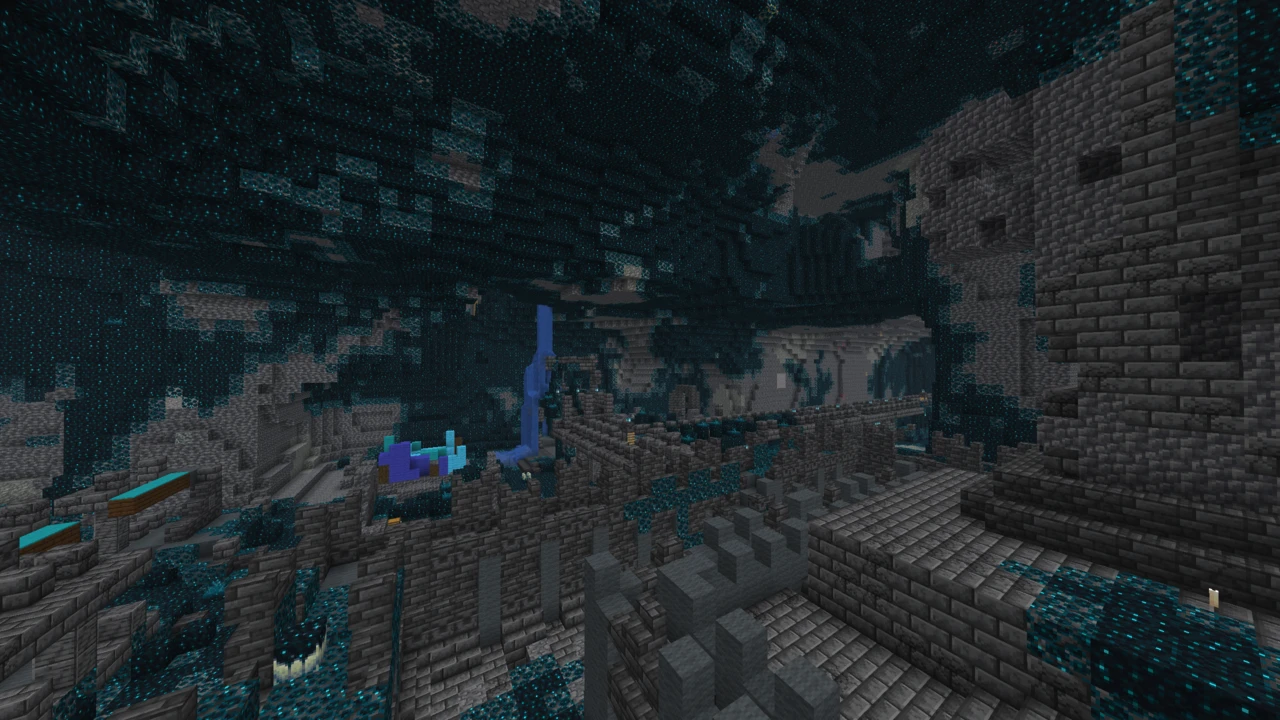
About Xray Ultimate
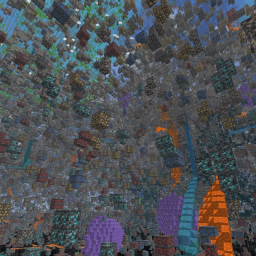
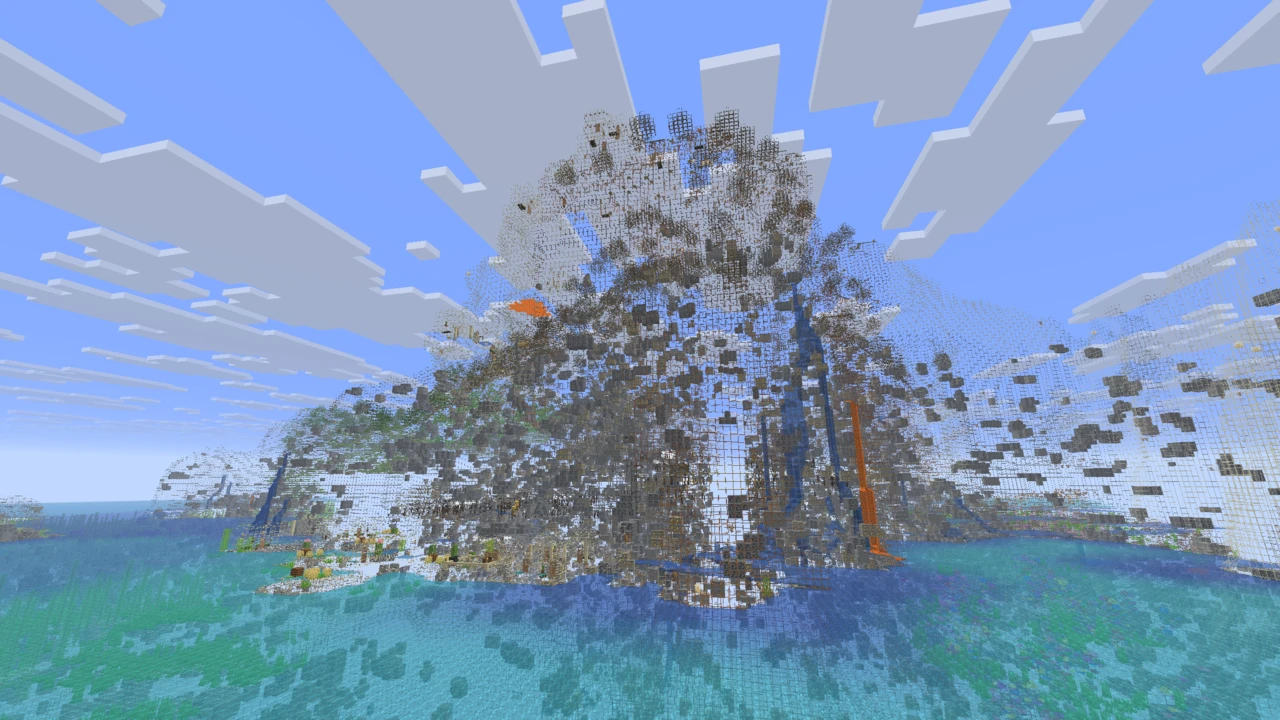
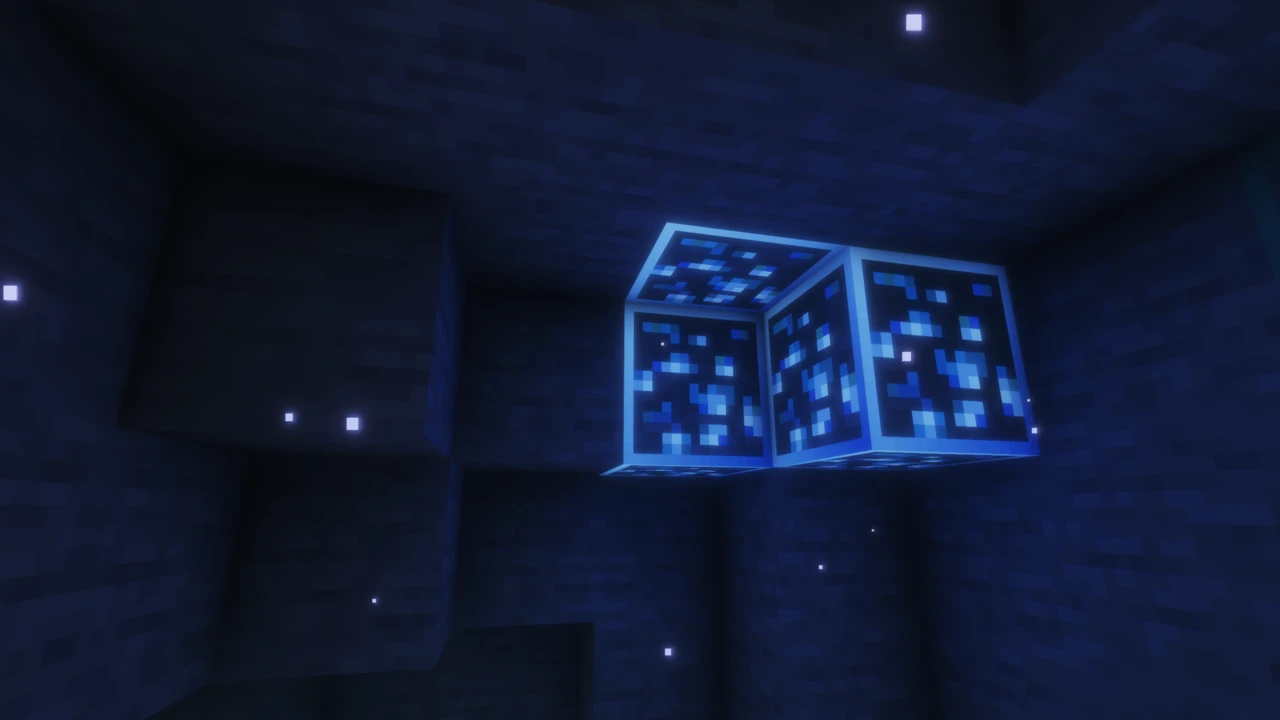
Xray Ultimate is a Minecraft: Java Edition resource pack by Filmjolk that makes ordinary stone and dirt render see-through, then draws ores and mineral blocks in bright, flat colour so they stand out against everything behind them. There is no mod to install and no loader involved, so it goes in the same folder as any other pack.
It is comfortably the most used pack of its kind, with more than 79 million downloads on CurseForge, and it has been maintained for about a decade. That second figure matters more than the first. An x-ray pack has to be redrawn every time Minecraft adds a block worth spotting, and most of them stop being updated long before that becomes obvious.
What it actually shows you
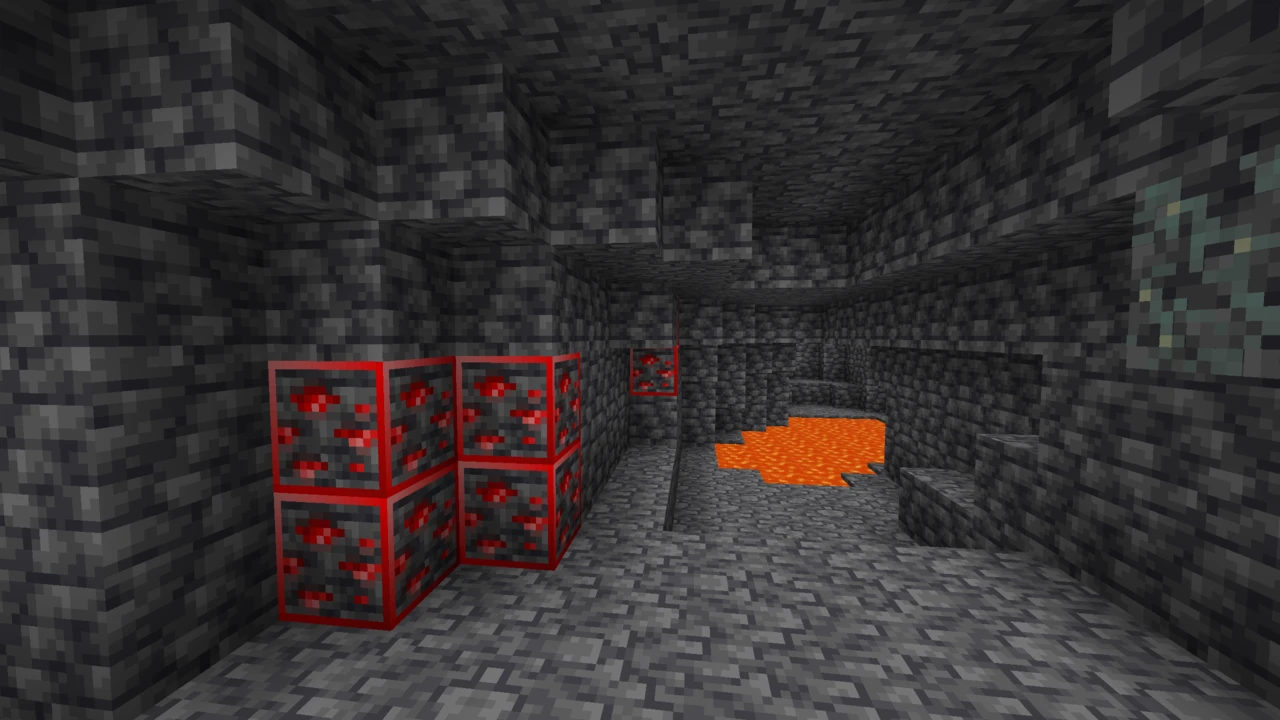
The project's own description is short. It highlights ores and mineral blocks, and monster spawners are drawn as red squares. Those two behaviours cover most of what people install it for: ore veins read as solid colour through the rock around them, and a spawner announces itself well before you have opened the room it is sitting in.
The part that is easy to miss is the mod coverage. The pack ships with highlighting already written for the ores and resource blocks added by more than a hundred mods, Create, Mekanism, Applied Energistics 2 and Tinkers' Construct among them. On a modded instance a vanilla-only x-ray pack goes quiet exactly where the interesting material is, and this one does not.
What nobody publishes is a definitive list of which blocks clear and which stay put, and that is a rendering constraint rather than an omission. Minecraft does not treat transparency identically for every block: blocks drawn on the solid render layer force transparent pixels to display opaque, while cutout and translucent blocks follow different rules again. A fully transparent PNG is not a universal invisibility switch. Expect a partial effect rather than a clean glass world, and treat any page offering you a confident block-by-block list as describing something the project has never stated.
The name is crowded
Search for an x-ray pack and you will be offered a great many of them, several using names a word or two away from this one. Xray Ultimate is the pack credited to Filmjolk on CurseForge, and that credit is the thing to match: the title alone does not separate it from packs by other authors, from Bedrock packs with nearly identical names, or from projects like X-Ray Spectator that only work in spectator mode. Anti-x-ray packs doing the exact opposite sit in the same results too.
Because the licence forbids reuploading, any site hosting its own copy of the archive is doing so without permission. Those copies are the ones that tend to be several versions behind, or to arrive with something extra attached.
Why this is a resource pack and not an X-ray mod
People use texture pack, resource pack and mod as if they were the same thing, and here the difference sets what you can reasonably expect. A resource pack swaps assets (textures, models, sounds) and runs inside unmodified Minecraft. It cannot touch game logic, which means no flight, no noclip, no commands, no coordinate readouts, and no access to anything the game has not already given the client.
An X-ray mod is a different proposition. It needs Fabric, Forge or NeoForge beneath it, and because it executes as code it can filter blocks by type, add hotkeys and toggles, and change how chunks are drawn for the effect. More capable, more intrusive, and much more likely to be classed as a cheat client.
Nothing else is required to run this one, which is consistent with what a resource pack is. The project publishes no statement about OptiFine, Sodium or Iris, so do not expect extra behaviour from any of them here, and equally, there is no evidence it breaks with them.
Version coverage, and what a version tag actually promises
This is a pack you match to your game rather than one file that claims to fit everything. The current release is Xray_Ultimate_26.X_v5.4.2, published on 17 July 2026 and covering Minecraft 26.2 alongside the 26.1 line, and the files behind it reach back through the 1.21, 1.20, 1.19, 1.18, 1.16, 1.12 and 1.8 lines.
Pack format is where version tags start to matter. Every Java resource pack declares a format number in a small file called pack.mcmeta, and the game increments that number as its asset layout changes. When the declared number does not match what the running version expects, Minecraft flags the pack as incompatible on the selection screen.
That flag is a mismatch notice, not a refusal. Packs that only swap block textures frequently work straight through it, because the files they target have not moved. If there is no file for your exact release, taking the nearest one below it and clicking past the warning is a reasonable thing to try, in a world you do not mind testing on.
On a server, you only render what you were sent
A resource pack governs how the client draws block data it already holds. It cannot recover data the server never sent, and server software is built with that in mind. Paper's Anti-Xray obfuscates chunk data before it leaves the server in one of three modes: the simplest swaps every hidden block for plain stone, deepslate or netherrack depending on the dimension, while the other two scatter randomly generated fake ores so that everything reads as a hit.
Against that, there is nothing for a client-side pack to work with. You can render the stone invisible and still be staring at blocks the server invented. Paper's documentation is refreshingly blunt that the system is not infallible: under the simplest mode, ores genuinely exposed to air in a cave or against water are not hidden, because the server has to send those for the world to look right at all.
Neither extreme holds, then. It does not bypass anti-Xray, and it is not automatically dead weight in multiplayer either. The result depends on how that particular server is configured. Worth stating plainly all the same: most servers treat X-ray as cheating whether it arrived as a mod or a pack, and running it somewhere you do not own is a reliable way to lose your place there. The uncontentious use is your own worlds, where it is genuinely handy for checking a build, tracing a cave system or working out what terrain generation has done.
What the licence allows
The pack is released all rights reserved, and the terms are more specific than that phrase usually implies. Redistributing the file, reuploading it or presenting it as your own work are all out. Making videos and other content with it is explicitly permitted, and so is a server owner handing it to players through the server resource pack prompt.
That last permission is worth reading twice, because it runs against the grain of how servers usually treat x-ray. It exists so a server that wants the pack in play can distribute it properly. It does not make the pack welcome anywhere that has not said so.
How to Download Xray Ultimate for Minecraft
Open the Xray Ultimate Downloads section on this page, where the releases are listed against the Minecraft versions they cover. Click Download on your row and it opens Filmjolk's own CurseForge file. Confirming that author name is the whole trick with this pack, because lookalike titles from other creators are the main hazard. The licence also forbids rehosting, so any other site offering the archive is doing it without permission, and those are the copies that tend to arrive with something extra attached.
Match the file to the Minecraft version you actually launch. If nothing lists your exact release, the nearest file below it is the sensible thing to try.
How to Install Xray Ultimate in Minecraft
Keep the download zipped. Minecraft reads the archive as it is, and unpacking it first is the usual reason a pack never turns up in the menu.
Start the version you plan to play, then open Options and pick Resource Packs. Bottom left of that screen is a button that opens your resourcepacks folder in a file browser, which spares you hunting down the Minecraft directory by hand. Put the ZIP in there and step back into the game, where the pack now appears in the left-hand column.
Hover over it, click the arrow to send it across to the selected column, and press Done. Textures reload and the effect takes hold straight away.
Ordering matters once you run more than one pack. Minecraft works up the selected list from the bottom, so anything sitting above this pack wins any texture the two of them both replace. Something like Night Vision is safe company because it alters lighting rather than block textures, but a full texture pack will compete directly. If what you actually want is help spotting ore on a server that forbids this, Visible Ores outlines ore you can already see rather than revealing what you cannot.
A Java .zip is not a Bedrock file. Bedrock uses its own pack format, so this archive will not import there whatever you do with it.
If nothing changes
- The pack is not listed. Look inside the archive.
pack.mcmeta has to sit at the very top level rather than one folder down, and re-zipping an extracted folder is how that usually goes wrong.
- Minecraft calls it incompatible. That is a declared-format mismatch rather than a hard stop. Select it regardless and see whether the effect holds on your version.
- Some blocks stay solid. Expected behaviour. The game renders certain block types opaque whatever their texture contains, so no pack clears every block.
- Modded ores are not highlighted. The pack covers a long list of mods but not every one of them. A mod outside that list keeps its own textures.
- Fine locally, nothing on a server. That server is near-certainly obfuscating block data before it reaches you, and no client-side file changes what it chose to send.
For the more general failures, our guide to texture packs that are not working covers packs that never appear or refuse to apply.