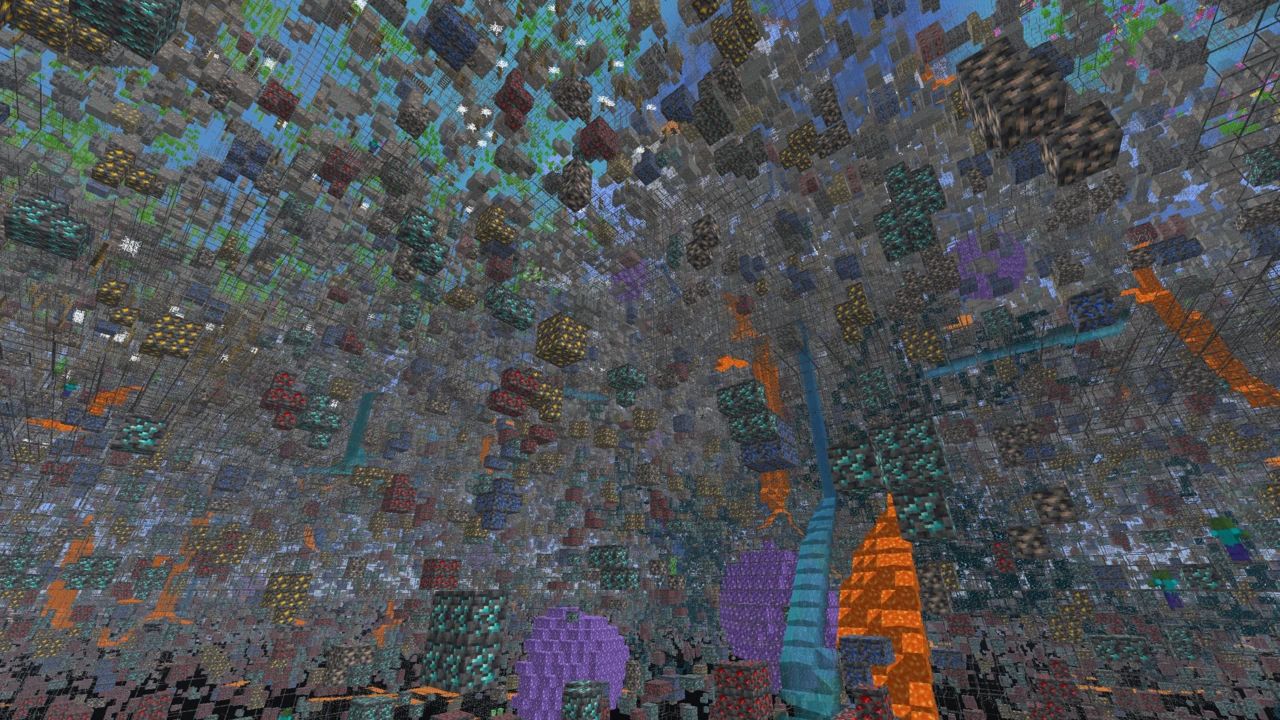
About Visible Ores
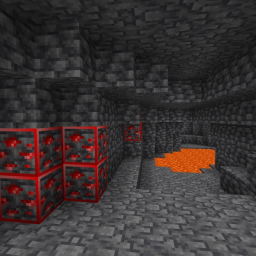
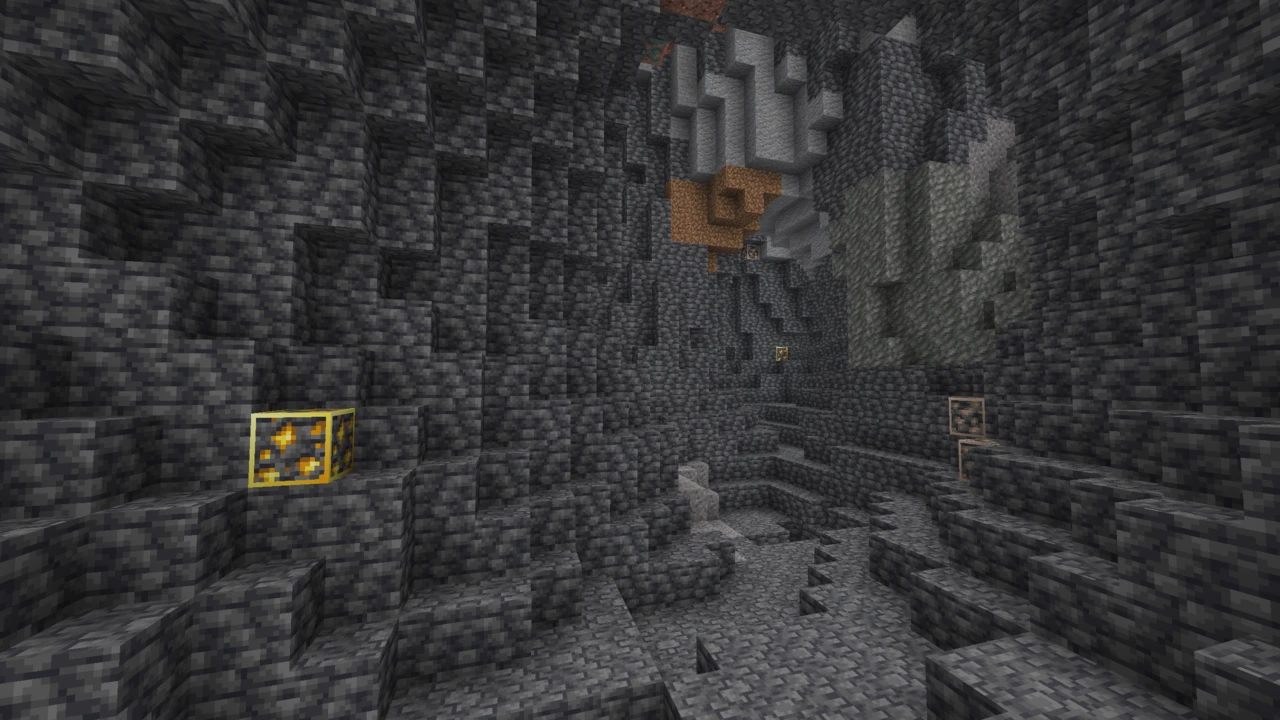
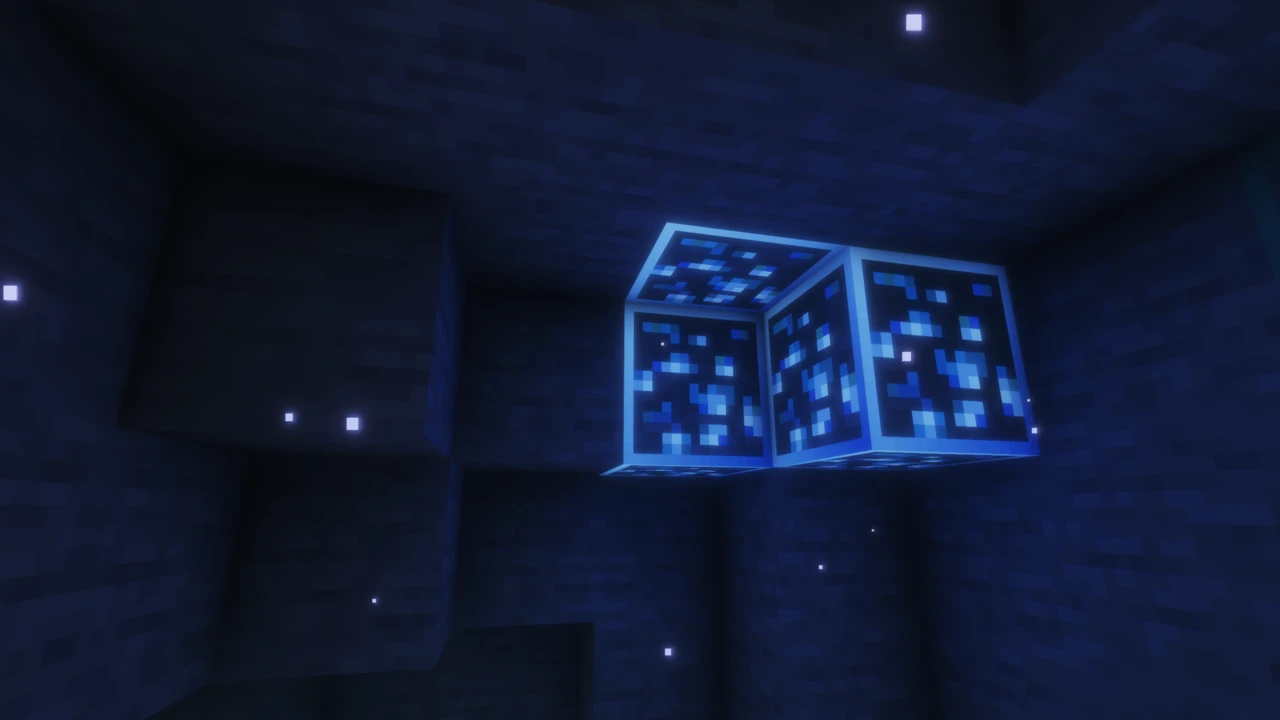
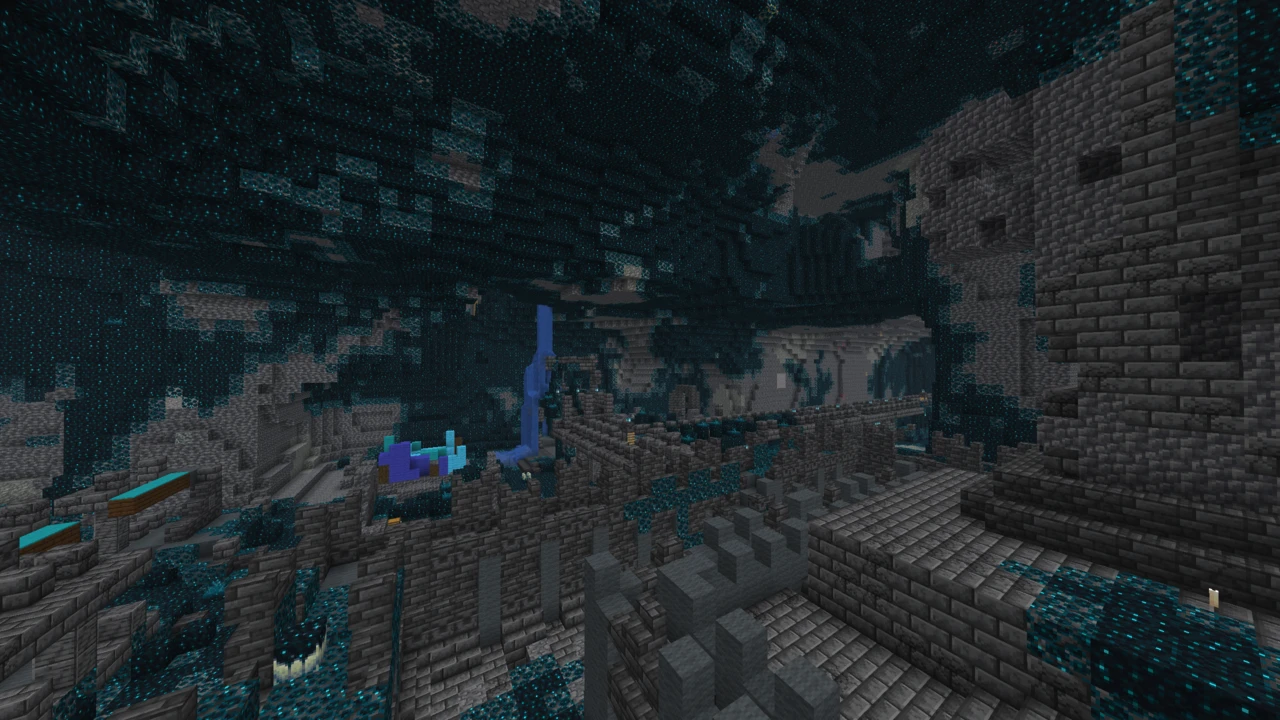
Visible Ores is a 16x resource pack for Minecraft: Java Edition that gives every ore except coal a glowing outline and a border that joins up across a vein. Techy145 built it around a specific problem: shader packs make caves genuinely dark, and a diamond two blocks away in near-black stone is easy to walk straight past.
It also carries a requirement that catches people out. Drop the ZIP into your resource packs folder on its own and almost nothing happens, because vanilla Minecraft cannot draw either of the effects the pack is built from.
Two effects doing two different jobs
The pack leans on two separate rendering features, and knowing which is which makes the settings far easier to get right.
Emissive textures are the glow. A second texture layer marks certain pixels as self-lit, so an ore's outline stays bright no matter how little light is reaching that block. That is what keeps a vein readable in a cave a shader has rendered close to black.
Connected textures are the border. Adjacent ore blocks look at what is beside them and draw a continuous edge instead of six separate outlines, so a nine-block iron vein reads as one shape rather than a cluster of squares.
The design intent shows in what the pack leaves alone. It does not brighten the cave, raise light levels or touch anything other than ore surfaces, so a shader's atmosphere survives intact. The trade is that it only helps with ore you can already see, and nothing here compensates for a tunnel you have not lit.
The two also fail independently, which is worth knowing when the result looks half right. Glowing ores with boxy individual outlines means emissive is working and connected textures are not. Joined-up borders that stay dim means the reverse.
Why a texture pack needs a mod here
Neither effect exists in unmodified Minecraft. The game has no concept of a self-illuminated texture layer, and no rules for a block texture that changes according to its neighbours. Both were invented by OptiFine, and the format the pack ships in is OptiFine's.
On Fabric and Quilt, Continuity implements that same format without OptiFine, which is why both official project pages name it as the requirement. It is a mod rather than a pack, so it goes in your mods folder and needs Fabric underneath it.
One note if you check Modrinth's file page. The current release lists no dependencies where earlier files named Continuity outright. The project description still states the requirement on both platforms and nothing about how the pack is built has changed, so read the blank field as an oversight rather than a change of plan.
Cost is modest but not nothing. This is a 16x pack with no animations, so the textures themselves are light. The emissive and connected-texture passes are extra rendering work, and how much depends on your Minecraft version, your shader and which mod is supplying the features.
The OptiFine instructions you will still find
Search for this pack and a fair number of guides will tell you OptiFine is mandatory. That advice is dated rather than wrong, and the difference matters.
It is not wrong because OptiFine provides both features natively, so an OptiFine profile runs the pack with no Continuity anywhere in sight. It is dated because the project no longer frames it that way. The CurseForge text those guides quote has been replaced, and it now names Continuity, matching Modrinth.
Which route you take follows from your setup rather than from the pack. Running Iris and Sodium for performance puts you on Fabric, where OptiFine is not an option and Continuity is the answer. On an OptiFine profile you already have everything required.
Which ores light up, and why coal does not
The official list covers iron, gold, diamond, emerald, redstone, lapis and copper in both stone and deepslate forms, along with the nether ores and the raw ore storage blocks.
Coal is a deliberate omission. It was pulled in the 1.20.4 update, with the reason stated plainly in the changelog: clutter. Coal is by a wide margin the most common ore in the game, and outlining every seam turns a cave wall into noise, which defeats a pack built to make the valuable stuff stand out.
Copper gets the same treatment as an option rather than a rule. A separate No Copper build exists for anyone who finds copper equally distracting, which is a fair position given how much of it 1.17 onward put in the ground.
Ancient debris is not on the list. Packs that do highlight it are generally a different project trading under a similar name, which is worth keeping in mind when a screenshot shows something this one does not do. If you want debris covered, New Glowing Ores includes it.
A file named 26.1 that also covers 1.21.7
The current release went out in May 2026, and its number tracks the newest Minecraft version it supports rather than counting the pack's own revisions. That misleads people: a file called 26.1 sounds like it is for Minecraft 26 alone, when it actually covers everything from 1.21.7 through to 26.1.2 in a single download.
Where you get it changes what is available. Modrinth carries a short list, effectively the current release plus a few older ones covering 1.20.x and the 1.21.7 to 1.21.8 window. CurseForge keeps a far deeper back catalogue running to dozens of files. If you are on an older version and Modrinth has nothing for it, check CurseForge before assuming the pack does not reach you.
Not an x-ray, and not the other Visible Ores
Two clarifications, because both send people to the wrong download.
This does not show you ore through stone. An x-ray pack works by making ordinary blocks transparent so buried ore is visible from outside, while this one only changes how ore looks once it is already in view. It is not a brightness pack either. Full Bright packs lift the rendering of every dark surface, a blunter instrument that washes out the contrast a glowing outline depends on.
The name is crowded too. Visible Ores Plus, Better Visible Ores, More Visible Ores and several near-identical titles are separate projects by separate authors, with their own ore lists, dependencies and update schedules. Techy145's pack is the one behind the two official links here, so check the author before downloading. Descriptions travel between these packs freely.
How to Download Visible Ores for Minecraft
Open the Visible Ores Downloads section on this page, where the files are listed against the Minecraft versions they cover. Click Download on the file for your version and it opens the official Modrinth release. Leave the ZIP as it is.
Continuity comes first
The pack alone will not glow, so begin with the mod that makes glowing possible. On Fabric or Quilt that means Continuity, taken from its download table and dropped into your mods folder like any other mod, with its version matched to your Minecraft version.
Running Sodium alongside it is normal. Older Sodium builds need Indium before connected textures render correctly, while recent ones handle it natively, so check what your Sodium version expects rather than installing Indium out of habit.
Using an OptiFine profile instead? Skip Continuity altogether, since OptiFine supplies both features itself. The two are alternatives rather than a stack, and installing one does not require the other.
How to Install Visible Ores in Minecraft
Put the ZIP in resourcepacks, then switch it on through Options and Resource Packs.
Ordering matters once more than one pack is active. Priority runs upward through the selected list, which means the topmost pack decides what happens where two of them contain the same file. Keep Visible Ores above anything else that retextures ore, or the other pack takes the block and the glow goes with it.
The settings that have to be on
On OptiFine, two settings want checking under Video Settings then Quality: Emissive Textures on, and Connected Textures set to Fancy. Continuity turns its features on by default, though it has an options screen of its own if something has been changed there.
When nothing glows
- No glow whatsoever. Almost always the missing mod. Confirm Continuity is in your mods folder and actually loading, or that you launched the OptiFine profile rather than plain vanilla.
- Glowing, but with boxy outlines. Half the setup is live: the glow renders while the borders do not. On OptiFine check the Connected Textures setting. On Fabric with Sodium, check whether your version wants Indium.
- Worked before, stopped now. Another resource pack has been added above it. Move Visible Ores back to the top of the selected list.
- Flagged as incompatible. Wrong file for your game. Version numbers here cover ranges rather than single releases, so read what the file actually spans before assuming it is the wrong one.
If the pack is not showing up at all, our guide to texture packs that will not load covers that side of it.