Night Vision

Night Vision is a small utility resource pack by Luracasmus that rewrites how Minecraft turns light levels into on-screen brightness, so caves, night-time and unlit interiors render as though you had a permanent Night Vision potion. It changes no block textures, so it layers over whatever pack you already run. It needs either Polytone or OptiFine to work, and a shader pack overrides it.

2.8M+ Downloads by Luracasmus

About Night Vision

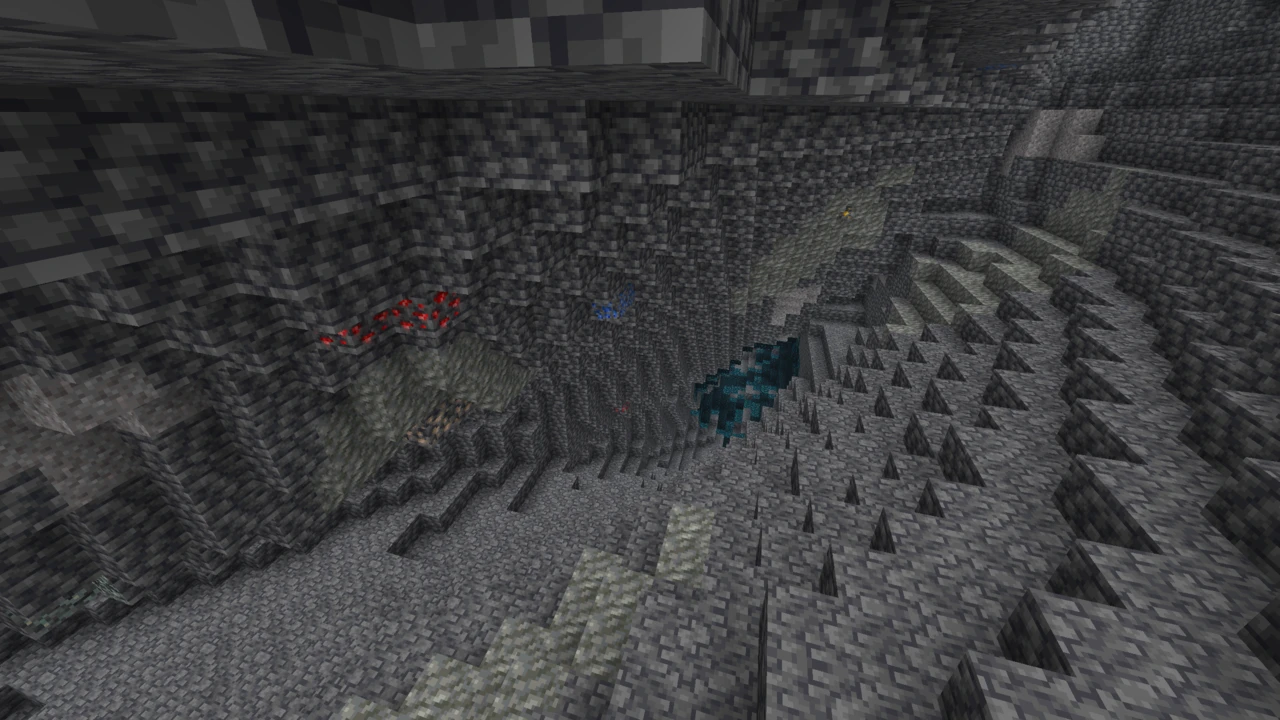
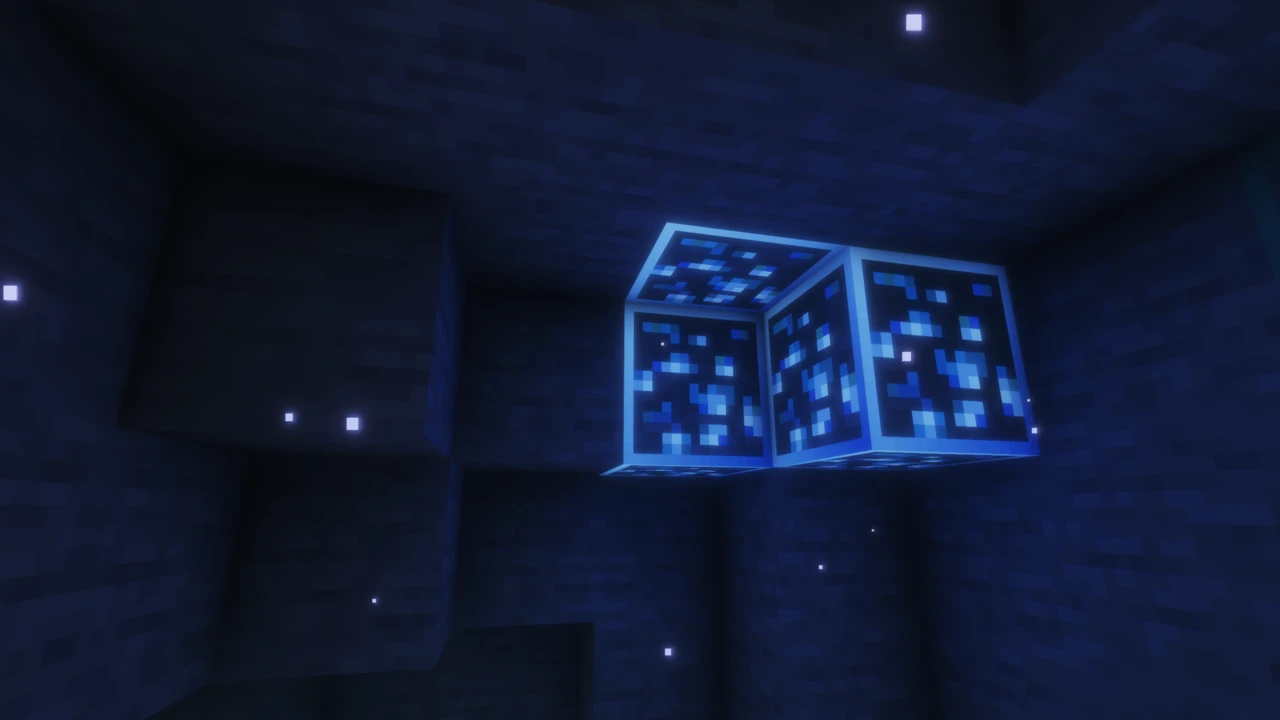
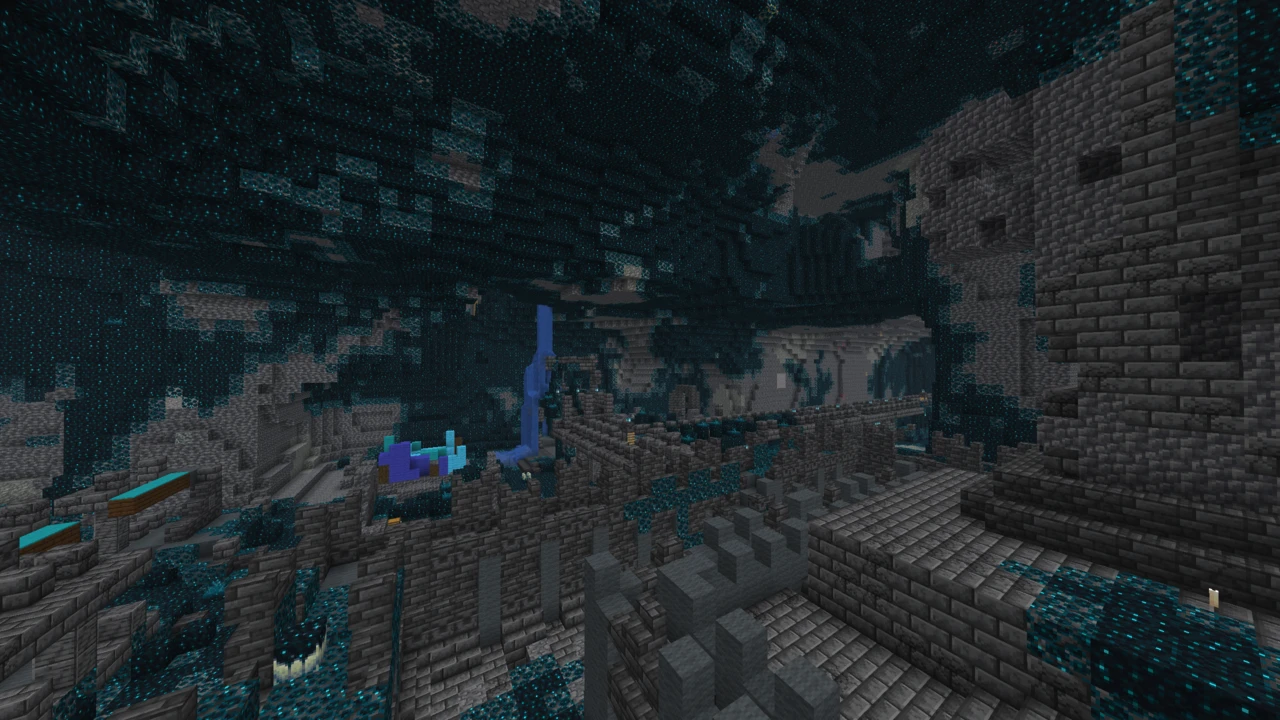
Minecraft is dark by design. Caves are dangerous because you can't see into them, night is tense because your torch only reaches so far, and the deep dark is unnerving precisely because the game refuses to show you what's there. Night Vision removes that constraint entirely: dark areas render at full brightness, permanently, as though you were holding a Night Vision potion that never runs out.

It is made by Luracasmus, it has been on Modrinth for about four years, and it has picked up roughly 2.8 million downloads. The project describes itself as a tiny pack, which is accurate: it ships almost no texture data. What it does ship is a rewrite of one specific step in how the game draws a frame, and that is worth understanding before you install it, because it explains every requirement and every limitation below.

How it actually works

This is a resource pack, not a mod, not a shader, and not a cheat client. But it doesn't work the way most resource packs do.

Normal texture packs replace image files: block textures, item icons, mob skins. Night Vision replaces none of those. Instead it targets Minecraft's lightmap, the small internal texture the game uses to decide how bright each light level should appear on screen. Vanilla's lightmap ramps from near-black at light level 0 up to full brightness at 15. Night Vision flattens that curve so even light level 0 renders bright. Alongside it the pack adjusts environment attributes, which is how it reaches conditions the lightmap alone does not cover.

The practical consequence is that the game world is genuinely lit up for you visually, but nothing about the world itself has changed. Mobs still spawn according to actual light levels. Crops still need real light. The game's logic is untouched; only what your screen displays is different.

This is also why the pack cannot work alone. Vanilla Minecraft gives resource packs no way to override the lightmap, so something has to add that capability. Two mods do, and either one is enough.

Polytone or OptiFine, and which to pick

The project lists both, and you install exactly one of them.

  • Polytone is the modern route. It is an ordinary Fabric mod, so it sits happily alongside Sodium and the rest of a current setup rather than replacing the renderer.
  • OptiFine is the long-standing route, and the one to use if you already run an OptiFine profile. It needs three settings set correctly: Custom Colors on, Smooth Lighting off, and Dynamic Lights off. Miss those and the pack loads without appearing to do anything.

There is one gap worth knowing about before you commit. The project notes that Polytone's custom lightmap support is not currently available on Minecraft 1.21.10 and later, which means the newest releases are effectively an OptiFine route until that changes. On anything below that line, Polytone is the easier and less intrusive option.

Whichever you choose, everything has to target the same Minecraft version: the launcher profile, the loader, the helper mod and the pack itself. Version mismatches are the single most common failure.

What it doesn't change

Because it leaves block and item textures alone, Night Vision stacks cleanly with other resource packs. You can run it above Faithful or any other texture pack and keep that pack's artwork while gaining the brightness; the two aren't competing for the same files.

Order matters, though. Night Vision needs to sit at the top of your active resource pack list, above your texture pack, or another pack may override its lightmap.

Where the brightness applies

The effect is tied to light level, not to location, so it applies anywhere the game would normally be dark:

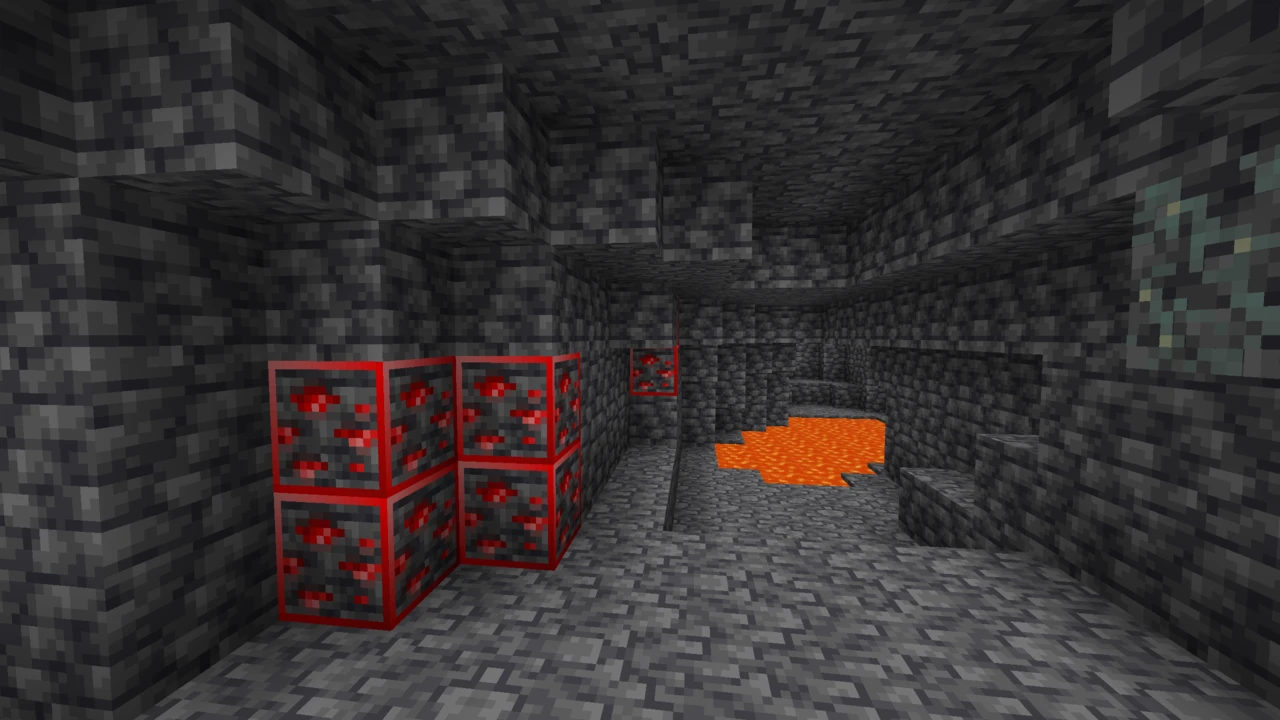
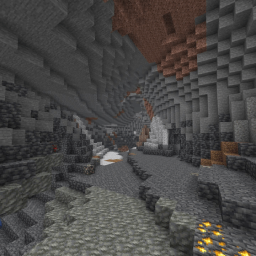
  • Caves and mineshafts: the main reason most people install it. Unlit cave systems read clearly without torch spam.
  • Night-time on the surface: the day/night cycle still runs, but night stops being visually limiting.
  • Unlit interiors and structures: dungeons, strongholds and the inside of buildings.
  • The Nether and the End: both have plenty of dark areas that benefit.

Underwater is worth calling out separately. The pack raises brightness, but water in Minecraft also applies its own fog and colour tinting, which the lightmap doesn't control. Deep water will look brighter than it would otherwise, but it won't look like daylight; that's a different rendering system.

Shaders override it

This one is structural rather than a bug anyone can fix.

A shader pack replaces Minecraft's lighting pipeline wholesale, and that includes the lightmap this pack rewrites. Turn a shader on and the night vision effect simply stops applying, because the code that would have read it is no longer the code drawing your frame.

The Polytone route makes this a real choice rather than a foregone conclusion. Polytone and Iris can both sit in the same Fabric instance, so you can keep the pack installed and switch shaders off when you want the brightness back. On the OptiFine route the same rule applies to OptiFine's own shader menu. Either way the two effects are alternatives, not a stack.

Multiplayer

Night Vision is client-side, so it works on servers without the server needing anything installed.

Use some judgement, though, and the project says as much itself: check a server's rules before using a pack like this in multiplayer. Permanent full brightness removes a constraint every other player is subject to, and plenty of servers, particularly PvP and competitive ones, treat fullbright-style modifications as an unfair advantage and prohibit them.

Supported Minecraft versions

Coverage is current rather than historical. The pack supports Minecraft 26.2 and the 26.1 line, the whole 1.21 series, and a set of older releases running back through 1.20.6, 1.20.4, 1.20.1 and 1.19.3.

The practical ceiling is not the pack, it is the helper mod. Because the pack needs Polytone or OptiFine, it can only work where one of those exists for your version, and the Polytone lightmap gap on 1.21.10 and later is the specific case to check before assuming a setup will work.

Java and Bedrock

This is a Java Edition pack. Neither Polytone nor OptiFine exists on Bedrock, so the mechanism it relies on is not available there.

Bedrock does have its own night vision and fullbright packs, but they work in completely different ways: some manipulate fog rather than lighting and produce a much weaker effect as a result, while others depend on Bedrock's Vibrant Visuals graphics mode. They are separate projects by different creators, not versions of this one.

Performance

Changing how the lightmap is interpreted is not expensive work, and the pack replaces almost no texture data, so there is no meaningful rendering cost to the pack itself. No official performance figures exist and we won't invent any.

The more relevant consideration is the mod you install to run it. Whatever Polytone or OptiFine does to your frame rate on your particular setup is part of the deal.

Where to download it

The pack is published on Modrinth by Luracasmus, with its source on GitHub, and that listing is the source to use. It is released under CC BY 4.0, which is unusually permissive for a pack of this kind: reuse and redistribution are allowed provided the original is credited.

That licence does not make every copy trustworthy. Fullbright packs attract a large number of reupload sites, some of which bundle installers or additional software, and a search for this kind of pack pulls in a lot of low-quality results. Going directly to the project page costs nothing.

Install the helper mod first

The pack does nothing on its own, so start with the mod that gives it something to hook into. You need one of two, not both.

  • Polytone, on Fabric. Drop it in your mods folder like any other mod, matched to your Minecraft version. This is the route that coexists with Sodium and a normal modern setup.
  • OptiFine, run through its own profile. Use this if you already have an OptiFine setup, or if you are on Minecraft 1.21.10 or later, where Polytone's custom lightmap support is not currently available.

Confirm the mod you chose actually has a build for the Minecraft version you launch before going any further. That check is the difference between a five-minute install and an evening of wondering why nothing happened.

Adding the pack

Take the file from the Download section on this page, where the releases are listed against the Minecraft versions they cover and each row opens Luracasmus's own Modrinth file. Keep it zipped; Minecraft reads the archive as it is.

  1. Launch the profile with your helper mod running.
  2. Open Options then Resource Packs, and use the button at the bottom left that opens your resourcepacks folder.
  3. Drop the ZIP in, return to the game, and click the arrow on the pack to move it into the selected column.
  4. Move it to the top of that column if you run other packs, then press Done.

On OptiFine, three settings have to be right

OptiFine will happily load the pack and show you no difference at all if these are wrong, which is the most common reason people conclude it is broken. Under Options then Video Settings:

  • Custom Colors: ON
  • Smooth Lighting: OFF
  • Dynamic Lights: OFF

Polytone needs no equivalent setup; it applies the pack's lightmap on its own.

If the caves stay dark

  • Nothing happens at all. Almost always the helper mod: either Polytone is not installed, or you launched a profile without OptiFine running.
  • OptiFine is installed and it still does nothing. Check the three settings above. Custom Colors in particular is off by default on some setups.
  • You are on Minecraft 1.21.10 or later with Polytone. Custom lightmap support is not currently available there. Use OptiFine on those versions.
  • It worked, then stopped. Check whether a shader pack got switched on. Shaders replace the lighting pipeline and override the effect entirely.
  • Another pack is winning. Night Vision has to sit at the top of your active resource pack list.
  • Version mismatch. The launcher profile, the helper mod and the pack all have to target the same Minecraft version.

If none of those is it, our guide to texture packs that are not working covers packs that never appear or refuse to apply.

Download Night Vision

Release status VersionMinecraft version CompatibilityReleased Download
3.0.0+84.88Latest versionRelease 26.2–26.1 Java Download
2.0.1+42.84Release 1.21.11–1.21.2 Java Download
1.13Release 1.21.1–1.21 Java Download
1.12Release 1.20.6 Java Download
1.11Release 1.20.4 Java Download
1.10Release 1.20.1–1.20 Java Download
1.9Release 1.19.4 Java Download
1.8Release 1.19.3 Java Download

FAQ

Does Night Vision need OptiFine?

Not necessarily. It needs either Polytone or OptiFine, and one is enough. Polytone is an ordinary Fabric mod that works alongside Sodium, which makes it the easier route on a modern setup. OptiFine remains the option on Minecraft 1.21.10 and later, where Polytone's custom lightmap support is not currently available.

Is Night Vision a texture pack, a mod or a shader?

A resource pack, though an unusual one. It replaces almost no textures. Instead it rewrites Minecraft's lightmap, the internal texture that decides how bright each light level looks on screen, which is why it needs a mod to give it that access in the first place.

Does it stop mobs spawning?

No. Spawning is worked out from real light levels, and the pack does not touch those. A cavern that looks floodlit on your screen is still pitch black as far as the game's rules are concerned, so torches remain the only way to prevent spawns.

Can I use it with shaders?

Not at the same time. A shader pack replaces the whole lighting pipeline, including the lightmap this pack rewrites, so the effect stops applying while a shader is enabled. You can keep both installed and switch the shader off when you want the brightness back.

Which Minecraft versions does it support?

Minecraft 26.2 and the 26.1 line, the 1.21 series, and older releases back through 1.20.6, 1.20.4, 1.20.1 and 1.19.3. The real limit is usually the helper mod rather than the pack, so check that Polytone or OptiFine has a build for your version too.

Does it work on multiplayer servers?

It works technically, because everything happens on your own client and the server needs nothing installed. Whether it is allowed is a different question: the project itself suggests checking a server's rules first, and plenty of servers treat fullbright-style packs as an unfair advantage.

Why is nothing happening after I installed it?

In order of likelihood: no helper mod is running, OptiFine's Custom Colors is off, another resource pack sits above this one in the list, a shader is enabled, or the pack and your Minecraft version do not match.

Does it work on Bedrock Edition?

No. Neither Polytone nor OptiFine exists on Bedrock, so the mechanism this pack depends on is not available there. Bedrock has separate fullbright packs by other creators that work in different ways.

Will it hurt my frame rate?

The pack itself is close to free: it changes how a small internal texture is interpreted and ships almost no texture data. Whatever effect Polytone or OptiFine has on your frame rate is the part worth weighing.

Can I use it alongside a normal texture pack?

Yes, and that is the point of how it is built. It changes no block or item textures, so it layers over Faithful or anything else without conflict. Just keep it above the other pack in your active list.

Related
Texture Pack · Java

Visible Ores

Visible Ores is a 16x Java Edition resource pack by Techy145 that gives every ore except coal a glowing outline and a border that connects across a vein, so ore stays readable in caves that shaders have rendered nearly black. It changes ore surfaces only, leaving light levels and everything else alone, which means it is neither an x-ray pack nor a brightness pack. It needs Continuity on Fabric, or OptiFine, to render its effects at all.

Texture Pack · Java

Full Bright

Fullbright UB is a client-side resource pack that overrides the step where Minecraft turns light levels into on-screen brightness, so caves and night-time render as if fully lit without torches. It runs in unmodified Minecraft and also supports OptiFine and Sodium. Mobs still spawn as normal, because the actual light levels never change.

Texture Pack · Java

Xray Ultimate

Xray Ultimate is a Minecraft: Java Edition resource pack by Filmjolk that renders ordinary stone see-through and draws ores, mineral blocks and spawners in bright colour. It installs without a loader and ships built-in highlighting for the ores added by more than a hundred mods. Being a pack rather than a mod, it can only redraw block data the server has already sent.