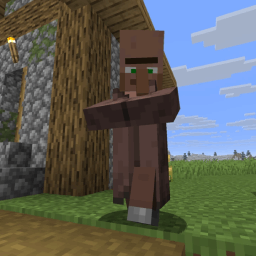
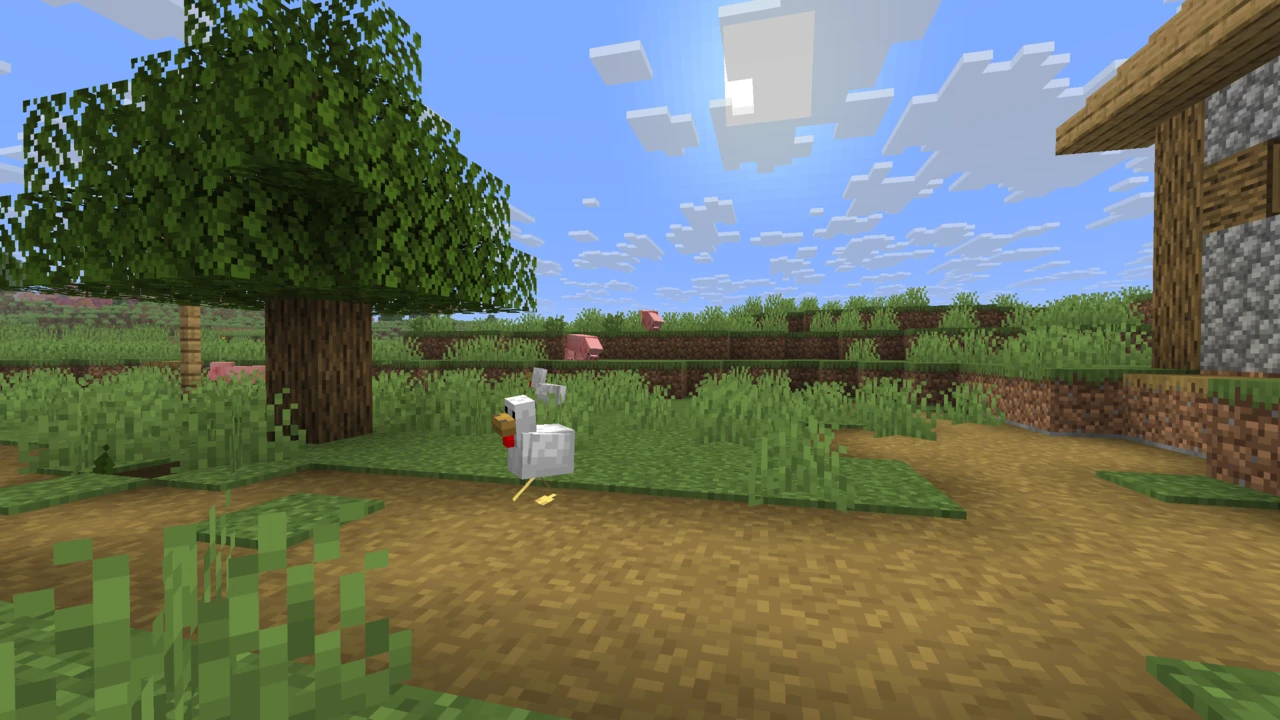
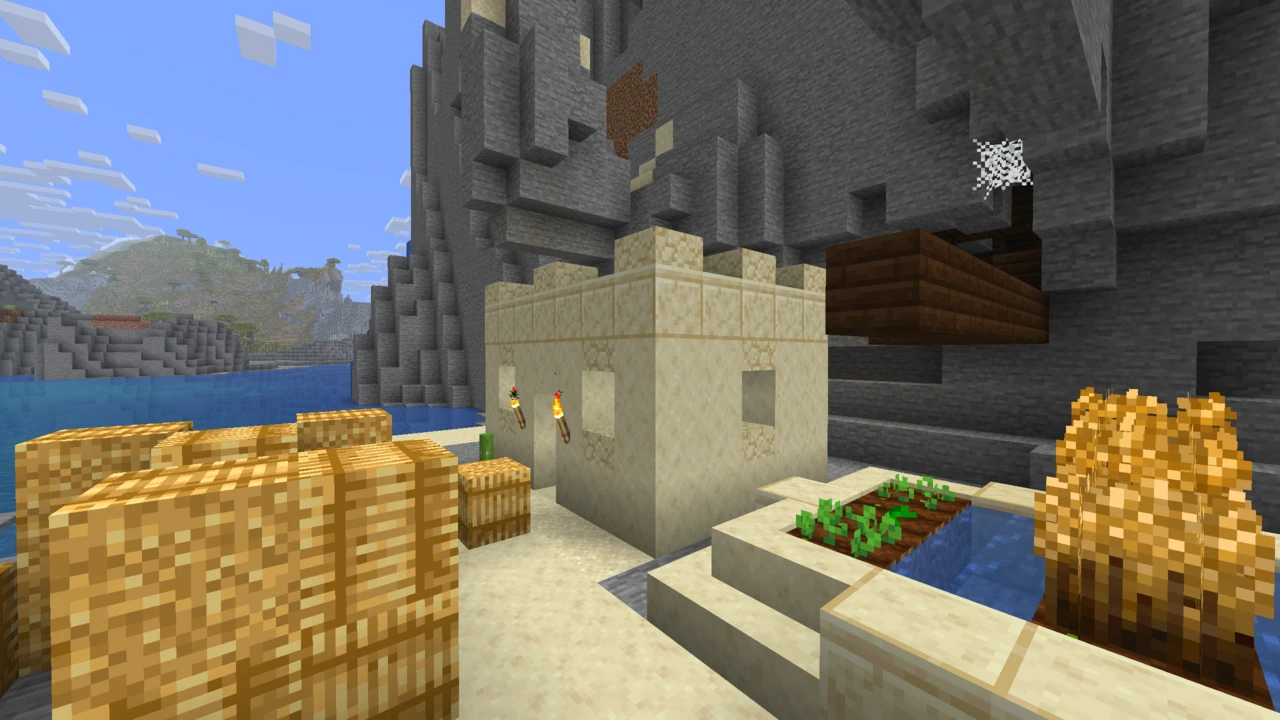
FreshLX's resource pack that re-animates Minecraft's mobs while keeping their vanilla look. It is not a mod, its models and animations play only through OptiFine's Custom Entity Models, or through the Entity Model Features and Entity Texture Features mods on Fabric or NeoForge.
Fresh Animations is a resource pack by FreshLX that gives Minecraft's mobs new models and animations while keeping their vanilla textures and proportions. Villagers, illagers, animals and hostile mobs move with far more life than the stock game allows, yet still read as the same creatures. Most reports of it "not working" come down to one fact: a resource pack cannot animate a mob on its own. Understanding that explains most of the problems people run into.
A pack that needs an engine
Vanilla resource packs can replace textures, sounds and block models. They cannot replace entity models or add animation. Fresh Animations is written in a format OptiFine introduced for exactly that, Custom Entity Models (CEM): the pack is a collection of model and animation files, and something has to read them. There are two routes, one of them made of two mods.
Entity Model Features (EMF) reads CEM models and animations on Fabric, Quilt and NeoForge, and on Forge too, although EMF's own Forge builds stop at Minecraft 1.21.11. It is what makes Fresh Animations move on a modded setup.
Entity Texture Features (ETF) covers the texture side: random and custom mob textures, glowing mob textures and related OptiFine-format features. EMF requires it, relying on ETF for random models and for textures that vary within a model.
OptiFine is the original implementation, with CEM built in behind a single video setting.
So there are two working combinations: Fresh Animations with EMF and ETF, or Fresh Animations with OptiFine. Choose one of them. EMF's author states it is not compatible with OptiFine or OptiFabric, so the two routes cannot share an installation.
Choosing a route
If you already run Sodium and Iris, the decision is made. OptiFine cannot join them, so EMF with ETF is the route. The same usually applies on a new Minecraft release, where OptiFine often arrives later and may exist only as preview builds for a while. On a version it fully supports, OptiFine remains a reasonable choice if you already depend on it for other packs.
Shaders are not a reason to pick one route over the other. EMF's own project gallery shows Fresh Animations running under Iris shaders. ETF's page adds the fair caveat that how well its texture features display under Iris varies by shader pack.
The author's FAQ notes one OptiFine-specific quirk: mobs turning purple and black right after the pack loads is an OptiFine bug, and closing and relaunching the game clears it.
What is animated, and what is not yet
The pack has grown in stages. Its first release covered villagers, iron golems, witches and the illagers. Later updates brought the common hostile mobs, farm animals, horses, wolves, cats, parrots, the Nether's mobs and most sea life, and recent ones added the sniffer, the allay, the bogged and the happy ghast. The author describes it as a work in progress. Every file on Modrinth carries the beta label, while CurseForge lists the same versions as releases, so the label alone says little about any one file.
The author's own list of mobs still to come includes the rabbit, polar bear, panda, armadillo, camel, breeze, copper golem, creaking, warden, wither and ender dragon. If one of those looks vanilla, nothing is broken. The player is not part of the base pack either. FreshLX publishes it separately as Fresh Animations: Player Extension, on Modrinth alongside the main pack, and it requires EMF and ETF because OptiFine does not support custom player models.
Blank eyes and missing animations
Mobs with blank eyes that stand stiff as in vanilla are the classic failure, and the author gives a single diagnosis for it: either the required mods are not active, or something is conflicting with them. The checks follow from that.
On OptiFine, make sure Custom Entity Models is on under Video Settings, then Quality.
On EMF and ETF, test with only those two mods and Fresh Animations. If that works, add your other mods back until the problem returns. If even the minimal setup fails, reset EMF's settings.
Some third-party clients cause it too, which the author notes directly.
Pack order and other resource packs
Fresh Animations Extensions, the author's optional add-on packs, go above Fresh Animations in the Selected list. They are designed around the vanilla look and are not always friendly to other packs.
Other packs fall into two groups, in the author's own framing. Packs that only change textures will probably be fine. Packs that carry their own entity models replace Fresh Animations' models for those mobs, and no ordering fixes that. For both kinds, many popular packs publish a Fresh Animations patch, and it is worth looking for one before troubleshooting anything else. Faithful is one: its official Fresh Animations Patch add-on goes at the top, Faithful beneath it and Fresh Animations at the bottom, with EMF and ETF (or OptiFine) still required.
Performance with many animated mobs
Nobody publishes a fair figure for the pack's performance cost, and any number would depend on how many animated mobs are in view. What EMF's author does say is that Entity Culling, which cuts entity rendering lag, is "very beneficial" with animation-heavy packs, naming this one. It skips mobs hidden behind walls when the frame is drawn.
Getting the real file
FreshLX publishes the pack on Modrinth, CurseForge and Planet Minecraft. Its terms of use forbid redistribution and any port to Bedrock Edition, so a "Fresh Animations" download on a reupload site, or any Bedrock version, is not the author's release. If the Resource Packs screen warns that the pack was made for another version of Minecraft, the author's advice is to ignore it, provided your version is one the file is tagged for.
Fresh Animations installs like any resource pack, but only after its engine is in place. Pick one of the two routes below, because EMF and OptiFine cannot be installed together.
It goes in resourcepacks, not mods
Fresh Animations is a ZIP resource pack. Dropped into the mods folder it does nothing, and it is not a replacement for EMF and ETF, which are the actual mods.
How to Download Fresh Animations for Minecraft
Open the Fresh Animations Downloads section on this page and pick the row for your Minecraft version. Click Download and you continue to the official Modrinth file. The pack does nothing until an engine reads it, so set one up using either route below.
How to Install Fresh Animations in Minecraft
Route 1: EMF and ETF
For Fabric, Quilt or NeoForge, Minecraft 26.3 included. Forge works as well, but only on Minecraft 1.21.11 and older, because that is the last version EMF is built for on Forge. This is also the route to use with Sodium and Iris.
Install a mod loader for your Minecraft version and run it once. Fabric is the usual choice next to Sodium and Iris.
Download Fresh Animations from the Downloads section on this page, if you have not already.
Start the game, open Options, then Resource Packs, drop the ZIP onto the window (or use Open Pack Folder), and move Fresh Animations into Selected.
Route 2: OptiFine
Install OptiFine for your Minecraft version, if one exists for it.
Check that Custom Entity Models is on under Video Settings, then Quality.
Add and enable the pack exactly as in step 4 above.
Order and add-ons
Put Fresh Animations Extensions, if you use them, above Fresh Animations. Place a compatibility patch where its own author says. For Faithful's patch, that is the patch at the top, then Faithful, then Fresh Animations.
Checking it works
Find a villager or a pillager, both animated since the pack's first release. Movement that clearly differs from vanilla means the engine is reading the pack. Stiff mobs with blank eyes mean it is not: on OptiFine, recheck Custom Entity Models. On EMF and ETF, test with only those two mods and the pack.
No, it is a resource pack. It goes in the resourcepacks folder and is enabled from the Resource Packs screen. It does need either OptiFine or the Entity Model Features and Entity Texture Features mods to read its models and animations.
Can I use Fresh Animations without OptiFine?
Yes. Entity Model Features and Entity Texture Features replace OptiFine's Custom Entity Models support on Fabric, Quilt and NeoForge, and on Forge for Minecraft 1.21.11 and older, where EMF's Forge builds end. They are the route to use with Sodium and Iris. Use one route only, never OptiFine and EMF together.
Do I need both EMF and ETF?
Yes. EMF reads the custom models and animations, and it requires ETF, which it uses for random models and for textures that vary within a model. Both must match your Minecraft version and loader.
Why do mobs have blank eyes and no new animations?
According to the author, either the required mods are not active or something conflicts with them. On OptiFine, make sure Custom Entity Models is on. On EMF and ETF, test with only those two mods plus the pack, add other mods back one at a time, and reset EMF's settings if even the minimal setup fails.
Where does Fresh Animations go in the resource pack order?
Its Extensions go above it. Compatibility patches go where their authors specify, often at the top with Fresh Animations at the bottom. A pack carrying its own entity models will override Fresh Animations for those mobs whatever the order.
Is Fresh Animations compatible with other resource packs?
Packs that only change textures are probably fine, in the author's words. Packs with their own entity models replace Fresh Animations' models. Many packs offer a Fresh Animations patch, Faithful's official add-on among them, so check the other pack's page first.
Does Fresh Animations animate the player?
Not the base pack. FreshLX publishes a separate Fresh Animations: Player Extension on Modrinth, which requires EMF and ETF because OptiFine does not support custom player models.
Is there a Fresh Animations for Bedrock?
No official one. The author has said a Bedrock version would mean starting from scratch and is not planned, and the terms of use forbid porting the pack or its assets to Bedrock. Anything offered as Fresh Animations for Bedrock is not the author's work.
Which mobs are not animated yet?
The author's list of mobs still to come includes the rabbit, polar bear, panda, armadillo, camel, breeze, copper golem, creaking, warden, wither and ender dragon. Those keep their vanilla animation for now, which is expected.
Why does Minecraft say the pack was made for another version?
The resource pack format number changes with most Minecraft releases. The author says any version of the pack should work mostly as intended on the game versions it is tagged for, as long as OptiFine or EMF is available, so the warning can be ignored.
Faithful recreates Minecraft's original textures at higher resolutions while keeping their original look and feel intact. It comes in 32x and 64x versions, plus a Classic Faithful line that follows the style of the pack's earliest textures, so you can pick the level of detail and the look you prefer. It runs on vanilla Minecraft with no mods required.
Motschen's resource pack that gives every leaf block a bushy, rounded fringe using standard block models, with no mod or OptiFine required. It covers vanilla leaves and many modded trees. Texture packs that change leaves need a matching edition.
Stay True is a visual remaster of Minecraft's default textures that keeps the game's original colour scheme and art style while adding variation to blocks that vanilla repeats. Instead of raising the resolution, it works within vanilla's own 16x grid, reworking textures so terrain looks less uniform and more natural. Several of its signature effects, connected textures, overlays and multi-coloured birch leaves, need OptiFine to appear.