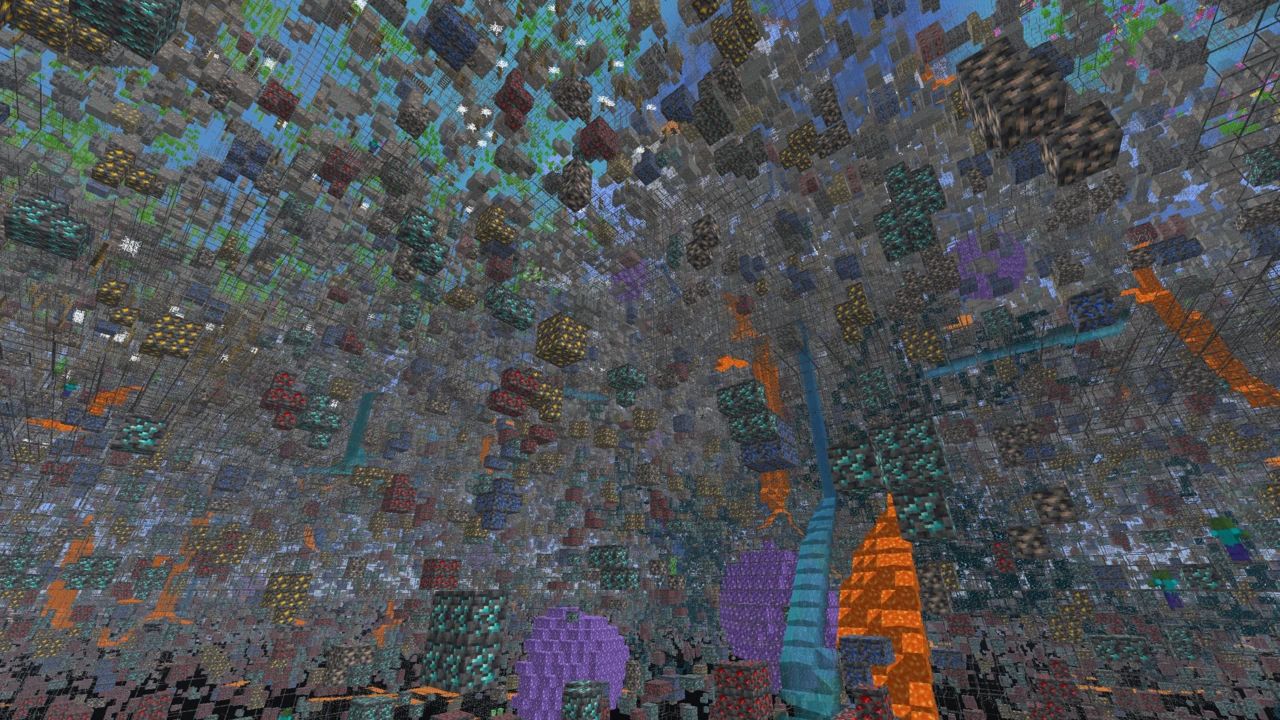
About Full Bright
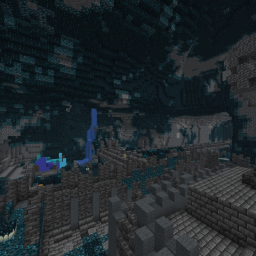
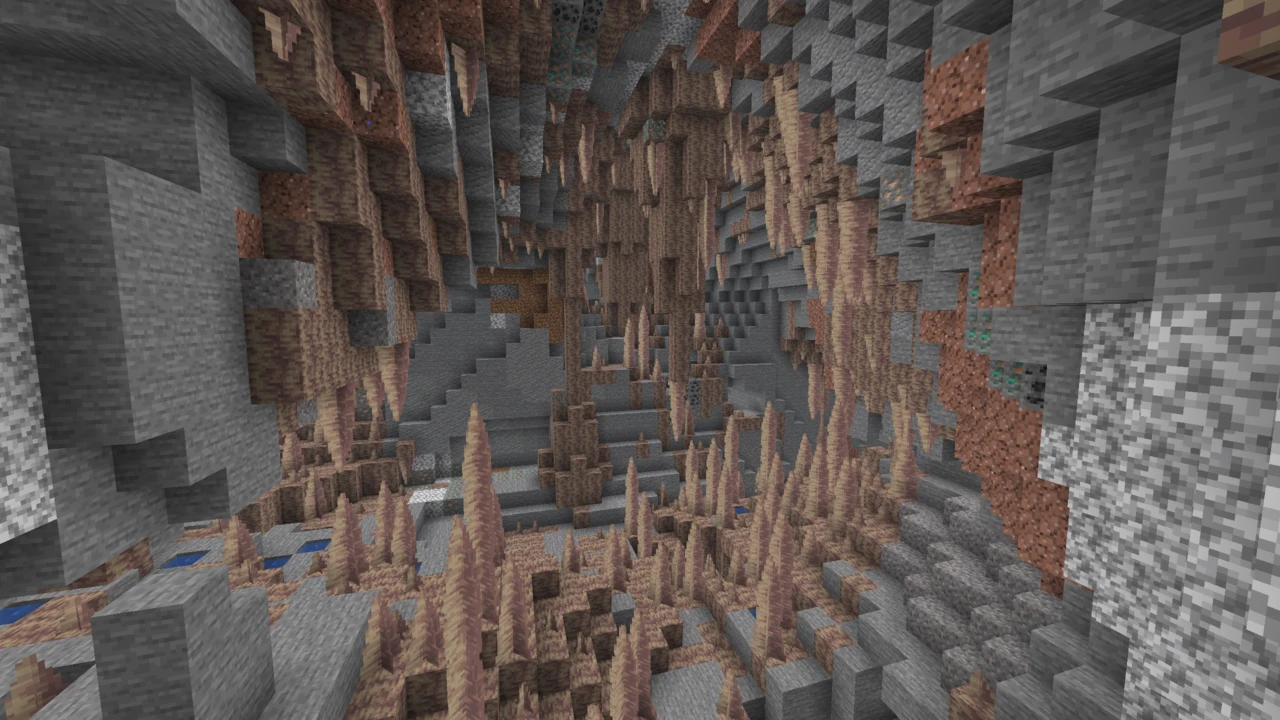
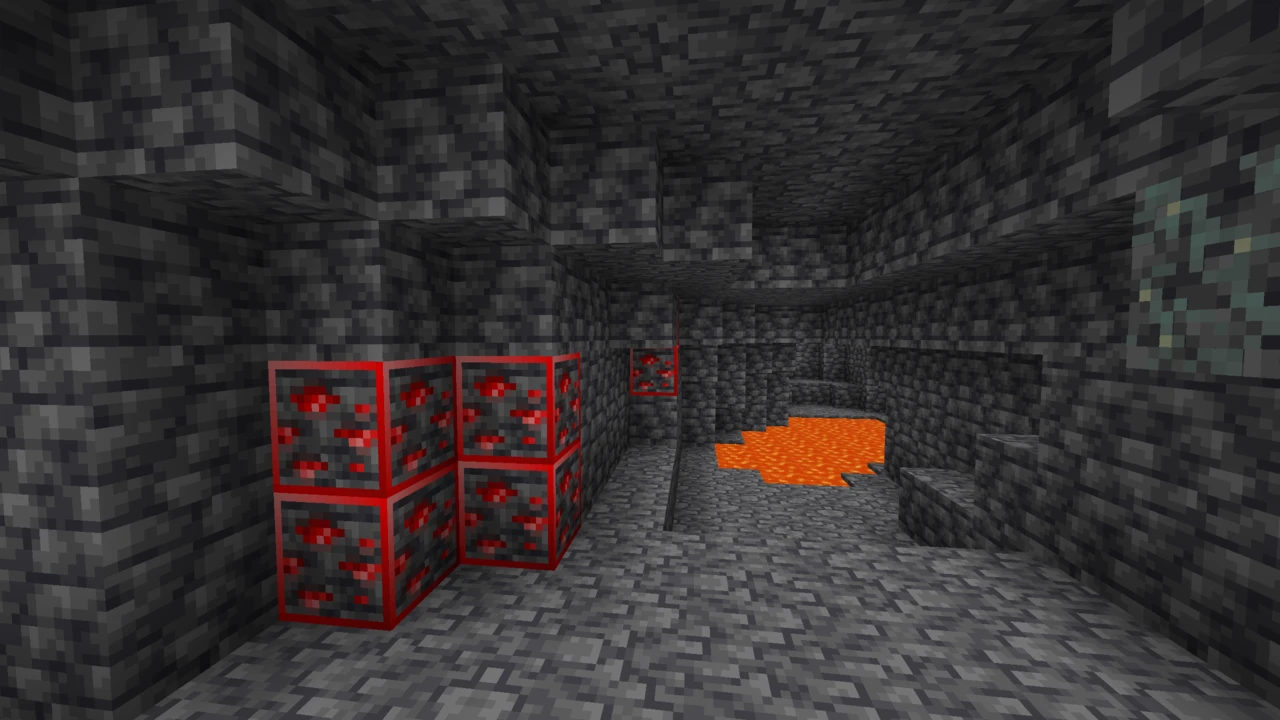
Full Bright on Bravith is Fullbright UB, the resource pack by worldresourcepack. It makes Minecraft's dark places render as if they were fully lit, so caves, night-time terrain and unlit interiors stay visible without torches or potions. It is a client-side resource pack, it needs no mods in unmodified Minecraft, and with more than ten million downloads it is comfortably the most widely used pack of its kind.
What the pack actually changes
Minecraft calculates light levels for every block (sky light from above, block light from torches and lava), then hands those numbers to the renderer, which decides what a given level looks like on screen. That translation step is the target.
Fullbright UB overrides it through the small core shader files the game uses for that job, which is why Modrinth files it under core shaders. Low light values get drawn as though they were high ones. The world itself is untouched. The game simply stops rendering the dark.
It is worth separating this from the brightness slider, which people reach for first. Raising in-game brightness lifts the entire image and flattens contrast everywhere, including places that were already well lit. Replacing the translation step leaves properly lit areas looking normal and only changes what happens where the light was low.
A bright screen, an unchanged world
All of this happens at the last stage of drawing a frame, so the underlying light values never move. Three consequences follow, and people get all three wrong regularly.
Mobs spawn exactly where they always would. Spawning is decided from real light levels, so a cavern that looks floodlit to you is still pitch black as far as those rules are concerned. Lighting a base with torches and lighting it with a resource pack are not interchangeable jobs.
Nothing you see is shared either. On a server, every player renders the world for themselves, and yours has no idea which resource pack you loaded. It does not send lighting data any differently because of it.
Shaders are the third collision. A shader pack takes over lighting and rendering wholesale, so a pack editing vanilla's version of that work can simply be overruled. The same applies to Bravith's Night Vision pack, which works the same way and is overridden by a shader for the same reason: do not assume this pack survives being loaded under Iris.
Vanilla, Sodium and OptiFine
The pack's own description names three setups: unmodified Minecraft, Sodium and OptiFine. In plain vanilla it needs nothing at all, which is worth stating outright, because plenty of tutorials still insist a pack like this requires OptiFine.
Sodium is the one case with a condition attached. Fullbright UB's page states that Sodium compatibility needs PolyTone, a separate mod, which you install the way its own page directs, on the loader your Sodium setup already runs. Nothing else here asks for an extra download.
Edition matters too. This is a Java Edition pack. Bedrock uses a different pack format entirely and needs something built for it.
Versions, licence and how current it is
Fullbright UB has been published since May 2023 and was last updated in October 2025. Its releases run from 1.19 up to 26.1.2, so a 26.2 world is outside what it is tagged for, and the Download section on this page lists exactly which builds exist. Where a release's tags fall short of the version you play, Minecraft will usually still load the pack behind a warning rather than refuse outright, but it is better to know that going in.
It is released under an all-rights-reserved licence. That matters if you were thinking of bundling it into a modpack or serving it from a server: it is not yours to rehost, and every row in the Download section sends you to the author's own release for that version.
Full Bright and Night Vision are the same trick
The Night Vision name gets attached to two quite different things, which is where a lot of the confusion starts.
The first is the potion effect: a real in-game status effect with a duration, a particle trail and the blue cast at the edges of the screen. Fullbright UB is not that, and it gives you nothing the potion does beyond the visibility itself.
The second is resource packs named Night Vision, which have nothing to do with the potion and do the same job this pack does under a different label. Bravith covers one of them, and that pack needs either Polytone or OptiFine where this one needs PolyTone only for Sodium, a useful reminder that requirements come from the individual project rather than from the technique.
How to Download Full Bright for Minecraft
The Full Bright Downloads section on this page lists each Fullbright UB release with the Minecraft versions it covers. Filter it to the version you play, then click Download on that row to reach the release's own page on Modrinth.
Give the mirror sites that rank well for this term a miss. The pack is published under an all-rights-reserved licence, so it is not theirs to rehost, and something this small is trivially easy to tamper with on the way through.
Where a release's tags fall short of your Minecraft version the pack will usually still load behind a warning rather than refuse outright, but it is better to know that going in.
How to Install Full Bright in Minecraft
Leave the download zipped, because Java reads the archive as it stands.
Start the version you play, open Options, and choose Resource Packs. That screen has a button which opens your resourcepacks folder directly, which beats going hunting for it. Drop the ZIP in, return to the game, and the pack turns up on the left-hand side.
Click the arrow beside it to activate the pack, then confirm with Done. If you already run other resource packs, this is the point at which ordering starts to matter, and the notes below cover what to do about it.
When the caves stay dark
- No effect at all. Ordering is the usual culprit. Minecraft reads the selected list upward from the bottom, so any pack above this one claims the same files. Move it to the top and switch the others off to confirm the diagnosis.
- Nothing appears in the list. The archive was probably extracted first, or it landed in a subfolder of
resourcepacks instead of the folder itself.
- Works in vanilla, dead under Sodium. Sodium support needs PolyTone installed alongside the pack. Add that mod on the loader your Sodium setup already runs, then try again.
- A shader pack is loaded. Shaders take over the lighting pipeline, so expect them to win.
If none of those is the problem, our guide to resource packs that will not apply covers the rest.