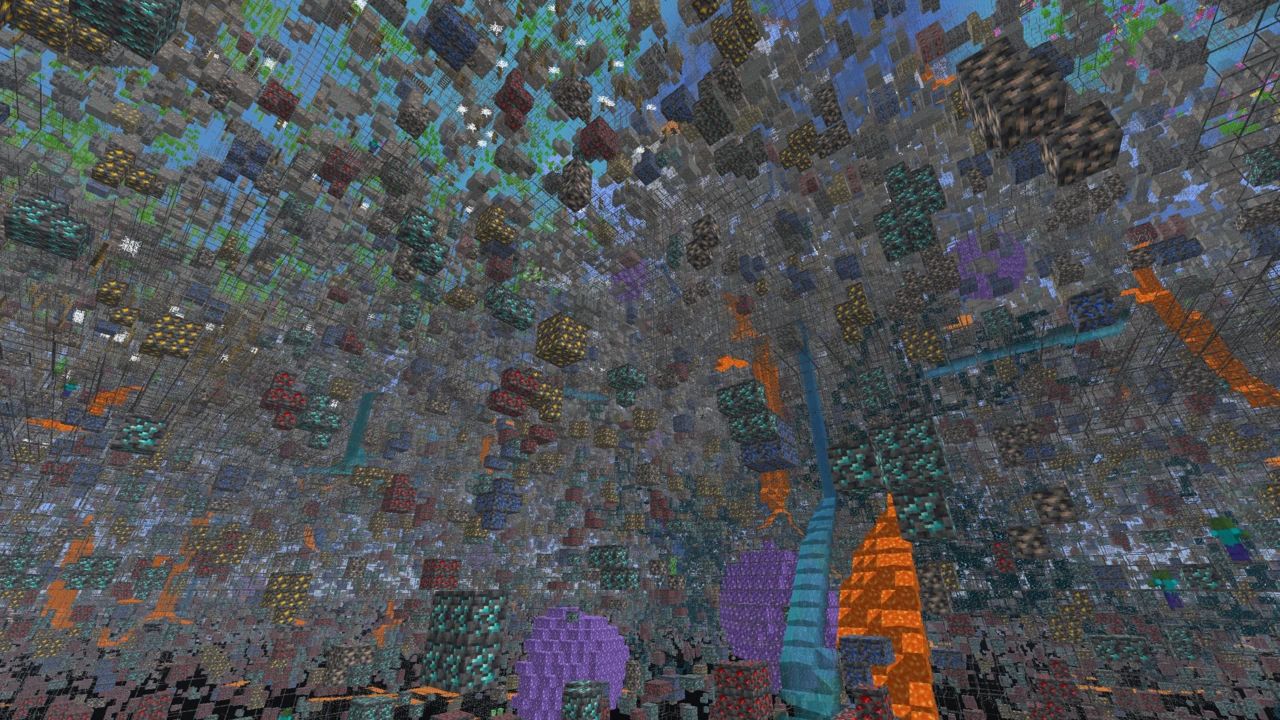
About New Glowing Ores
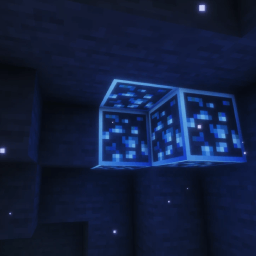
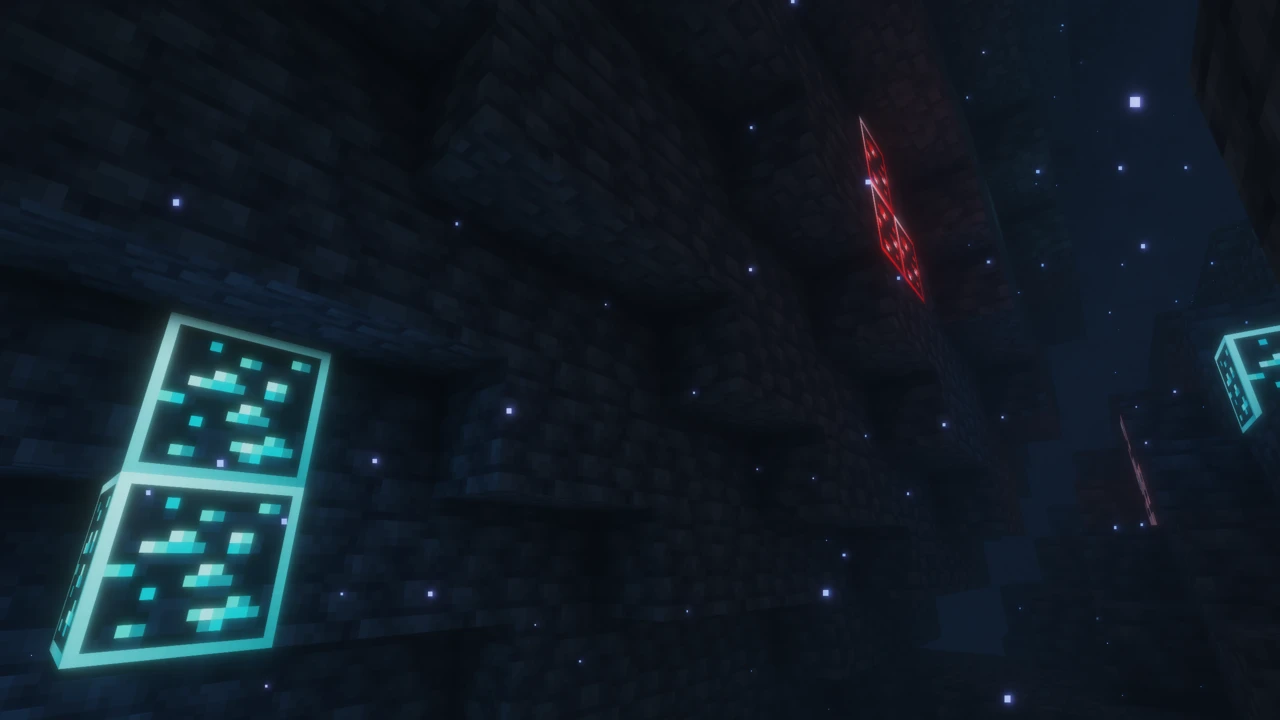
New Glowing Ores, by GridExpert, makes the mineral in every ore self-lit, so diamond, redstone or lapis still shows after the stone around it has gone dark, and it can also draw a glowing outline that joins up across a whole vein. It is a Java Edition resource pack, not a mod, and it cannot work on its own. The glow is written in OptiFine's emissive texture format, which vanilla Minecraft does not read, so every setup needs either OptiFine or the Continuity mod.
Glow, not X-ray
An emissive texture is a second layer drawn at full brightness whatever the light level. That is all the glow is. The ore does not become a light source, so it lights nothing around it and the cave stays as dark as it was. Nor does it show through stone: you see a glowing ore only when that block's face is in your line of sight. Seeing ores through walls needs a different kind of pack altogether, such as Xray Ultimate, which works on another principle and which many multiplayer servers treat as cheating.
One consequence is easy to miss. Each glow layer uses the ore's own colors, so bright minerals such as diamond, gold, emerald and redstone stand out strongly, while coal's layer is its own near-black specks and gains very little.
Default and Border are two different packs
GridExpert publishes two editions with separate files, and they work in different ways.
- Default adds glow layers and nothing else. It contains no base ore textures, so it sits on top of whatever ores vanilla or your other packs already draw. Only the mineral specks glow, while the stone around them is lit normally.
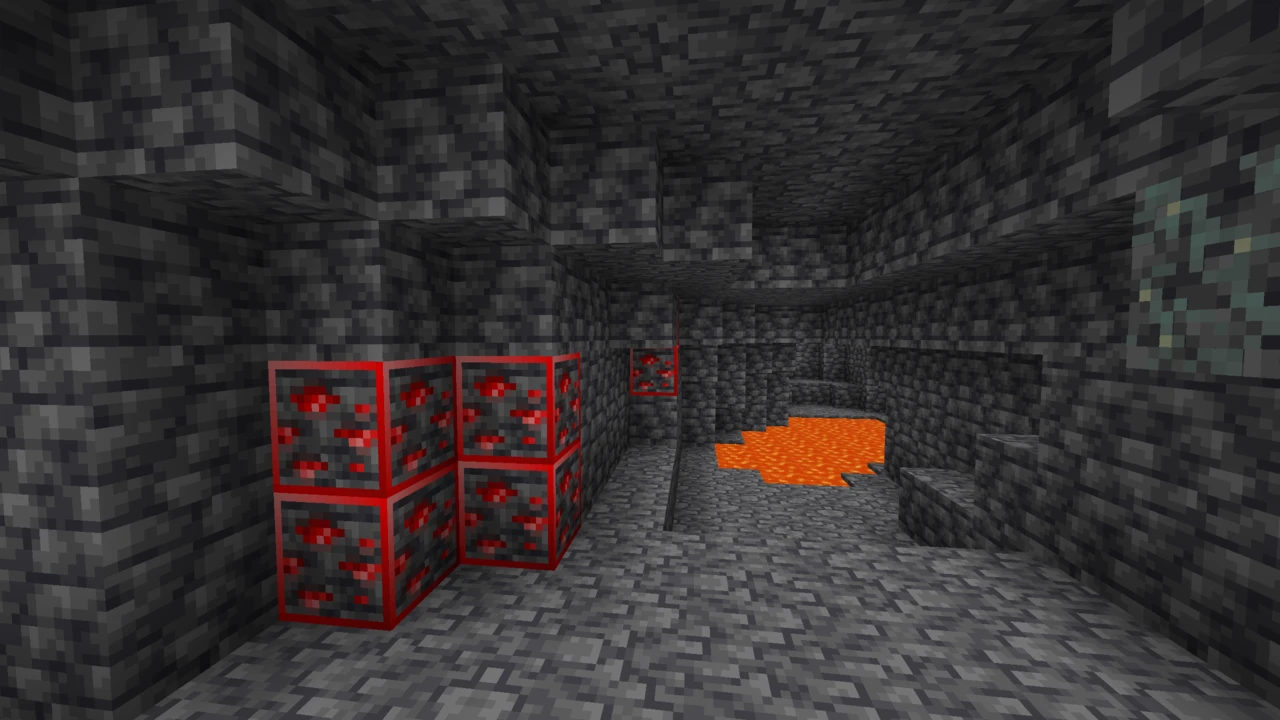
- Border replaces the ore textures themselves with versions that carry a colored frame, then uses connected textures so neighboring ores of the same type merge their frames into one outline around the vein. Frame and mineral both glow.
The practical difference follows from that. Default keeps your texture pack's ore look, but its glow is drawn to vanilla's mineral pattern, so a pack that redraws ores with the specks in different places will not line up exactly. Border overrides ore textures whatever sits below it. Its outlines join only between blocks of exactly the same kind, so a vein crossing from stone into deepslate gets two outlines rather than one. GridExpert also states that Border needs Continuity and does not work with OptiFine.
Visible Ores builds on the same two mechanisms, emissive and connected textures, with a design of its own, if you want to compare before choosing.
Every block the pack covers
The vanilla set is complete: coal, copper, iron, gold, lapis, redstone, diamond and emerald ore in both stone and deepslate, plus nether gold ore, nether quartz ore and ancient debris. Blocks of raw iron, raw copper and raw gold glow across their whole face. There is also one addition the project page never mentions: suspicious sand and suspicious gravel get a glowing outline in both editions, which helps when you are hunting for archaeology sites.
What makes the glow work
The mod you need depends on your setup, and the requirements have more layers than the project page spells out:
- OptiFine reads the format natively, with Emissive Textures switched on in its Quality settings. It runs Default only.
- Fabric: Continuity, which in turn requires Fabric API. Continuity implements OptiFine's connected and emissive texture formats without OptiFine, which is why it can run both editions.
- NeoForge: Continuity through Sinytra Connector, a layer that runs Fabric mods on NeoForge. Continuity's own documentation adds Forgified Fabric API to that list, which the pack's page leaves out. Continuity publishes NeoForge-tagged releases for only a few Minecraft versions, and Connector covers a limited range too, so check that both exist for yours.
- Sodium works alongside Continuity. Sodium releases before 0.6 also needed the Indium mod, but current ones do not.
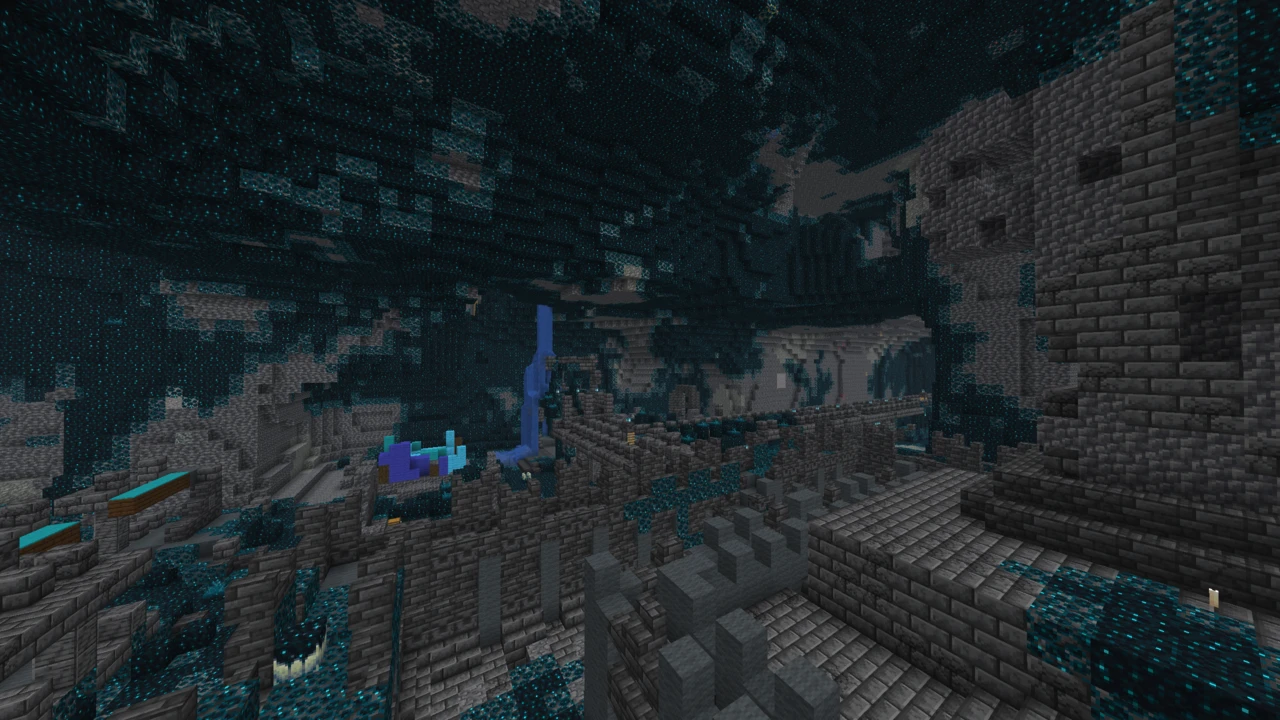
The author's own screenshots were all taken under Complementary Reimagined. Some shader packs also have emissive ores of their own: Solas makes diamond, emerald, lapis and redstone ore glow by default, so check the shader's settings if an ore glows more than you expect.
Modded ores
Mod support differs between the editions. Default covers Create, Werewolves, Infernal Expansion, Oh The Biomes You'll Go and Cobblemon. Border covers Create, Werewolves and Mekanism. So if Mekanism ores are the ones you want glowing, Border is the only option, and for the other three mods it is Default.
Version warnings and update status
The newest files date from October 2024. Since then GridExpert has extended their version tags to each new Minecraft release instead of uploading new builds, while the pack's own metadata still declares an older format range. As a result, the Resource Packs screen may mark it as made for an older version. The author's advice is to ignore the warning: the pack works on essentially any version it is tagged for, provided the glow mod is installed. Ores that future updates add would not be covered until a new file appears.
New Glowing Ores goes in the resourcepacks folder like any texture pack, but nothing glows until a mod that reads emissive textures is in place. Set that up first.
How to Download New Glowing Ores for Minecraft
Choose Default to keep your current ore textures and add glow, or Border for glowing outlines that connect across a vein. Border requires Continuity, so on OptiFine use Default. Mekanism players who want its ores to glow need Border.
Both editions are in the New Glowing Ores Downloads section on this page: the 2.0 files for Minecraft 1.21 and newer, or the 1.3 files for older versions (Default from 1.17, Border from 1.18). Click Download on the row for your edition and version, and it takes you to the official Modrinth file.
How to Install New Glowing Ores in Minecraft
Install the glow mod
- OptiFine: install OptiFine for your Minecraft version, then make sure Video Settings, Quality, Emissive Textures is on.
- Fabric: set up Fabric, then put Continuity and Fabric API for your exact version into the
mods folder. With a Sodium release older than 0.6, add Indium as well.
- NeoForge: install Continuity together with Sinytra Connector and Forgified Fabric API, all matching your Minecraft version.
Add the pack
- Open Options, Resource Packs, Open Pack Folder, and copy the ZIP in without extracting it. The file names contain Minecraft formatting codes such as
§6, which is normal.
- Move the pack into Selected. If the game warns that it was made for an older version, confirm anyway, since the author says this is expected.
Pack order
Place New Glowing Ores above your main texture pack. For Default, that lets its glow layers apply over your pack's ores. For Border, it lets the framed ore textures replace them. A pack above it that brings its own emissive ore textures will generally take over for those blocks.
Checking it works
Stand in a dark cave: ore specks should stay bright while the stone around them goes dark. If the pack is enabled but nothing glows, the emissive layer is not being read. On OptiFine, recheck Emissive Textures. With Continuity, check that Emissive Textures and Connected Textures are enabled in its settings. If Border shows a separate square frame on every block rather than one outline around the vein, connected textures are not active. For broader problems, see texture packs not working.