About PureBDcraft
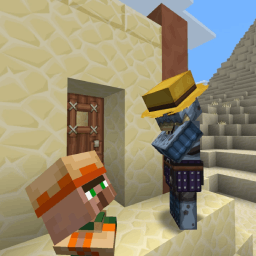
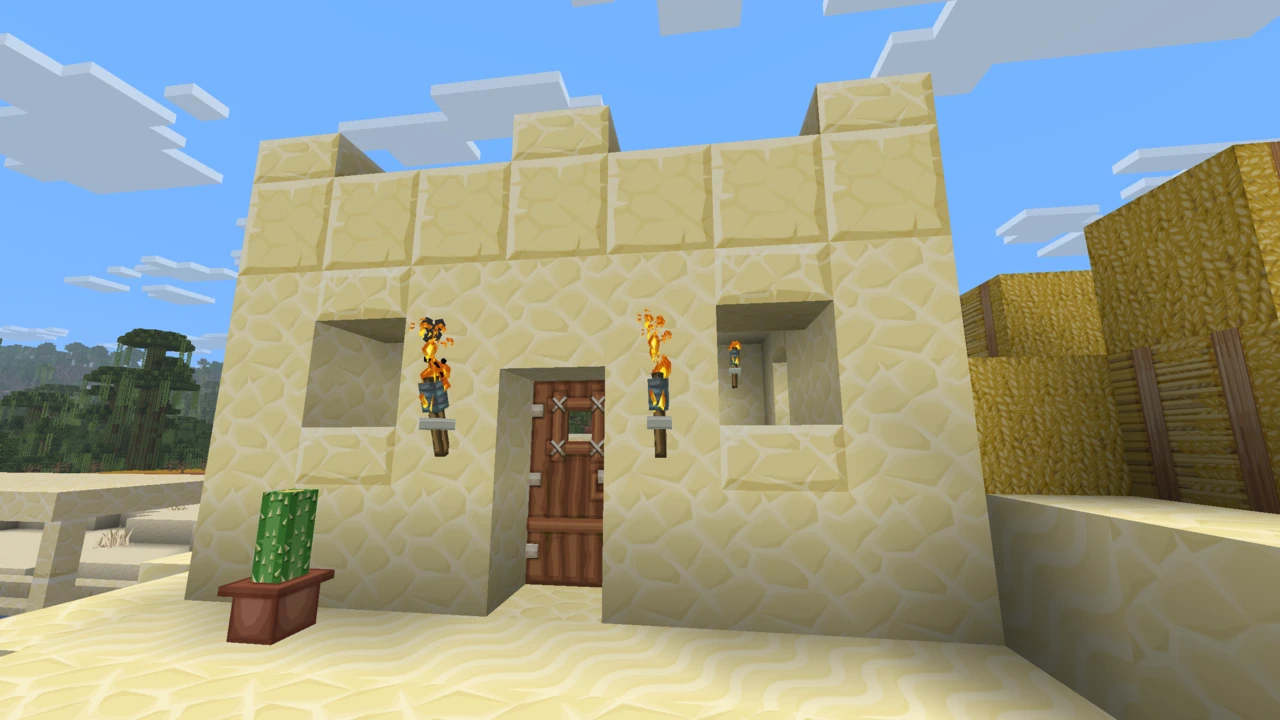
The PureBDcraft texture pack rebuilds Minecraft as a comic book: heavy ink outlines, saturated colour, dense hand-drawn detail and a steady run of visual jokes buried in the artwork. Sphax has been developing it under the BDcraft name since 2011, which makes it one of the longest-running projects in Minecraft, never mind among resource packs.
It is also less a download than a kit. What lands when you install the base pack is a fraction of what you have seen in screenshots, and knowing why is the difference between being happy with it and concluding something is broken.
A total restyle, not a touch-up
Most well-known packs stay close to vanilla. Faithful exists precisely to keep Minecraft looking like Minecraft at higher resolution. This one goes the opposite way: blocks, mobs, items and the interface are all redrawn, and the result reads closer to a licensed art style than to a sharpening pass. Sapixcraft occupies neighbouring ground with a softer cartoon slant, if the comic-book ink is more than you want.
There is a practical consequence people underrate: it changes what your builds read as. Stone brick with a bold outline sits differently in a structure than vanilla stone brick does, and detailing that leaned on subtle vanilla texture noise can flatten out. Try it on a copy of a world you care about before committing to it.
The base pack is the smallest part of it
BDcraft splits the project into a base pack plus a long list of optional add-ons. Each add-on is a separate download and a separate resource pack that you enable alongside the first.
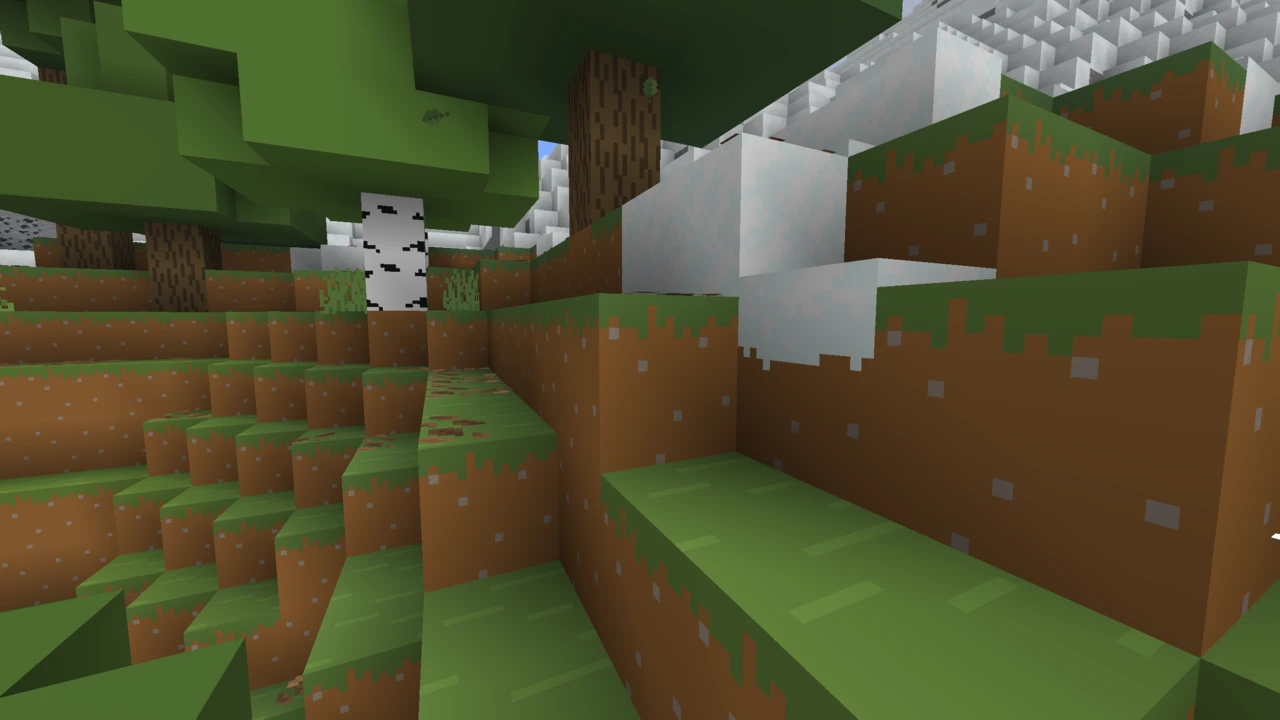
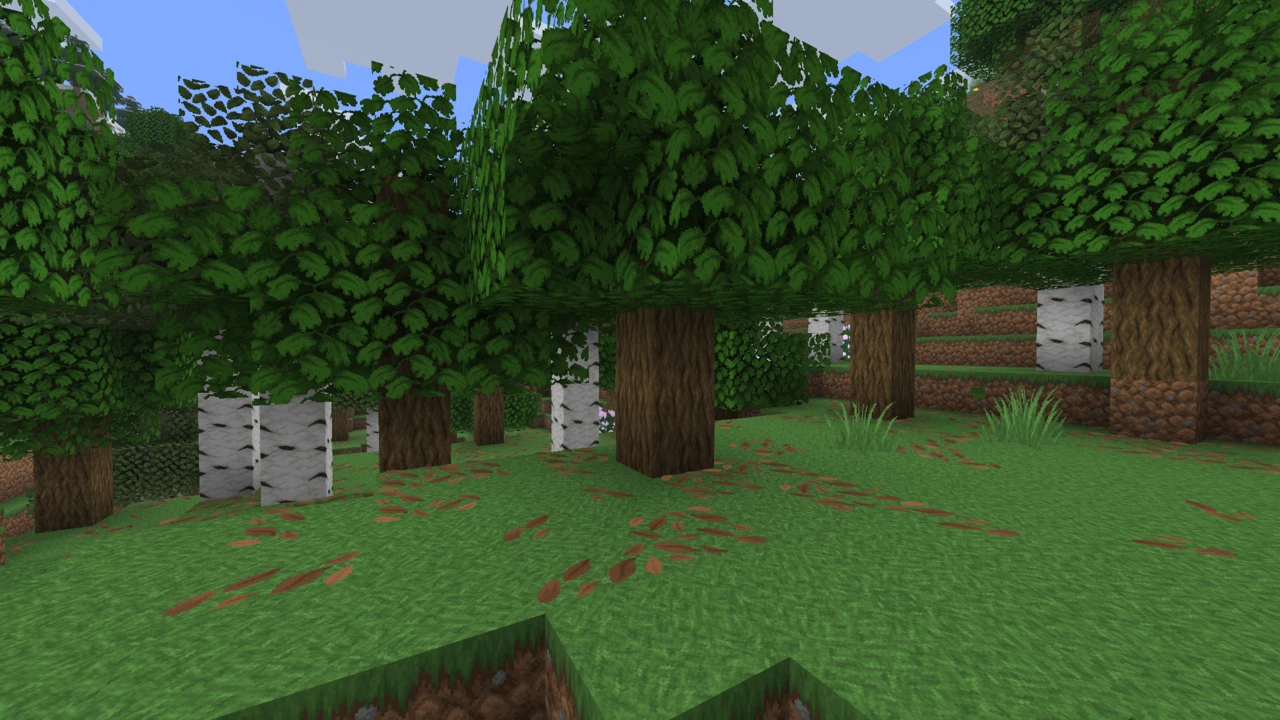
Those add-ons cover things most people assume are built in. 3D Blocks and Better Leaves swap flat geometry for actual models. 3D Swords changes how blades render in hand. Damaged Items shows tool wear visually, Flat UI simplifies the interface, Panorama restyles the menu background, and a Font add-on changes the text itself. There is also a Customiser, an official tool for swapping in alternative textures for particular blocks without editing pack files by hand.
So when someone installs the base pack and reports that the leaves look wrong or the swords are flat, nothing has failed. They have installed one component of a modular set. Several can run at once, though they are not guaranteed to combine cleanly: where two of them modify the same asset, position in the selected list settles which version Minecraft uses. That accounts for most reports of an add-on apparently doing nothing.
When OptiFine matters, and when it cannot help
The most repeated claim about this pack is that it needs OptiFine. For the base textures that has not been true for years: it loads in unmodified Minecraft like any other resource pack.
What OptiFine actually unlocks is one specific add-on: Connected Textures & Transitions, the thing that makes glass panes join into unbroken sheets and lets certain blocks blend at their edges. Emissive textures, the glowing ore and lit eyes, belong to the same group. Those features are authored in OptiFine's CTM format, and that format is why they need something capable of reading it.
OptiFine is not the only thing that can read it. Continuity and Fusion both parse the same format on Fabric and NeoForge, so connected textures are perfectly reachable on a Sodium-based setup with no OptiFine involved.
That distinction is not academic, and it pays to be precise about which version you mean. PureBDcraft keeps pace with current Minecraft, and the download here is the 26.2 release. OptiFine does not: its newest stable build is HD U J9, for Minecraft 1.21.11, released in February 2026, with 26.2 and 26.1.2 on preview builds only. So on a current release the pack is ready while OptiFine only offers a preview, which is why Continuity has become the practical route for connected textures.
Picking a resolution you can actually run
PureBDcraft has been offered from 16x up to 512x, though which sizes you get depends on the Minecraft version you download for, so check the entry for yours. They are not different editions of the pack: the same artwork, drawn at different pixel densities, with nothing feature-locked behind the larger sizes.
The scaling matters because it is not linear. Every step doubles both dimensions and so quadruples the pixel count, which leaves 512x carrying 1,024 times the pixel data of 16x. Video memory and loading time take the first hit, and the symptom people report most often fits that: a long pause when the pack applies, then stuttering as fresh chunks stream in. Whether frame rate suffers too depends on your hardware and settings, so a large resolution is worth testing rather than assuming.
No official hardware requirement is published for any resolution, and a page that hands you one confidently is worth distrusting. Begin a size or two below whatever looks obvious. 32x and 64x both show the art style clearly while leaving somewhere to go, and climbing a step is a two-minute job. Working out that a stutter you had blamed on Minecraft was actually your texture pack takes considerably longer.
Mod textures are a separate project
The base pack covers vanilla. Install it over a heavily modded setup and every modded block keeps its original look, which produces an odd split where half the world is comic-styled and half is not.
BDcraft hosts Mod Patches for this, and the detail that matters is who makes them: they are community contributions rather than work BDcraft maintains itself. Coverage is uneven as a result, and a patch can fall behind the mod it targets once that mod updates. Widely used mods tend to be covered, while niche ones often are not.
Nothing breaks when a patch is missing: untextured mod blocks fall back to whatever the mod shipped. Check the list against the mods you actually run before assuming a modpack will look consistent, and bear in mind each patch is one more resource pack to enable and order.
Java is free, Bedrock is bought
These are two products and the files do not cross over. Java Edition is a free download from BDcraft's own site, with accepting the terms of use built into the download flow. Bedrock is sold through the in-game Minecraft Marketplace, and BDcraft keeps a separate page pointing at it.
A Java .zip will not load on Bedrock, which uses its own pack format entirely, and Marketplace content does not travel the other way. A Marketplace purchase covers the resolutions on the platforms it supports, but the modular add-on ecosystem is a Java-side arrangement, so do not expect the same kit there.
The project is funded through an optional supporter programme rather than through Java download charges. Arrangements around the newest release are set by BDcraft and stated on the download page itself, which is where to check them rather than trusting a third party's account.
One official source, and a lot of copies
PureBDcraft is all rights reserved, which here is not a technicality: the mirrors are not licensed to distribute it, and there are many mirrors.
They are recognisable once you know the shape. A listing under a personal account rather than a BDcraft one. A description stitched together from several unrelated packs. A single ageing file presented as current. One reupload sitting on CurseForge right now manages all three, its description wandering off into describing a mob pack partway through.
The usual cost is not malware but an old build: no add-ons, no patches, and no reliable way to tell which artwork version you ended up with.
How to Download PureBDcraft for Minecraft
Open the PureBDcraft Downloads section on this page and click Download. It takes you to BDcraft's own download page for Java Edition, which asks you to accept the terms before releasing the file. That is normal, and it is one of the things that separates the official page from a mirror.
Two decisions to make while you are there. Downloads are organised by Minecraft version, with the 1.21 branch currently carrying the newest Java releases, so take the entry matching the version you actually launch rather than assuming the latest one fits. Then pick a resolution from those offered for that entry. A 32x or 64x pack is the sensible starting point unless you have a specific reason to go higher.
Sort out add-ons in the same visit. Each is its own file, and collecting the ones you want now beats coming back later wondering where the 3D blocks went.
How to Install PureBDcraft in Minecraft
Leave every file zipped. Minecraft reads resource packs as archives, so unpacking one drops it out of the menu entirely, which is where a good share of missing-pack reports begin.
Launch your version, open Options, then Resource Packs. That screen carries a button which opens the resourcepacks folder straight away, which is faster than tracking down your Minecraft directory yourself. Drop the archives in, head back to the game, and they show up in the available list.
Switch on the base pack by itself first and confirm it works before adding anything on top. One working pack is a far easier thing to diagnose than five enabled together.
Add-on order, and what to check when it looks wrong
Minecraft loads the selected list from the bottom upwards, each pack replacing assets from the ones beneath it, so add-ons have to sit above the base PureBDcraft pack to do anything at all. An add-on that seems inert is almost always below it. Where two add-ons overlap, the higher one wins on the same principle.
- Marked incompatible. The file was built for a different Minecraft version. Fetch the entry matching your game rather than editing anything yourself.
- Connected textures absent. Those need the add-on and something that reads CTM alongside it: OptiFine, Continuity or Fusion. The base pack on its own will never produce them.
- Long freeze while the pack applies. Usually resolution. Step down one and see whether it clears.
- Modded blocks still look vanilla. Expected behaviour. Those want the relevant Mod Patch, which is another separate download.
If the symptom is not on that list, our guide to texture packs that will not apply works through the rest.