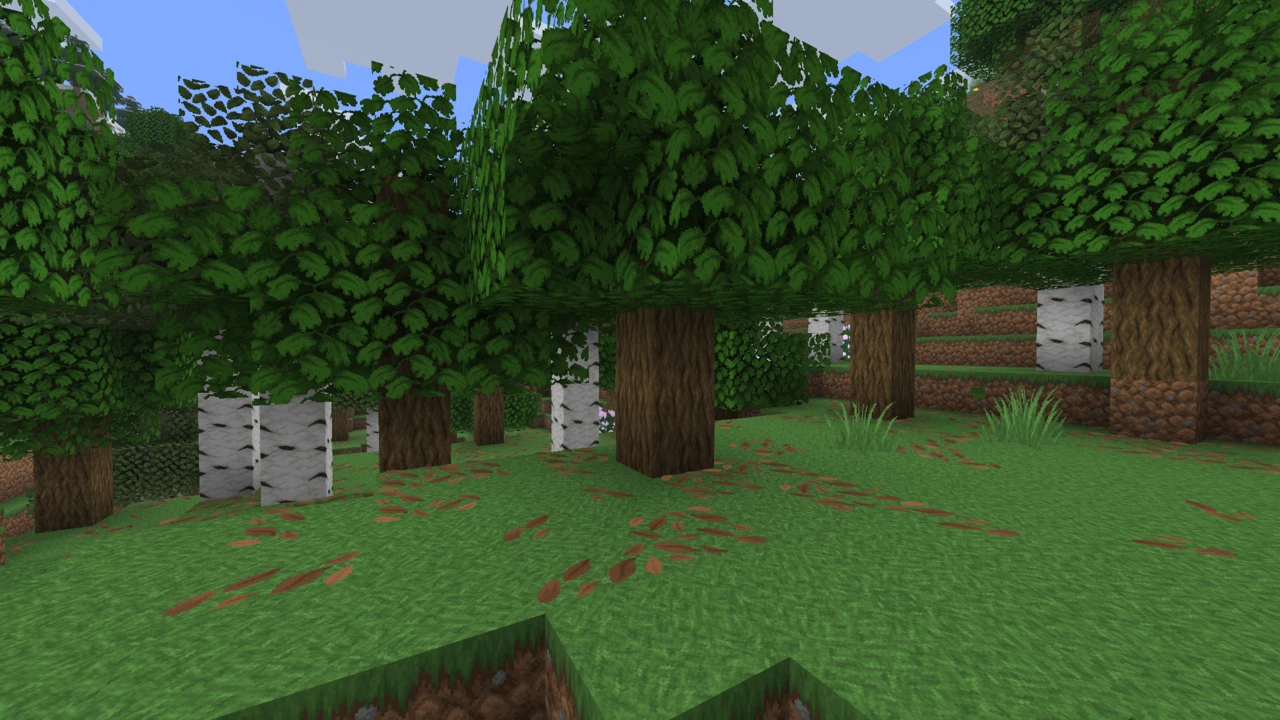
About Sapixcraft
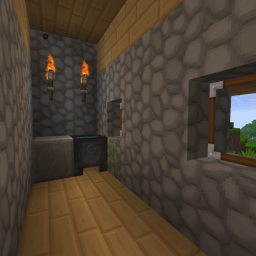
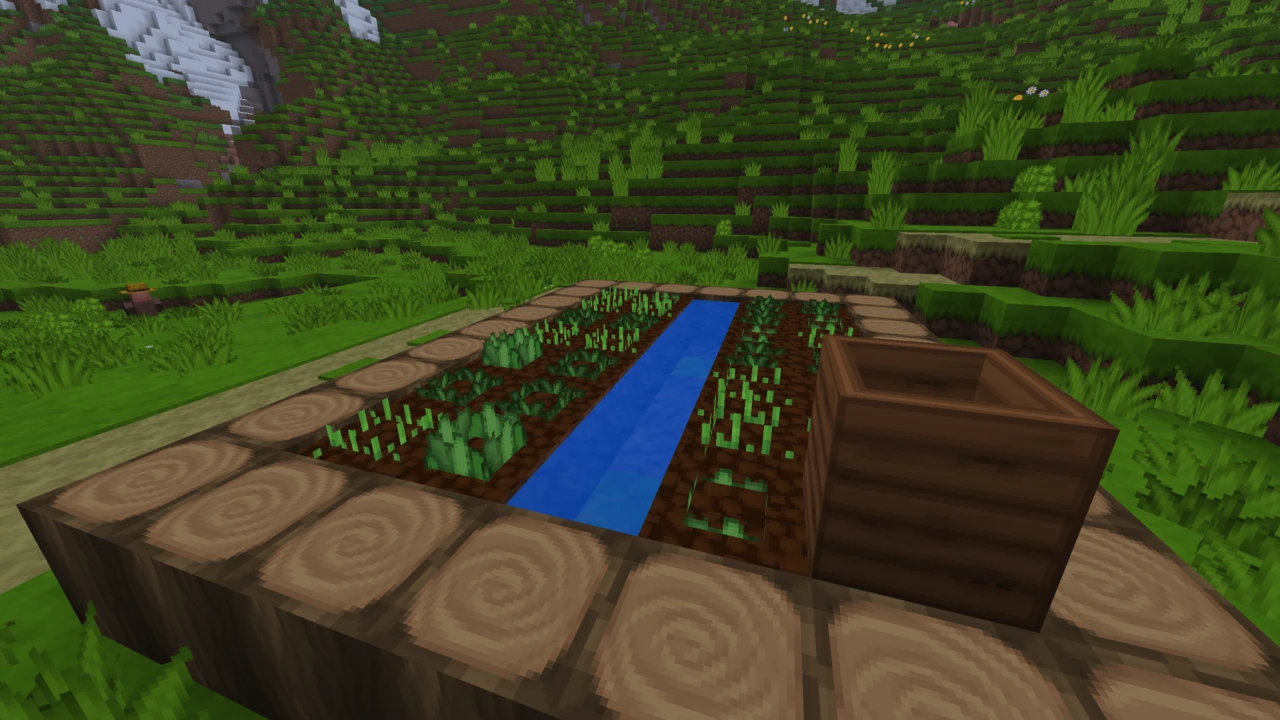
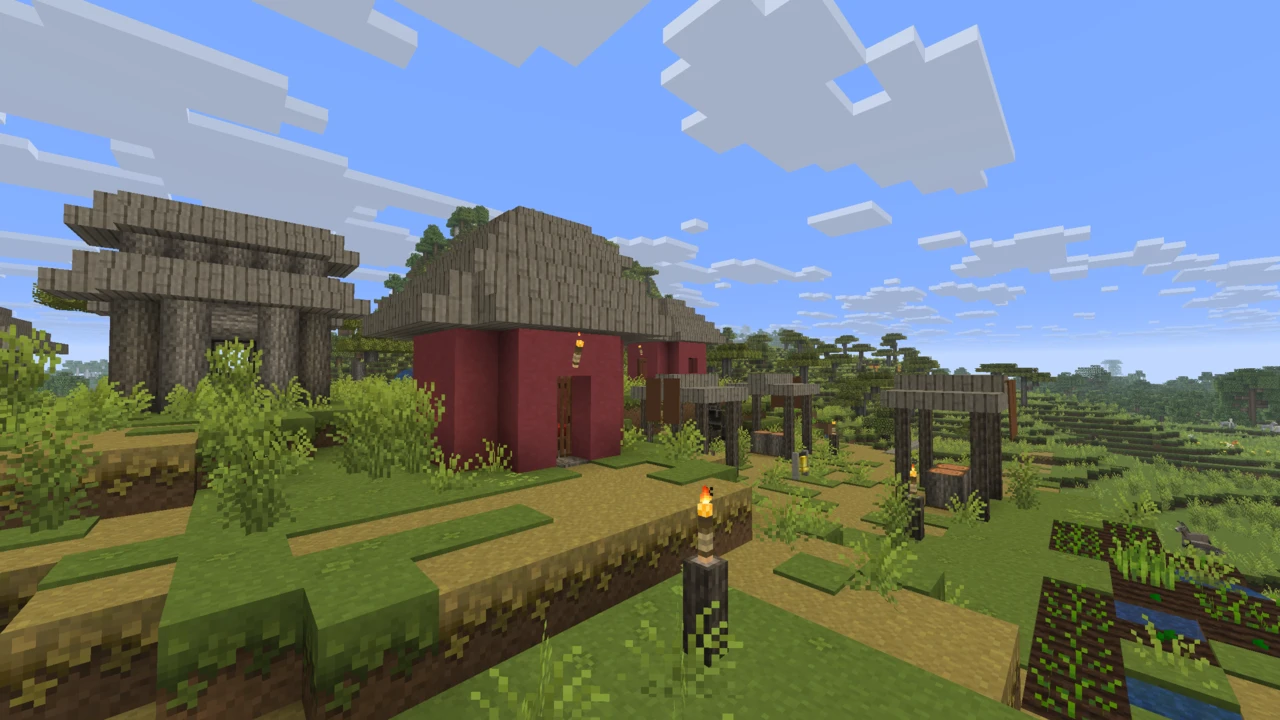
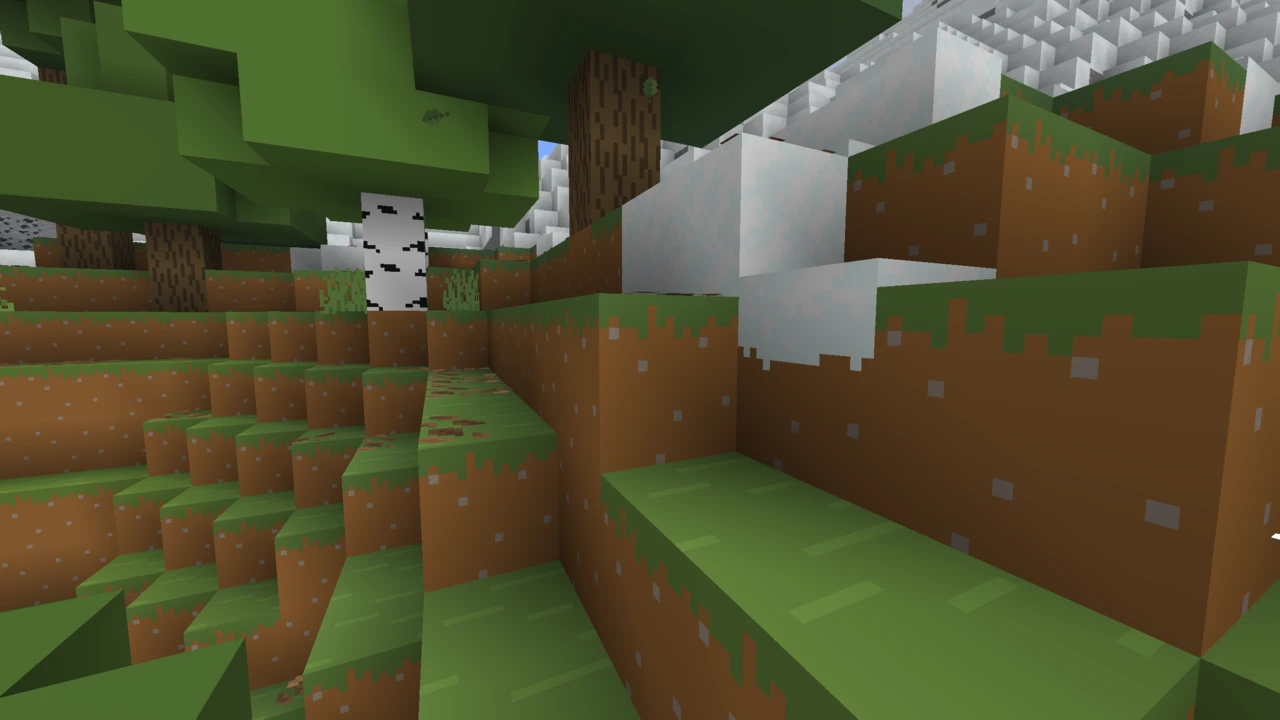
Sapixcraft is a cartoon-styled HD texture pack by Sapix, published in six resolutions of which the free 32x version is the one most players end up installing. On Java Edition that free download is a complete pack rather than a sample of a bigger one. The art direction runs warm and saturated: softer gradients, rounded silhouettes on tools and mobs, a redrawn GUI and a matching font. Stone still reads as stone and diorite still reads as diorite, which is the part that keeps it playable rather than merely decorative.
Where it gets confusing is that the label "32x" means two different things depending on which edition of Minecraft you own, and the free Java download lives in three official places that are almost never on the same release.
What the free version actually includes
Sapix publishes six resolutions, from 16x up to 512x. The split is clean: 16x and 32x cost nothing, while 64x, 128x, 256x and 512x are sold through the official site. Nothing inside the free pack is locked. Blocks, items, mobs, menus and the font are all redrawn, and the paid versions buy more pixels per block face rather than extra content.
The 16x option deserves a caveat that no download page gives it. It is still offered and it still works, but it has quietly stopped keeping pace: the newest 16x file on Modrinth is r1.2a from February 2026, built for 1.21.11. Every release published since then has been 32x only. On 26.1 or newer, 32x is not the middle option. It is the only maintained free one.
Resolution is also the main performance dial. Scaling from 16x up to 512x multiplies the pixels in every texture by 1,024, which is a statement about memory and load times rather than a promise that frame rate falls by the same factor. In practice 32x is undemanding, and the current file is around 13 MB. The versions where players report trouble are 256x and above on integrated graphics. Sapix publishes no benchmarks, so treat resolution as the first thing to turn down if loading drags.
Three official downloads, three different versions
This is worth checking before clicking anything. As of late August 2026 the free 32x pack sits at a different release on each official channel. The download page on sapixcraft.com is on r1.6 for Minecraft 26.3. Modrinth is on r1.5a for 26.2. CurseForge is on r1.5, also for 26.2, but published two months earlier.
None of them is unofficial or wrong. They are the same project pushed at different cadences, and the practical effect is that the right channel depends on your Minecraft version rather than on habit. Running 26.3 snapshots means using the official site. On 26.2, Modrinth carries the newer of the two mirrored builds. Anything from 1.16 through 1.21.11 is covered on both Modrinth and CurseForge, while genuinely old clients (1.15 back to 1.8.9) are served only by the version dropdown on the official site.
One quirk of the naming will trip you up if you assume release numbers climb over time. The file simply called r1, published in May 2026, is newer than r1.4a from April, because the numbering restarts per Minecraft branch. Read the Minecraft version on the file, not the release number.
The features that need OptiFine or Continuity
Third-party pages answer this as a flat yes or no, and both answers mislead. The base pack is an ordinary resource pack: put it in the folder, switch it on, and you are finished. No mod loader, no OptiFine. What needs help is the smaller set of effects built on formats vanilla Minecraft does not read: connected textures, custom item textures and custom entity models, all of which began as OptiFine features. The official Java download page says so itself, pointing users to either OptiFine or Continuity.
That distinction matters most if you already run Sodium and Iris, since that combination rules OptiFine out. Continuity handles connected textures on Fabric and CIT Resewn handles custom item textures, and together they close most of the gap. Custom mob models are the exception: they need Entity Model Features together with Entity Texture Features. Anyone on OptiFine gets the lot natively with nothing else to install. Either way the pack does not break. You just see square-edged glass where joined panes were intended.
Five free add-ons, and two that are not
Add-ons are separate downloads that sit on top of the base pack. Five are free: Crisp Contours, Fancy Stands, PvP, Colossal Items and Christmas. Two are commercial. Lush Foliage is a one-time purchase, and Pristine PBR is reachable only while a Patreon membership stays active, a distinction worth knowing before building a setup around either.
Crisp Contours draws the most questions and carries the most conditions. It inks charcoal outlines around block and entity silhouettes in real time instead of baking them into the textures, which is exactly why it demands Minecraft 26.3 snapshots and Fabulous graphics: it hooks the post-effect API that arrived in that snapshot line. Sapix flags the obvious risk, that a snapshot-only API can change under Mojang at any point. Because the outlines follow depth, flat detail inside a texture stays un-outlined.
Pristine PBR earns a mention for shader users specifically. It supplies LabPBR specular and normal maps, so it does nothing at all unless the shader you have loaded reads LabPBR.
Mod patches cover three mods, not a catalogue
Modded players will find a Mod Support section on the official site, and it is smaller than the name suggests. Patches exist for AppleSkin, Jade and Snad. The Jade patch restyles that mod's tooltips and HUD to match the pack's palette. Nothing else is covered. Blocks and items from every other mod will render in their own textures beside Sapixcraft, which looks inconsistent but breaks nothing and is entirely normal for a vanilla-focused pack.
Bedrock shares the name and little else
On Bedrock the offer changes shape. The full pack is sold through the Minecraft Marketplace as a one-time purchase spanning 32x to 256x, and the free Bedrock file hosted on CurseForge is labelled by Sapix as a demo. That word is doing real work: on Java the free 32x is the whole pack, while on Bedrock the same number denotes a taste of a paid one. Anyone carrying an assumption across from a Java guide will get this wrong.
The two editions are not interchangeable either. Java uses .zip files dropped into a resourcepacks folder, while Bedrock uses .mcpack files imported through the game. A Java download will not work on a phone, tablet or console no matter where it is placed. The pack ships under Sapix's own SPX licence, which is why the only safe sources are the official site, Modrinth and CurseForge. Reuploads on aggregator sites are neither authorised nor guaranteed to match what Sapix published.
If the cartoon direction appeals but you want a second option, PureBDcraft occupies similar ground with a comic-book slant, and Faithful is the reference point if you would rather scale vanilla up than restyle it.
How to Download Sapixcraft for Minecraft
Decide the channel before the download, because the three official sources are not in sync. For most people the answer is the Sapixcraft Downloads section on this page, which carries the mirrored builds against the Minecraft versions they cover, r1.5a for 26.2 among them. Filter it to your version and click Download on that row to continue to the official file. CurseForge lists the same files. Two situations fall outside it: Minecraft 26.3 snapshots, served only by the Java download page on sapixcraft.com, and 1.15 or older, which survive only in that site's version dropdown.
Check the Minecraft version printed on the file rather than the release number. The numbering restarts per game branch, so a lower-looking number can be the more recent build.
How to Install Sapixcraft in Minecraft
Nothing here needs a mod loader. Launch Minecraft, open Options → Resource Packs and use the Open Pack Folder button: it jumps straight to the right directory and removes any guesswork about where .minecraft lives on your system. Drop the downloaded .zip in as it is, without unzipping it.
Back in the game, the pack appears in the left-hand column. Click the arrow on its thumbnail to move it into the selected column on the right, then press Done. Textures reload immediately. If the pack shows a yellow or red warning triangle, the build targets a Minecraft version other than the one you launched. It will often still load, but missing or wrong textures are the usual result, and downloading the matching build fixes it properly.
The OptiFine-derived effects (joined block edges, per-item textures and custom mob models) only appear if OptiFine is installed, or on Fabric if Continuity and CIT Resewn are, plus Entity Model Features and Entity Texture Features for the mob models. Without either, the pack still works, and those specific effects simply stay off.
Add-ons load above the base pack
Every add-on is a separate .zip that goes in the same folder, and order decides whether it does anything. In Minecraft's resource pack list, packs higher in the selected column override the ones beneath them, so an add-on placed below Sapixcraft is silently overwritten by it. Enable the main pack first, then enable the add-on and move it above. Press F3+T to force a reload if a change does not show.
Crisp Contours has two extra conditions that catch people out: it needs Minecraft 26.3 snapshots and the graphics mode set to Fabulous. On Fast or Fancy, or on any release build, the outlines will not draw no matter how the packs are ordered.
If the base pack itself never shows up or refuses to apply, our guide to texture packs that are not working covers the usual causes.
Bedrock installation is different
Bedrock does not use the Java file. The full pack is bought in the in-game Marketplace and applies from there, while the free demo downloads as a .mcpack that you open to import into Minecraft, then activate under Settings → Global Resources or per world.