About Stay True
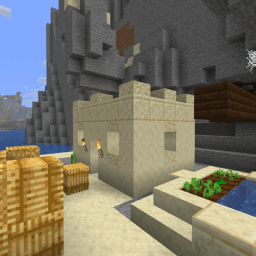
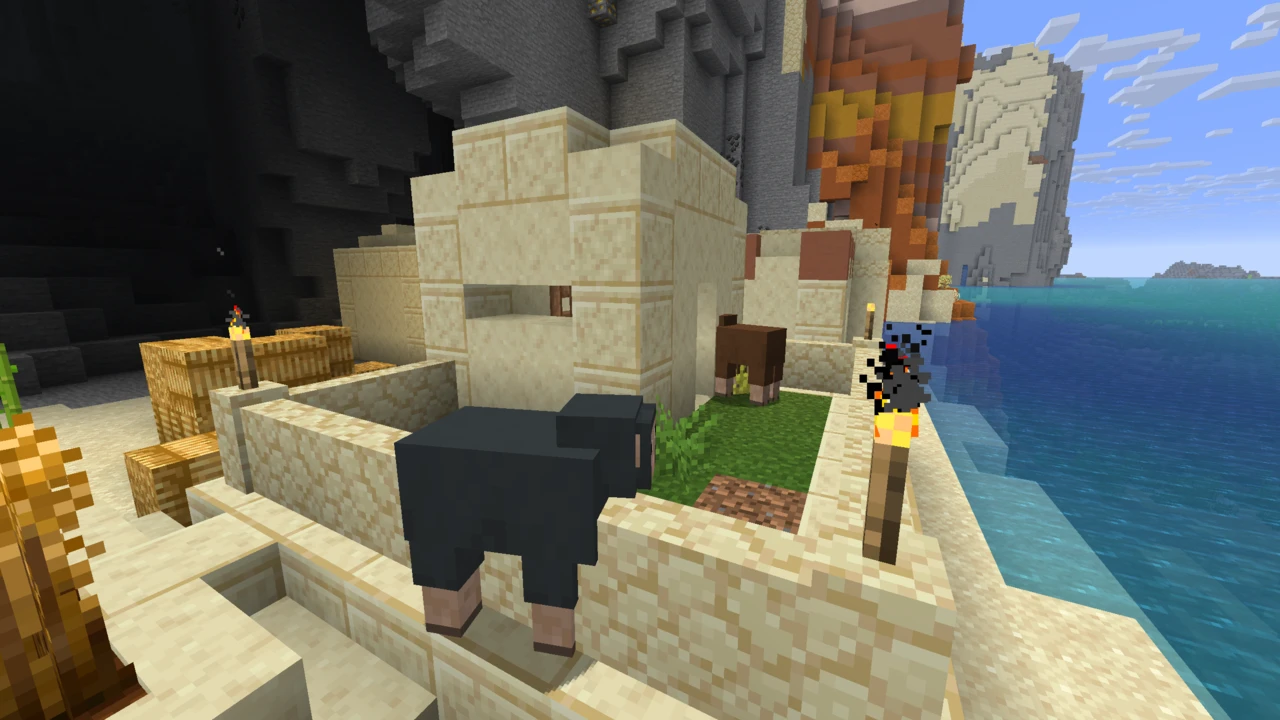
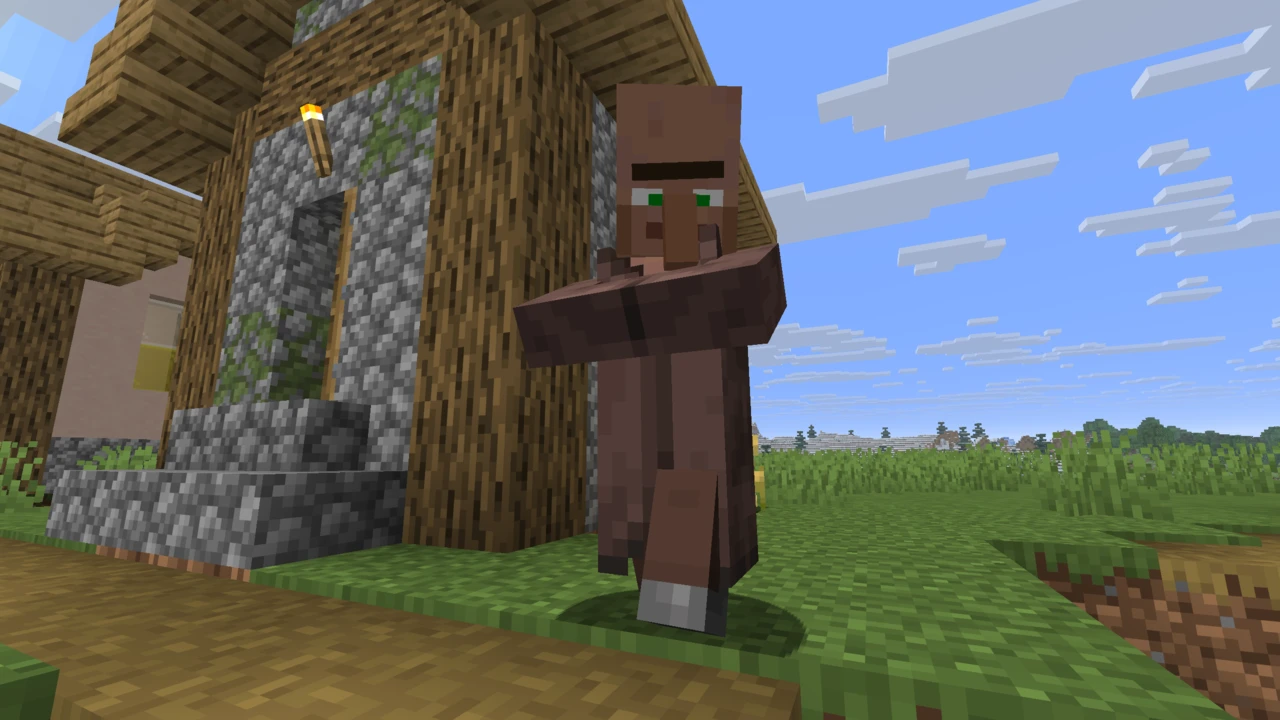
Vanilla Minecraft repeats itself. Every stone block looks like every other stone block, every birch tree is the same shade of green, every stretch of sandstone tiles identically across a desert. Stay True is a response to that.
The creator, haimcyfly, describes it as a visual remaster of the default texture pack: textures reworked where they seemed to need it, without departing from Minecraft's existing colour scheme. The stated goal is adding diversity and removing repetitiveness, and that's a fair summary of what you actually get. It's one of the most downloaded resource packs on CurseForge, with tens of millions of downloads.
It's also not a resolution upgrade. Stay True is 16x, the same as vanilla. The improvements come from redrawing textures and adding variation, not from adding pixels.
What Stay True actually changes
The changes are deliberately restrained. Individually, most textures look like slightly better versions of what you already know. The effect is cumulative: you notice it across a landscape rather than on a single block.
Areas that get the most attention:
- Block variation: repeated blocks like stone brick, sandstone, quartz bricks and blackstone get alternate versions so large surfaces stop looking tiled
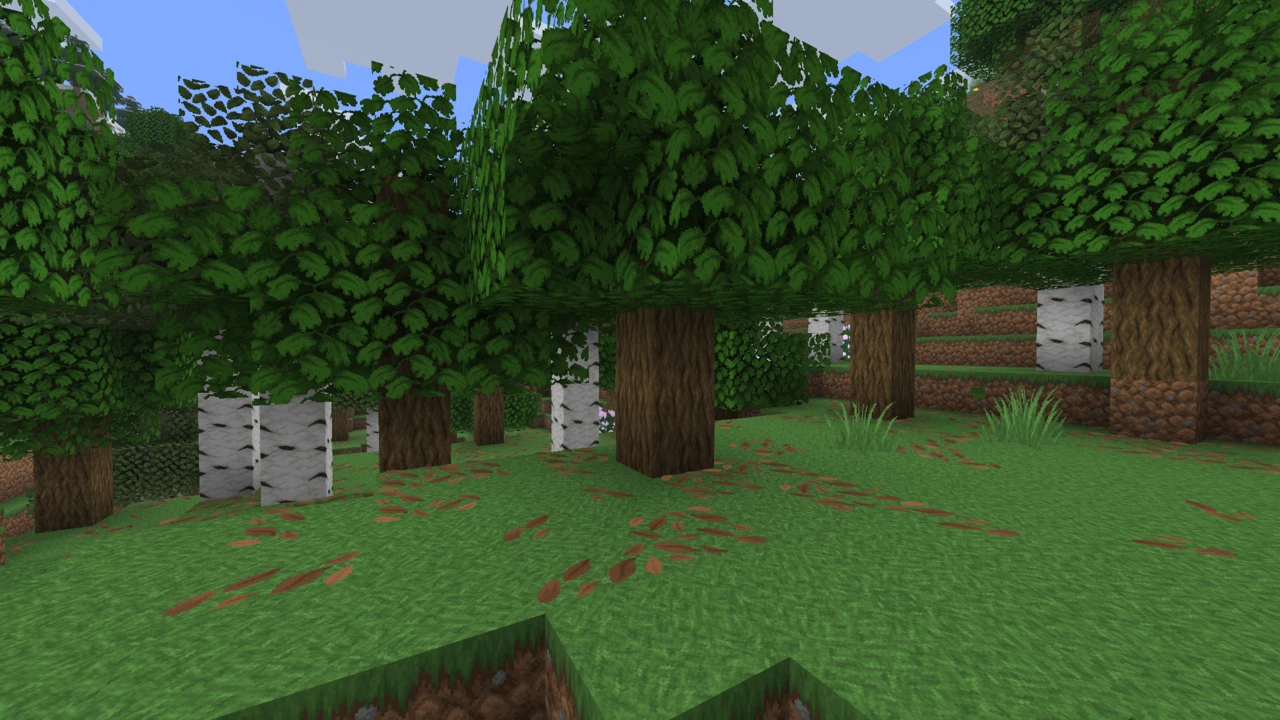
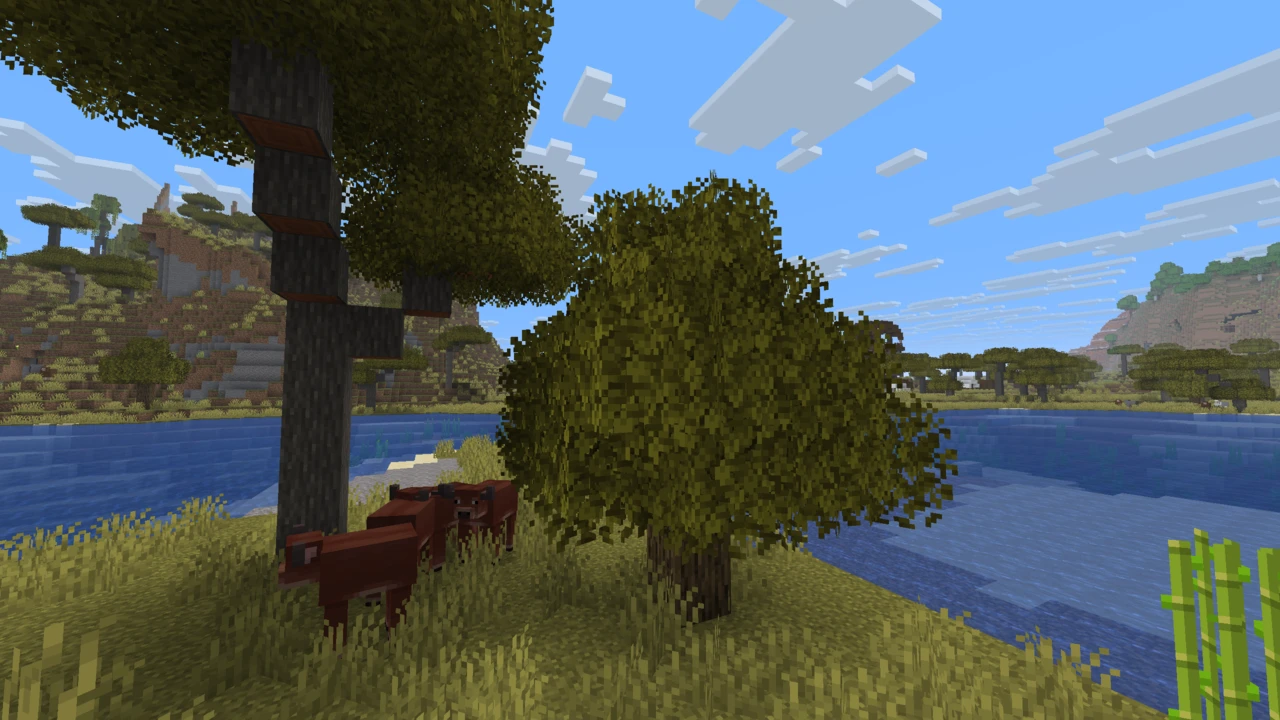
- Vegetation: leaves, grass, flowers, crops and Nether vegetation are all reworked, with variations rather than a single repeated texture
- Crops: wheat, potatoes, carrots and beetroot are redrawn to be easier to tell apart at a glance
- Terrain colouring: the colormap is adjusted, changing how grass reads across different biomes
- Environment details: signs, utility blocks, weather effects and biome-specific foliage
What it deliberately doesn't do is change Minecraft's identity. Silhouettes stay the same, the palette stays recognisable, and nothing here reads as a different game.
The birch leaves
If Stay True has one signature feature, it's this. Birch trees don't all render the same colour: depending on the biome, birch leaves come out pink like cherry blossom, orange like autumn, or standard green. It's the change people notice first and the one that most defines the pack's look.
It's also the source of most Stay True questions. The coloured leaves rely on OptiFine, so without it you'll see plain green birch. And because the colouring is biome-based, a birch tree growing on a biome boundary can end up with both orange and pink leaves on the same tree. The creator has confirmed there's no fix for that beyond sticking to one colour.
If you'd rather have just one leaf colour, the pack's files can be edited to do that, and the creator documents the exact folders to copy between on the project page.
What needs OptiFine, and what doesn't
This is the most important practical thing to understand about Stay True, and it's where it differs from most vanilla-style packs.
The base pack works without any mods. Install it in vanilla Minecraft and the reworked textures load normally.
But several of the pack's signature features are built on OptiFine's resource pack capabilities, and the creator lists them explicitly:
- Connected textures
- Overlays
- Pink birch leaves
- Plus other effects built on the same features
Without OptiFine, you get a good vanilla remaster. With OptiFine, you get the pack as it was designed. Block variation and connected textures also need the right settings switched on (connected textures set to Fancy and alternate blocks enabled), which catches out plenty of people who install OptiFine and assume that's enough.
Leaves also need to be set to Fancy in your video settings, regardless of OptiFine, or the foliage textures won't render correctly.
Bushy leaves, and the official add-on
Stay True's leaves are fuller and denser than vanilla's. Some people love it; some find it too much, particularly in dense forests where visibility drops.
The creator maintains an official add-on, StayTrue NoBushyLeaves, that strips the bushiness back while leaving the rest of the pack alone. It's a separate download and it's been popular enough to pick up hundreds of thousands of downloads on its own, a fair indicator of how divisive the leaves are.
It installs like any other add-on: same resource packs folder, sitting above Stay True in the active list.
How Stay True compares to Faithful and Bare Bones
These three packs all keep Minecraft looking like Minecraft, and all three go about it differently. If you're choosing between them, this is the useful distinction:
- Faithful raises the resolution to 32x or 64x, redrawing vanilla's textures with more detail while preserving their look. More pixels, same style.
- Bare Bones stays at 16x and simplifies: flatter colour, cleaner shapes, less visual noise. Same pixels, less detail.
- Stay True also stays at 16x, but goes the other way: reworking textures and adding variation so the world looks less repetitive. Same pixels, more variety.
So Stay True and Bare Bones work at identical resolution toward opposite goals: one adds richness, the other removes it. Faithful is the only one of the three that changes resolution at all.
Practically: pick Faithful if vanilla looks too coarse, Bare Bones if it looks too busy, and Stay True if it looks too repetitive. Stay True is also the only one of the three whose full feature set depends on OptiFine, which is worth weighing if you're on a Minecraft version OptiFine doesn't support. All three keep Minecraft looking like Minecraft. If that is the part you want to change, Mizuno 16 Craft is a full restyle rather than a remaster.
Supported Minecraft versions
The most recent Stay True release targets Minecraft 1.21.5 and was published in May 2025. Releases before that cover 1.21.4, 1.21, 1.20.6, 1.20.4, 1.20.1 and 1.19.1, with older builds going back further, and over thirty Minecraft versions are represented across the project's file history.
There is no release for Minecraft 26.x, and none for 1.21.6 or later. If you're playing a newer version, you can still load the 1.21.5 pack and click past the version warning (most textures work), but blocks added to the game since then will use their default textures.
The project page notes the pack is still being updated, so it's worth checking the official listing rather than assuming the above is permanent.
Java and Bedrock
Stay True is a Java Edition pack. There's no official Bedrock version, and given that its signature features depend on OptiFine (which is Java-only), a direct Bedrock port isn't straightforward. Bedrock players asking for one is a recurring theme on the project's pages, but nothing official exists.
Performance
Stay True is 16x, so its textures carry the same resolution overhead as vanilla Minecraft. Switching between them shouldn't produce a meaningful performance difference on that basis alone, and the project makes no performance claims either way.
The one thing worth noting: connected textures and alternate block variation are OptiFine features doing extra work, so they aren't free. There are no published figures on that, and the cost is generally modest, but if you're running close to the edge those are the settings to test first.
Using Stay True with mods and shaders
Stay True works alongside shaders, and the creator's own screenshots were taken using shader packs. Resource packs and shaders operate at different layers, so there's no conflict.
If you're running Fabric mods and your birch leaves come out white, the fix is load order: Stay True needs to sit at the top of your resource pack list, above mod-provided packs. Similarly, mods that alter world colouring can interfere with Stay True's colormap, which changes how grass and foliage tint by biome.
For modpack creators, the licensing position is unusually clear: asked directly about modpack use with credit, the creator's answer on the project page is yes.
Where to download Stay True safely
Stay True is published on CurseForge and Planet Minecraft. The official add-on, NoBushyLeaves, is on CurseForge under the same creator.
The pack is released under an All Rights Reserved licence, so third-party download sites hosting their own copies aren't authorised, and several of them serve outdated builds or repackaged versions under similar names. Worth going to the source.
How to Download Stay True for Minecraft
There's one pack to download, plus one optional official add-on.
- Stay True: the main pack. The current release targets Minecraft 1.21.5.
- StayTrue NoBushyLeaves: optional add-on by the same creator that thins out the pack's dense leaves.
For the main pack, open the Stay True Downloads section on this page, pick the row for your Minecraft version and click Download to reach that file on CurseForge. The NoBushyLeaves add-on comes from its own CurseForge listing. Check your Minecraft version first: if you're on something newer than 1.21.5, the pack will still load with a version warning, but recently added blocks will show default textures.
Keep the .zip zipped. It goes into your resource packs folder as-is.
One thing to decide before you install: whether you'll be using OptiFine. Stay True works without it, but connected textures, overlays and the coloured birch leaves won't appear. If those are why you wanted the pack, install OptiFine for your Minecraft version first.
How to Install Stay True in Minecraft
Installing the pack
- Launch Minecraft and go to Options → Resource Packs.
- Click Open Pack Folder to open your
resourcepacks directory.
- Copy the Stay True
.zip into that folder without extracting it.
- Back in Minecraft, move Stay True from the available column to the selected column.
- Click Done.
Settings you need to change
This step is easy to skip and it's the reason most people think the pack is broken. Stay True depends on specific video settings to display correctly.
Required regardless of OptiFine:
- Set Leaves to Fancy. On Fast, the pack's foliage won't render properly.
Required if you're using OptiFine, for the pack's signature features:
- Set Connected Textures to Fancy
- Turn Alternate Blocks on
Both live in OptiFine's video settings under quality options. Without them, connected textures and block variation simply won't show, even with OptiFine installed.
Installing the NoBushyLeaves add-on
- Download the add-on from its own CurseForge page.
- Put it in the same
resourcepacks folder.
- Enable it in Minecraft and make sure it sits above Stay True in the active list: packs higher in the list take priority.
Using Stay True with Fabric or other mods
If you're running mods, Stay True needs to be at the top of your resource pack list. Mods that supply their own resource packs can otherwise override Stay True's textures, the most common symptom being birch leaves rendering plain white.
Common problems
- Birch leaves are white. Load order. Move Stay True to the top of your resource pack list, above any mod-provided packs.
- Leaves look wrong or flat. Your Leaves setting is on Fast. Switch it to Fancy.
- No connected textures or block variation. Needs OptiFine, with Connected Textures set to Fancy and Alternate Blocks enabled.
- Birch leaves are green, not pink or orange. The coloured leaves are an OptiFine feature. Without OptiFine you get standard green.
- A birch tree has both orange and pink leaves. Happens on biome boundaries where the two colours meet. The creator has confirmed there's no fix short of using a single leaf colour.
- Grass or leaf colours look wrong with mods installed. Mods that alter world colouring can conflict with Stay True's colormap. The creator suggests removing the pack's colormap folders as a possible workaround, though this hasn't been tested against specific mods.
- Pack doesn't appear in the list. Check the
.zip wasn't extracted and that it's in resourcepacks.
For anything not covered above, our guide to texture packs that are not working goes through the remaining causes.